
Black and White Silhouette SVG: Cartoon Ghost with Say Away Lettering for Shirts, Decals
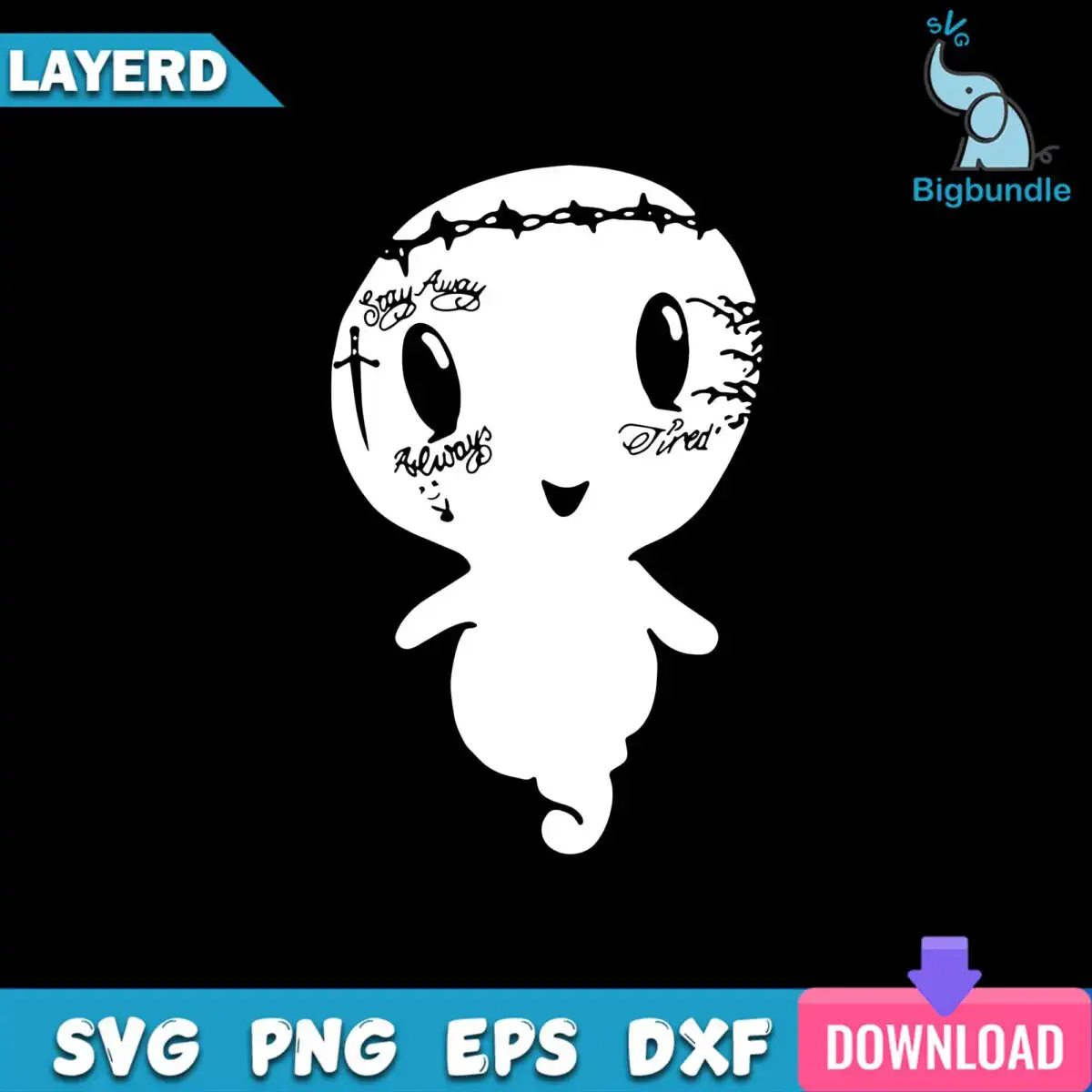
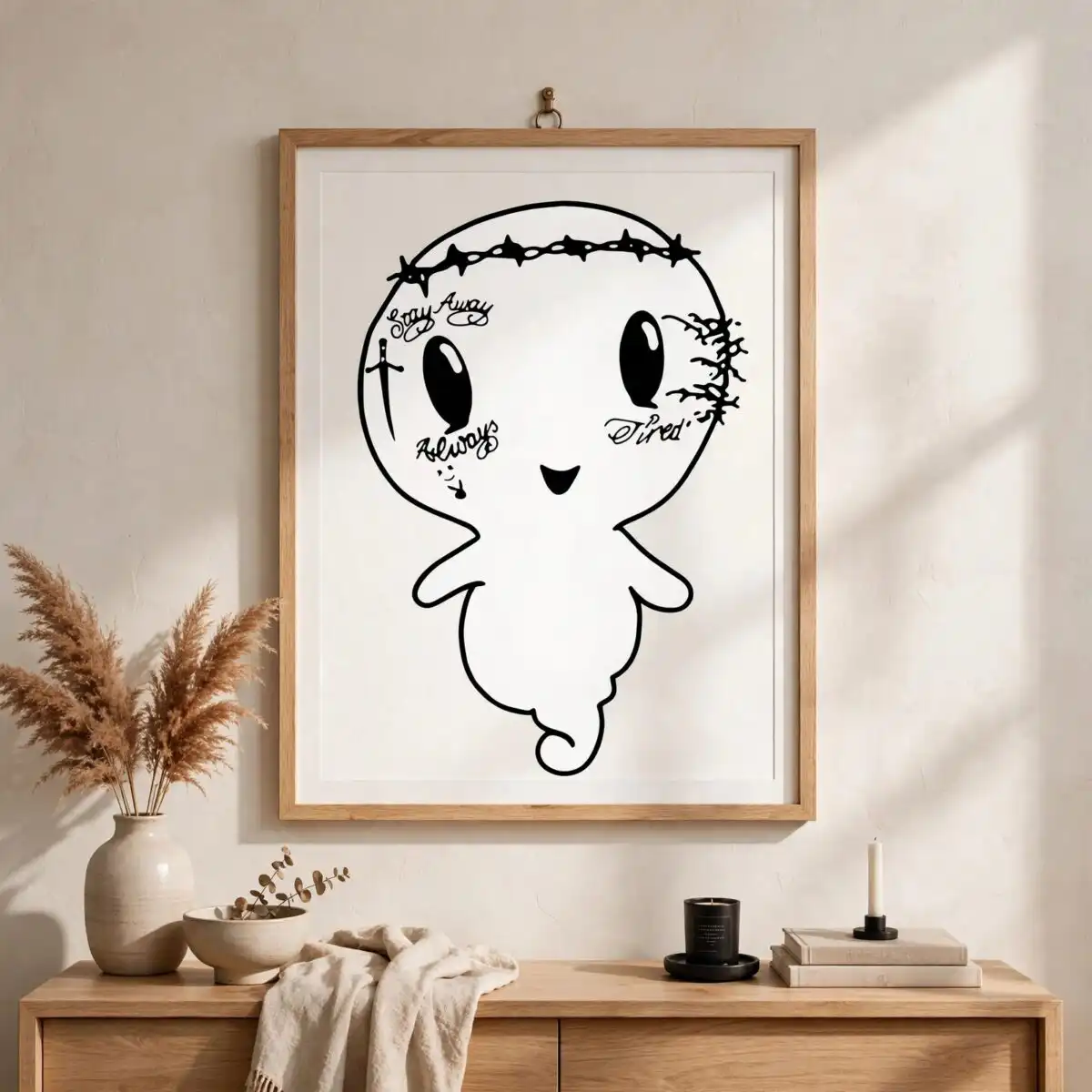
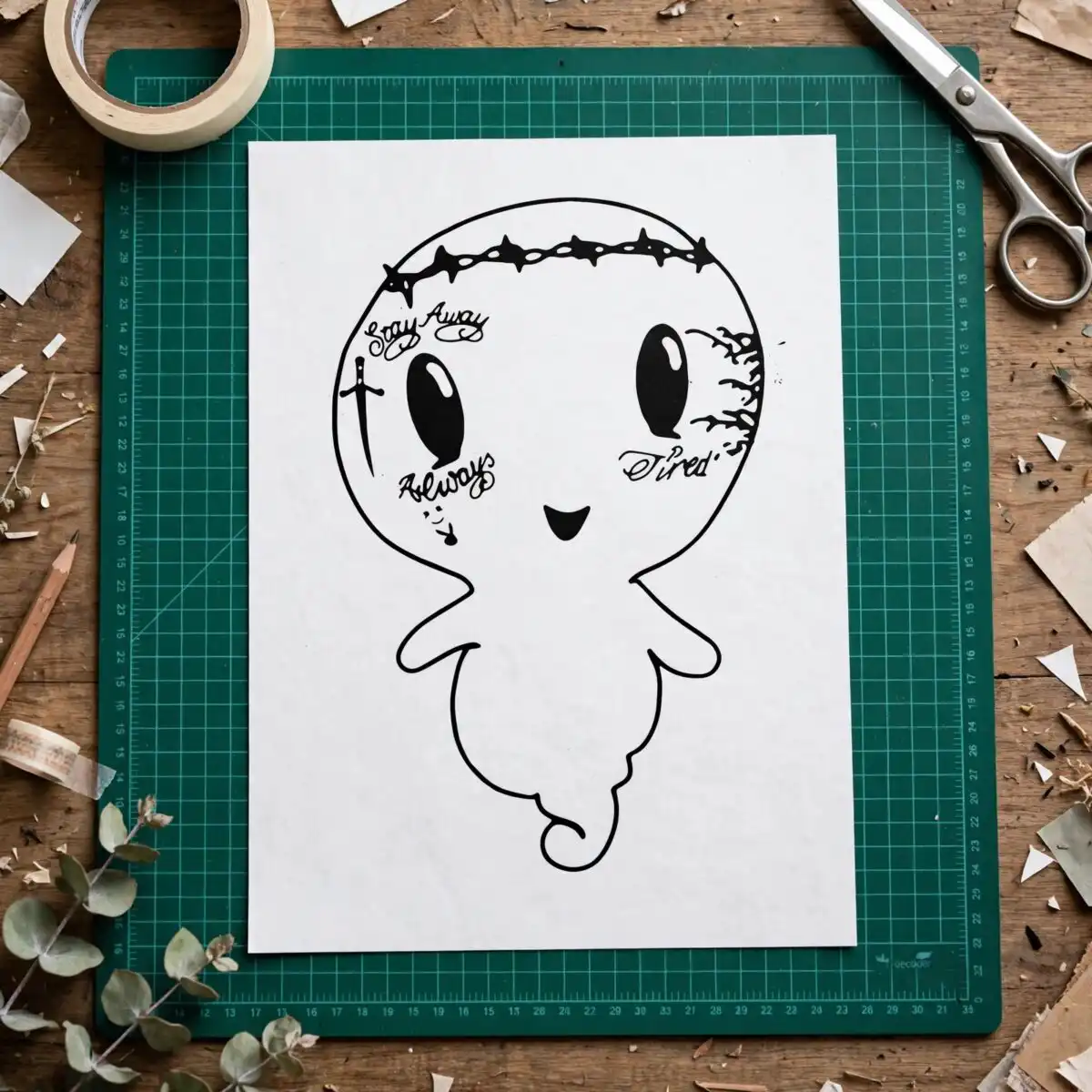
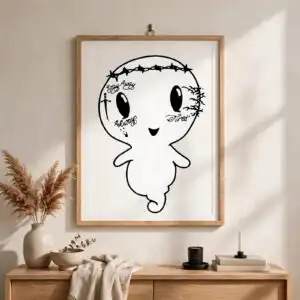
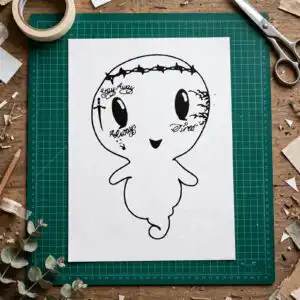
This black and white silhouette SVG is a single design of a small white cartoon ghost-like figure with large oval eyes, a small smile and a wavy tail, set on a black background. Its black script words Say Away, Always and Tired sit across the figure, with a dagger, a row of star shapes along the top and splatter marks around it. You receive SVG, PNG (300 dpi, transparent), DXF, EPS and PDF files, made for shirts, decals, stickers and other cut projects. Because the artwork is white on black, you can cut it as a light vinyl layer for dark fabric or as a single bold shape for a sticker. The playful, slightly edgy look suits crafters who want a quick, funny quote piece. The SVG opens in Cricut Design Space, Silhouette Studio, Brother ScanNCut and Adobe Illustrator.
Design breakdown
The artwork is a white cartoon figure silhouette with large oval eyes, a small smile and a wavy tail, decorated with the black script words Say Away, Always and Tired, a dagger, a row of star shapes, splatter marks and a decorative scribble. The file uses five colours in the preview, black, white, blue, pink and purple, and the blue corner banner, download arrow icon and elephant logo watermark shown in the preview are not part of the cut artwork. It is cut in 1 layer, with medium cutting complexity, so the fine details of the lettering and splatter are best cut at 4 inches or larger. Designs shown in the preview include the lettering LAYERD, SVG, PNG, EPS, DXF and DOWNLOAD.
| Layers | 1 |
|---|---|
| Colours | 5 — black (#000000), white (#FFFFFF), blue (#1E9BD7), pink (#F0609A), purple (#7B5CD6) |
| Lettering | LAYERD / SVG / PNG / EPS / DXF / DOWNLOAD / Say Away / Always / Tired |
| Background | dark |
| Cut complexity | medium |
| Orientation | portrait |
What’s included
- SVG
- PNG (300 dpi, transparent)
- DXF
- EPS
Works with
- Cricut Design Space
- Silhouette Studio (Designer Edition)
- Brother ScanNCut
- Adobe Illustrator
- Inkscape
- CorelDRAW
How to use
Download the zip file and unzip it to a folder on your computer. Open your cutting software, such as Cricut Design Space or Silhouette Studio, and choose Import or Upload, then select the SVG file. Check the size on your canvas, weld or group the pieces if your software asks, then send the design to your cutter. For a shirt or sticker, mirror the design if your vinyl is placed face down.
Licence
Personal and small-business commercial use. Sell finished physical items; do not resell or redistribute the files themselves.
FAQ
What files come with this black and white silhouette SVG?
You get SVG, PNG (300 dpi, transparent), DXF, EPS and PDF files. The SVG is the one to import into cutting software, while the PNG works for printing and previews.
Can I use this ghost design on a 20oz tumbler?
Yes, the design can be used on a 20oz tumbler with a printed or cut vinyl wrap. Keep the lettering and star row at a size where the fine details still read clearly on the curve.
Does this file work with Cricut and Silhouette machines?
Yes, it works with Cricut Design Space, Silhouette Studio (Designer Edition), Brother ScanNCut, Adobe Illustrator, Inkscape and CorelDRAW. Any of these can open the SVG directly.
Can I resize this file and sell shirts made with it?
You can resize the file freely for your project. The licence covers personal and small-business commercial use for finished physical items, but you may not resell or redistribute the files themselves.


