
Funny Black Cat Silhouette Badge for Shirts, Mugs and Totes, Pew Pew Madafakas Design
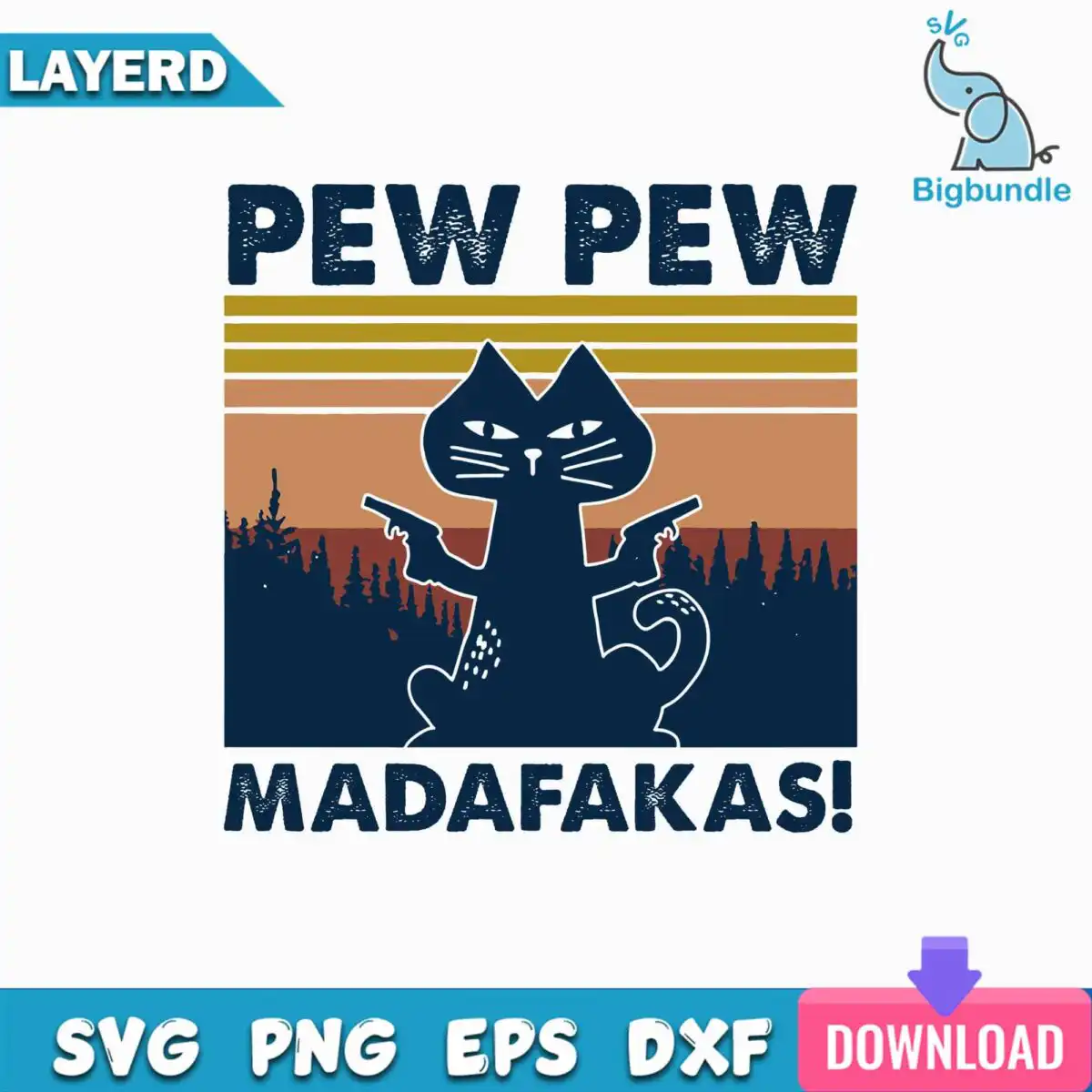
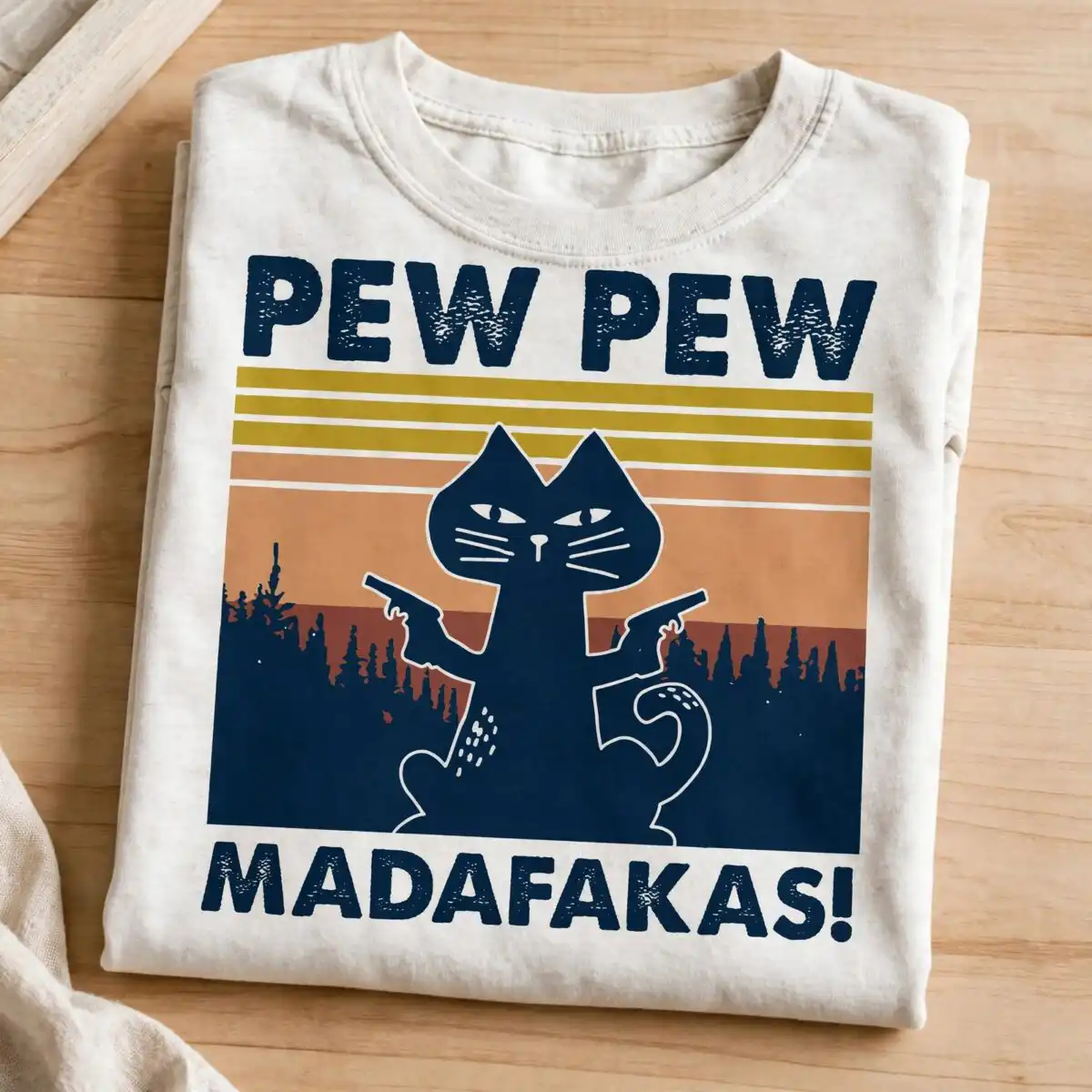
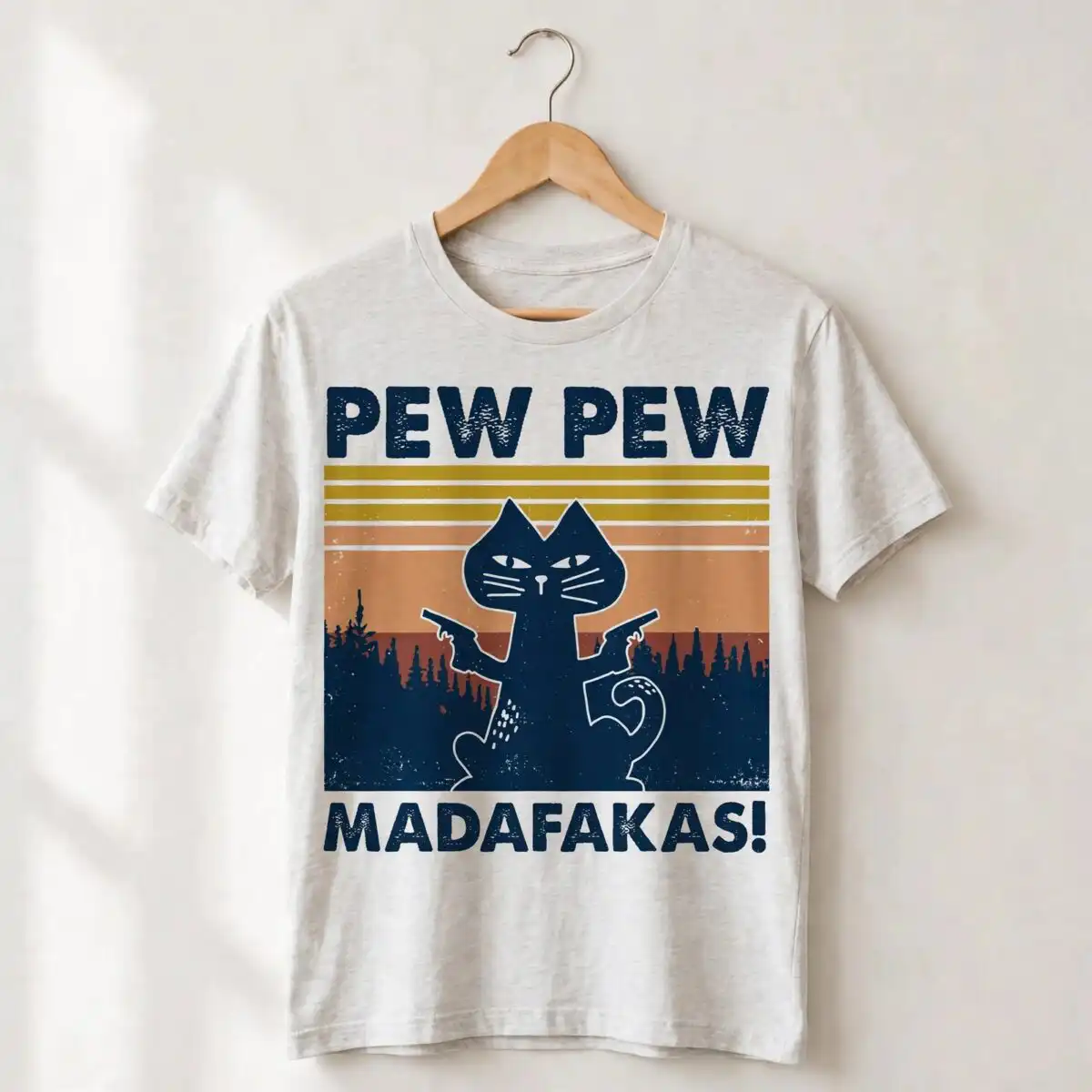
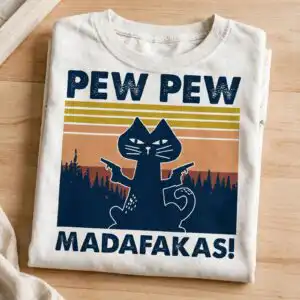
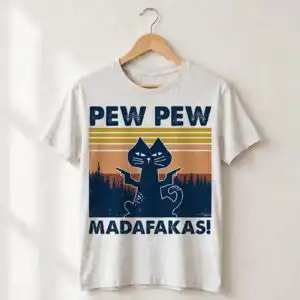
This black cat silhouette is a single badge design: an upright black cat with two small handgun shapes in its front paws, set against a vintage striped sunset with pine tree silhouettes and the words “PEW PEW MADAFAKAS!” below. You receive SVG, PNG, DXF, EPS and PDF files, made for cutting vinyl, printing on shirts and mugs, and making decals, stickers and tote bags. The artwork uses dark navy, mustard gold, tan orange, rust red and white, so you can cut it as a multi-colour badge or pick out a single colour. The cat’s tail curl, whisker lines and eyes are drawn as clean shapes, which makes the cat easy to read even at small sizes. Because the lettering is distressed, the words keep a worn, retro feel on the finished piece. The file suits anyone who wants a playful, irreverent black cat silhouette on everyday items.
Design breakdown
The design is cut in 4 layers and uses five colours: dark navy, mustard gold, tan orange, rust red and white. The black cat silhouette, the handgun shapes and the lettering sit on the striped sunset background, which is built from horizontal bands with pine tree silhouettes along the lower area. The tail curl, whisker lines and eyes are included as separate detail shapes. The lettering reads “PEW PEW” and “MADAFAKAS!” and has a distressed texture. Medium cut complexity: fine details such as the whiskers and the handgun shapes are best cut at 4 inches or larger. The background is white, and the file is shown as a preview sheet with one design.
| Layers | 4 |
|---|---|
| Colours | 5 — dark navy (#1B2F4B), mustard gold (#B5932E), tan orange (#C98B5E), rust red (#A24E36), white (#FFFFFF) |
| Lettering | PEW PEW / MADAFAKAS! |
| Background | white |
| Cut complexity | medium |
| Orientation | square |
What’s included
- SVG
- PNG (300 dpi, transparent)
- DXF
- EPS
Works with
- Cricut Design Space
- Silhouette Studio (Designer Edition)
- Brother ScanNCut
- Adobe Illustrator
- Inkscape
- CorelDRAW
How to use
Download the zip file from your order and unzip it to a folder on your computer. Open the SVG in Cricut Design Space, Silhouette Studio (Designer Edition) or Brother ScanNCut, or import the EPS or DXF into your software. For printing, use the PNG, which has a transparent background at 300 dpi. Check the layers before cutting, then resize the badge to fit your project.
Licence
Personal and small-business commercial use. Sell finished physical items; do not resell or redistribute the files themselves.
FAQ
What files are included with this black cat silhouette design?
You get SVG, PNG, DXF, EPS and PDF files. The PNG is 300 dpi with a transparent background, which suits printing and heat transfer projects.
Can I use this funny cat design on a 20oz tumbler?
Yes, the design works on a 20oz tumbler when you apply it as a vinyl decal or a sublimation wrap. Resize the badge to fit the curved area and keep the lettering at a readable height.
Which machines and programs does this file work with?
It works with Cricut Design Space, Silhouette Studio (Designer Edition), Brother ScanNCut, Adobe Illustrator, Inkscape and CorelDRAW. The EPS and DXF files open in most cutting and vector software.
Can I resize this design and sell items made with it?
You can resize the design freely for your projects. The licence covers personal and small-business commercial use, so you can sell finished physical items, but you may not resell or redistribute the files themselves.


