

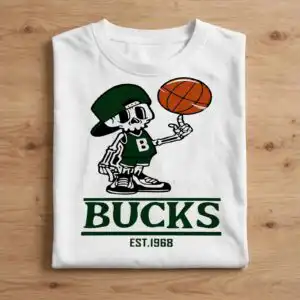
Bucks Basketball Est1968 Skeleton Spinning Ball Shirt Design
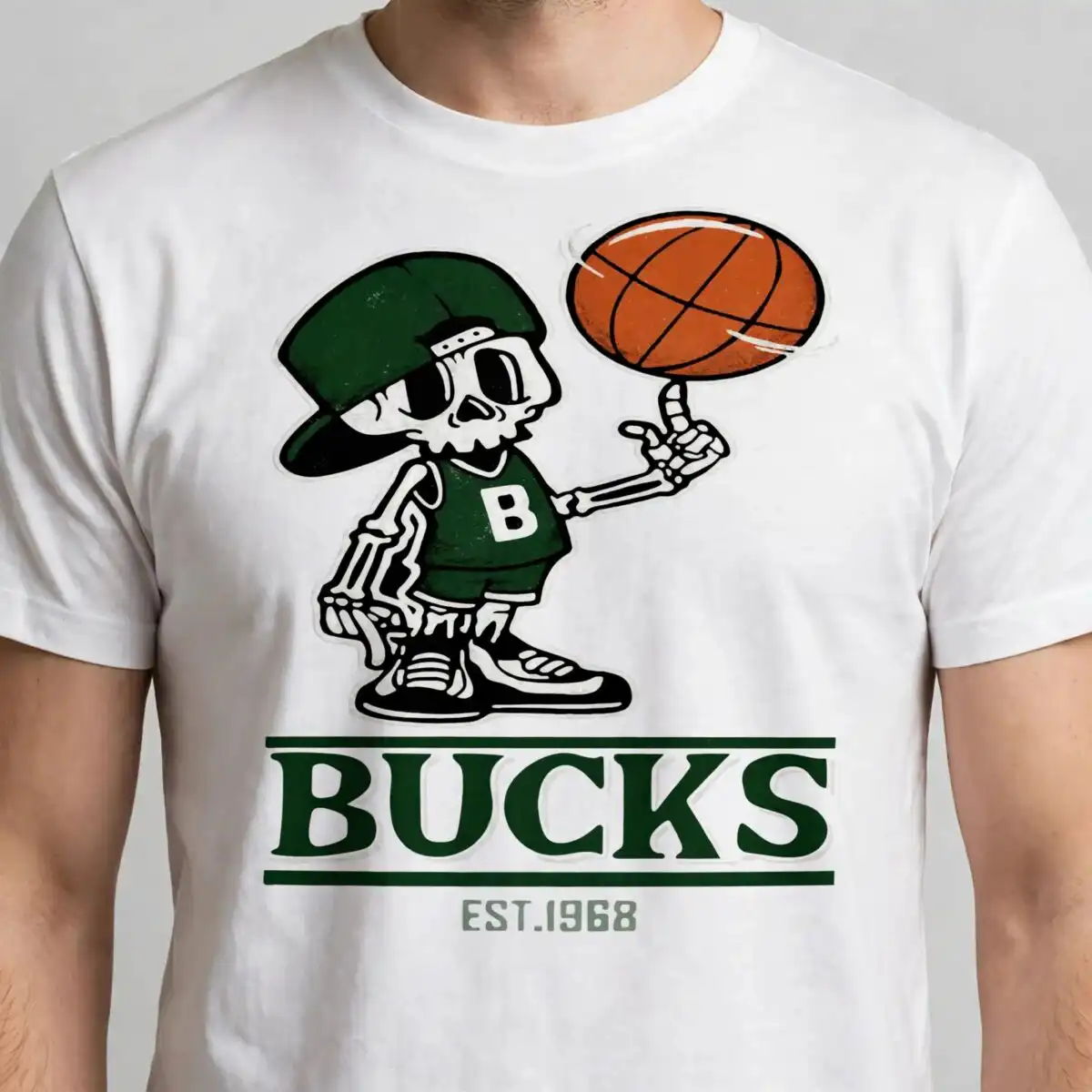
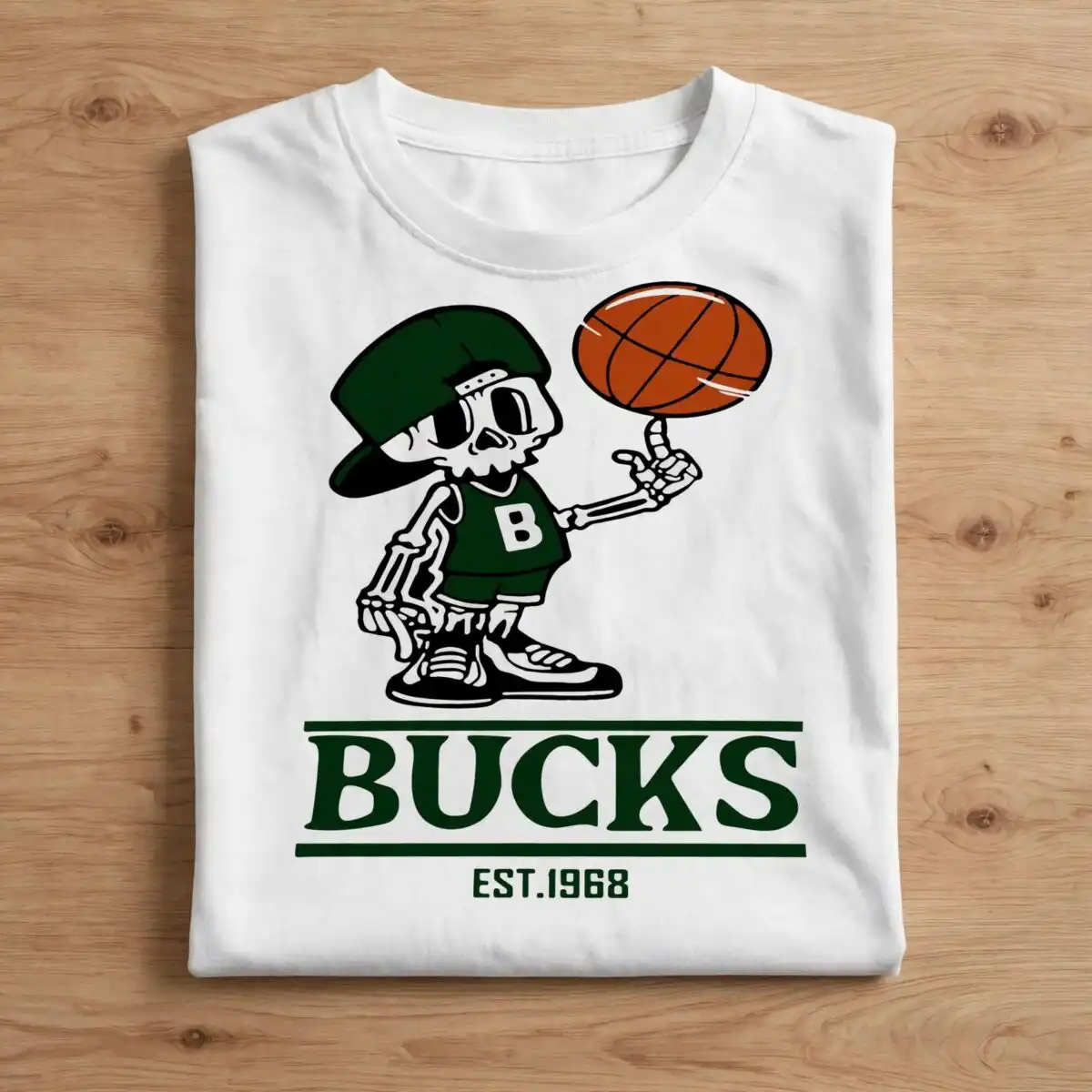
This Bucks Basketball Est1968 skeleton design gives you one ready-to-cut artwork in SVG, PNG, DXF, EPS and PDF, made for t-shirts, tumblers, mugs and stickers. You get a cartoon skeleton basketball player spinning a basketball on his finger, wearing a backwards baseball cap, sleeveless jersey with a B and athletic shorts and sneakers. The bold block wordmark reads BUCKS with EST.1968 underneath, set in dark green, white and basketball orange with black and light gray accents. It is built for year-round use for basketball fans and kids and stays legible at small sizes for chest logos and tote bags.
Design breakdown
This is a single square design cut in 5 layers with 5 colors: dark green, white, black, basketball orange and light gray. The lines are flat cartoon style with medium complexity, so the skeleton, ball and block lettering cut cleanly without tiny weeding pieces.
| Layers | 5 |
|---|---|
| Colours | 5 — dark green (#0A3D1F), white (#FFFFFF), black (#000000), basketball orange (#C65A2B), light gray (#D3D3D3) |
| Lettering | B / BUCKS / EST.1968 |
| Background | white |
| Cut complexity | medium |
| Orientation | square |
What’s included
- SVG
- PNG (300 dpi, transparent)
- DXF
- EPS
Works with
- Cricut Design Space
- Silhouette Studio (Designer Edition)
- Brother ScanNCut
- Adobe Illustrator
- Inkscape
- CorelDRAW
How to use
Unzip the folder after download, then import the file type your software uses. Upload the SVG to Cricut Design Space or the DXF to Silhouette Studio, size it for your blank, mirror only for iron-on, and cut. PNG with transparent background works for sublimation.
Licence
Personal and small-business commercial use. Sell finished physical items; do not resell or redistribute the files themselves.
FAQ
What files are included with this design?
You get 5 files: SVG, PNG at 300 dpi with transparent background, DXF, EPS and PDF. All show the same skeleton player with Bucks and EST.1968 lettering.
Can I use this Bucks basketball design on a kids t-shirt?
Yes, it is made for that. The design stays legible at small sizes, so it works well on youth shirts, mugs, tumblers, stickers and tote bags.
What machines and software does this cut file work with?
It works with Cricut Design Space, Silhouette Studio Designer Edition, Brother ScanNCut, Adobe Illustrator, Inkscape and CorelDRAW for cutting and printing.
Can I resize it and sell shirts I make?
Yes, you can resize it as needed in your cutting software and sell finished physical items. The license is for personal and small-business commercial use, but you cannot resell or redistribute the digital files themselves.



