
Hogwarts The Eras Tour Chibi Harry Potter Characters Sublimation Design for Fan Gifts
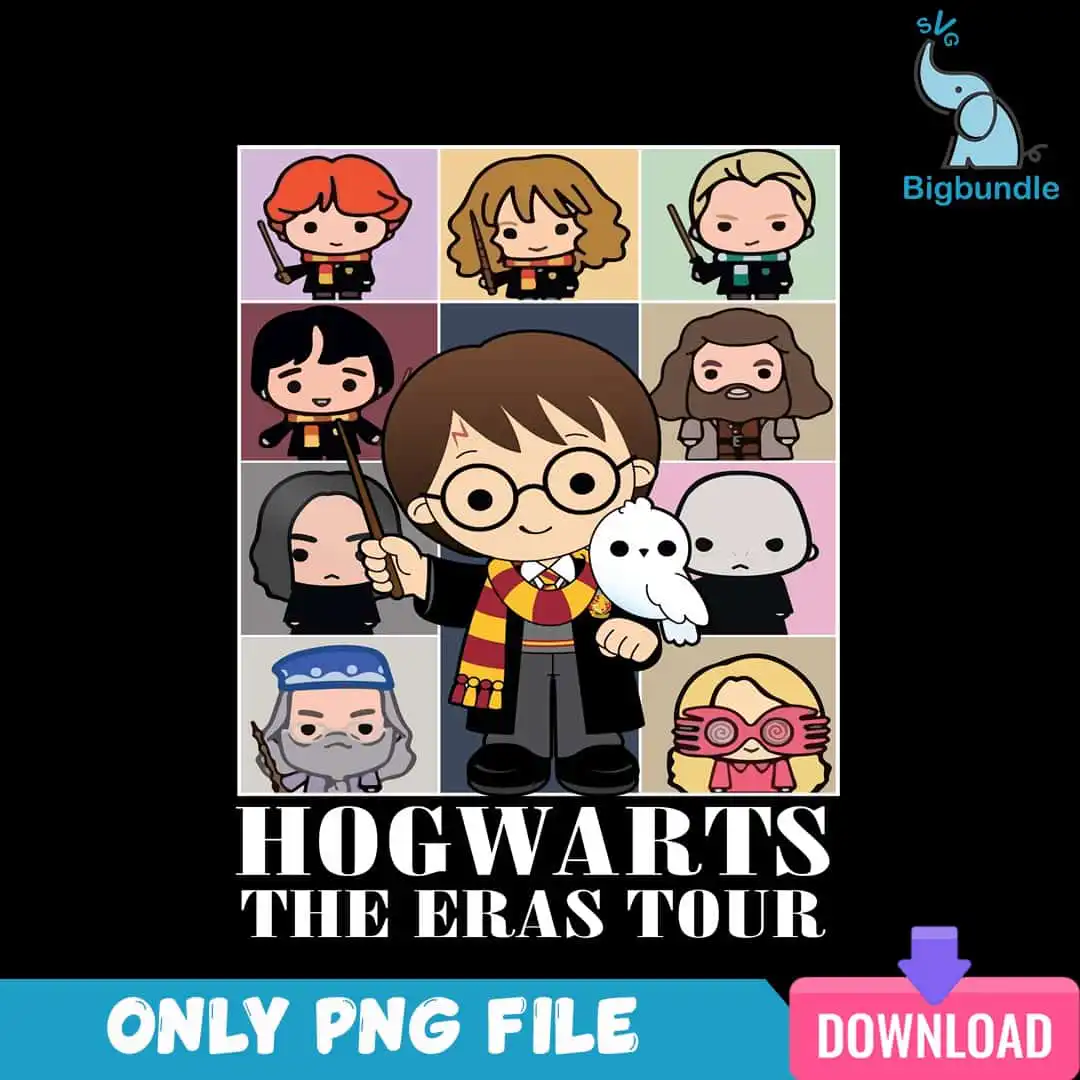
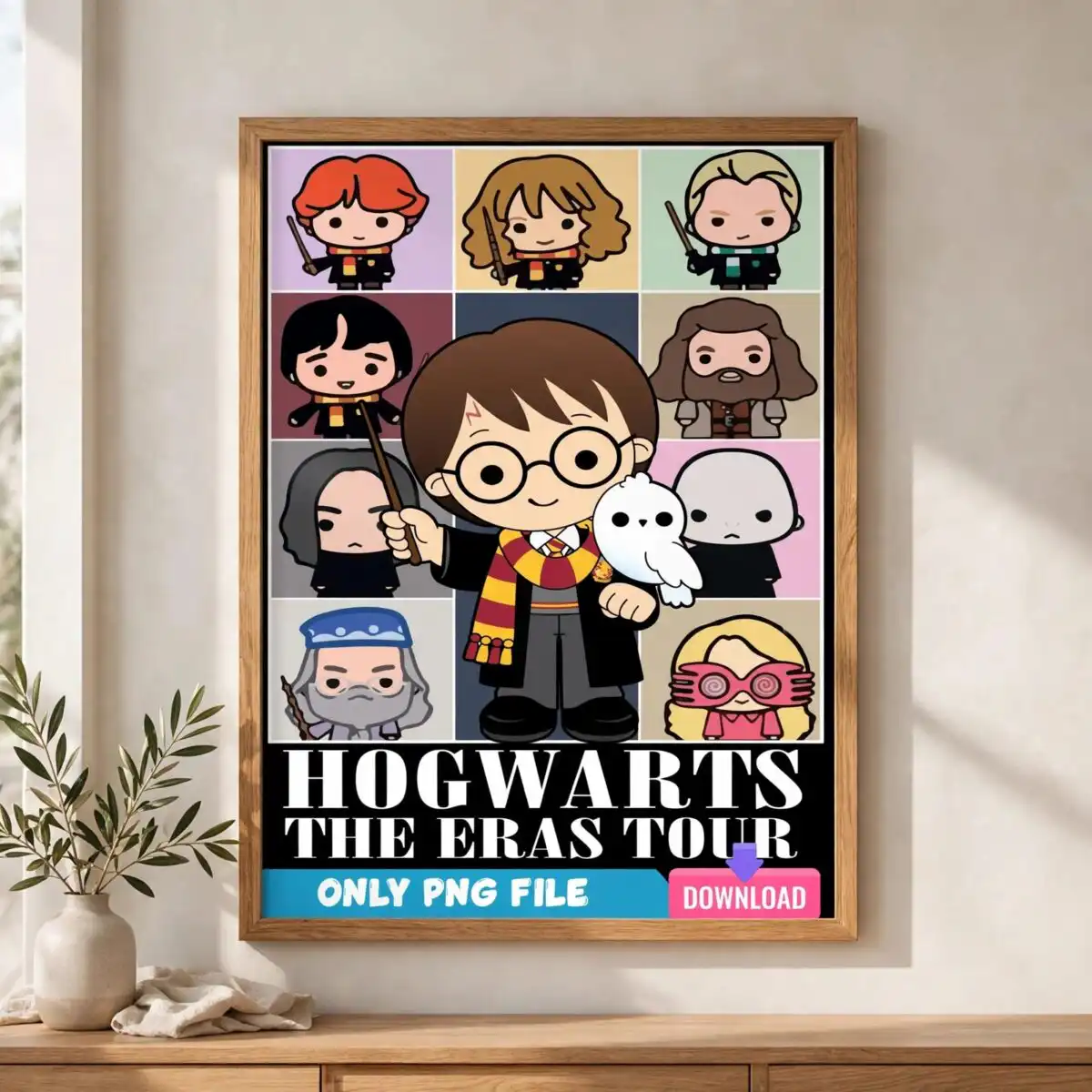
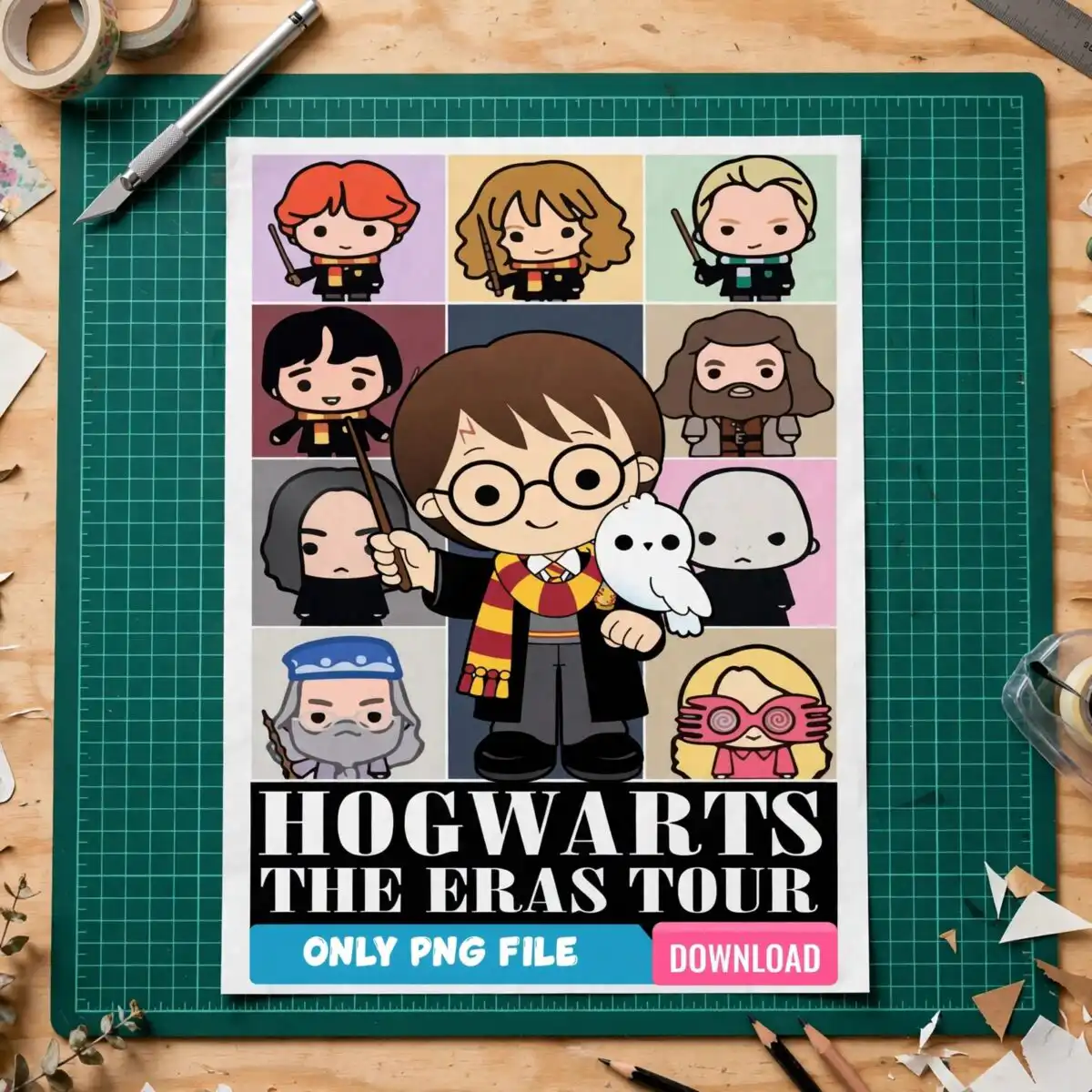
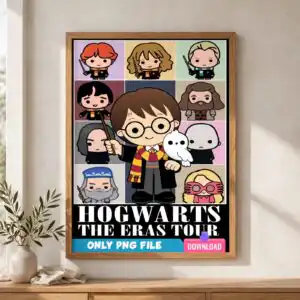
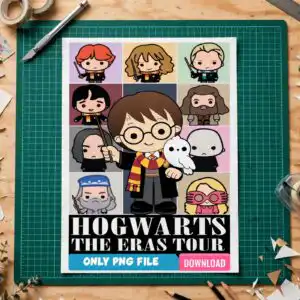
This Hogwarts Eras Tour design is a single chibi-style sublimation artwork, delivered as a PNG file with a transparent background, made for printing on shirts, tumblers, mugs and tote bags. The design shows Harry Potter chibi characters arranged in a grid of pastel tiles, with the lettering HOGWARTS and THE ERAS TOUR set across the top. You will see Harry with his round glasses and lightning scar, a white owl (Hedwig), a wand and a Gryffindor scarf. Ron, Hermione, Draco, Hagrid, Snape, Voldemort, Dumbledore and Luna Lovegood with her Spectrespecs appear in their own tiles. The palette is maroon, gold yellow, peach, light blue and pink on a dark background, with black, white and brown for detail. It suits Harry Potter fan gifts, birthdays and back to school, and it works for Swifties who like an Eras Tour crossover. Because the file is a high-resolution PNG at 300 dpi, the characters stay sharp when printed.
Design breakdown
This design is a single portrait-orientation artwork with a dark background, built from 8 colours: black, white, maroon, gold yellow, peach, light blue, pink and brown. It is cut in 6 layers and is rated for high cut complexity, so fine details like the glasses, wand and owl feathers are best cut at 4 inches or larger. The characters sit in a grid of pastel tiles, and the lettering HOGWARTS and THE ERAS TOUR runs across the design. The file is a PNG at 300 dpi with a transparent background, so it prints cleanly on sublimation and DTF setups without a separate cut line.
| Colours | 8 — black (#000000), white (#FFFFFF), maroon (#7A2E2E), gold yellow (#F2C94C), peach (#E8956A), light blue (#A9C9E8) |
|---|---|
| Lettering | HOGWARTS / THE ERAS TOUR |
| Background | dark |
| Orientation | portrait |
What’s included
- PNG (300 dpi, transparent background)
Works with
- Sublimation printers (Epson, Sawgrass)
- DTF / print-and-cut workflows
- Canva
- Adobe Photoshop
How to use
Download the order and unzip the folder to a location on your computer. Open the PNG in Sublimation software, Canva or Adobe Photoshop, then import it into your print layout. Size the design to your blank, keeping the characters and lettering readable. For mugs and tumblers, place the design in the wrap area and print with a sublimation printer such as an Epson or Sawgrass. For tees and totes, mirror the image if your workflow requires it, then press or transfer as usual.
Licence
Personal and small-business commercial use. Sell finished physical items; do not resell or redistribute the files themselves.
FAQ
What files do I get with this Hogwarts Eras Tour design?
You get one PNG file at 300 dpi with a transparent background. It is a single design with no extra files included.
Can I put this Harry Potter design on a 20oz tumbler?
Yes, the design can be printed on a 20oz tumbler using sublimation. Scale it to fit the wrap area so the characters and the HOGWARTS lettering stay clear.
Which printers and software work with this PNG?
It works with Epson and Sawgrass sublimation printers, DTF and print-and-cut workflows, Canva and Adobe Photoshop. Import the PNG into your software and size it before printing.
Can I resize the design and use it for my small business?
Yes, you can resize the PNG for your products. The licence covers personal and small-business commercial use for finished physical items, but you may not resell or redistribute the files themselves.


