Cartoon Clown Like Figure SVG Shirt Design: Lazy Halloween Comfort Zone Clown on a Couch
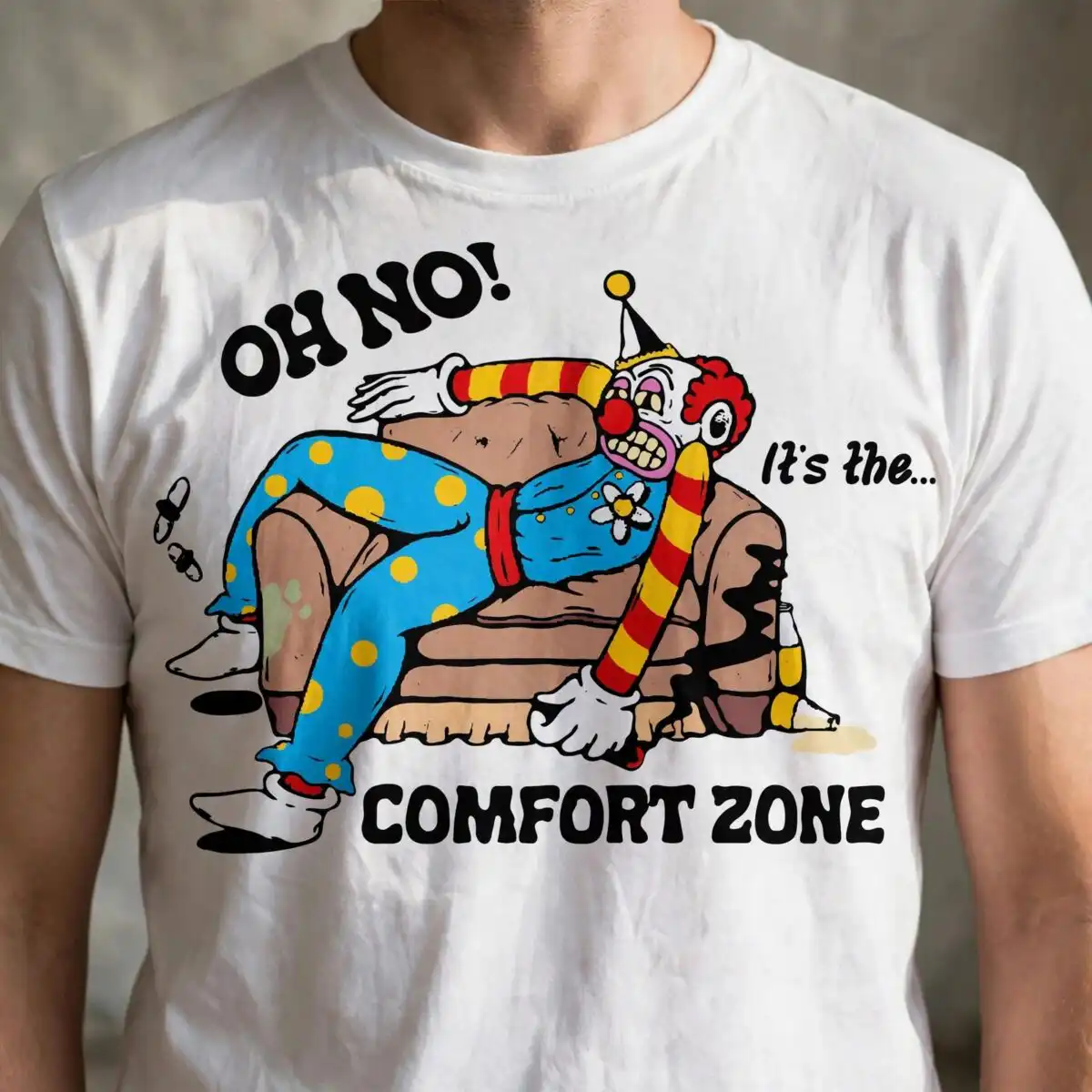
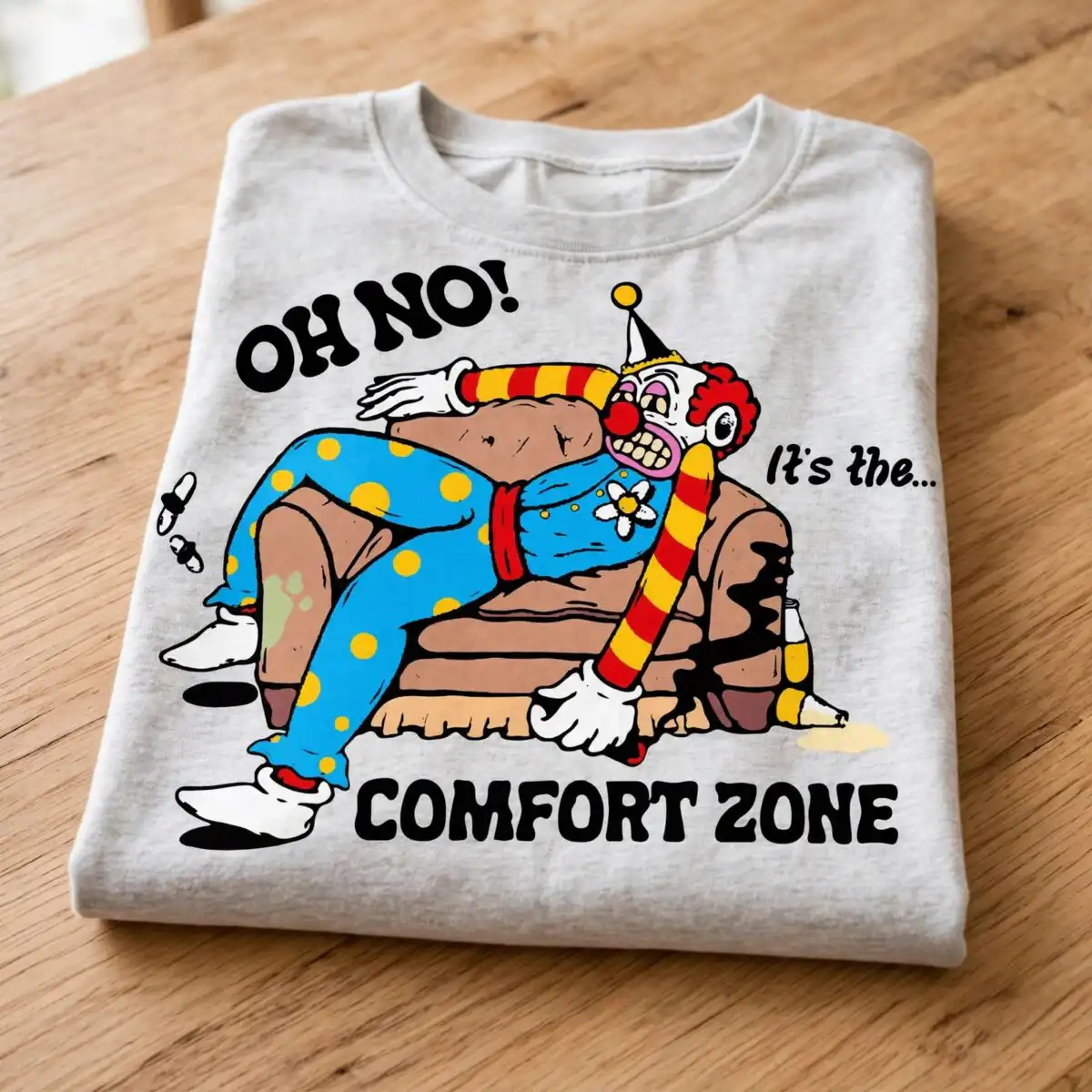
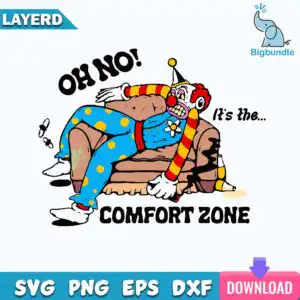
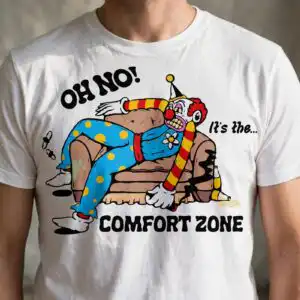
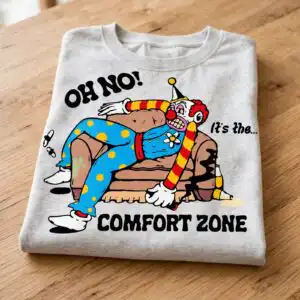
This cartoon clown like figure is a single Halloween design of a clown with a pointed hat and red curly hair, slumped on a brown couch with one leg over the armrest. You get SVG, PNG (300 dpi, transparent), DXF, EPS and PDF files, made for shirts, mugs, decals and stickers. The clown wears a blue shirt with a white flower button, a red bow tie, polka-dot blue pants and white gloved hands, and holds a bottle. Above him reads “OH NO! It’s the… COMFORT ZONE.” in bold black lettering. The couch has small stain marks and a few flies, which give the scene its lazy, slightly messy feel. The bright sky blue, yellow and red colours stand out against the brown couch, so the design works well for autumn and Halloween projects with a bit of humour. Use it when you want a clown that looks like he has given up on Halloween entirely.
Design breakdown
The design is built from one artwork set on a white background and is cut in 12 layers. The main colours are black, sky blue, yellow, red, brown, white, skin tone, teal and pink. The clown’s blue shirt, polka-dot blue pants, yellow pompom on the pointed hat and red bow tie each sit on their own layer, and the couch has its own brown layers with stain marks and small flies. The lettering, including “OH NO!”, “It’s the…” and “COMFORT ZONE”, is in black on its own layer, with a teal banner behind it. The design has a medium level of cutting detail, so fine details such as the flies and the button are best cut at 4 inches or larger. The file has a square format and is suitable for vinyl, heat transfer vinyl and printing.
| Layers | 12 |
|---|---|
| Colours | 9 — black (#1A1A1A), sky blue (#3BA3D6), yellow (#F5D300), red (#D92B2B), brown (#B07A4F), white (#FFFFFF) |
| Lettering | LAYERD / OH NO! / It’s the… / COMFORT ZONE / SVG / PNG / EPS / DXF / DOWNLOAD |
| Background | white |
| Cut complexity | medium |
| Orientation | square |
What’s included
- SVG
- PNG (300 dpi, transparent)
- DXF
- EPS
Works with
- Cricut Design Space
- Silhouette Studio (Designer Edition)
- Brother ScanNCut
- Adobe Illustrator
- Inkscape
- CorelDRAW
How to use
Download the ZIP file from your order and unzip it to a folder on your computer. Open the SVG file in Cricut Design Space, Silhouette Studio (Designer Edition), Brother ScanNCut or Inkscape, depending on your machine. Use the PNG file for printing or sublimation, or the DXF and EPS files for other cutting and design software. Check the layers panel to confirm the colour sections before you cut or print. Resize the design to your project, then cut and assemble.
Licence
Personal and small-business commercial use. Sell finished physical items; do not resell or redistribute the files themselves.
FAQ
What files are included with this clown design?
You get SVG, PNG (300 dpi, transparent), DXF, EPS and PDF files. The SVG is best for cutting machines, and the PNG suits printing and sublimation.
Can I put this clown design on a 20oz tumbler?
Yes, the design can be used on a 20oz tumbler with a vinyl decal or a sublimation wrap. Resize it to fit the tumbler and check that the lettering is large enough to read after you apply it.
Which machines and programs does this design work with?
It works with Cricut Design Space, Silhouette Studio (Designer Edition), Brother ScanNCut, Adobe Illustrator, Inkscape and CorelDRAW. Open the SVG or EPS in any of these programs to edit or cut it.
Can I resize the design and sell shirts made with it?
Yes, you can resize the design freely for personal and small-business commercial use. You can sell finished physical items made with it, but you cannot resell or redistribute the files themselves.