

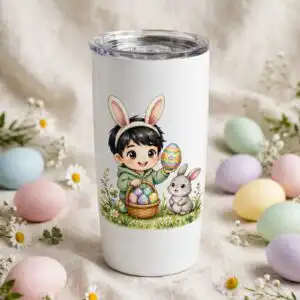
Cartoon Easter Bunny PNG Avenger Grid: 15 Chibi Characters with Bunny Ears, Eggs
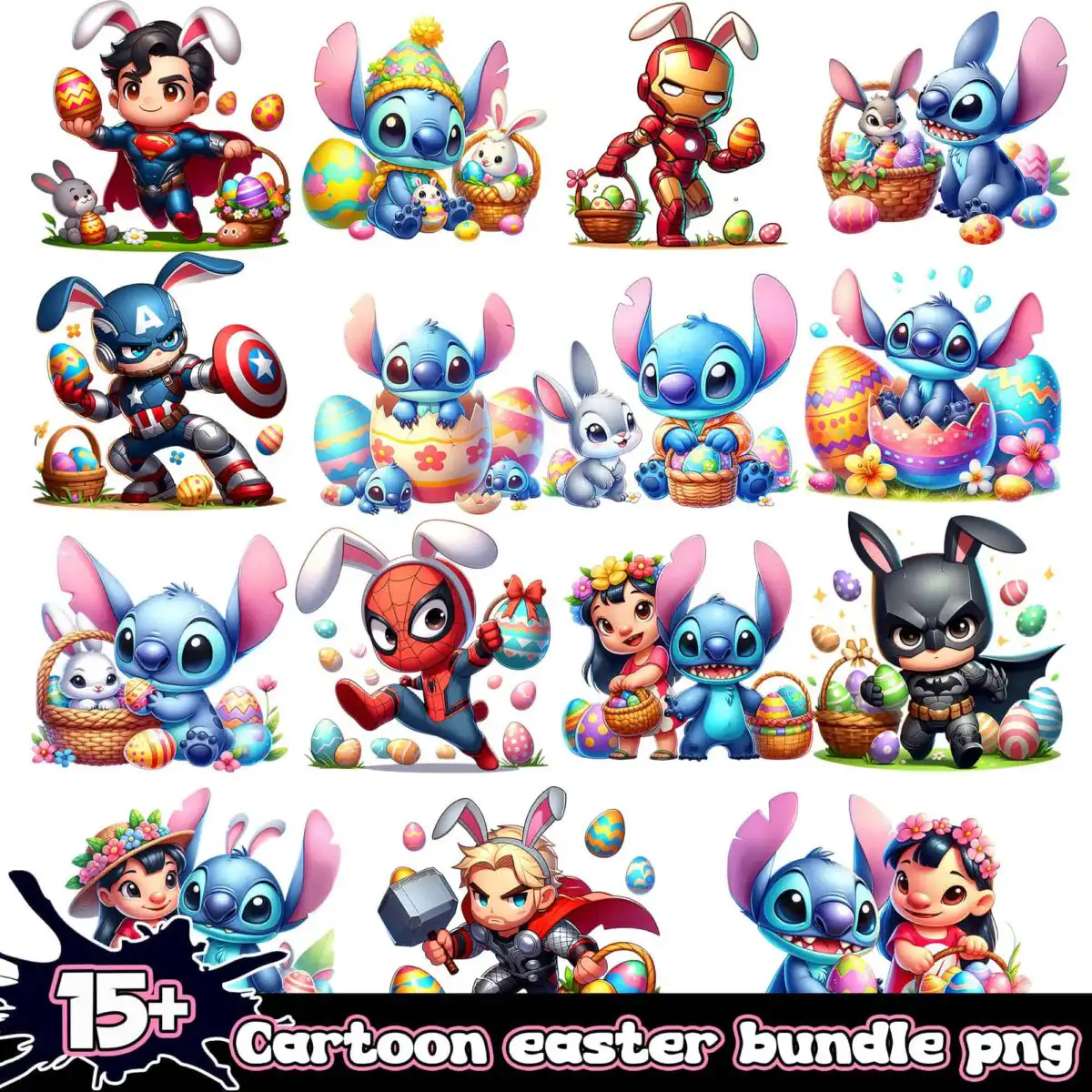
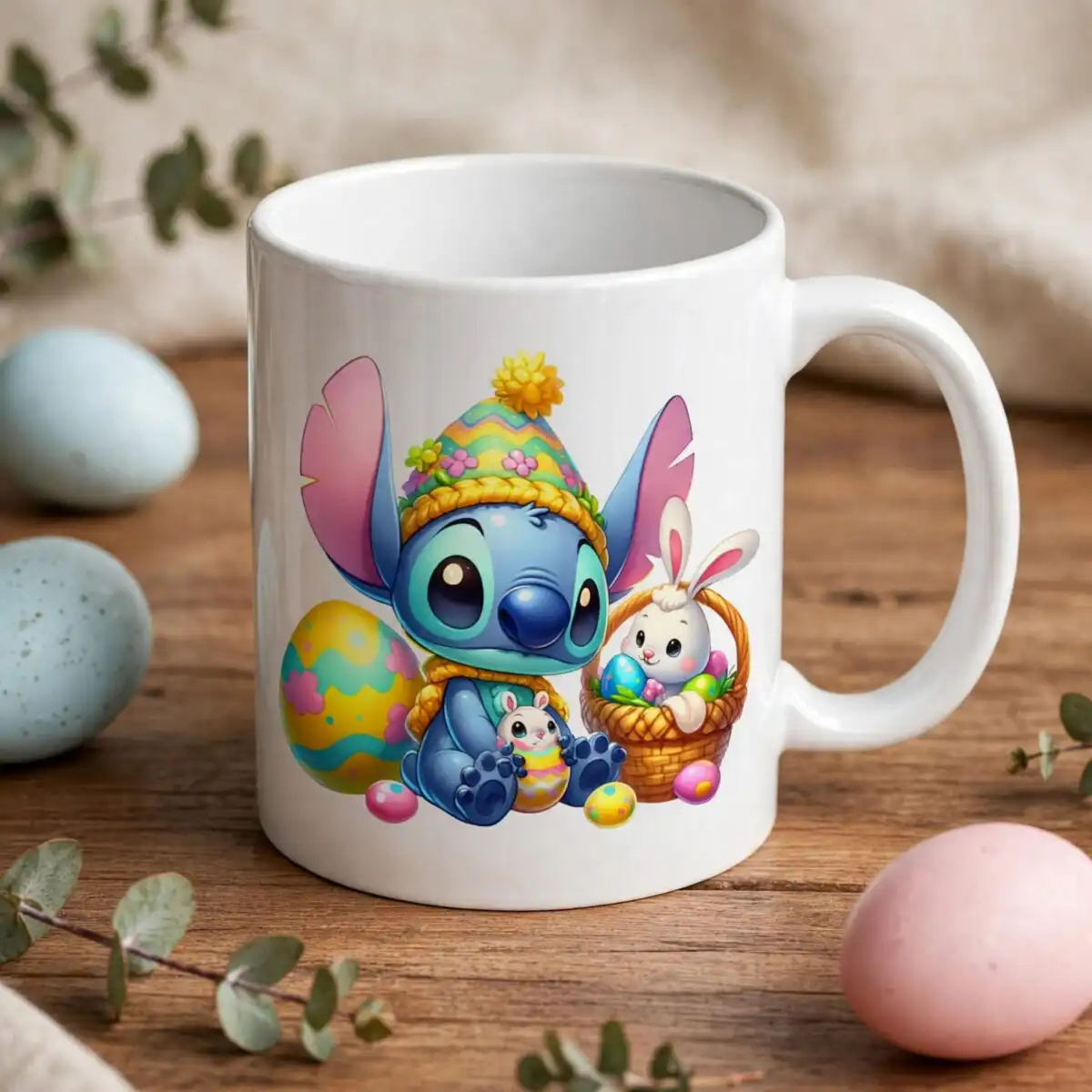
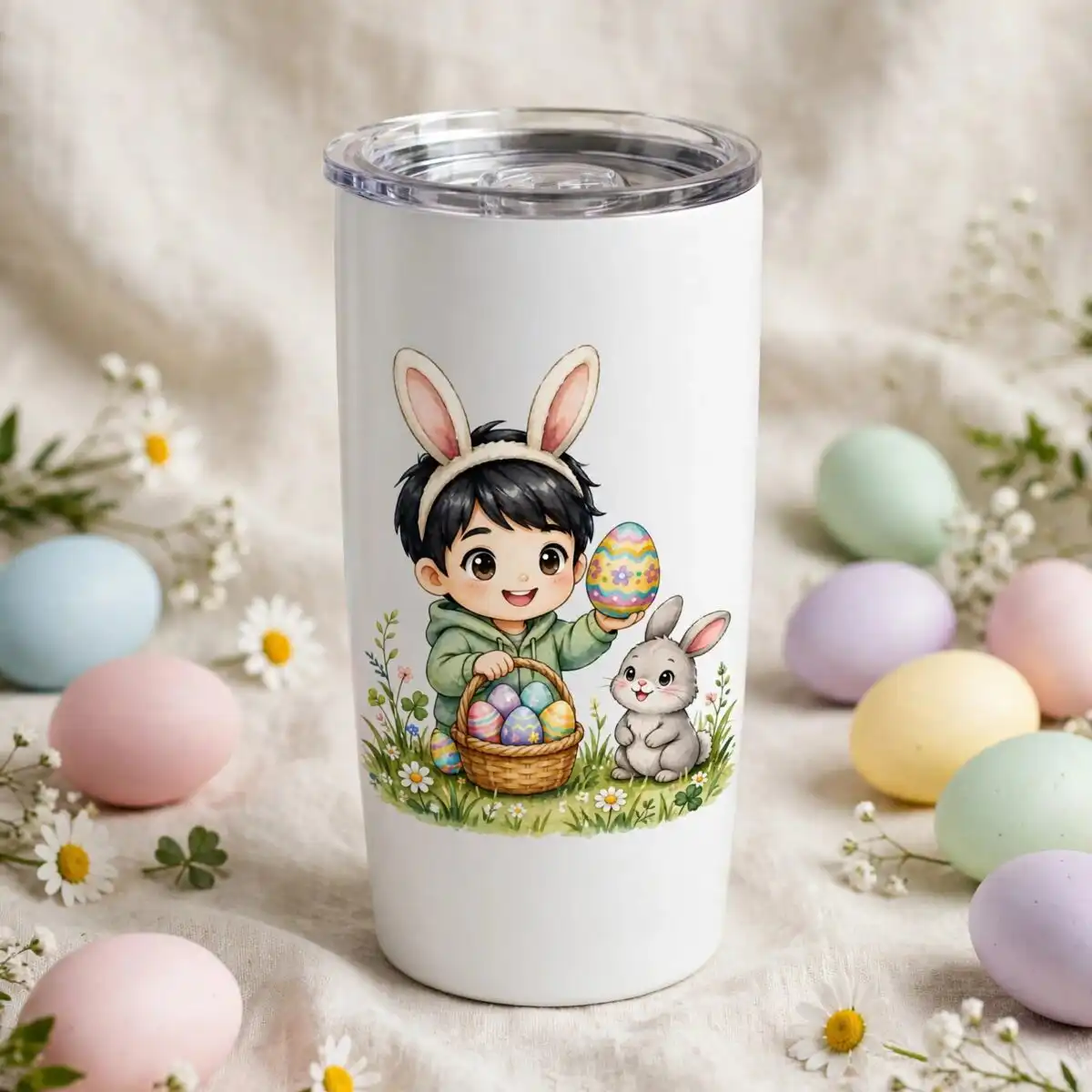
This Cartoon Easter Bunny PNG is a single sheet of 15 cartoon Easter characters: chibi-style figures in superhero-style capes and bunny ears, set beside a blue round-eared creature, pastel eggs and wicker baskets. You receive one PNG file with a transparent background, made for sublimation printing, DTF transfers and print-and-cut projects. The artwork is built around navy blue, red, sky blue and pastel pink, with pale yellow and light green grass tufts and a basket brown accent. Each figure holds a small prop such as a round shield, a hammer or a flower crown, so the sheet works as a set of separate pieces. Because the sheet is a grid, you can cut out only the characters you want for a shirt, a tumbler wrap, a sticker sheet or a scrapbook page. The file keeps clean edges around every figure, which makes individual pieces easier to lift and place. It suits Easter shirts for children, party decor and digital paper crafts.
Design breakdown
The design is a square grid of 15 separate cartoon characters on a white background, with the transparent-background PNG file removing the white. The artwork uses eight colours: navy blue, red, sky blue, pastel pink, pale yellow, light green, basket brown and black. Each character is a chibi-style figure with bunny ears, and the grid also includes flowers, decorated Easter eggs, cracked pastel egg shells, wicker baskets, bunny rabbits, grass tufts and a splash shape behind the text “15+”. The artwork is cut in 6 layers, and the fine details of the bunny ears and prop items are best cut at 4 inches or larger. Individual characters can be separated and used on their own.
| Colours | 8 — navy blue (#1E2A4A), red (#C8202A), sky blue (#3A8FD9), pastel pink (#F7B6C9), pale yellow (#F9E27D), light green (#9BD86B) |
|---|---|
| Lettering | 15+ |
| Background | white |
| Orientation | square |
What’s included
- PNG (300 dpi, transparent background)
Works with
- Sublimation printers (Epson, Sawgrass)
- DTF / print-and-cut workflows
- Canva
- Adobe Photoshop
How to use
Download the ZIP file from your order and unzip it to a folder on your computer. Open the PNG in Canva, Adobe Photoshop or your sublimation or DTF software, then import it into your design layout. Crop out the characters you need, resize them to your product, and print using your sublimation printer or DTF workflow. For cutting, check that the fine details of the bunny ears and props are large enough for your machine.
Licence
Personal and small-business commercial use. Sell finished physical items; do not resell or redistribute the files themselves.
FAQ
What files are included with this Easter PNG?
You receive one PNG file at 300 dpi with a transparent background. The file contains the full grid of 15 cartoon Easter characters, eggs and baskets on one sheet.
Can I use this Easter bunny design on a youth t-shirt?
Yes, the design suits youth t-shirts printed by sublimation or DTF. Choose a single character or a cluster from the grid and resize it to fit the front of the shirt.
Does this PNG work with Sawgrass or Epson sublimation printers?
Yes, the file works with Sublimation printers including Epson and Sawgrass. It also works with DTF and print-and-cut workflows, and you can open it in Canva or Adobe Photoshop.
Can I resize this design, and can I resell the files?
You can resize the design for personal and small-business commercial use. You may sell finished physical items, but you may not resell or redistribute the files themselves.





