

Chubby Yellow Creature Pointed Cut File for Shirts and Mugs: God of Thunder
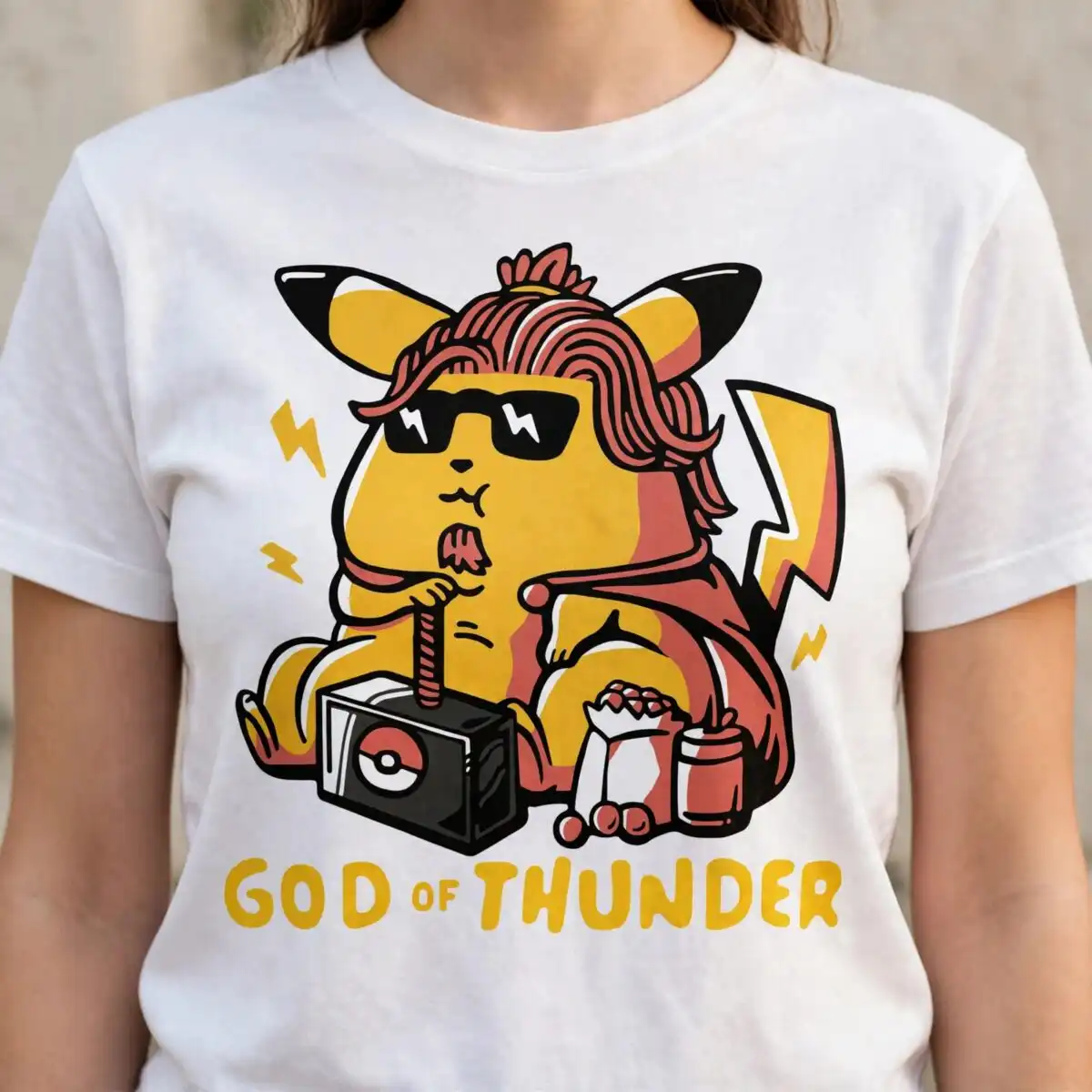
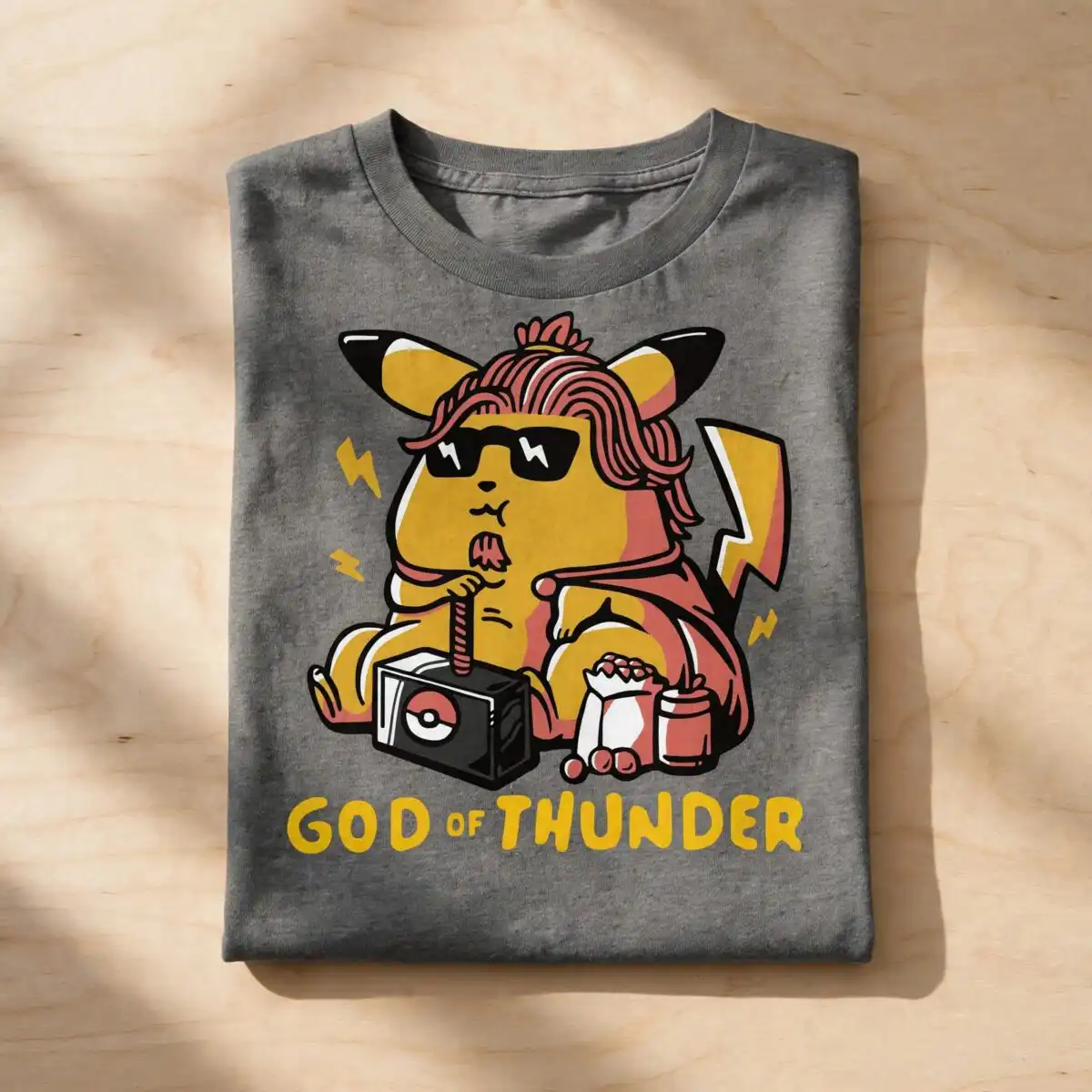
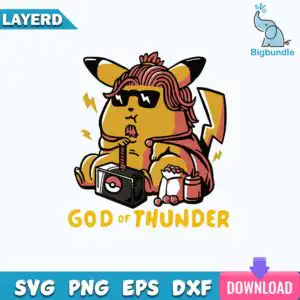
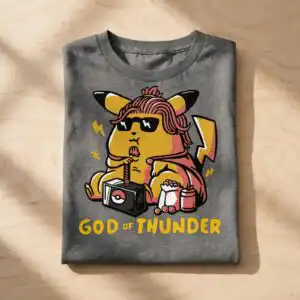
This Chubby Yellow Creature Pointed design is a single flat vector illustration of a chubby yellow character with pointed black-tipped ears and a lightning-bolt tail, sipping through a red straw from a black cube box. You get SVG, PNG, DXF, EPS and PDF files, made for cutting vinyl, printing on shirts, mugs and tote bags. The artwork is built around the words GOD OF THUNDER, set in dark brick red and black above the character. The creature wears dark sunglasses with white zigzag marks and a red-brown wavy hairstyle, and a red cape or cloth falls behind it. Golden yellow and coral red fill most of the body and accents, with off-white highlights. Beside the black cube sit a popcorn bag, loose popcorn pieces and a cup, so the scene reads as a relaxed, slightly silly snack break. It suits gifts for fans of pop culture humor and everyday wear.
Design breakdown
The design is a single flat vector illustration with a bold black outline and two-tone shading, delivered as one sheet with no extra designs. It is cut in 8 layers, with the character body in golden yellow, the sunglasses and outline in black, the hair in dark brick red, the straw and cape in coral red, and the highlights in off-white and white. The lettering GOD OF THUNDER sits in dark brick red and black. The black cube box with its circle emblem, the popcorn bag, popcorn pieces and cup are separate shapes that can be weeded or left out. Fine details such as the zigzag marks on the sunglasses and the thin straw are best cut at 4 inches or larger. The background is white, and the file has a transparent PNG version for printing.
| Layers | 8 |
|---|---|
| Colours | 6 — golden yellow (#F2B705), black (#111111), coral red (#D9645A), dark brick red (#8A3B2E), white (#FFFFFF), off-white (#F7F3EC) |
| Lettering | GOD OF THUNDER |
| Background | white |
| Cut complexity | medium |
| Orientation | square |
What’s included
- SVG
- PNG (300 dpi, transparent)
- DXF
- EPS
Works with
- Cricut Design Space
- Silhouette Studio (Designer Edition)
- Brother ScanNCut
- Adobe Illustrator
- Inkscape
- CorelDRAW
How to use
Download the zip file from your order and unzip it to a folder on your computer. For a cutting machine, open the SVG in Cricut Design Space or Silhouette Studio (Designer Edition), or import it into Brother ScanNCut software, then size it and send it to cut. For printing on shirts, mugs or totes, import the PNG at 300 dpi or the EPS or PDF into your design or print software.
Licence
Personal and small-business commercial use. Sell finished physical items; do not resell or redistribute the files themselves.
FAQ
What files are included with this design?
You get SVG, PNG, DXF, EPS and PDF files. The PNG is 300 dpi with a transparent background, so it works for printing as well as cutting.
Can I use this design on a 20oz tumbler or a mug?
Yes, it works on a 20oz tumbler or a mug if you print it as a transfer or sublimation wrap. Scale it to the wrap size first, and keep the thin straw and sunglass details at 4 inches or larger for clean results.
Which machines and programs does this design work with?
It works with Cricut Design Space, Silhouette Studio (Designer Edition), Brother ScanNCut, Adobe Illustrator, Inkscape and CorelDRAW. Any of these will open the SVG, DXF or EPS files directly.
Can I resize the design and use it for a small business?
Yes, you can resize it freely in your software. The licence covers personal and small-business commercial use for finished physical items, but you may not resell or redistribute the files themselves.


