
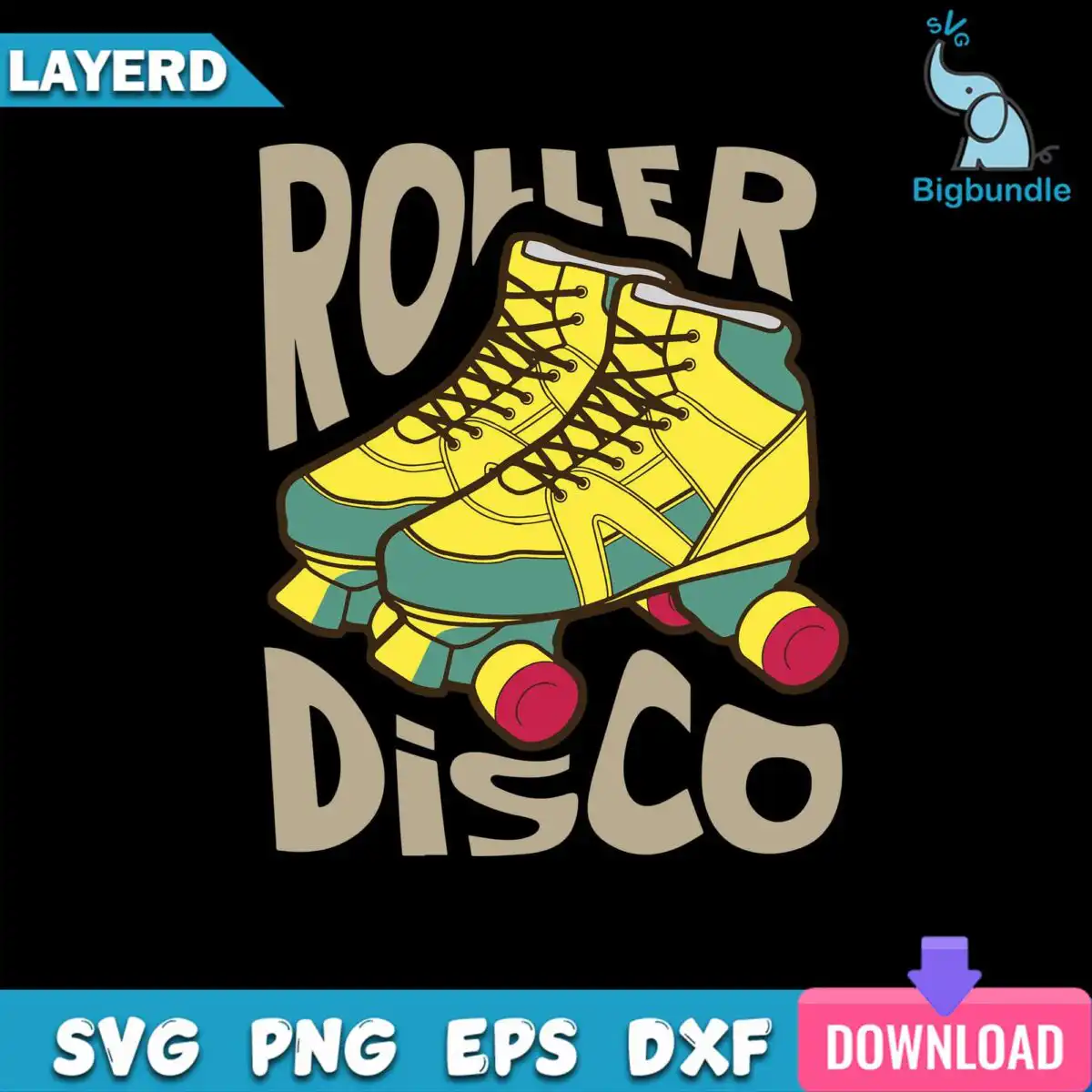
Cool Roller Disco Roller SVG: Retro Yellow Skate Badge for Party Shirts and Mugs
This Cool Roller Disco Roller SVG is a single retro badge design with ROLLER and DISCO lettering across a pair of yellow roller skates, made for cutting vinyl, printing shirts, and decorating party gear. You receive SVG, PNG, DXF, EPS and PDF files. The artwork is a flat, hand-lettered 70s-style badge in yellow, teal green, red, black and tan. Inside the badge, the skates have green trim, red wheels and visible laces, so the shapes read clearly even at small sizes. The design suits roller disco parties, skating birthdays and retro-themed events. It works equally well as a t-shirt print, a tote bag graphic, a mug wrap, a sticker or a vinyl decal for a skate bag or helmet. Because the files are vector, you can scale the badge up for a banner or down for a name tag without losing the lettering.
Design breakdown
This is one badge design, not a bundle. The artwork shows yellow roller skates with green trim, red wheels and laces, framed with the lettering ROLLER and DISCO in black on a dark background. It uses five colours: black, yellow, teal green, red and tan. The design is cut in 4 layers, with medium cutting complexity: the wheels, laces and lettering are separate pieces, so weeding takes some care. For fine details such as the laces, cut it at 4 inches or larger. The SVG and DXF files keep each colour on its own layer so you can cut each colour from a different vinyl sheet.
| Layers | 4 |
|---|---|
| Colours | 5 — black (#000000), yellow (#F5D329), teal green (#3E8C7A), red (#C42B4C), tan (#B5A58A) |
| Lettering | ROLLER / DISCO |
| Background | dark |
| Cut complexity | medium |
| Orientation | portrait |
What’s included
- SVG
- PNG (300 dpi, transparent)
- DXF
- EPS
Works with
- Cricut Design Space
- Silhouette Studio (Designer Edition)
- Brother ScanNCut
- Adobe Illustrator
- Inkscape
- CorelDRAW
How to use
Download the ZIP file from your order and unzip it to a folder on your computer. Open Cricut Design Space, Silhouette Studio or Adobe Illustrator, then use the Upload or File > Open option to import the SVG. For printing, use the PNG, which has a transparent background at 300 dpi. Check the layers panel, resize the badge, and send it to cut or print.
Licence
Personal and small-business commercial use. Sell finished physical items; do not resell or redistribute the files themselves.
FAQ
What files are included with this roller disco SVG?
You get SVG, PNG, DXF, EPS and PDF files. The PNG is 300 dpi with a transparent background, which suits sublimation and print-ready projects. The other formats are for cutting machines and vector software.
Can I use this roller disco badge on a tote bag?
Yes, the badge works on a tote bag, either as a printed transfer or as a vinyl decal. Choose the SVG for vinyl and the PNG for printing. Keep the lettering at a size where ROLLER and DISCO stay easy to read.
Which machines and programs does this file work with?
It works with Cricut Design Space, Silhouette Studio (Designer Edition), Brother ScanNCut, Adobe Illustrator, Inkscape and CorelDRAW. Any of these can open the SVG or DXF file directly. The PNG works in most printing and sublimation software.
Can I resize the design or use it for a small business?
Yes, the vector files resize without losing detail, so you can scale the badge to fit your project. The licence covers personal and small-business commercial use for finished physical items. You may not resell or redistribute the files themselves.


