

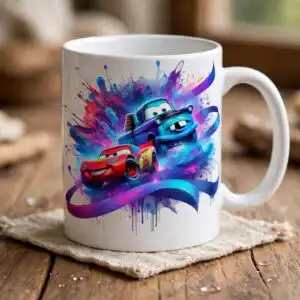
Disney Car Birthday Collage Sheet: Watercolor Cartoon Cars for Shirts, Mugs and Stickers
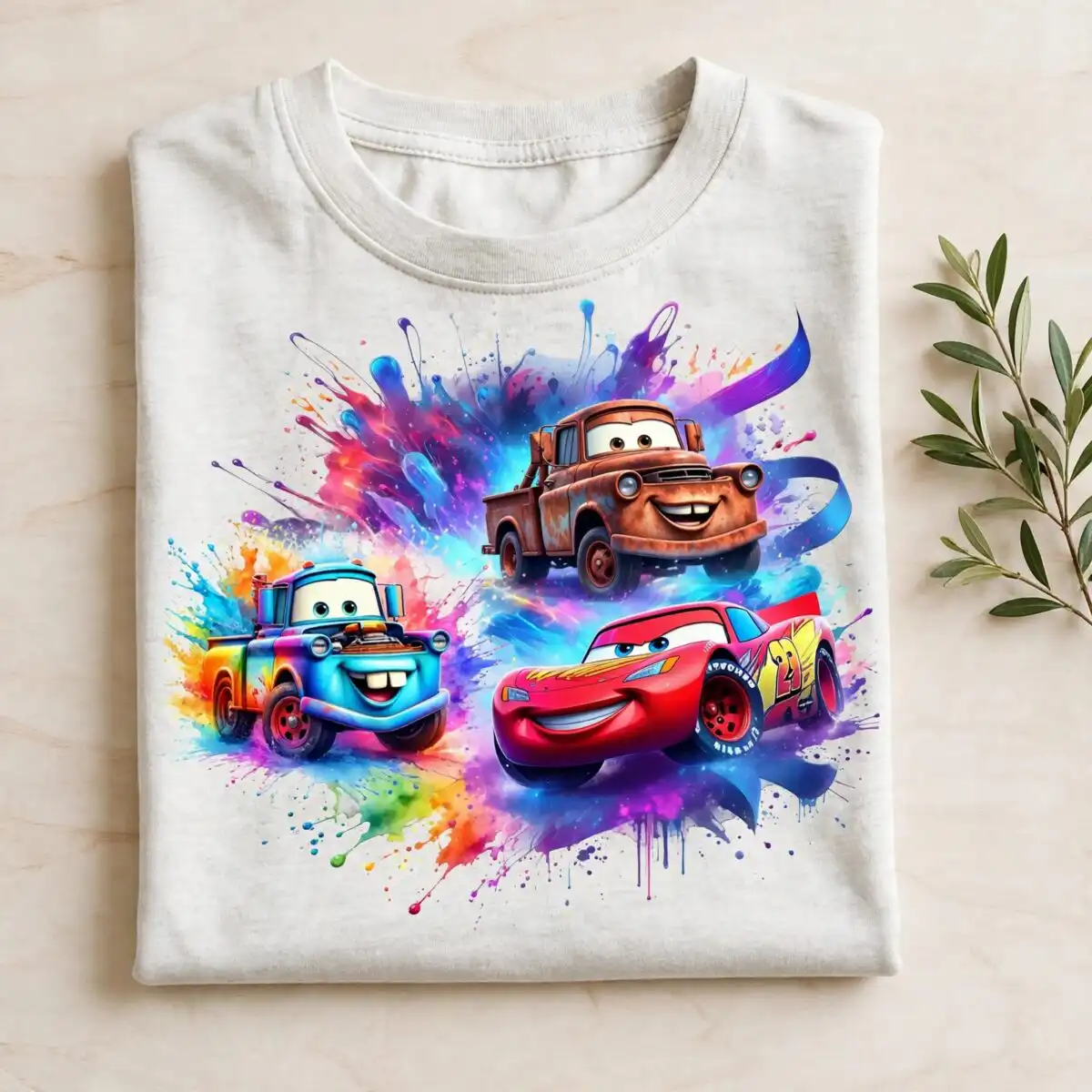
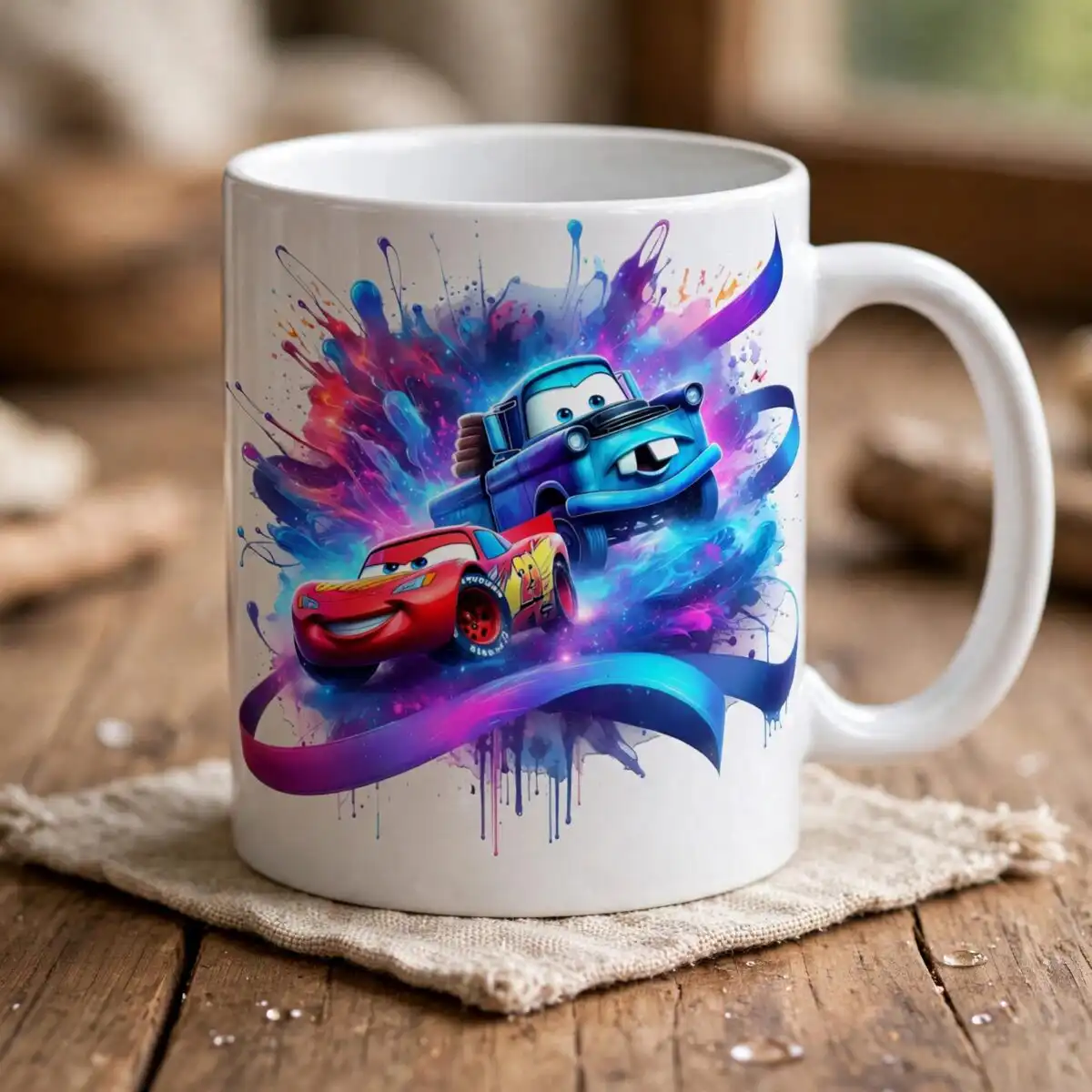
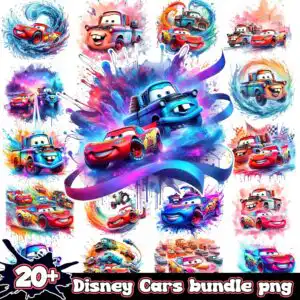
This Disney Car SVG is a single collage sheet of watercolor-style cartoon vehicles, and you receive it as SVG, PNG, DXF, EPS and PDF files made for shirts, tumblers, mugs, stickers and cutting machines. The sheet is built around a red race car with the number 95 decal, a blue cartoon tow truck with large eyes, and an orange-brown truck, all set on swirling blue water shapes and purple and blue ribbon swooshes. Bold red, blue, purple and orange sit against white, with black splash badges and ink splatters adding grit. Because the sheet holds many separate characters, you can cut out just the car you want for a birthday shirt, a kids party tumbler wrap, or a set of stickers. The PNG files have transparent backgrounds at 300 dpi, so they also work for printing and digital projects.
Design breakdown
This collage sheet is cut in 8 layers and uses 6 colours: white, red, blue, purple, orange and black. The red race car with the number 95 decal, the blue cartoon tow truck with large eyes, the orange-brown cartoon truck and the cartoon cars in groups are shown alongside paint splashes, swirling water and wave shapes, a purple and blue ribbon swoosh, a checkered flag, drips and ink splatters, and a black splash badge. The sheet contains 16 distinct designs, and the lettering in the file is the “20+” text. Fine details such as the decal numbers and the splatter edges call for a cut size of 4 inches or larger. Cut complexity is high, so use a fine blade or a print-and-cut workflow for the smaller pieces.
| Layers | 8 |
|---|---|
| Colours | 6 — white (#FFFFFF), red (#D32F2F), blue (#1E88E5), purple (#7E57C2), orange (#FF8A65), black (#000000) |
| Lettering | 20+ |
| Background | white |
| Cut complexity | high |
| Orientation | square |
What’s included
- SVG
- PNG (300 dpi, transparent)
- DXF
- EPS
Works with
- Cricut Design Space
- Silhouette Studio (Designer Edition)
- Brother ScanNCut
- Adobe Illustrator
- Inkscape
- CorelDRAW
How to use
Download the zip file and unzip it to a folder on your computer before you open anything. In Cricut Design Space, Silhouette Studio or ScanNCut, choose Upload, select the SVG, and then drag the individual car you want onto your canvas. For printing, open the PNG in your design software, size it, and print on transfer paper or sticker sheet. The PNG files have transparent backgrounds, so they sit cleanly on coloured shirts and mugs.
Licence
Personal and small-business commercial use. Sell finished physical items; do not resell or redistribute the files themselves.
FAQ
What files do I get with this Disney Car SVG?
You get SVG, PNG, DXF, EPS and PDF files. The PNGs are 300 dpi with transparent backgrounds, which suits printing and sublimation work.
Can I use this Disney Car design on a 20oz tumbler?
Yes, the design suits a 20oz tumbler wrap. Cut out the red race car or the blue tow truck and size it to fit the wrap, keeping fine splatter details at 4 inches or larger.
Which machines and software work with these files?
The files work with Cricut Design Space, Silhouette Studio (Designer Edition), Brother ScanNCut, Adobe Illustrator, Inkscape and CorelDRAW.
Can I resize the design and sell items made with it?
Yes, you can resize the files freely for your projects. The licence covers personal and small-business commercial use for finished physical items, but you may not resell or redistribute the files themselves.


