

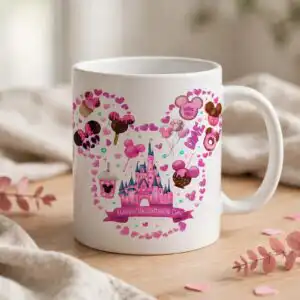
Disney Castle Outline PNG Valentine’s Day Shirt Design with Pink Desserts, Castle
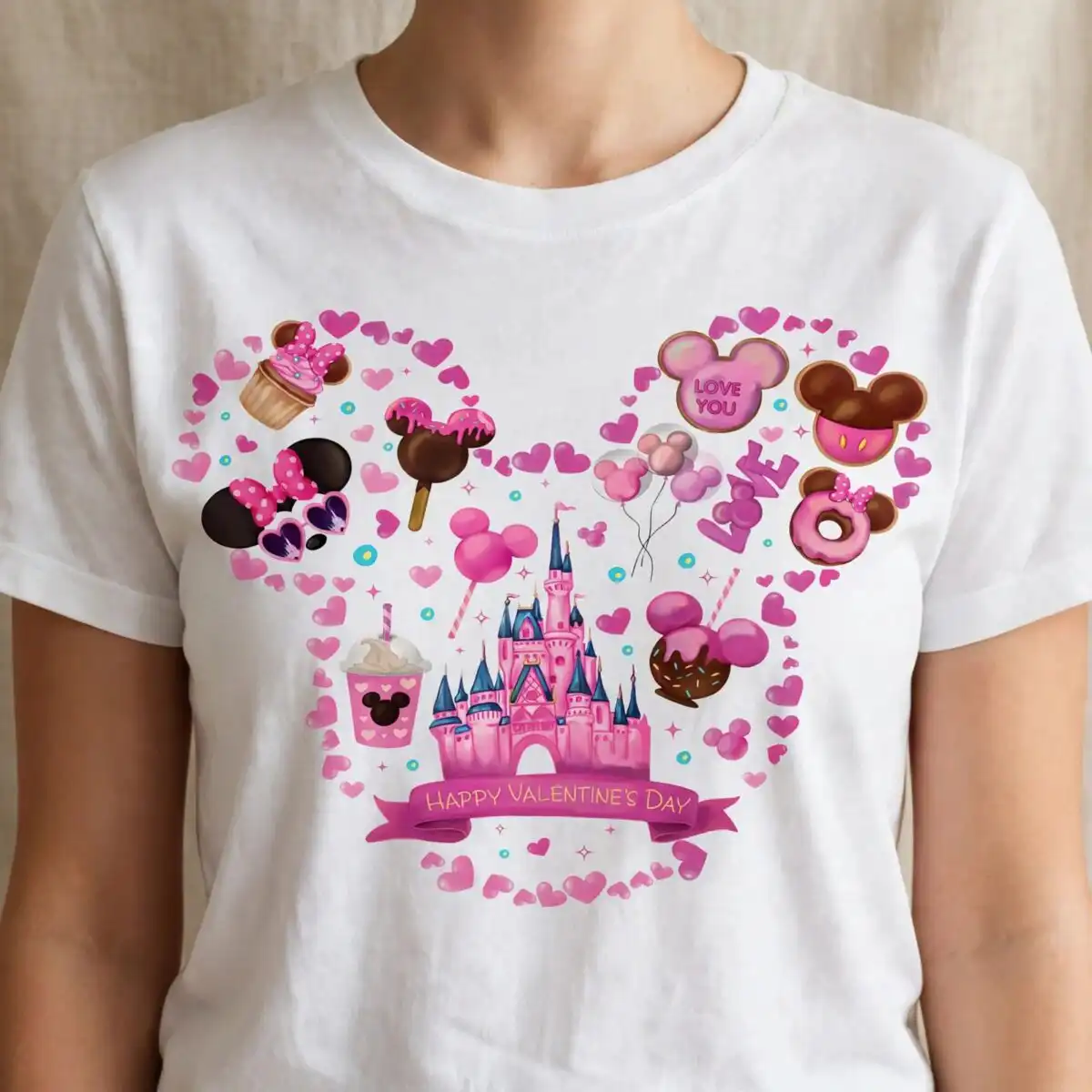
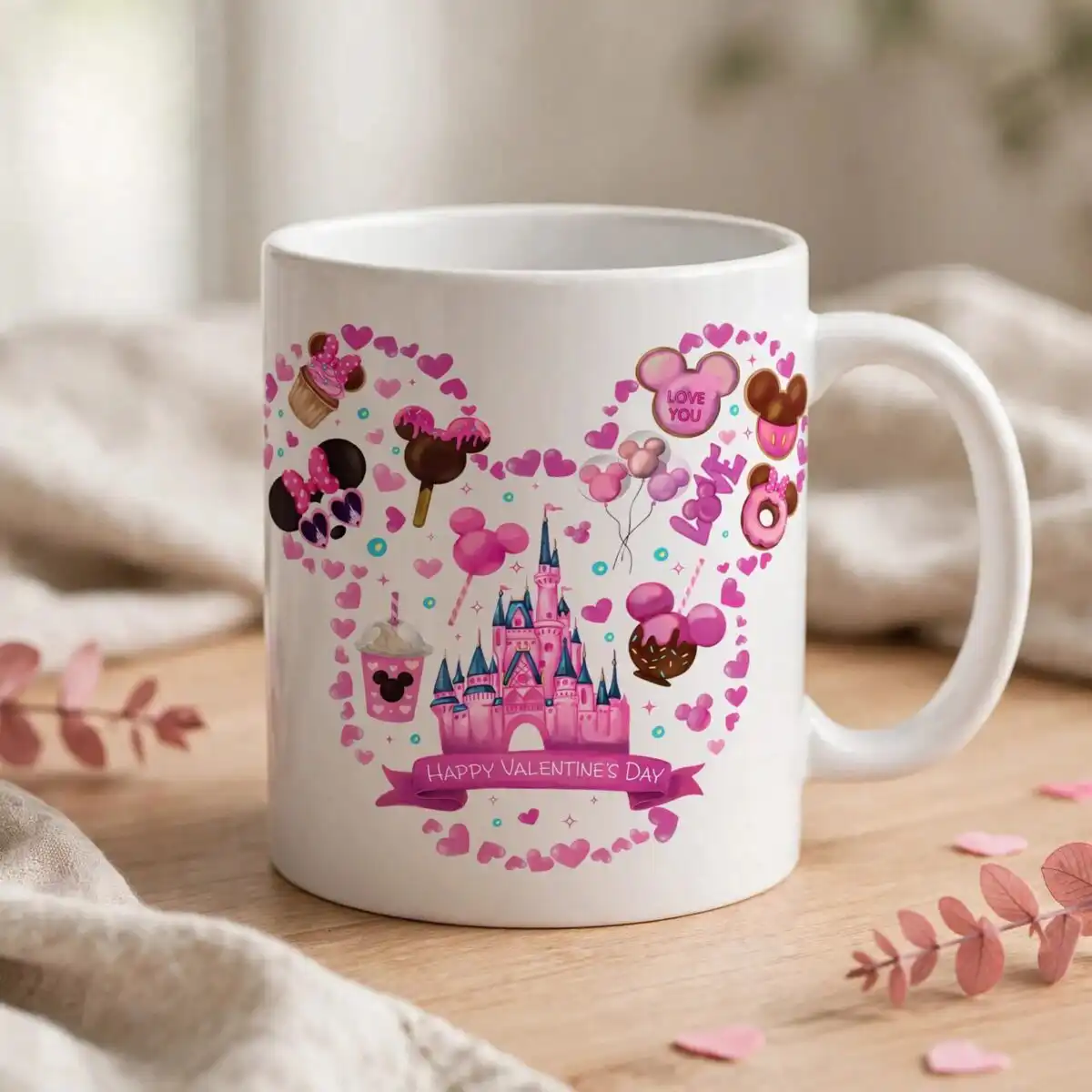
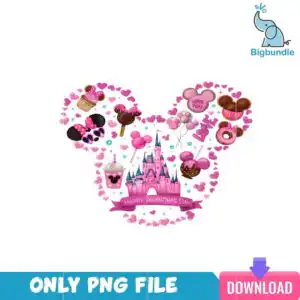
This Disney Castle Outline PNG is a single Valentine’s Day design, delivered as a transparent PNG file made for sublimation, DTF and print-and-cut projects. The artwork shows a large round-eared head outline built from clustered hot pink and light pink hearts, with a pink castle with blue-tipped spires at its centre. Pink balloons, a cupcake with pink frosting, a pink iced donut, a lollipop and a frappe cup fill the outline, and a pink ribbon banner reads “Happy Valentine’s Day” across the lower part. Navy blue, aqua blue and black accents add contrast, and small scattered hearts and sparkle dots finish the scene. You get one PNG at 300 dpi on a transparent background, ready for shirts, mugs and tumblers.
Design breakdown
The design is one composition cut in 14 layers and uses seven colours: hot pink, light pink, pale pink, navy blue, aqua blue, black and brown. The head outline is made of clustered pink hearts, and inside it sit the castle with blue-tipped spires, pink balloons, a cupcake with pink frosting, a lollipop with pink coating, a pink iced donut, a frosted cookie with pink bow-shaped ears, a pink frappe cup with whipped topping, and chocolate-dipped treats. Sunglasses-shaped pink and black shapes with a bow, sparkle and dot accents, and small scattered hearts complete the artwork. The lettering reads “Happy Valentine’s Day”, “LOVE YOU” and “LOVE”. The file has a transparent background and the cut complexity is high, so fine details are best cut at 4 inches or larger.
| Colours | 7 — hot pink (#E0348F), light pink (#F7A8CF), pale pink (#FBDDEB), navy blue (#2B3A67), aqua blue (#3FB8D6), black (#2A2A2A) |
|---|---|
| Lettering | Happy Valentine’s Day / LOVE YOU / LOVE |
| Background | white |
| Orientation | square |
What’s included
- PNG (300 dpi, transparent background)
Works with
- Sublimation printers (Epson, Sawgrass)
- DTF / print-and-cut workflows
- Canva
- Adobe Photoshop
How to use
Download the ZIP file and unzip it to a folder on your computer. Open Canva, Adobe Photoshop or your sublimation or DTF software and choose Import or File, then Open. Select the PNG and resize it to your blank, keeping the proportions locked. Print on a sublimation printer or a DTF transfer, then press or apply the design to your shirt, mug or tumbler.
Licence
Personal and small-business commercial use. Sell finished physical items; do not resell or redistribute the files themselves.
FAQ
What files are included with this design?
You receive one PNG file at 300 dpi with a transparent background. No other formats are included.
Can I use this design on a 20oz tumbler?
Yes, the design works on a 20oz tumbler when printed as a sublimation wrap or decal. Check that the printed size fits your tumbler’s printable area before you press it.
Which printers and software does this work with?
It works with Sublimation printers such as Epson and Sawgrass, DTF and print-and-cut workflows, Canva and Adobe Photoshop. Open the PNG in any of these and print at the size you need.
Can I resize the design and sell the finished products?
Yes, you can resize the PNG for your project. The licence covers personal and small-business commercial use for selling finished physical items, but you may not resell or redistribute the files themselves.


