
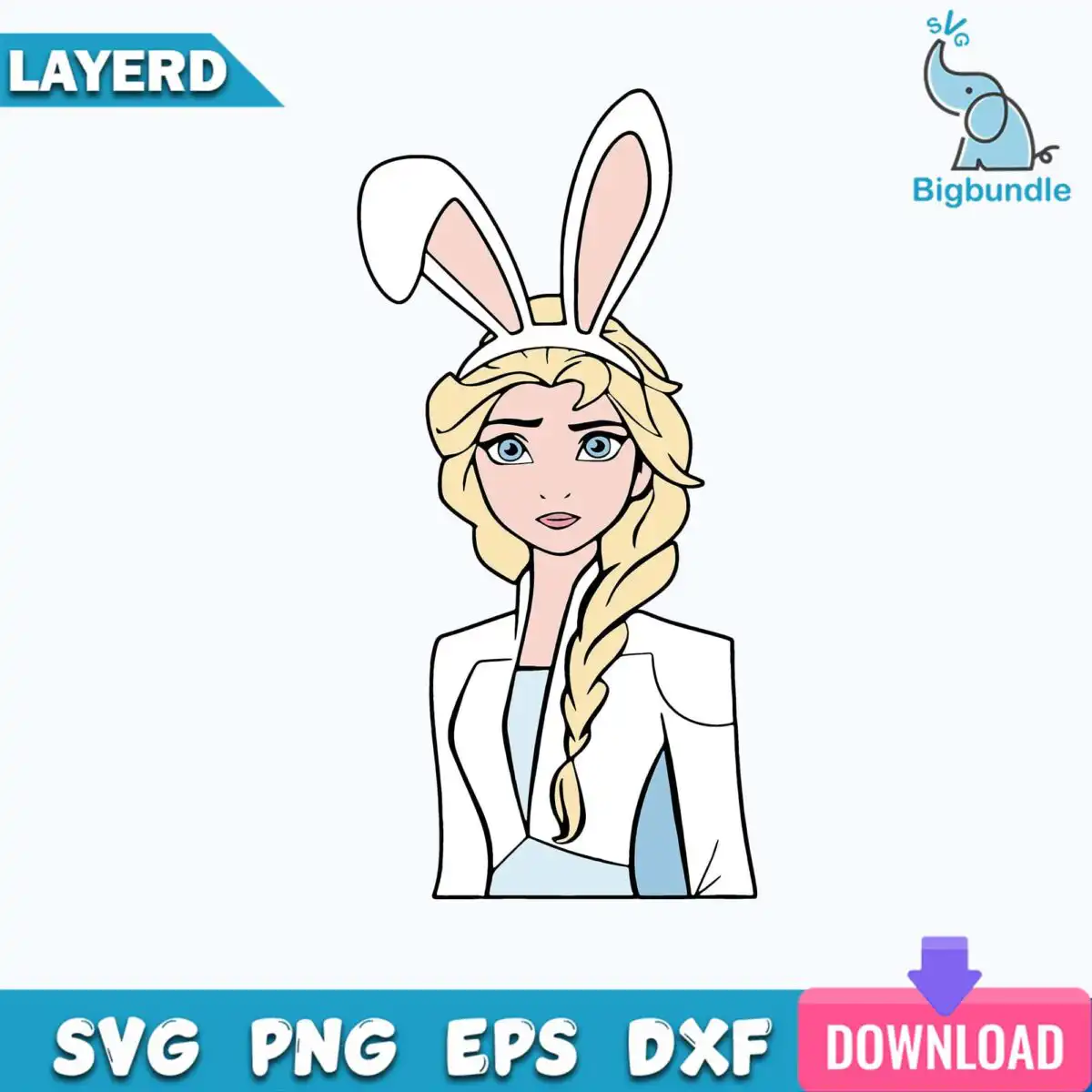
Elsa from Frozen in White Bunny Ears, Easter Cut File for Shirts, Tumblers and Crafts
This Elsa bunny ears design is a single cartoon portrait of Elsa from Frozen wearing a white bunny ears headband, and it comes as SVG, PNG, DXF, EPS and PDF files for shirts, tumblers, decals and Easter crafts. The artwork is a bust portrait showing her braided hair, white jacket and light blue dress, drawn in flat colour with clean outlines. Her pale blue and blonde tones sit against a white background, with teal blue eyes and pink accents on the bunny ears. Because the design is flat and clearly outlined, it cuts neatly on a vinyl cutter and prints well on light fabric. You can use it for a spring party banner, an Easter basket tag or a kids’ shirt, and the file keeps its shape at any size. Each file is set up for personal and small-business use, so you can make finished items to sell, but the files themselves stay with you and are not for resale.
Design breakdown
This design is cut in 4 layers, built from 7 flat colours: white, pale pink, blonde, pale blue, light blue eyes, teal blue and pink. The layers separate the hair, jacket and dress, the headband and bunny ears, the facial features and the outline, so each colour can be weeded or cut from its own vinyl sheet. Cut complexity is medium, with fine details around the eyes and braids, so cut it at 4 inches or larger for the best results. The background is white and the file is in portrait orientation.
| Layers | 4 |
|---|---|
| Colours | 7 — white (#FFFFFF), pale pink (#F9D9CF), blonde (#F2D98B), pale blue (#E8F2FA), light blue eyes (#8FD1E6), teal blue (#2E9CC4) |
| Lettering | LAYERD / SVG / PNG / EPS / DXF / DOWNLOAD |
| Background | white |
| Cut complexity | medium |
| Orientation | portrait |
What’s included
- SVG
- PNG (300 dpi, transparent)
- DXF
- EPS
Works with
- Cricut Design Space
- Silhouette Studio (Designer Edition)
- Brother ScanNCut
- Adobe Illustrator
- Inkscape
- CorelDRAW
How to use
Download the zip file from your order and unzip it to a folder on your computer. For Cricut Design Space or Silhouette Studio, open the program and use Upload to import the SVG file, then place it on your canvas. For printing, open the PNG (transparent, 300 dpi) in your design software or print program. Check the layers panel before cutting so you can see each colour separately.
Licence
Personal and small-business commercial use. Sell finished physical items; do not resell or redistribute the files themselves.
FAQ
What files come with the Elsa bunny ears design?
You get SVG, PNG, DXF, EPS and PDF files. The PNG is 300 dpi with a transparent background, so it can be used for printing and sublimation without a white box around the artwork.
Can I use this Elsa design on a kids’ Easter shirt?
Yes, the design suits a kids’ Easter shirt as an iron-on or a printed transfer. Cut the vinyl at 4 inches or larger so the bunny ears and braided hair keep their detail.
Which machines and programs does this Elsa SVG work with?
It works with Cricut Design Space, Silhouette Studio (Designer Edition), Brother ScanNCut, Adobe Illustrator, Inkscape and CorelDRAW. The DXF and EPS files also open in many other cutting and design programs.
Can I resize this Elsa bunny ears file and sell the finished items?
You can resize the file in your cutting software, and you can use it for personal and small-business commercial use. You may sell finished physical items made with it, but you may not resell or redistribute the files themselves.


