Festive Winter Scene White SVG Cut File for Holiday Sweater and Shirt Crafts
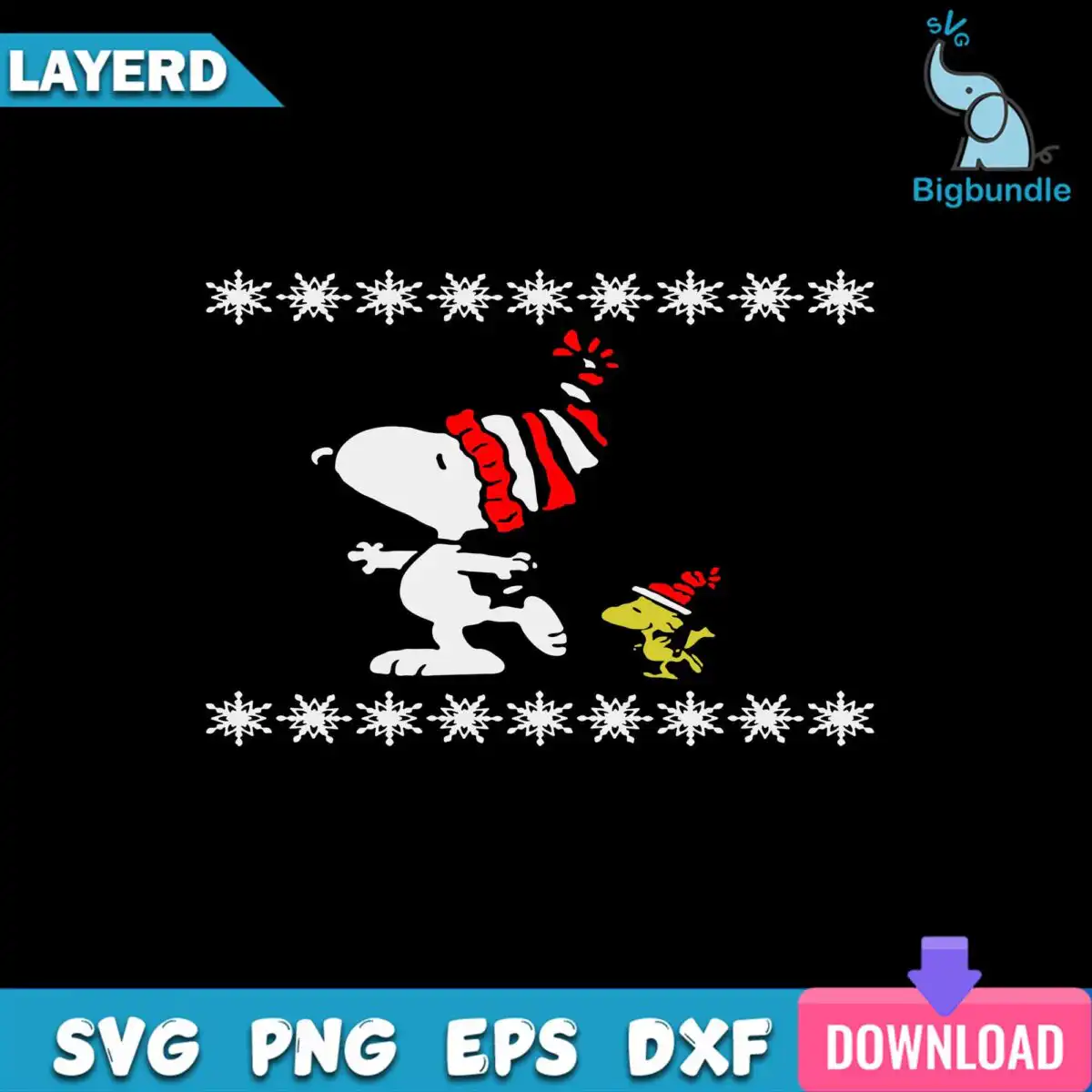
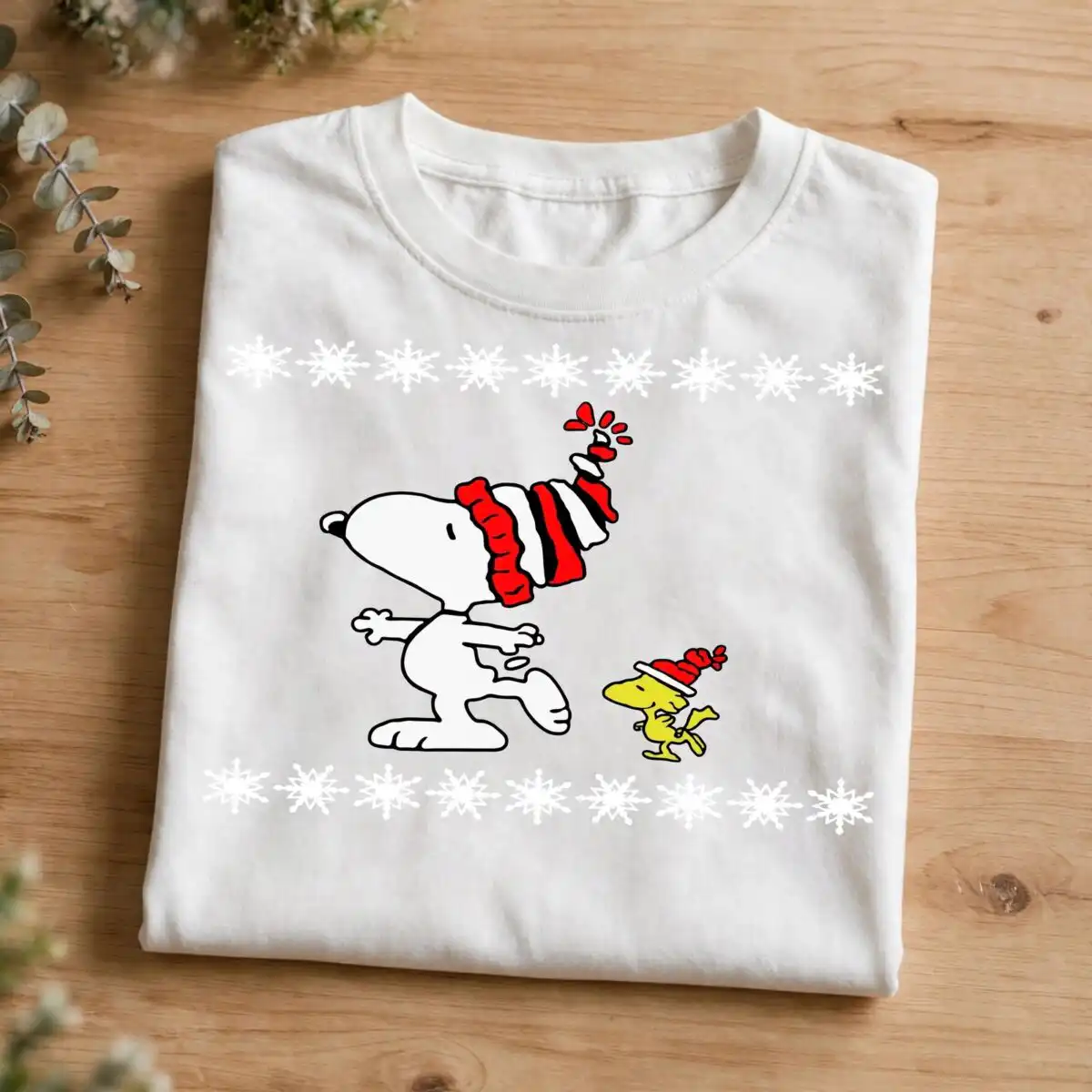
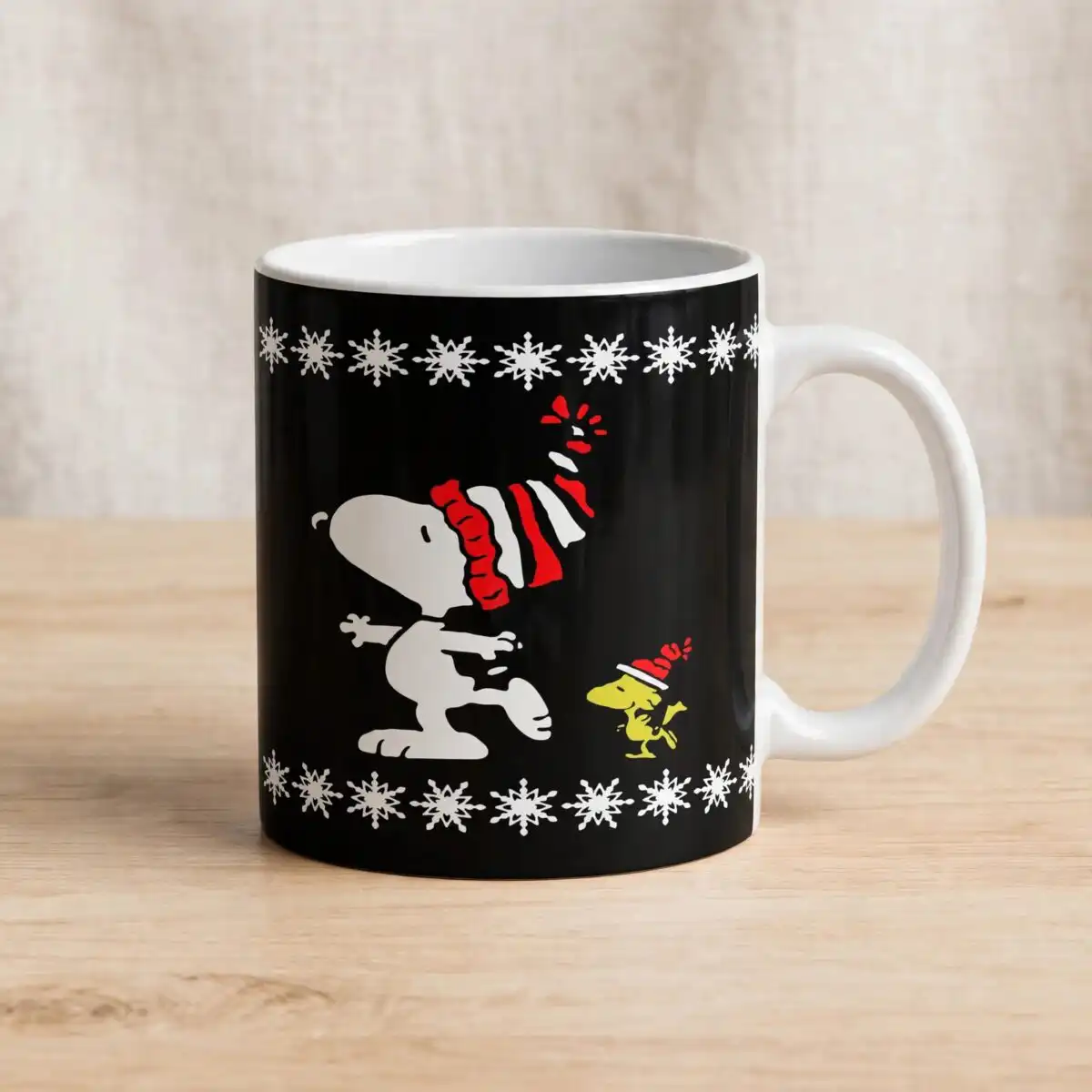
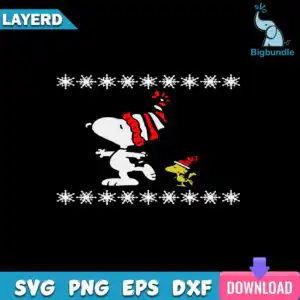
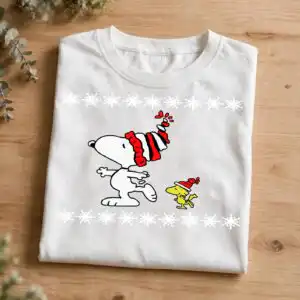
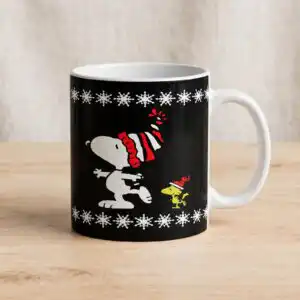
This Festive Winter Scene White design is a single cartoon artwork of a white dog-like figure in a red and white striped knit scarf and hat, leaning forward mid-stride beside a small yellow bird wearing a red Santa-style hat, with rows of white snowflakes above and below. You receive SVG, PNG, DXF, EPS and PDF files, made for cutting vinyl, appliqué and printing on shirts, tumblers, mugs and greeting cards. The palette is black, white, red, yellow, blue and pink on a dark background, so the white figure and red stripes stand out clearly. It suits a winter SVG for shirts project, a holiday sweater appliqué, or a card for a festive gift. The flat, cheerful style keeps the scene playful and easy to read at a glance, and the bundle of formats lets you work in whichever cutting or design program you already use.
Design breakdown
This design is cut in 3 layers and uses six colours: black, white, red, yellow, blue and pink, with a dark background. The main elements are a white cartoon dog in a red and white striped scarf and striped hat, a small yellow bird figure in a red Santa-style hat, and two rows of white snowflakes, one along the top and one along the bottom. The artwork is flat vector with medium cutting detail, so the striped scarf and hat and the snowflake rows are best cut with a fine blade on a machine that handles small shapes well.
| Layers | 3 |
|---|---|
| Colours | 6 — black (#000000), white (#FFFFFF), red (#D42A2A), yellow (#F2D21B), blue (#1E9BD7), pink (#E8478B) |
| Lettering | LAYERD / SVG / PNG / EPS / DXF / DOWNLOAD |
| Background | dark |
| Cut complexity | medium |
| Orientation | square |
What’s included
- SVG
- PNG (300 dpi, transparent)
- DXF
- EPS
Works with
- Cricut Design Space
- Silhouette Studio (Designer Edition)
- Brother ScanNCut
- Adobe Illustrator
- Inkscape
- CorelDRAW
How to use
Download the zip file from your order and unzip it to a folder on your computer. Open the SVG in Cricut Design Space, Silhouette Studio (Designer Edition), Brother ScanNCut or Adobe Illustrator, then import it to your canvas. Resize the design to fit your project, check the layers, and cut or print. For shirts, mirror the design if your vinyl needs it.
Licence
Personal and small-business commercial use. Sell finished physical items; do not resell or redistribute the files themselves.
FAQ
What files come with the festive winter scene white SVG?
You get SVG, PNG, DXF, EPS and PDF files. The PNG is 300 dpi with a transparent background, so it can be used for printing or previewing.
Can I use this winter dog design on a youth t-shirt?
Yes, the design works on a youth t-shirt when you cut it as vinyl or print it with heat transfer. Resize it in your software so the scarf, hat and snowflakes stay readable at the smaller size.
Which machines and programs work with these files?
The files work with Cricut Design Space, Silhouette Studio (Designer Edition), Brother ScanNCut, Adobe Illustrator, Inkscape and CorelDRAW. Any program that opens SVG or DXF files will also import them.
Can I resize the design and use it for my small business?
Yes, you can resize it freely. The licence covers personal and small-business commercial use for finished physical items, but you may not resell or redistribute the files themselves.