
Birthday Cartoon Style Dinosaur Sunglasses Design for Shirts, Mugs and Totes
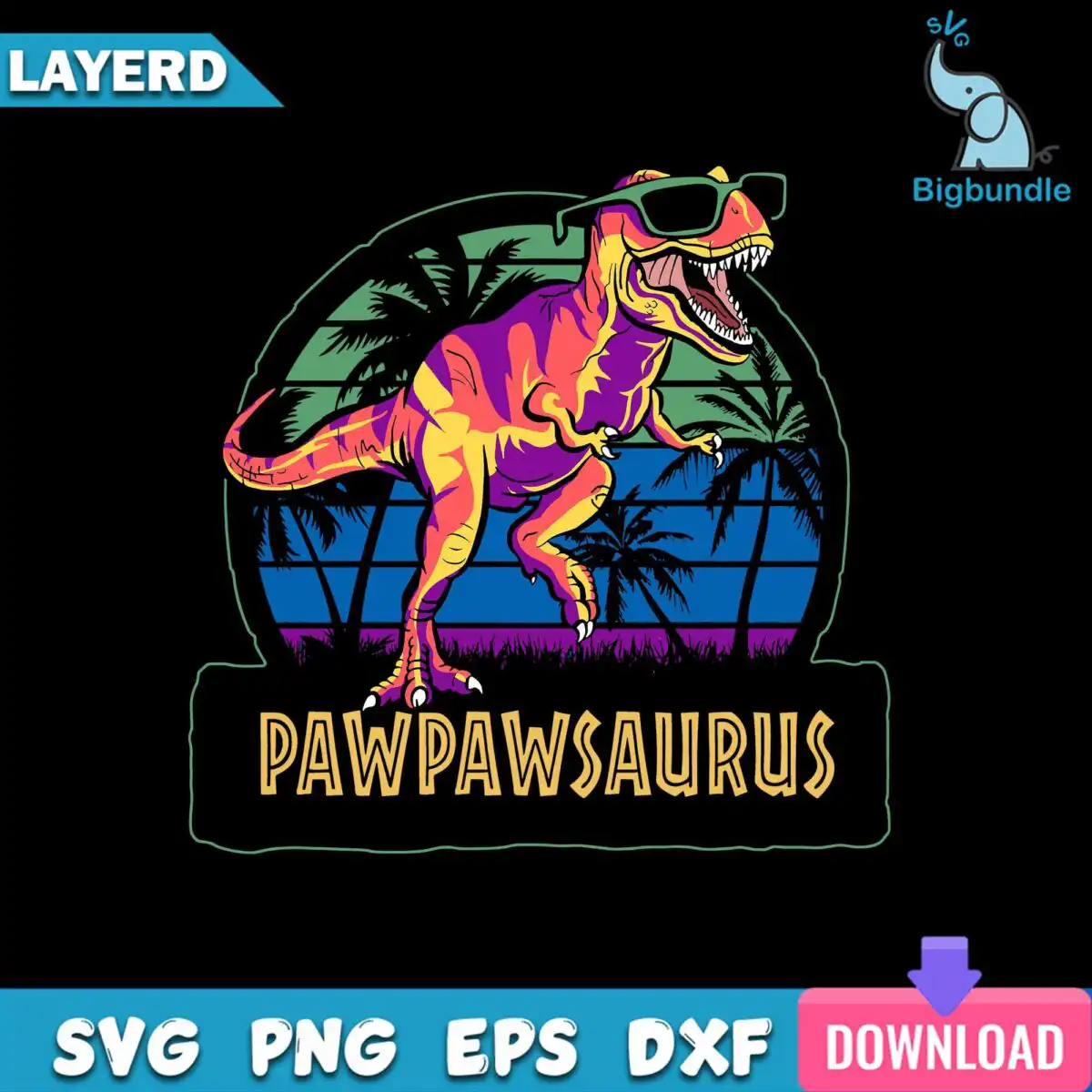
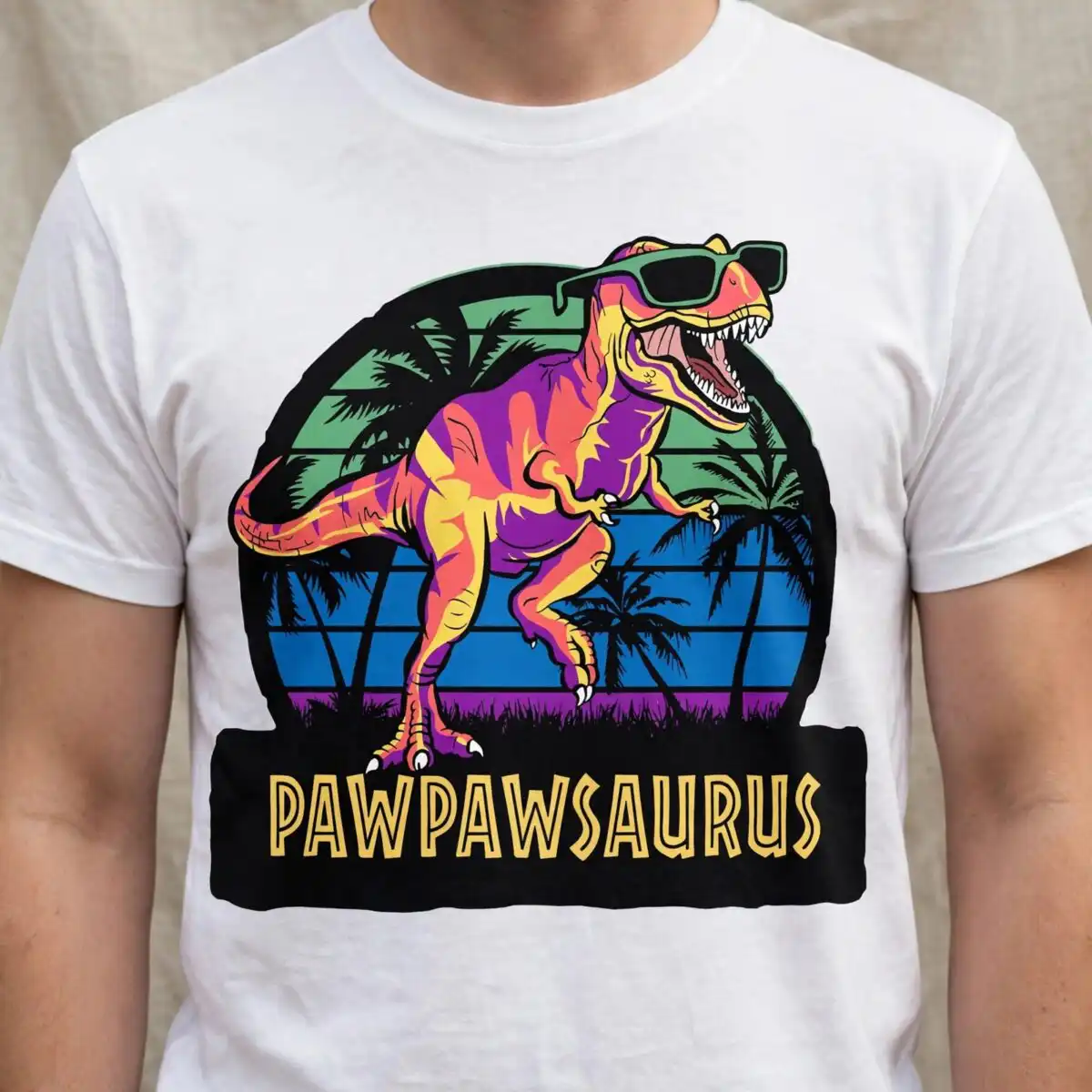
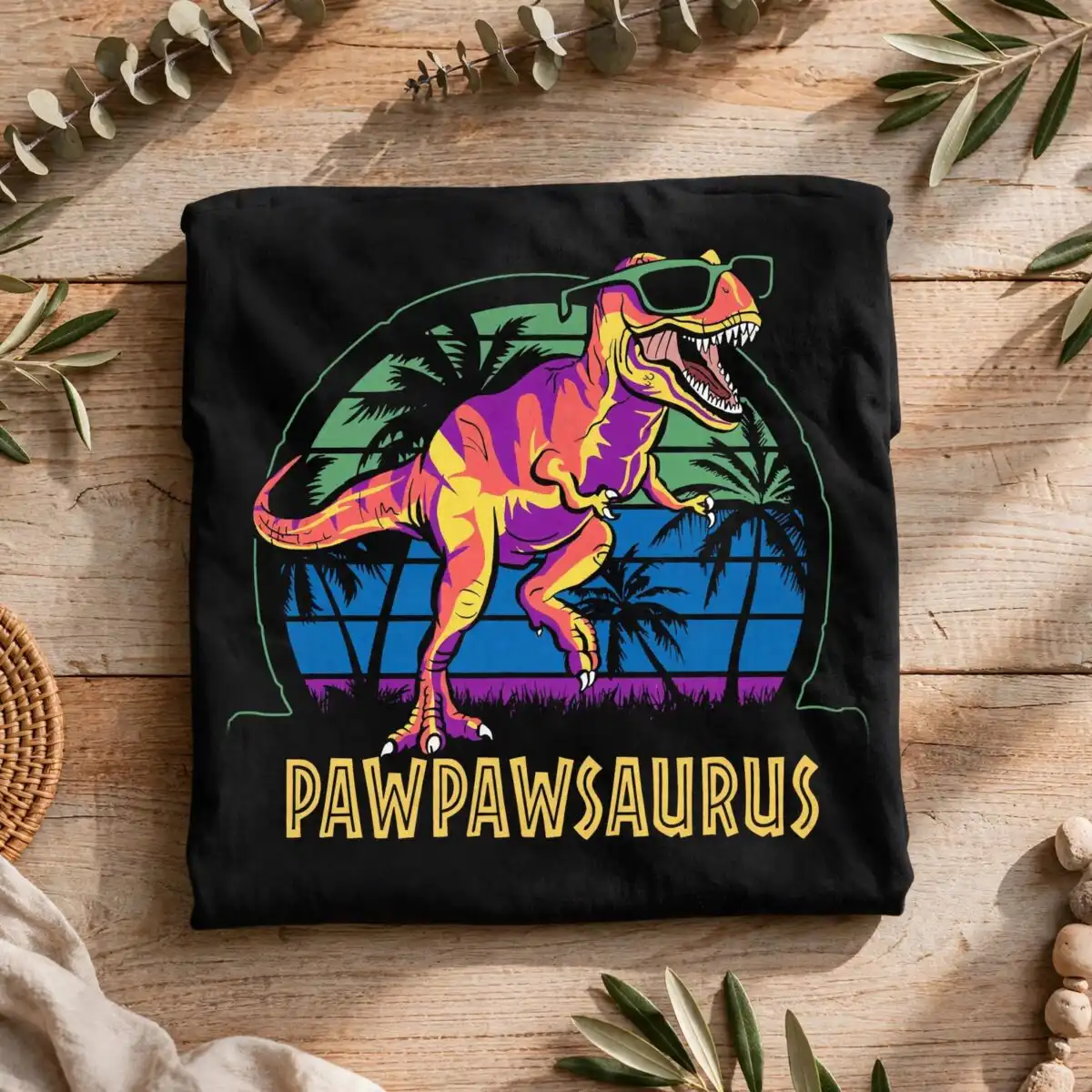
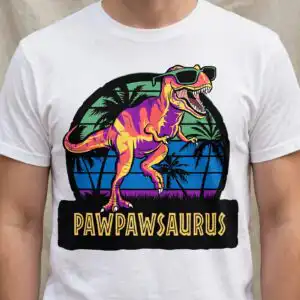
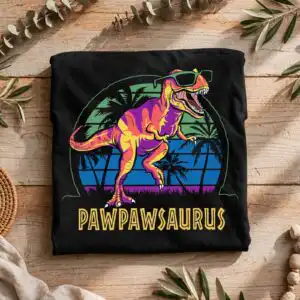
This Birthday Cartoon Style Dinosaur Sunglasses design is a single retro sunset illustration of a roaring cartoon dinosaur, delivered as SVG, PNG, DXF, EPS and PDF files for shirts, mugs, tote bags and cutting projects. You get a dinosaur wearing sunglasses, standing in front of a bold sunset circle with horizontal stripes in orange-red, yellow-gold and pink, with palm trees, grass and a banner below. The lettering PAWPAWSAURUS sits on that banner, so the piece works as a personalised gift for a kid, a dad or a grandparent. The artwork is built from bright blue, teal, green and purple, set against a dark background, which keeps the shapes easy to read. Its claws and teeth are drawn in clean outlines, so the dinosaur stays playful at small sizes. Because the design is vector, you can resize it for a lapel-sized print or a full-front shirt without losing sharpness. Cut files open in Cricut Design Space, Silhouette Studio, Brother ScanNCut, Adobe Illustrator and Inkscape.
Design breakdown
The design is a square badge built from horizontal sunset stripes, a large sunset circle, palm trees, grass, a dinosaur with teeth and claws, sunglasses, and a PAWPAWSAURUS banner. It uses eight colours: black, purple, orange-red, yellow-gold, green, blue, pink and teal. It is cut in 8 layers, one per colour, so each colour can be cut from a separate sheet of vinyl or set as its own print pass. The fine details, such as the sunglasses, teeth and palm fronds, are best cut at 4 inches or larger. The text in the design reads PAWPAWSAURUS on the banner.
| Layers | 8 |
|---|---|
| Colours | 8 — black (#000000), purple (#7B3FA0), orange-red (#F26B3A), yellow-gold (#F7C948), green (#3D8F4F), blue (#2B4BA8) |
| Lettering | PAWPAWSAURUS / LAYERD / SVG / PNG / EPS / DXF / DOWNLOAD |
| Background | dark |
| Cut complexity | high |
| Orientation | square |
What’s included
- SVG
- PNG (300 dpi, transparent)
- DXF
- EPS
Works with
- Cricut Design Space
- Silhouette Studio (Designer Edition)
- Brother ScanNCut
- Adobe Illustrator
- Inkscape
- CorelDRAW
How to use
Download the ZIP file from your order and unzip it to a folder on your computer. Open the SVG file in Cricut Design Space or Silhouette Studio and import it onto your canvas. For printed items, use the PNG file, which has a transparent background, for sublimation or print-on-demand. Check the size on screen before you cut or print.
Licence
Personal and small-business commercial use. Sell finished physical items; do not resell or redistribute the files themselves.
FAQ
What files are included with this dinosaur design?
You get SVG, PNG, DXF, EPS and PDF files. The PNG is 300 dpi with a transparent background, which suits sublimation and printing.
Can I put this dinosaur sunglasses design on a 20oz tumbler?
Yes, the PNG file works on a 20oz tumbler when printed or sublimated at the right size. Check the wrap dimensions before printing, since the sunset and banner need to sit within the full wrap area.
Which machines and programs does this SVG work with?
It works with Cricut Design Space, Silhouette Studio (Designer Edition), Brother ScanNCut, Adobe Illustrator, Inkscape and CorelDRAW. The DXF file suits older cutting software, and the EPS suits Illustrator-based workflows.
Can I resize this design and sell the shirts I make with it?
Yes, the artwork is vector, so you can resize it without losing quality. The licence covers personal and small-business commercial use for finished physical items, but you may not resell or redistribute the files themselves.


