

Everyday Cartoon Pilot Flying Olive Propeller Airplane Shirt and Mug Cut File
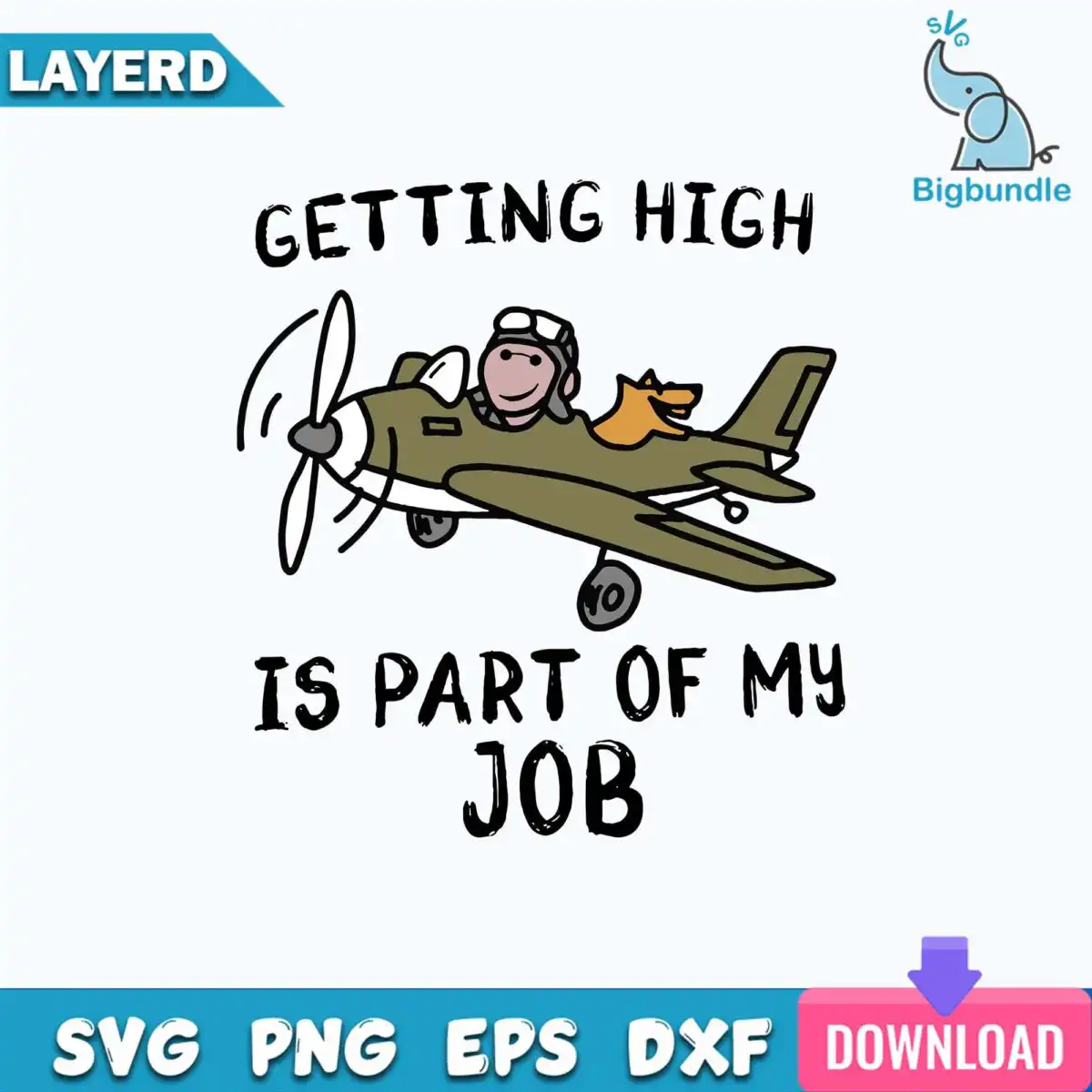
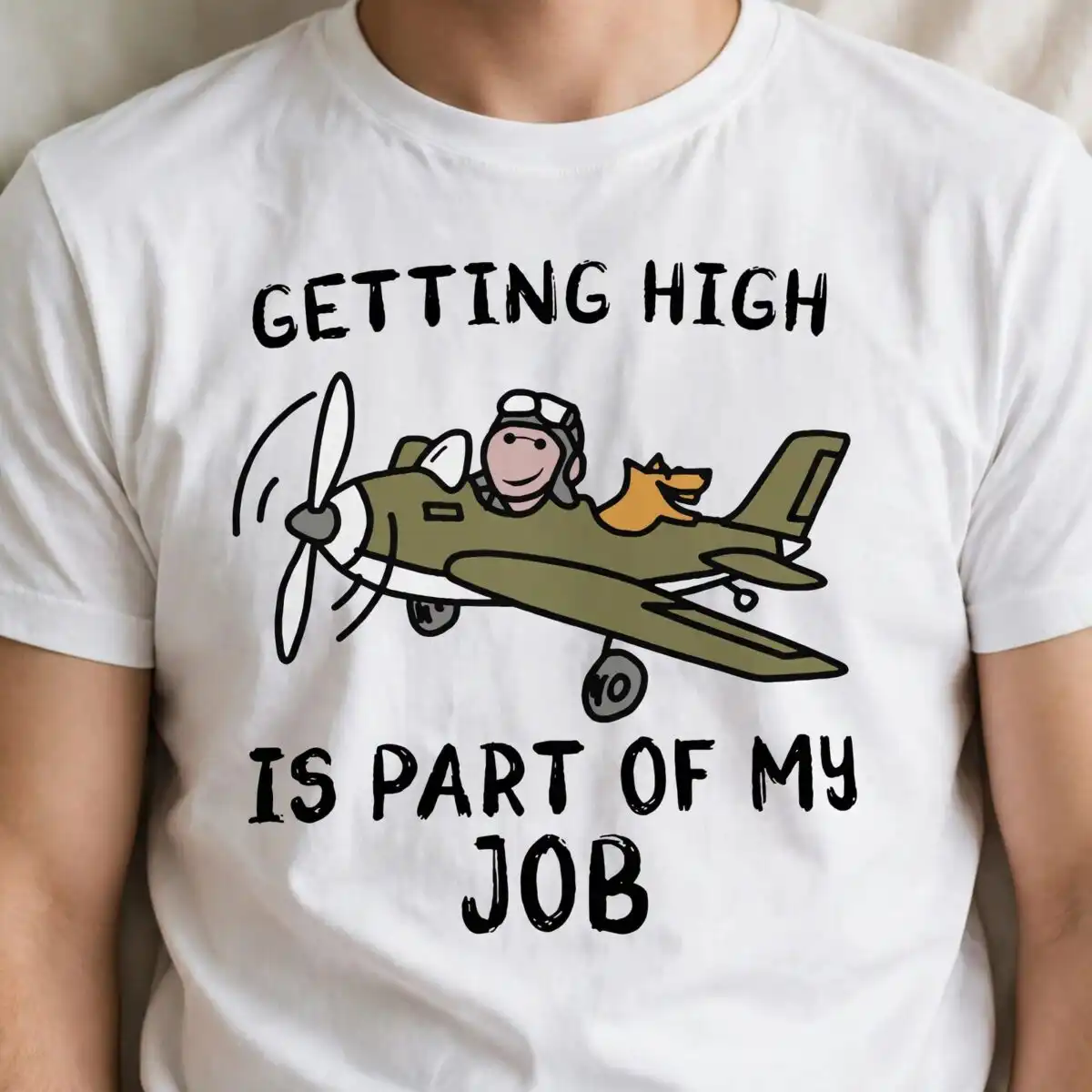
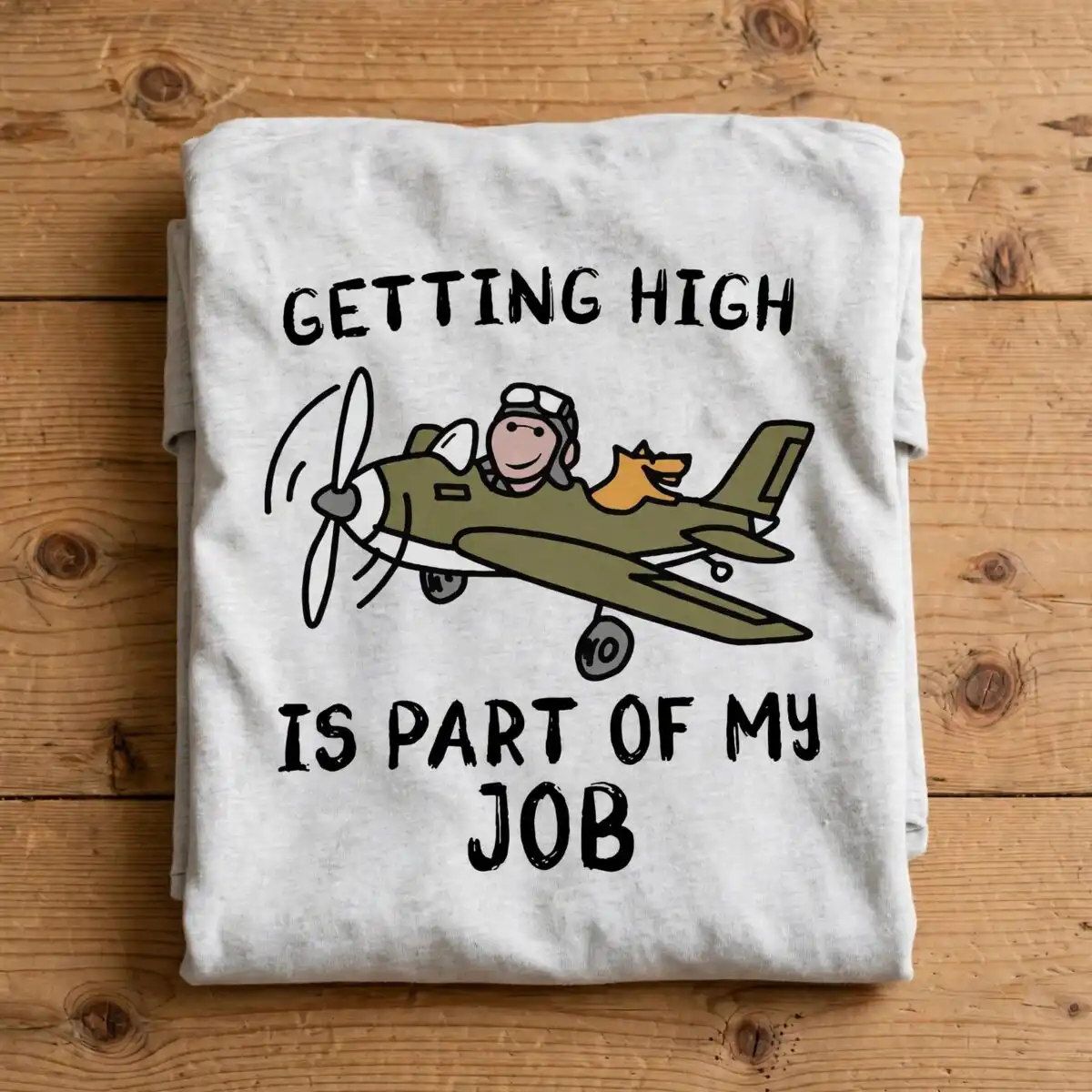
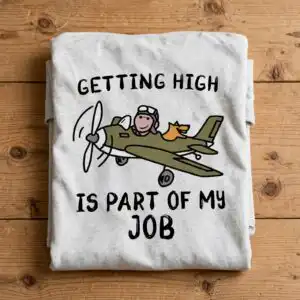
This cartoon airplane flying design shows a hand-drawn pilot in an olive-green propeller airplane, with a smiling face, an aviator helmet and a small orange-tan companion in the cockpit. Above the plane, black lettering reads “GETTING HIGH IS PART OF MY JOB”. You receive one design as SVG, PNG (300 dpi, transparent), DXF, EPS and PDF files, made for shirts, mugs, decals, vinyl cuts and stickers. The drawing uses flat colour in olive green, tan, orange-tan and muted pink-brown, with black outlines on white. Aviation enthusiasts and pilots will recognise the joke at once, and the artwork suits everyday wear or a gift for anyone who loves flying. Each element, from the propeller and landing gear wheels to the tail fin and wings, is drawn as a separate shape, so the file cuts cleanly in most cutting software.
Design breakdown
This is a single design, not a bundle, and it is cut in 8 layers across six colours: black, olive green, tan, orange-tan, muted pink-brown and white. The black outlines form the main linework, while the olive-green airplane body, the tan and orange-tan cockpit shapes and the muted pink-brown details sit as flat fills. The lettering “GETTING HIGH”, “IS PART OF MY” and “JOB” is set as separate text elements above the plane. The propeller, landing gear wheels, tail fin and wings are each drawn as their own shapes. The cut complexity is medium, so fine details such as the helmet strap and propeller blades are best cut at 4 inches or larger.
| Layers | 8 |
|---|---|
| Colours | 6 — black (#000000), olive green (#6B6B3A), tan (#D9A066), orange-tan (#E8B07A), muted pink-brown (#B08A7A), white (#FFFFFF) |
| Lettering | GETTING HIGH / IS PART OF MY / JOB |
| Background | white |
| Cut complexity | medium |
| Orientation | square |
What’s included
- SVG
- PNG (300 dpi, transparent)
- DXF
- EPS
Works with
- Cricut Design Space
- Silhouette Studio (Designer Edition)
- Brother ScanNCut
- Adobe Illustrator
- Inkscape
- CorelDRAW
How to use
Download the zip file from your order and unzip it to a folder on your computer. Open the SVG file in Cricut Design Space or Silhouette Studio (Designer Edition) using the Upload or Open option. Resize the design to fit your project, then send it to your cutter or print it with the PNG file. For sublimation or printing on a mug, use the transparent PNG so the white background does not show.
Licence
Personal and small-business commercial use. Sell finished physical items; do not resell or redistribute the files themselves.
FAQ
What files come with this cartoon airplane design?
You get SVG, PNG (300 dpi, transparent), DXF, EPS and PDF files. The SVG suits most cutting machines, while the PNG works well for printing and sublimation.
Can I put this pilot design on a 20oz tumbler?
Yes, the design works on a 20oz tumbler when you use the PNG file for printing or the SVG for a vinyl wrap. Resize it to fit the curve of the tumbler before you cut or print.
Which machines and software can open these files?
The files work with Cricut Design Space, Silhouette Studio (Designer Edition), Brother ScanNCut, Adobe Illustrator, Inkscape and CorelDRAW. The SVG and DXF formats are the most useful for cutting machines.
Can I resize the design and use it for my small business?
Yes, you can resize the design freely. The licence covers personal and small-business commercial use, so you can sell finished physical items made with it, but you may not resell or redistribute the files themselves.


