

Everyday Pink Bear Like Cartoon Design for Shirts, Mugs and Decals
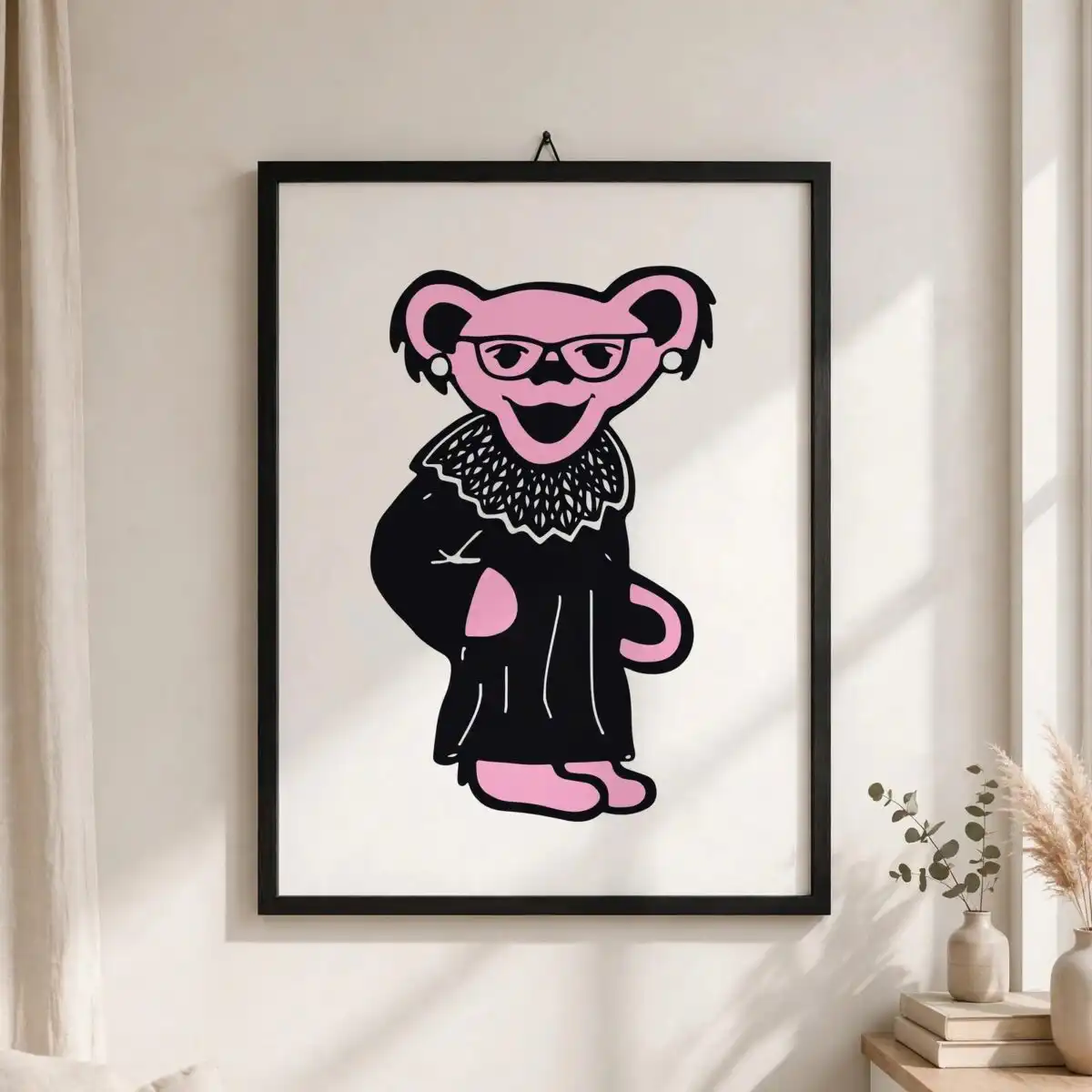
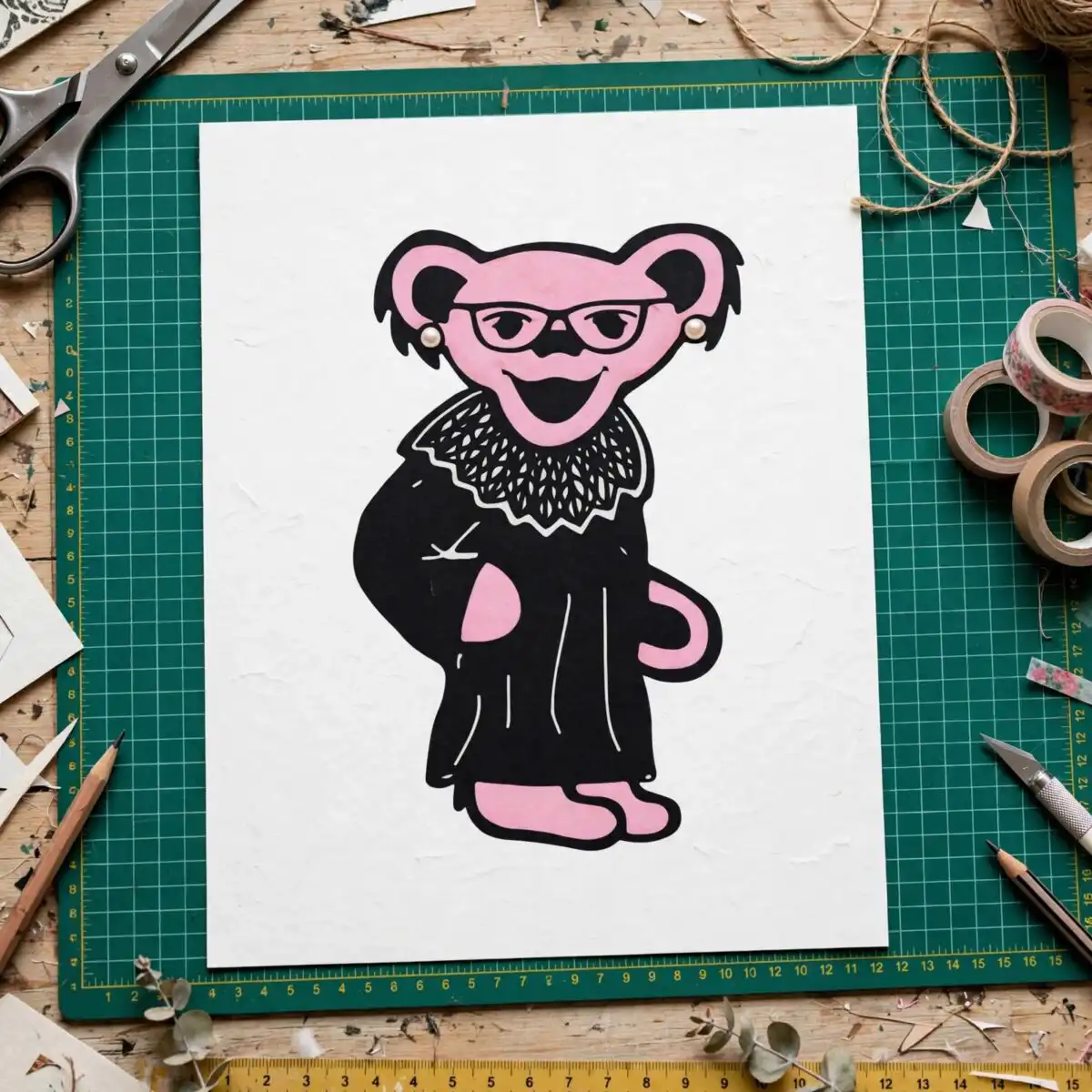
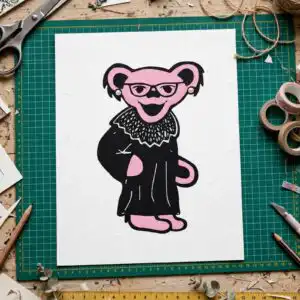
This Everyday Pink Bear Like Cartoon design is a single flat vector character, delivered as SVG, PNG, DXF, EPS and PDF files for cutting and printing. The pink bear-like figure has round ears, round eyeglasses, pearl-like earrings and a wide open smile, and it stands with one hand on its hip. Its black robe has a lace-textured collar outlined in white, while the pink hand and feet and the light pink head sit against bold teal blue and hot pink accents with a purple detail. You can use the figure for everyday vinyl decals, t-shirt iron-on transfers, mug wraps and stickers. The bold black outline and two-tone silhouette keep the character readable when it is scaled down. Its playful, humorous look suits everyday wear, a fan gift, or a laptop decal for a friend who loves cartoons.
Design breakdown
The design is a single-design preview sheet with one portrait character, cut in 4 layers and built from 6 colours: light pink, black, white, teal blue, hot pink and purple. The black robe, the white-outlined lace-textured collar, and the round glasses form the bold outline shapes, while the light pink head, pink hand and pink feet make up the main body colour. Teal blue, hot pink and purple fill the smaller accent areas. The file is medium cut complexity, with fine details such as the glasses, pearl-like earrings and collar texture best cut at 4 inches or larger. The background is white, and the artwork is supplied on a transparent background in the PNG version.
| Layers | 4 |
|---|---|
| Colours | 6 — light pink (#E9A6C4), black (#000000), white (#FFFFFF), teal blue (#1A9BC9), hot pink (#F0609E), purple (#7B5FD6) |
| Lettering | LAYERD / SVG / PNG / EPS / DXF / DOWNLOAD |
| Background | white |
| Cut complexity | medium |
| Orientation | portrait |
What’s included
- SVG
- PNG (300 dpi, transparent)
- DXF
- EPS
Works with
- Cricut Design Space
- Silhouette Studio (Designer Edition)
- Brother ScanNCut
- Adobe Illustrator
- Inkscape
- CorelDRAW
How to use
Download the zip file and unzip it to a folder on your computer. Open your cutting software, such as Cricut Design Space or Silhouette Studio, and choose Import or Upload. Select the SVG file, then check the layers in the layer panel before cutting. For a t-shirt iron-on or mug wrap, use the PNG file at its full size and print it on the correct transfer or sublimation paper. Keep the colour layers grouped so they stay aligned.
Licence
Personal and small-business commercial use. Sell finished physical items; do not resell or redistribute the files themselves.
FAQ
What files come with this pink bear design?
You get SVG, PNG, DXF, EPS and PDF files. The PNG is 300 dpi with a transparent background, so it is ready for printing as well as cutting.
Can I put this pink bear on a 20oz tumbler?
Yes, the design works on a 20oz tumbler when used as a printed wrap or vinyl decal. Check that the image is sized to fit the tumbler’s printable area before you print it.
Which machines and software does this file work with?
It works with Cricut Design Space, Silhouette Studio (Designer Edition), Brother ScanNCut, Adobe Illustrator, Inkscape and CorelDRAW. You can also open the PNG and PDF in any standard print program.
Can I resize the design and sell the items I make with it?
Yes, you can resize the design to suit your project. The licence covers personal and small-business commercial use, so you can sell finished physical items, but you may not resell or redistribute the files themselves.


