
Stitch Ghost Face Scream Cartoon Halloween Cut File for Shirts, Mugs and Decals
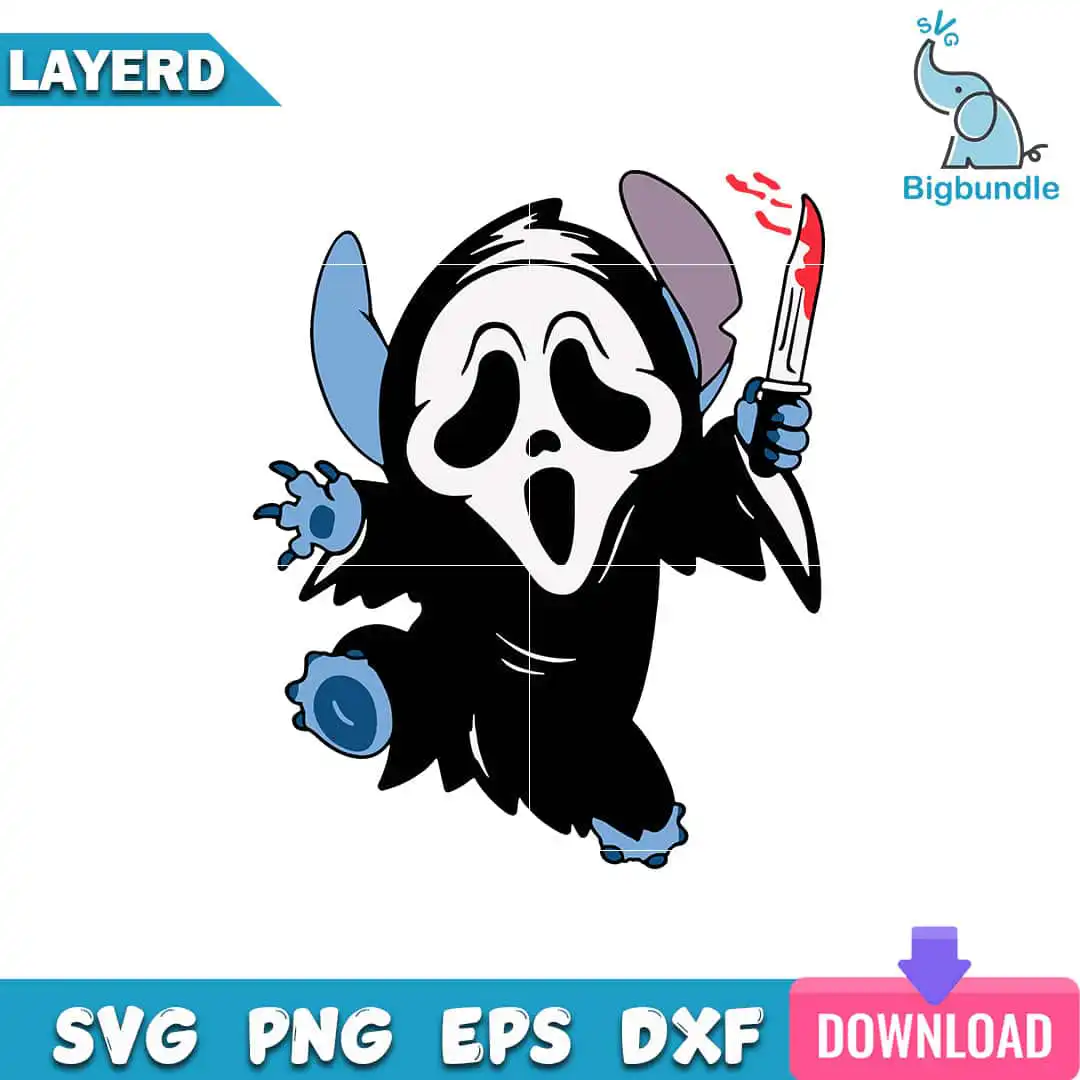
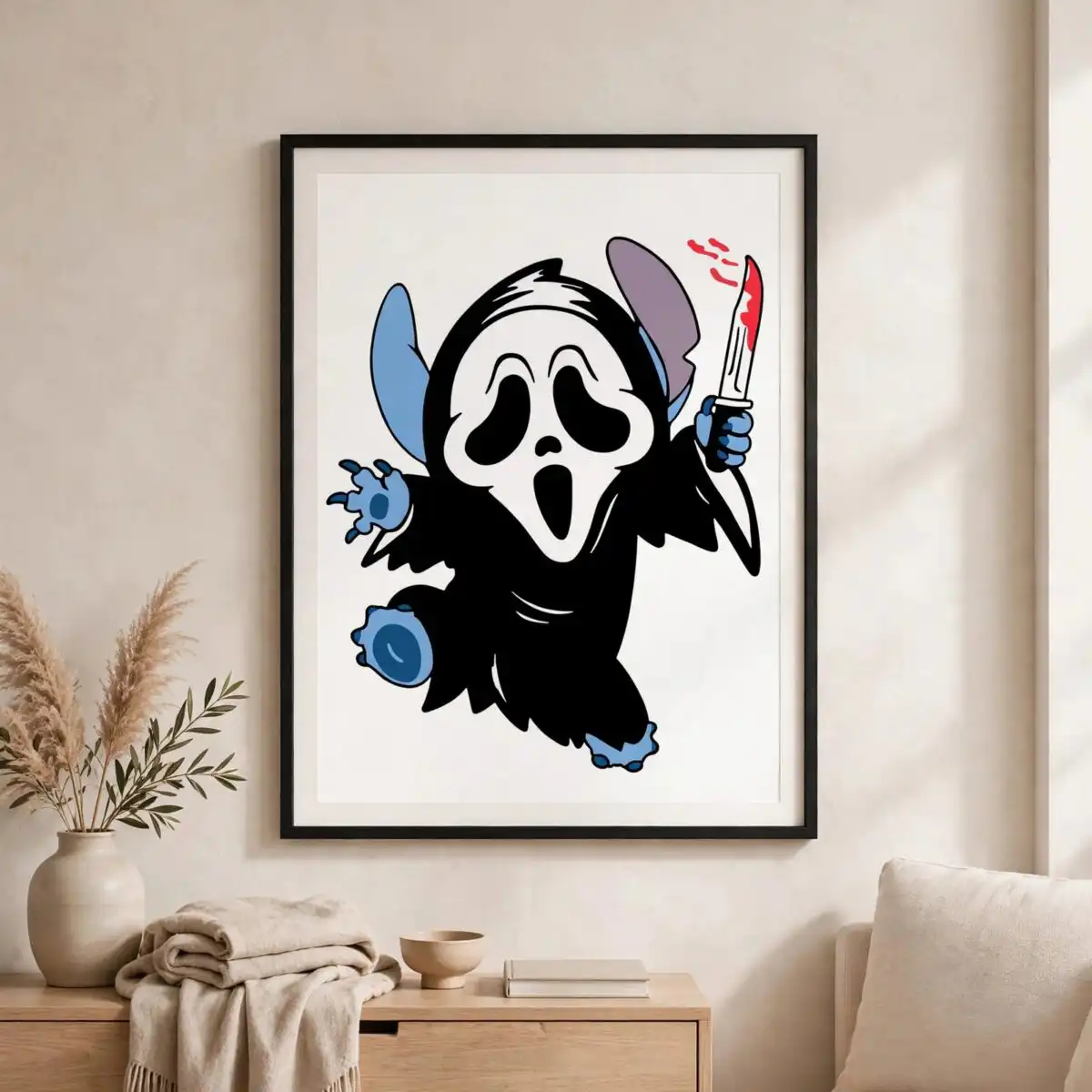
This ghost face cartoon design shows Stitch, the Disney alien, dressed as Ghostface from the Scream franchise and holding a bloodied knife. You get one design as SVG, PNG, DXF, EPS and PDF files, ready for shirts, mugs, tote bags, vinyl decals and sublimation. The artwork is built from bold black, white, Stitch blue and blood red. The black hooded robe and white Ghostface mask sit against Stitch’s blue alien ears, blue clawed hands and feet, and the red drips running down the blade. Because the lines are simple and the silhouette is strong, it suits Halloween decorating, horror-fan gifts and playful spooky crafts. The lettering in the design is the word “SVG” and the file-format labels, so the artwork itself stays a clean character illustration with no extra text to weed out.
Design breakdown
The design is one character illustration, cut in 4 layers, using five colours: black, white, Stitch blue, blood red and lavender-grey. The black layer holds the hooded robe and the Ghostface mask outline, the white layer carries the mask highlights, the Stitch blue layer covers the alien ears, clawed hands and feet, and the blood red layer forms the drips on the blade. Lavender-grey is used for the shading. The cut is medium complexity, with the knife, claws and mask edges as the most detailed areas, so cut it at 4 inches or larger for clean results. The file is a single portrait sheet on a white background.
| Layers | 4 |
|---|---|
| Colours | 5 — black (#000000), white (#FFFFFF), Stitch blue (#4A8FD6), blood red (#C0392B), lavender-grey (#A8A4C4) |
| Lettering | LAYERD / SVG / PNG / EPS / DXF / DOWNLOAD |
| Background | white |
| Cut complexity | medium |
| Orientation | portrait |
What’s included
- SVG
- PNG (300 dpi, transparent)
- DXF
- EPS
Works with
- Cricut Design Space
- Silhouette Studio (Designer Edition)
- Brother ScanNCut
- Adobe Illustrator
- Inkscape
- CorelDRAW
How to use
Download the ZIP and unzip it to a folder on your computer. In Cricut Design Space or Silhouette Studio, choose Upload, select the SVG, and insert it onto your canvas. For printing, open the PNG (transparent background, 300 dpi) in your design software or print program. Size the artwork to your blank, then cut or print as your project needs.
Licence
Personal and small-business commercial use. Sell finished physical items; do not resell or redistribute the files themselves.
FAQ
What files are included with this Ghost Face cartoon design?
You get SVG, PNG (300 dpi, transparent), DXF, EPS and PDF files. The PNG suits printing and sublimation, while the SVG and DXF files are for cutting machines and design software.
Can I use this Stitch ghost face design on a 20oz tumbler?
Yes, the PNG works for tumbler wraps and sublimation. Scale the artwork to fit your tumbler wrap template, and keep the knife and claw details at a size that prints clearly.
Which machines and programs does this design work with?
It works with Cricut Design Space, Silhouette Studio (Designer Edition), Brother ScanNCut, Adobe Illustrator, Inkscape and CorelDRAW. Any of these can open the SVG, and the PNG works in most print programs.
Can I resize this file and use it for my small business?
Yes, you can resize the files freely. The licence covers personal and small-business commercial use, so you can sell finished physical items such as shirts and mugs, but you may not resell or redistribute the files themselves.


