

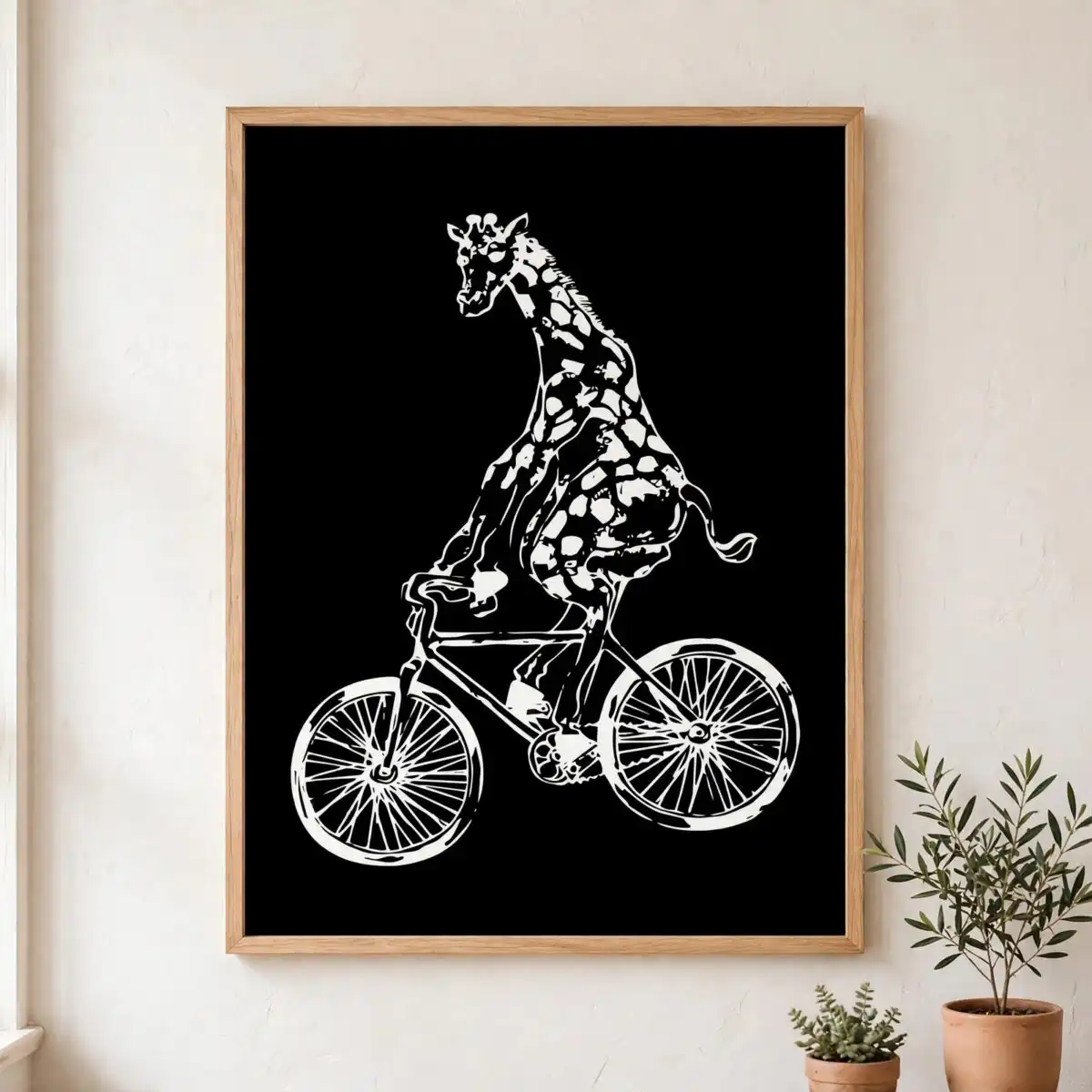
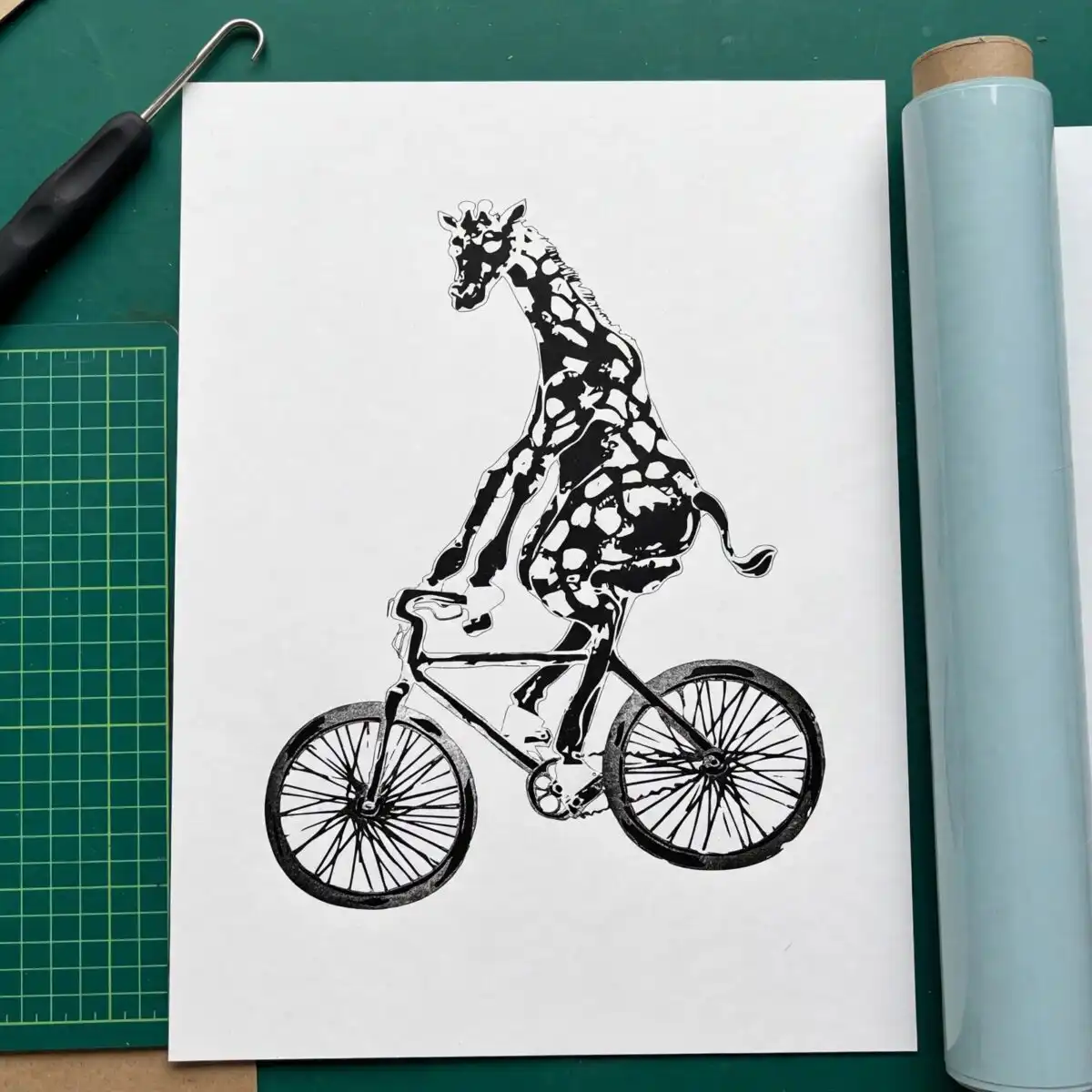
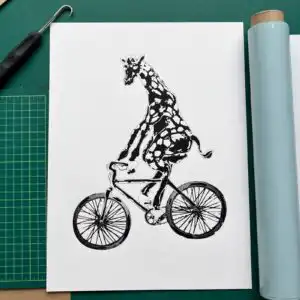
Whimsical Giraffe Riding Bicycle Silhouette Animal Design for Kids Shirts
This giraffe riding a bicycle silhouette is a single illustration that gives you SVG, PNG, DXF, EPS and PDF files made for cutting and printing on shirts, tumblers, mugs and decals. You will love how this Giraffe Cycling Giraffe Animal SVG artwork captures a playful, quirky humor with a hand-drawn, distressed sketch style. The design centers on a tall giraffe balanced on a bicycle, set in crisp black and white against a solid black background in portrait orientation, perfect for a kids tee, a vinyl decal, a sticker sheet or whimsical wall art for animal lovers and cyclists.
Design breakdown
This is a single layer design in black and white shown on a solid black background in portrait orientation. It is drawn as a distressed, sketchy, whimsical hand-drawn silhouette of a giraffe riding a bicycle with high cut complexity and fine distressed details, so cut it at 4 inches or larger for best results.
| Layers | 1 |
|---|---|
| Colours | 2 — white (#FFFFFF), black (#000000) |
| Lettering | no lettering |
| Background | solid black |
| Cut complexity | high |
| Orientation | portrait |
What’s included
- SVG
- PNG (300 dpi, transparent)
- DXF
- EPS
Works with
- Cricut Design Space
- Silhouette Studio (Designer Edition)
- Brother ScanNCut
- Adobe Illustrator
- Inkscape
- CorelDRAW
How to use
Unzip the folder after download, then import the file type you need into your software. Open the SVG or DXF in Cricut Design Space or Silhouette Studio, size it for your blank, mirror if needed for vinyl, and cut.
Licence
Personal and small-business commercial use. Sell finished physical items; do not resell or redistribute the files themselves.
FAQ
What files are included with this design?
You get five files: SVG, PNG at 300 dpi with transparent background, DXF, EPS and PDF. All are included in one zipped folder ready to use for cutting and printing.
Can I use this giraffe design on a kids t-shirt?
Yes, it is made for t-shirts including youth and kids sizes. The distressed silhouette cuts well on HTV and the PNG with transparent background works for direct-to-garment or sublimation on light shirts.
What machines does this cut file work with?
It works with Cricut Design Space, Silhouette Studio Designer Edition, Brother ScanNCut, Adobe Illustrator, Inkscape and CorelDRAW. Use SVG for most cutters and DXF if your software needs it.
Can I resize it and sell shirts I make?
Yes, you can resize it as needed without losing quality using the SVG. Your purchase allows personal and small-business commercial use to sell finished physical items like shirts, decals and stickers; you may not resell or share the digital files themselves.


