
Harry Potter Houses Cut File: Four Hogwarts House Crests in Black Line Art for Shirts
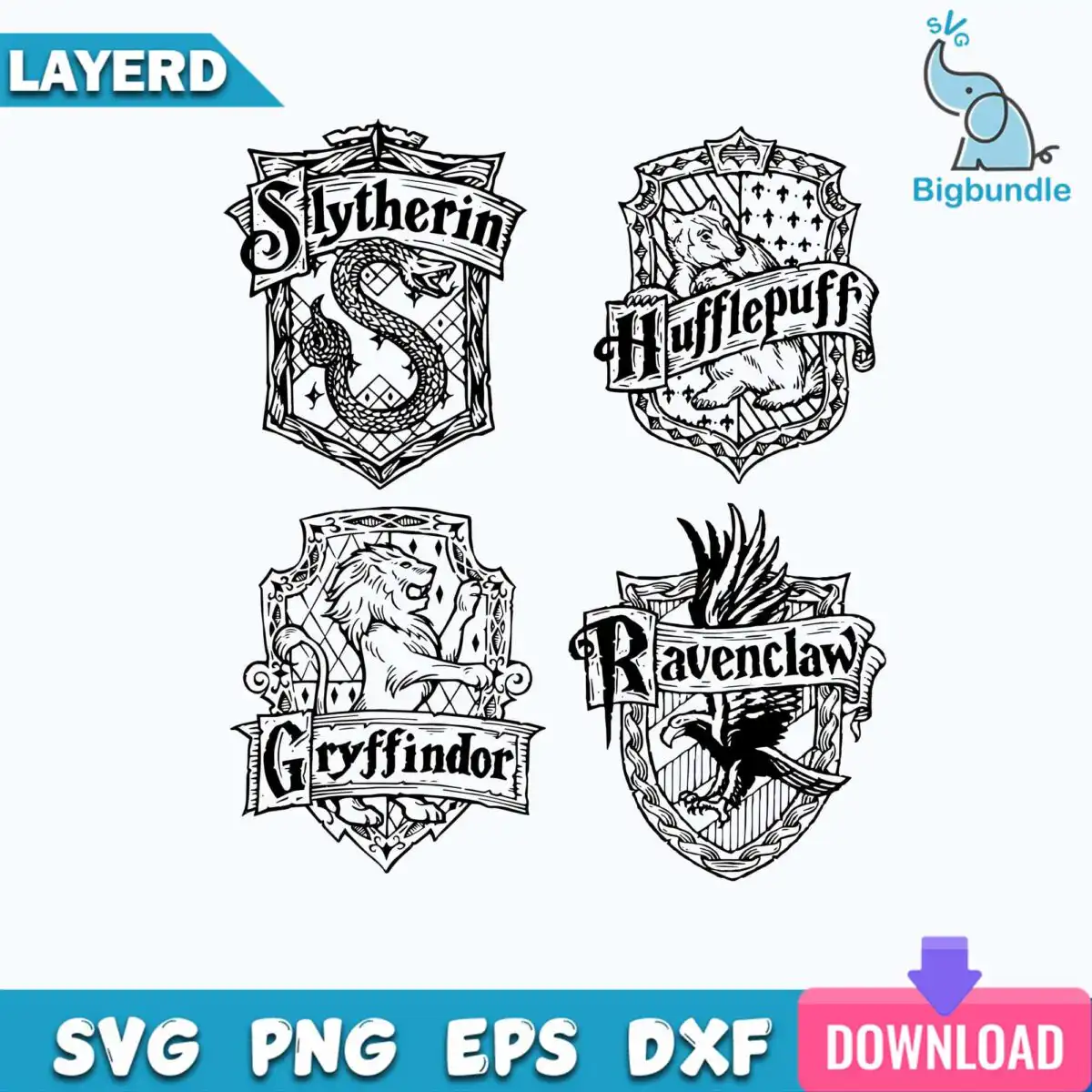
This Harry Potter Houses design is a set of four Hogwarts house crests drawn in black line art on a white background, with the lettering Slytherin, Hufflepuff, Gryffindor and Ravenclaw under each shield. You receive SVG, PNG, DXF, EPS and PDF files, made for vinyl decals, t-shirts, mugs, tumblers, wall art, laser cutting and sublimation. Each crest carries its own animal: a snake for Slytherin, a badger for Hufflepuff, a lion for Gryffindor and an eagle for Ravenclaw. Ribbon banners and decorative filigree borders frame the shields in a vintage heraldic style with an engraved woodcut feel. Because the artwork is only black and white, it works on light or dark materials and suits a wide range of projects. Fans often pick a single house for a birthday gift or a back to school bag, or cut all four for a collection. The fine filigree lines reward a larger cut size, so plan your sizing before you start.
Design breakdown
The artwork is cut in 4 layers, with each layer holding one house crest, its lettering and its animal emblem. The design uses two colours only: solid black line work on a plain white background. The shield crests, snake, badger, lion, eagle, ribbon banners and filigree borders are all drawn as thin line art, so the cut paths are detailed and complex. Cut the fine borders at 4 inches or larger for clean weeding, and use a fine blade or a precision setting on your machine. The four crests are among the designs shown in the preview, and they are arranged in a grid layout.
| Layers | 4 |
|---|---|
| Colours | 2 — black (#000000), white (#FFFFFF) |
| Lettering | Slytherin / Hufflepuff / Gryffindor / Ravenclaw |
| Background | white |
| Cut complexity | high |
| Orientation | square |
What’s included
- SVG
- PNG (300 dpi, transparent)
- DXF
- EPS
Works with
- Cricut Design Space
- Silhouette Studio (Designer Edition)
- Brother ScanNCut
- Adobe Illustrator
- Inkscape
- CorelDRAW
How to use
Download the zip file and unzip it to a folder on your computer. Open Cricut Design Space, Silhouette Studio or Adobe Illustrator, then import the SVG file. Ungroup the layers if you want to cut one crest at a time, and resize the crest to your project. Check the cut lines in preview before you send the file to your machine or printer.
Licence
Personal and small-business commercial use. Sell finished physical items; do not resell or redistribute the files themselves.
FAQ
What files come with this Harry Potter Houses SVG?
You get SVG, PNG at 300 dpi with a transparent background, DXF, EPS and PDF files. The PNG is useful for sublimation and printing, and the SVG and DXF suit cutting machines.
Can I use this Hogwarts house crest design on a 20oz tumbler?
Yes, the crests suit a 20oz tumbler when you use the sublimation or tumbler wrap method. Cut the PNG or SVG to the wrap size and check the lettering is large enough to read on the curve.
Which machines and programs work with these files?
The files work with Cricut Design Space, Silhouette Studio (Designer Edition), Brother ScanNCut, Adobe Illustrator, Inkscape and CorelDRAW. The SVG and DXF formats are the most common choices for cutting machines.
Can I resize the design and sell items made with it?
Yes, you can resize the design freely for your project. The licence covers personal and small-business commercial use, so you can sell finished physical items, but you may not resell or redistribute the files themselves.


