

I Speak For The Trees Lorax Trees Design for Earth Day Shirts, Totes and Classroom Decor
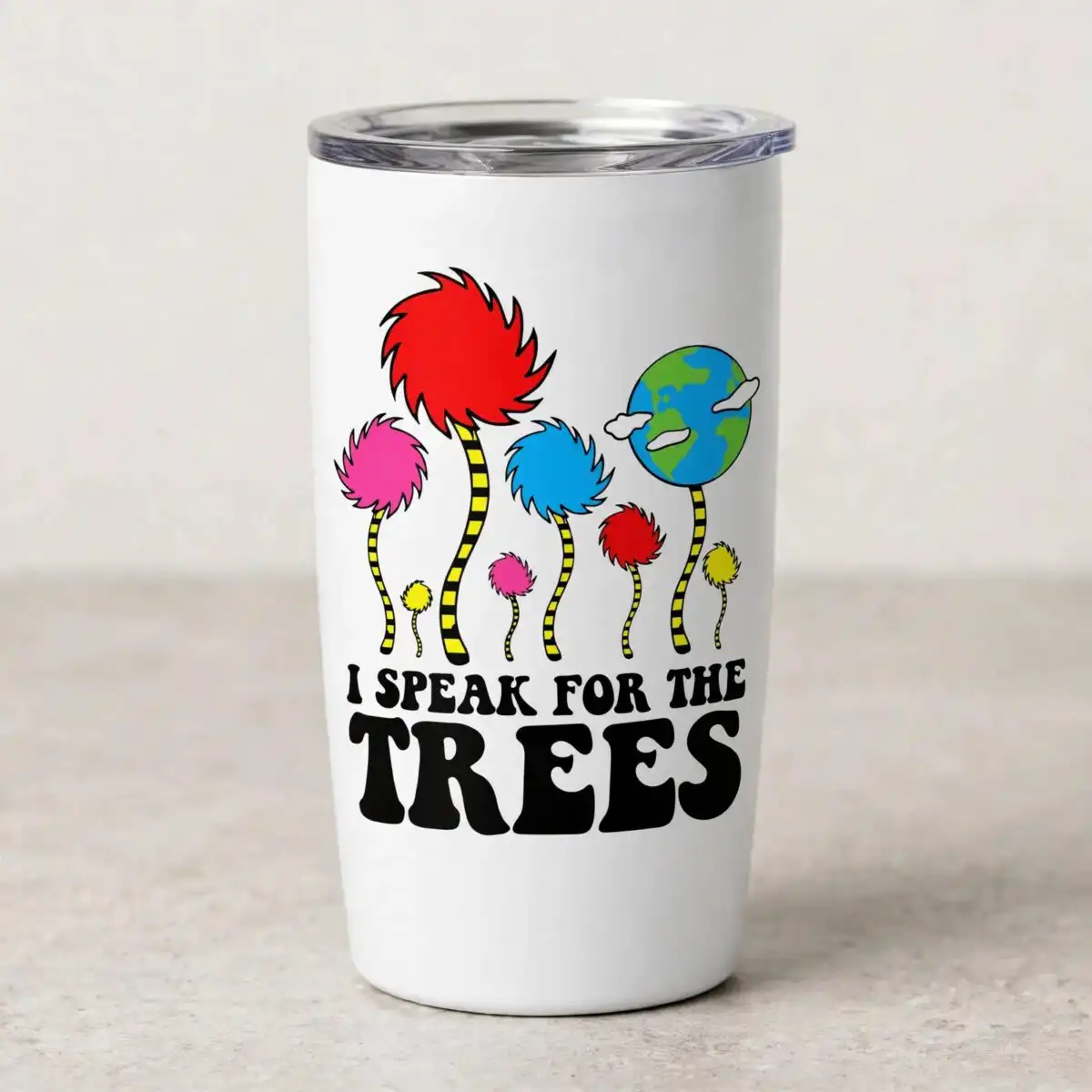
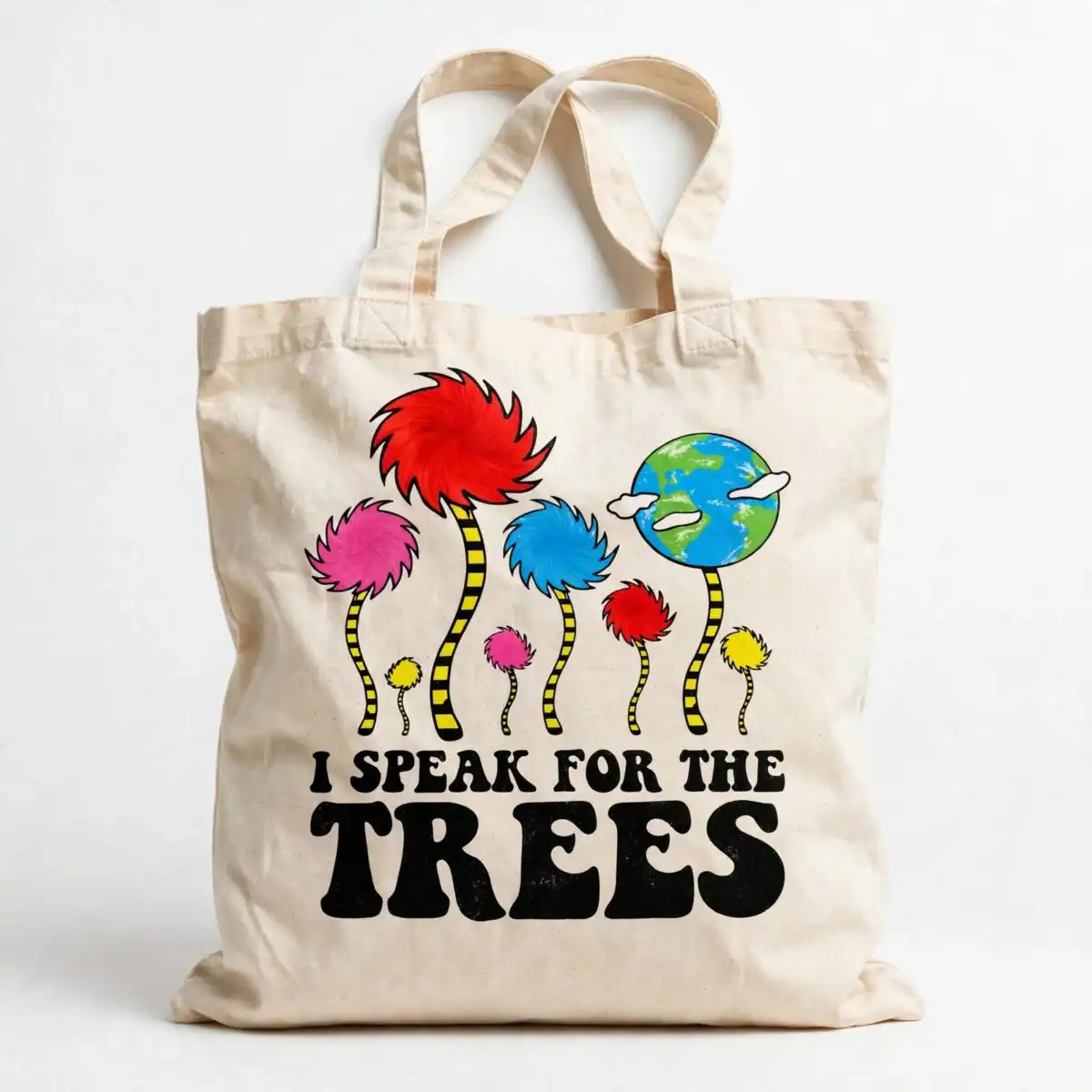
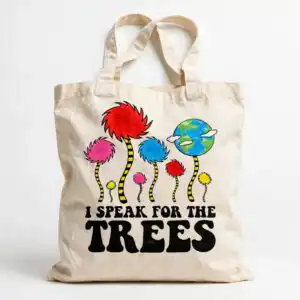
This I Speak For The Trees design is a single flat-colour Lorax-style artwork of stylized trees with fuzzy, puffy canopies, and it comes as cut-ready files in SVG, PNG, DXF, EPS and PDF for shirts, totes, mugs and stickers. You get the bold “I SPEAK FOR THE TREES” lettering set above a row of trees with red, pink, blue and yellow canopies on black-and-yellow striped trunks. A green-and-blue globe with white clouds sits on a striped stalk, giving the scene a cheerful, environmental feel that suits Earth Day and everyday classroom use. The PNG is 300 dpi with a transparent background, so it drops straight onto a light or dark garment or a printed sheet. Teachers, nature lovers and kids who like the Lorax will find it easy to use for posters, bulletin boards and craft projects. Because the artwork is made of flat colour areas, it is simple to weed and layer with vinyl or to print and cut.
Design breakdown
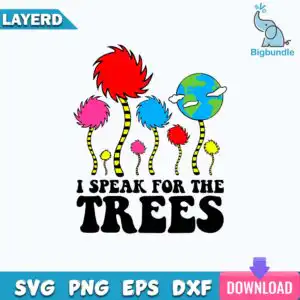
The design is built from flat colour areas: fuzzy red, pink, blue and yellow tree canopies, small red, pink and yellow canopies, black-and-yellow striped trunks, a green-and-blue globe with white clouds on a striped stalk, and the lettering “I SPEAK FOR THE TREES” in black. It is cut in 4 layers across seven colours (red, pink, blue, yellow, black, green and white). Fine details appear around the small canopies and the striped stalk, so cut it at 4 inches or larger for the cleanest result. The file also includes the lettering labels LAYERD, SVG, PNG, EPS, DXF and DOWNLOAD as part of the preview artwork.
| Layers | 4 |
|---|---|
| Colours | 7 — red (#E32424), pink (#E8478B), blue (#3A9AD9), yellow (#F7E01E), black (#1A1A1A), green (#3C9A4A) |
| Lettering | I SPEAK FOR THE TREES / LAYERD / SVG / PNG / EPS / DXF / DOWNLOAD |
| Background | white |
| Cut complexity | medium |
| Orientation | square |
What’s included
- SVG
- PNG (300 dpi, transparent)
- DXF
- EPS
Works with
- Cricut Design Space
- Silhouette Studio (Designer Edition)
- Brother ScanNCut
- Adobe Illustrator
- Inkscape
- CorelDRAW
How to use
Download the ZIP file and unzip it to a folder on your computer. Open the SVG in Cricut Design Space, Silhouette Studio or Brother ScanNCut using the Import or Open command. Check the layers in the layers panel, resize the design to your project, then cut or print. For shirts and totes, the PNG with its transparent background works well with heat transfer or printing.
Licence
Personal and small-business commercial use. Sell finished physical items; do not resell or redistribute the files themselves.
FAQ
What files are included with this I Speak For The Trees design?
You get SVG, PNG, DXF, EPS and PDF files. The PNG is 300 dpi with a transparent background, and the SVG is ready for cutting machines.
Can I use this Lorax design on a 20oz tumbler?
Yes, the design suits a 20oz tumbler when you use it as a printed wrap or a vinyl decal. Scale it to fit the tumbler width before you print or cut.
Which machines and programs does this file work with?
It works with Cricut Design Space, Silhouette Studio (Designer Edition), Brother ScanNCut, Adobe Illustrator, Inkscape and CorelDRAW. The PNG works with most standard printers and sublimation software.
Can I sell products made with this design?
Yes, personal and small-business commercial use is allowed, so you can sell finished physical items such as shirts or mugs. You may not resell or redistribute the files themselves.


