


I Steal Hearts Trex Dino Valentine Design for Shirts, Mugs and Cards
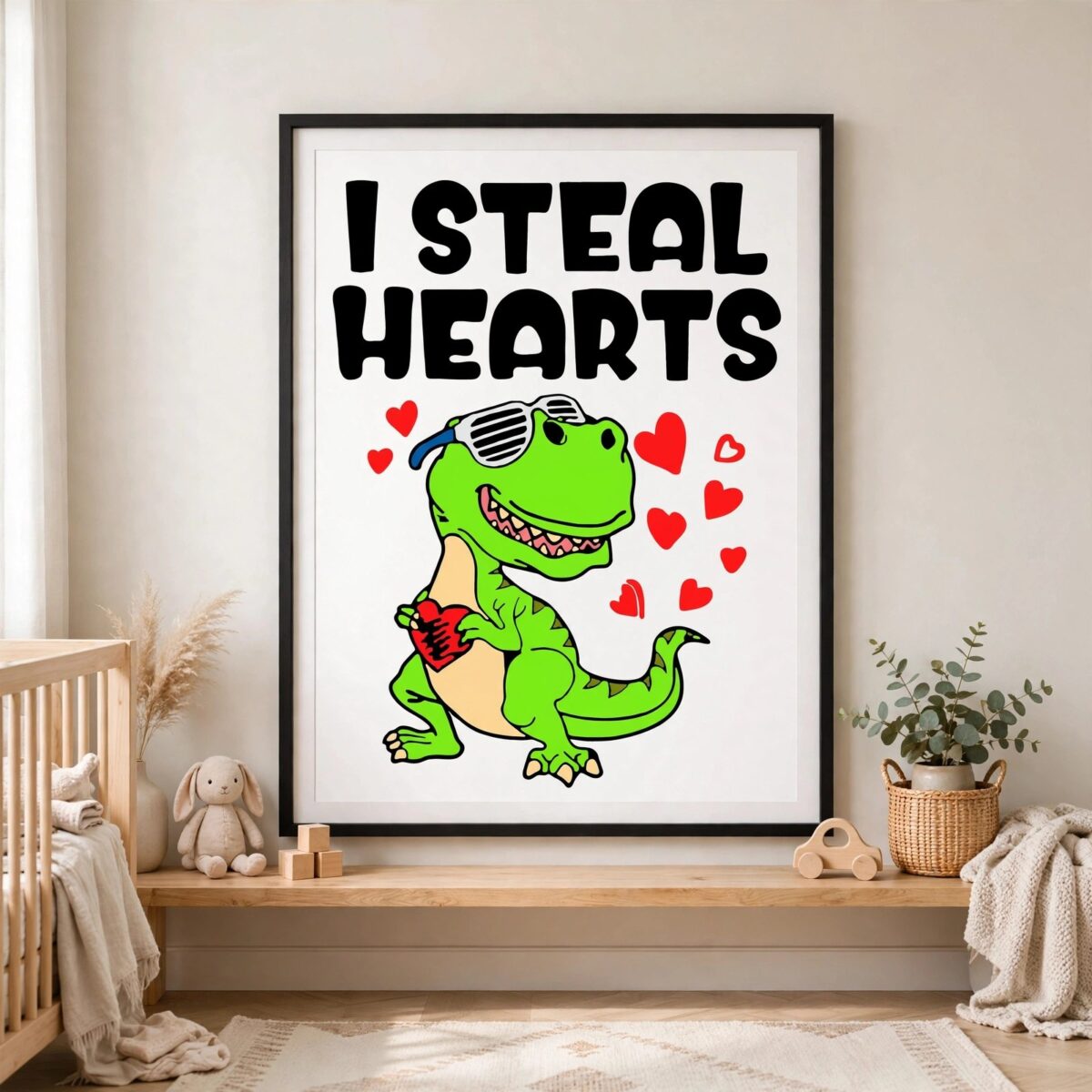
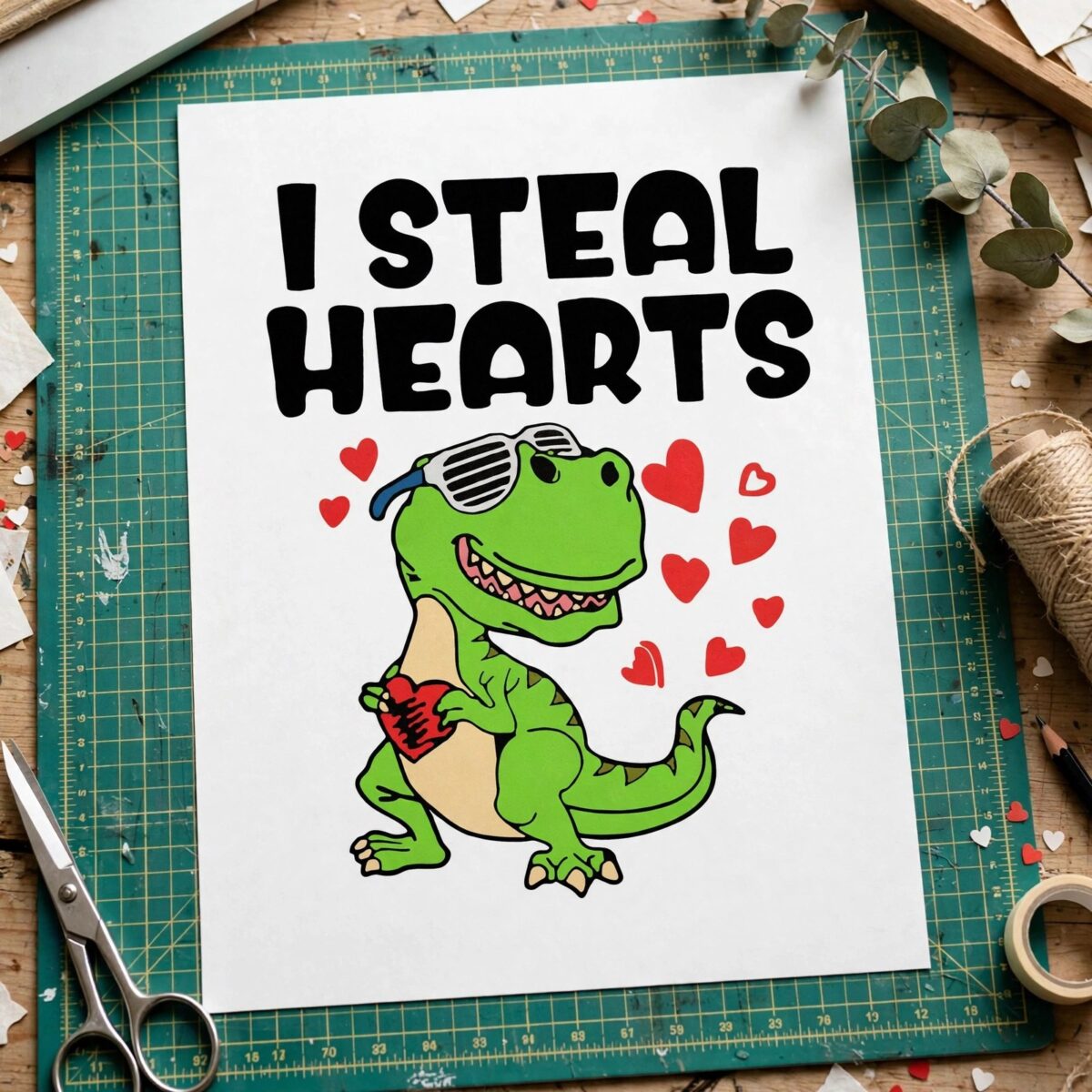
This I Steal Hearts design is a single cartoon dinosaur illustration with the lettering “I STEAL HEARTS” across the top, made for shirts, mugs, decals and cutting projects. You get SVG, PNG, DXF, EPS and PDF files. The green dinosaur wears striped sunglasses and hugs a red heart, with floating hearts drifting around it. The bright green body is set against a beige belly patch and tan claws, with black outlines and red, pink and teal blue accents. The design is flat and bold, so the sunglasses, heart and lettering stay easy to read at small sizes. It suits a Valentine’s Day kids’ shirt, a tote, a card or a mug. Because the artwork is built from solid shapes rather than gradients, it cuts cleanly on vinyl and reads well when pressed or printed. Each file opens in common cutting and design software, so you can resize it to fit your project.
Design breakdown
The design is cut in 5 layers and uses 7 colours: black, bright green, red, beige, white, teal blue and pink. The dinosaur body is bright green with a beige belly patch and tan claws, the striped sunglasses are a separate element, and the red heart is held in the arms. Floating red hearts and the “I STEAL HEARTS” lettering in bold sans-serif sit on the white background. The cut is medium in complexity, with fine details around the sunglasses and claws, so cut it at 4 inches or larger for the best result. The file is a single design on one sheet, shown in portrait orientation.
| Layers | 5 |
|---|---|
| Colours | 7 — black (#000000), bright green (#4CC417), red (#E03030), beige (#F5D5A8), white (#FFFFFF), teal blue (#2A9DC0) |
| Lettering | I STEAL HEARTS / LAYERD / SVG / PNG / EPS / DXF / DOWNLOAD |
| Background | white |
| Cut complexity | medium |
| Orientation | portrait |
What’s included
- SVG
- PNG (300 dpi, transparent)
- DXF
- EPS
Works with
- Cricut Design Space
- Silhouette Studio (Designer Edition)
- Brother ScanNCut
- Adobe Illustrator
- Inkscape
- CorelDRAW
How to use
Download the ZIP file from your order and unzip it to a folder on your computer. Open Cricut Design Space, Silhouette Studio or Adobe Illustrator, then use the Upload or Open command to import the SVG file. For printing or sublimation, import the PNG, which is 300 dpi with a transparent background. Resize the design in the software before you cut or print, and check the layers before sending it to your machine.
Licence
Personal and small-business commercial use. Sell finished physical items; do not resell or redistribute the files themselves.
FAQ
What files come with this I Steal Hearts design?
You get SVG, PNG, DXF, EPS and PDF files. The PNG is 300 dpi with a transparent background, which suits sublimation and printing.
Can I use this dinosaur design on a kids’ Valentine’s shirt?
Yes, the design works for iron-on vinyl on a kids’ Valentine’s shirt. Cut it from the SVG file in your cutting software, or print the PNG for a transfer.
Which machines and software work with these files?
The files work with Cricut Design Space, Silhouette Studio (Designer Edition), Brother ScanNCut, Adobe Illustrator, Inkscape and CorelDRAW. Any of these can open the SVG or DXF files directly.
Can I resize the design and sell the finished items?
Yes, you can resize the design in your software. The licence covers personal and small-business commercial use, so you can sell finished physical items, but you cannot resell or redistribute the files themselves.


