
JESUS is my Valentine Lettering PNG for Sublimation Shirts, Mugs and Totes
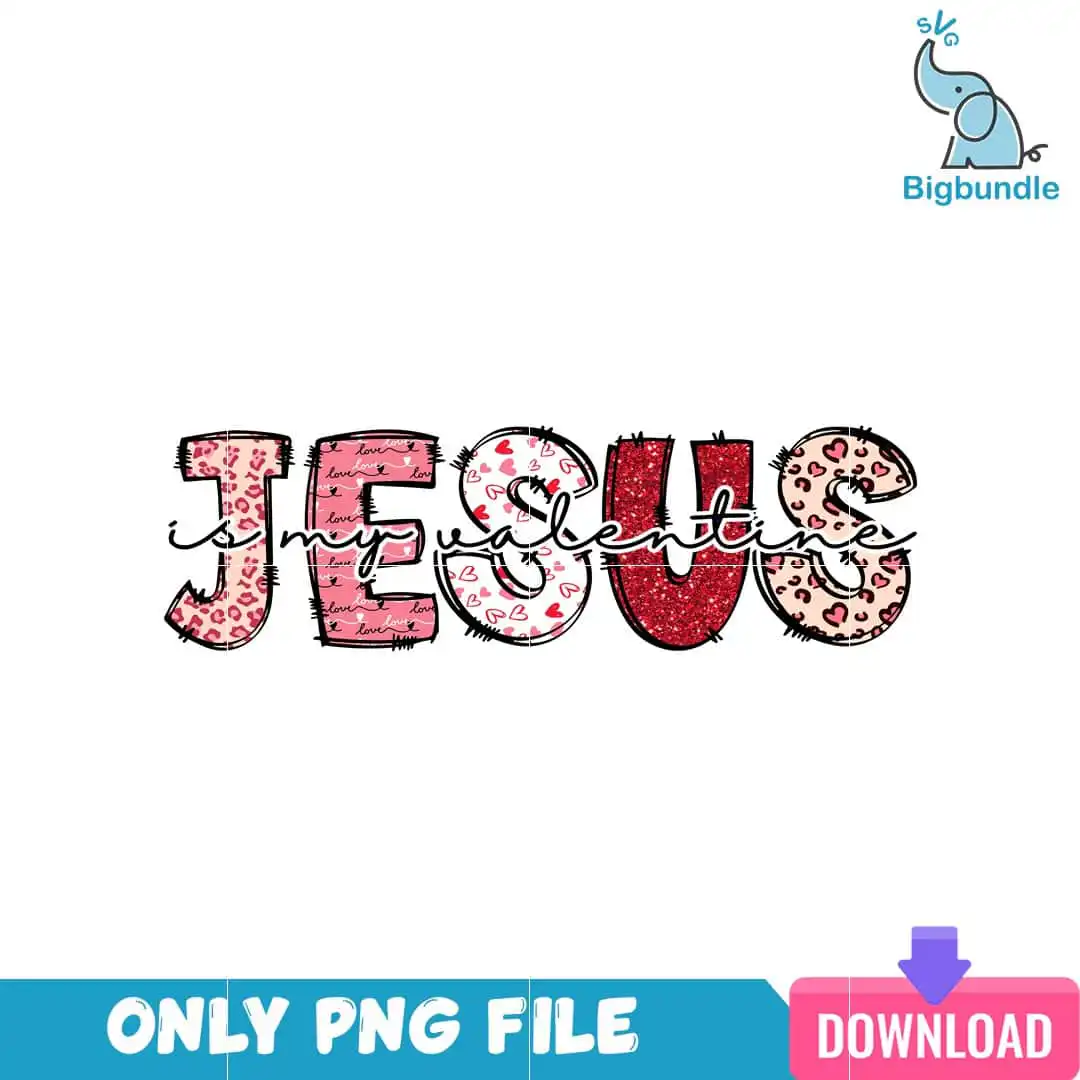
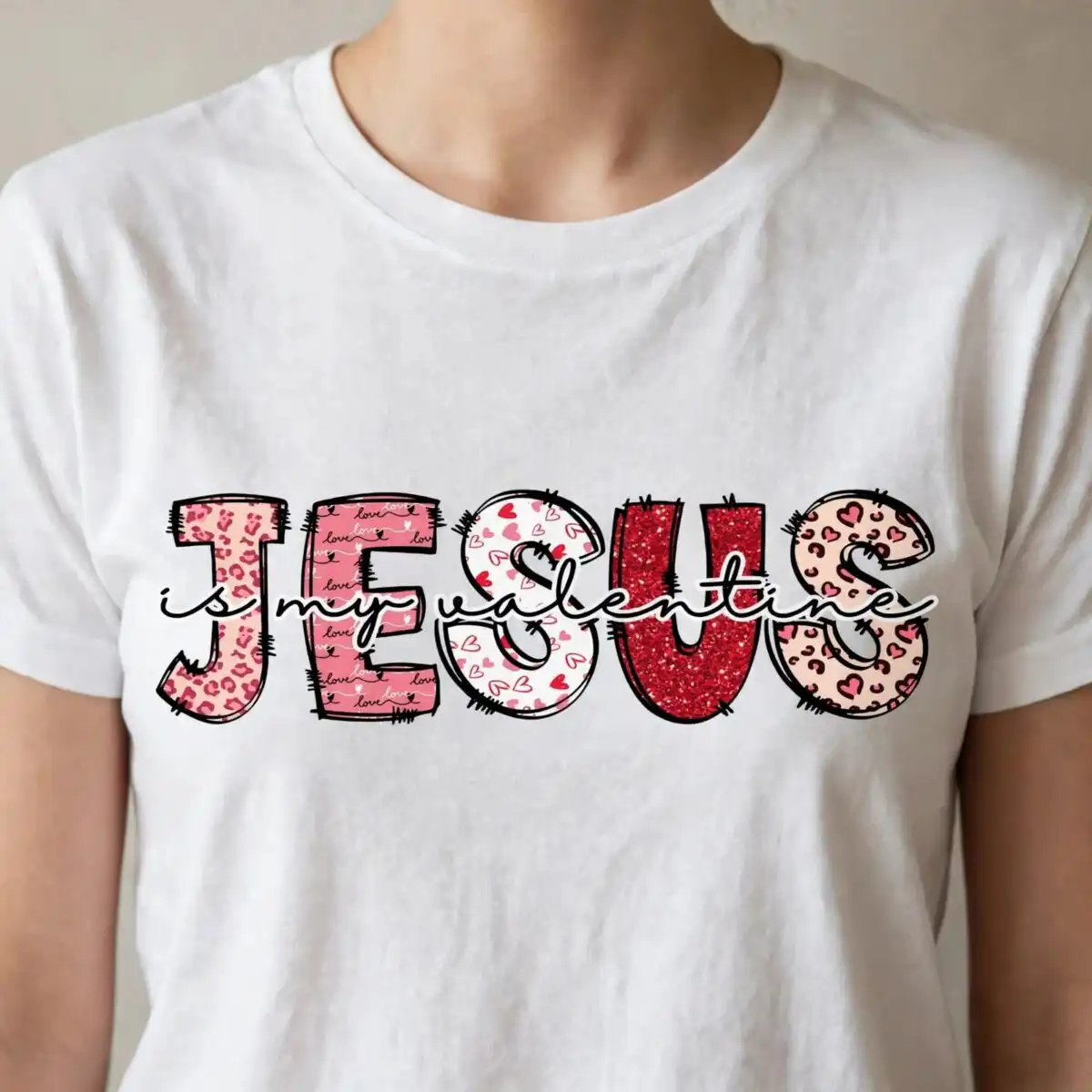
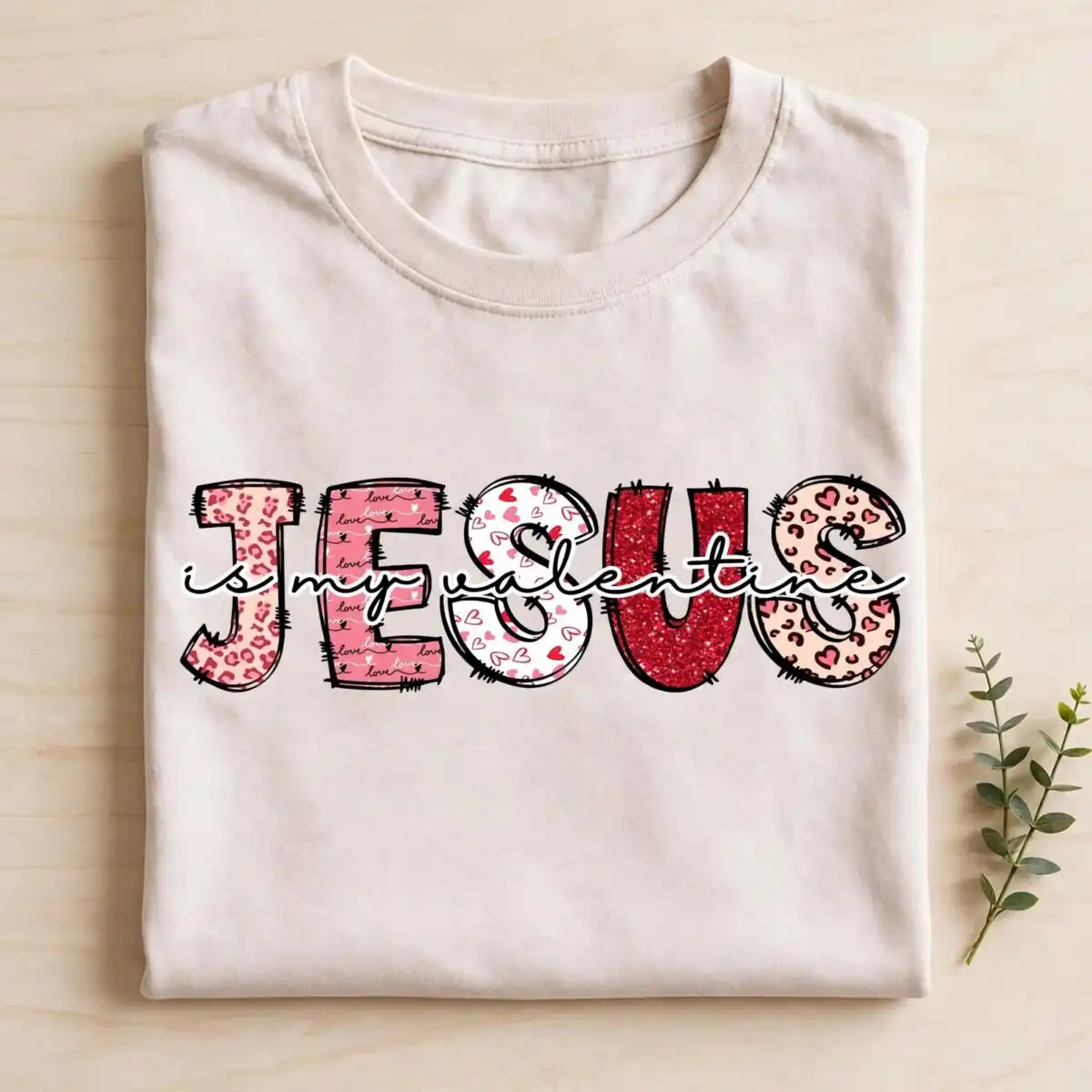
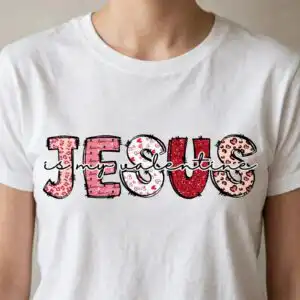
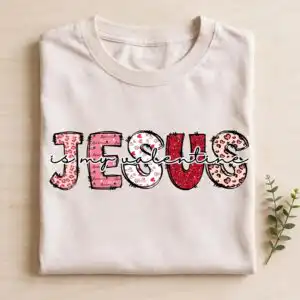
This Jesus PNG vector is a single Valentine’s Day lettering design reading “JESUS is my Valentine,” set in large block letters filled with soft pink, red, blush and deep red, leopard print and heart patterns. You receive one transparent PNG file at 300 dpi, made for sublimation printing, DTF and print-and-cut projects on shirts, tote bags, mugs and stickers. The artwork is built for the words to read first: the large J E S U S letters sit under a script overlay that says “is my valentine,” with the word “love” worked into the patterns. Its retro block lettering and doodle-distressed edges give it a playful, slightly worn look, while the black outline keeps each letter sharp against the white background. Church groups and families who want a romantic, faith-filled message for February will find it easy to place on a single item or a set of matching gifts. Because the file has a transparent background, the colours print exactly as laid out, and you can resize the lettering in Canva or Adobe Photoshop before you print.
Design breakdown
This is a single design, not a bundle. The large block letters J E S U S carry leopard print fills, heart patterns and a glitter red fill, and a script overlay reads “is my valentine,” with “love” included in the pattern work. The palette uses five named colours: soft pink, red, blush, deep red and a black outline. The file is cut in 6 layers and is rated medium for cutting, so fine heart and leopard details are best cut at 4 inches or larger. The background is white in the preview, and the PNG itself is provided with a transparent background.
| Colours | 5 — soft pink (#E8A0B4), red (#C8102E), blush (#F4C2C2), deep red (#8B1E2D), black outline (#2B2B2B) |
|---|---|
| Lettering | JESUS / is my valentine / love |
| Background | white |
| Orientation | landscape |
What’s included
- PNG (300 dpi, transparent background)
Works with
- Sublimation printers (Epson, Sawgrass)
- DTF / print-and-cut workflows
- Canva
- Adobe Photoshop
How to use
Download the ZIP file from your order and unzip it to a folder on your computer. Open the PNG in Canva, Adobe Photoshop or your printing software, then import it into your sublimation or DTF layout. Resize the design to fit your blank, keeping the proportions locked so the block letters stay even. Print on a sublimation printer such as an Epson or Sawgrass model, or send the file to your print-and-cut cutter, then press or apply as your project requires.
Licence
Personal and small-business commercial use. Sell finished physical items; do not resell or redistribute the files themselves.
FAQ
What files are included with this Jesus PNG vector?
You receive one PNG file at 300 dpi with a transparent background. The file is set up for sublimation, DTF and print-and-cut projects, so it can be placed directly into your design software.
Can I use this Valentine lettering on a 20oz tumbler?
Yes, the design works on a 20oz tumbler when you resize it to fit the wrap area. Sublimation printing on a tumbler wrap is one of the uses the file is made for, and the bold block letters stay readable at a wrap size.
Which printers and software work with this file?
It works with sublimation printers such as Epson and Sawgrass, with DTF and print-and-cut workflows, and with Canva and Adobe Photoshop. Any program that opens PNG files at full resolution will import it.
Can I resize the design and sell the finished items?
Yes, you can resize it for your projects. The licence covers personal and small-business commercial use for selling finished physical items, but you may not resell or redistribute the files themselves.


