See No Evil Halloween Line Art in Black and White for Shirts, Mugs and Decals
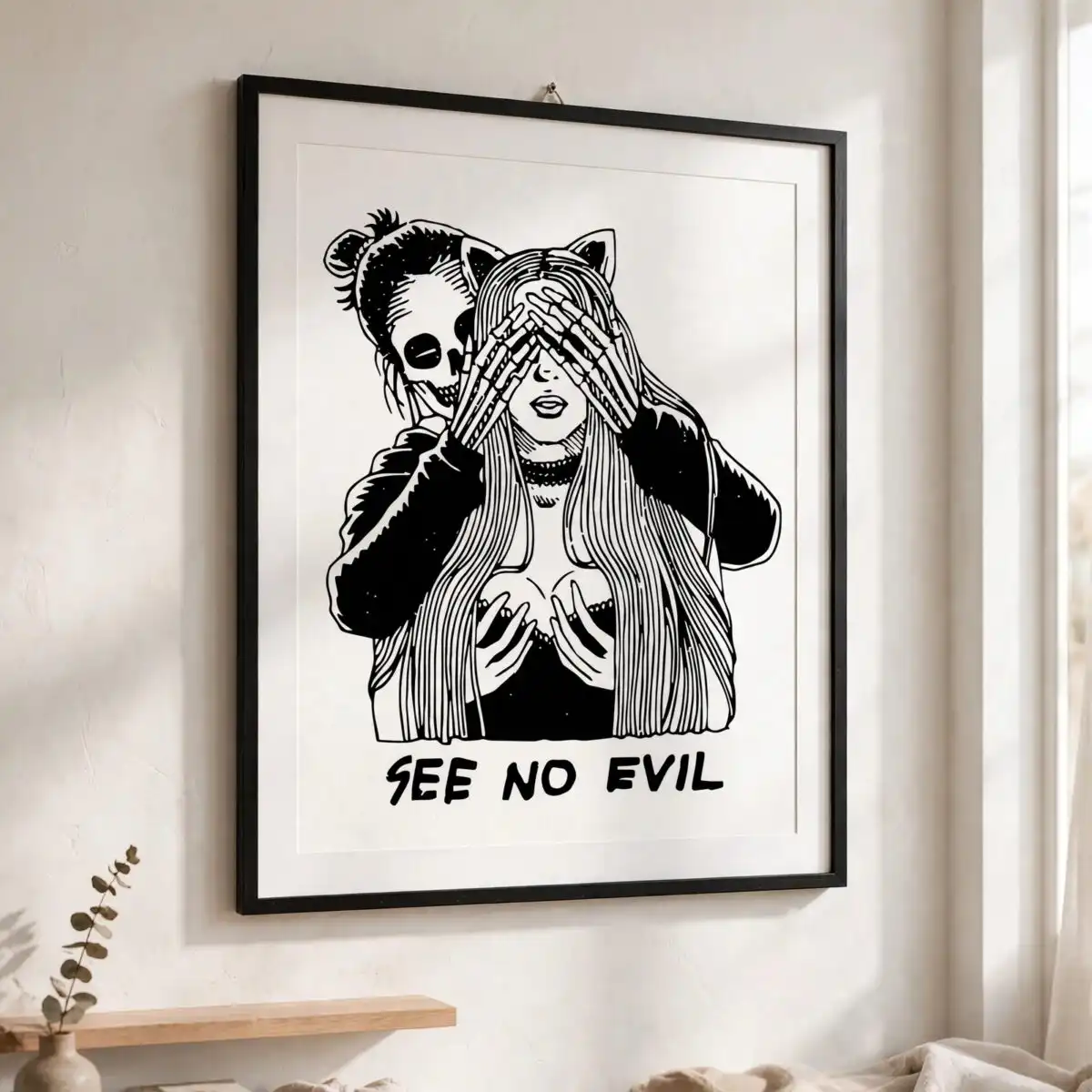
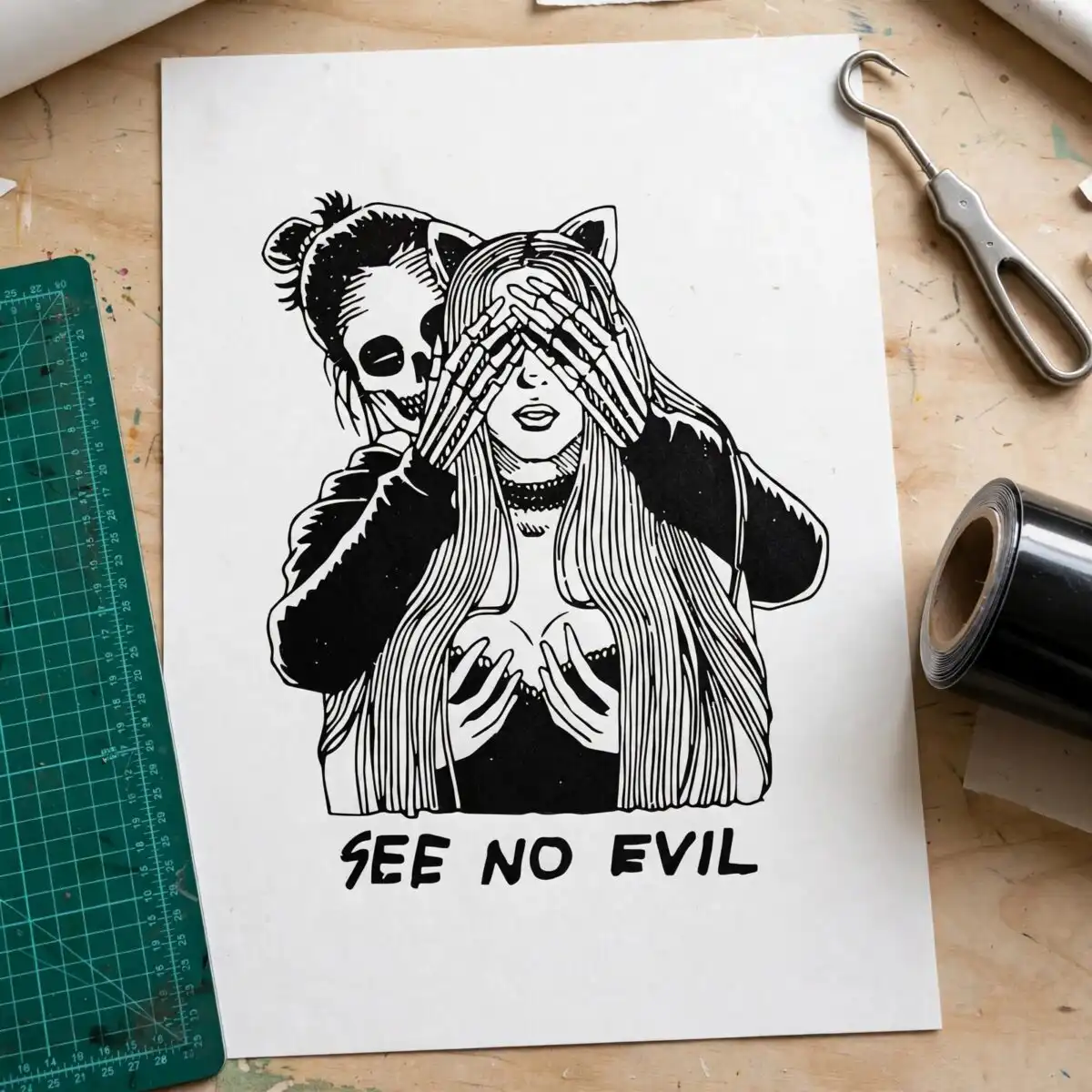
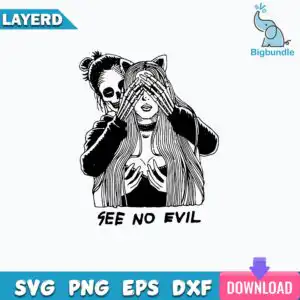
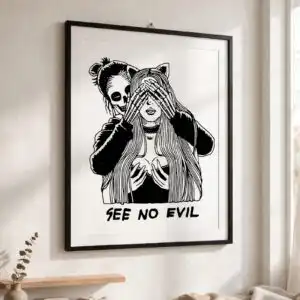
This SEE NO EVIL Halloween design is a single black and white line clipart illustration, delivered as SVG, PNG, EPS, DXF and PDF files for cutting, printing and sublimation. The artwork shows a skeleton hand covering the eyes of a long-haired figure with cat-ear shapes, with a skeletal figure standing behind, and the SEE NO EVIL lettering sits above it. Built from black line work on a white background, it is made for T-shirts, mugs, tote bags, stickers and vinyl decals. You will see fine hatching in the hair and jacket, along with a choker, hands clasped at the chest and a skeletal face with a hair bun. Because the piece is a line illustration rather than a filled shape, it suits buyers who want a gothic, playful Halloween look that stays clean on a light or dark surface. The files are made for adults and crafters who want a ready-to-cut Halloween piece without drawing it themselves.
Design breakdown
This is one design, not a bundle. The artwork is drawn in black line work with white fill, in 4 colour references: black, white, teal blue and pink. The file is cut in 1 layer, so it can be cut from a single sheet of vinyl or used as one print. The main elements are the skeleton hands over the eyes, long wavy hair, cat-ear shapes on the head, the skeletal face with a hair bun, a dark jacket with sleeves, a choker, hands clasped at the chest, and the SEE NO EVIL lettering. The fine hatching and thin outlines are the most detailed parts, so cut it at 4 inches or larger for clean results on a cutting machine.
| Layers | 1 |
|---|---|
| Colours | 4 — black (#000000), white (#FFFFFF), teal blue (#1A9BC9), pink (#E8478A) |
| Lettering | SEE NO EVIL / LAYERD / SVG / PNG / EPS / DXF / DOWNLOAD |
| Background | white |
| Cut complexity | high |
| Orientation | portrait |
What’s included
- SVG
- PNG (300 dpi, transparent)
- DXF
- EPS
Works with
- Cricut Design Space
- Silhouette Studio (Designer Edition)
- Brother ScanNCut
- Adobe Illustrator
- Inkscape
- CorelDRAW
How to use
Download the zip file from your order and unzip it to a folder on your computer. Open the SVG file in Cricut Design Space, Silhouette Studio or Brother ScanNCut, then import it into your cutting software. For printing, use the PNG file with its transparent background, or import the EPS or PDF into a design program such as Adobe Illustrator, Inkscape or CorelDRAW. Resize the design before cutting or printing to fit your project.
Licence
Personal and small-business commercial use. Sell finished physical items; do not resell or redistribute the files themselves.
FAQ
What files are included with this Halloween line art design?
You get SVG, PNG, DXF, EPS and PDF files. The PNG is 300 dpi with a transparent background, so it works for printing and sublimation.
Can I use this See No Evil design on a 20oz tumbler?
Yes, the design works on a 20oz tumbler when it is cut or printed at a size that fits the wrap. Resize the SVG or PNG in your software first so the lettering and the fine hatching stay sharp.
Which machines and programs work with these files?
The files work with Cricut Design Space, Silhouette Studio (Designer Edition), Brother ScanNCut, Adobe Illustrator, Inkscape and CorelDRAW. The SVG is the best choice for cutting machines, and the DXF suits older cutting software.
Can I resell the finished items made with this design?
Yes, the licence covers personal and small-business commercial use, so you can sell finished physical items such as shirts and mugs. You may not resell or redistribute the design files themselves.