LOVE BUG Valentine’s Day Cut File with Red Ladybug and Black Hearts
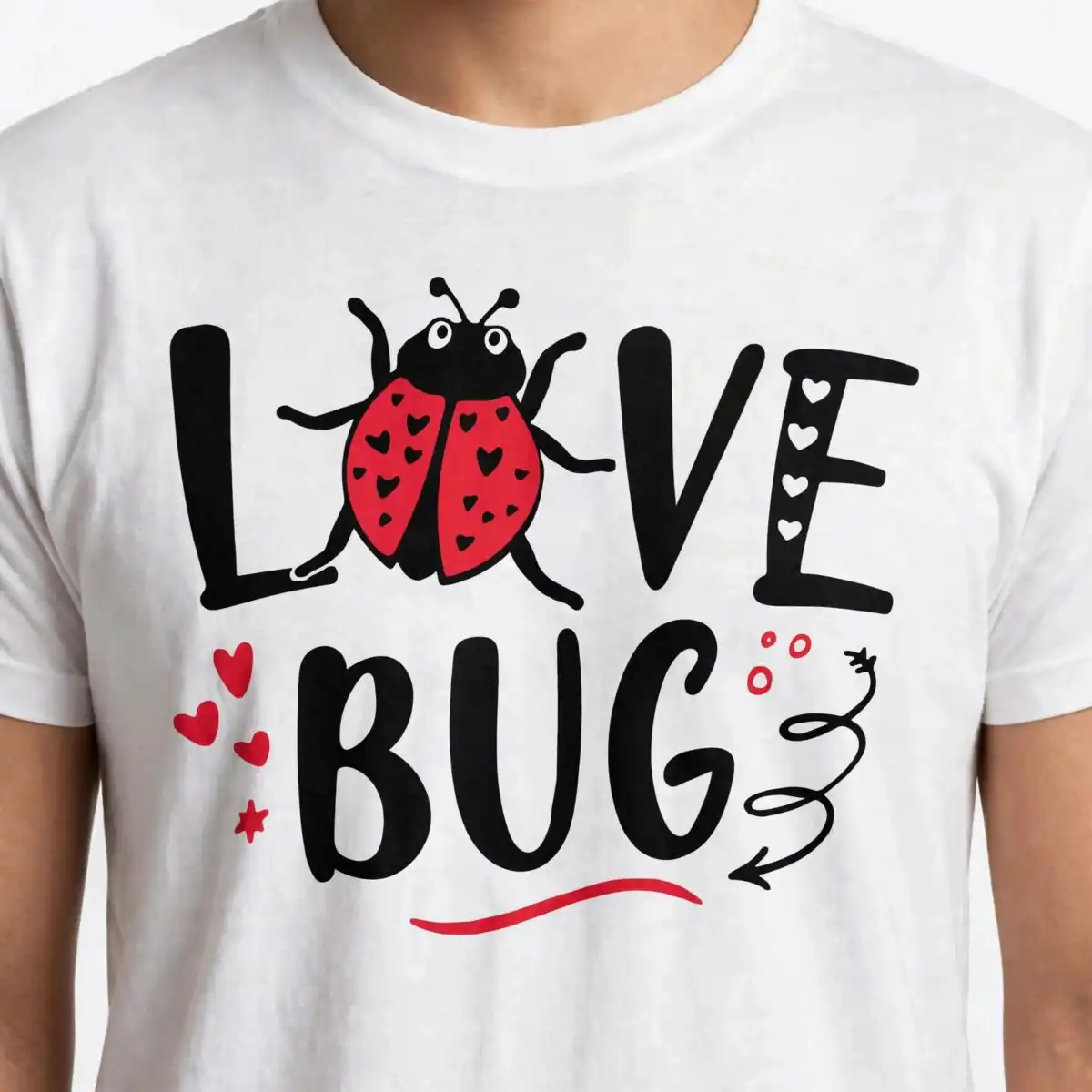
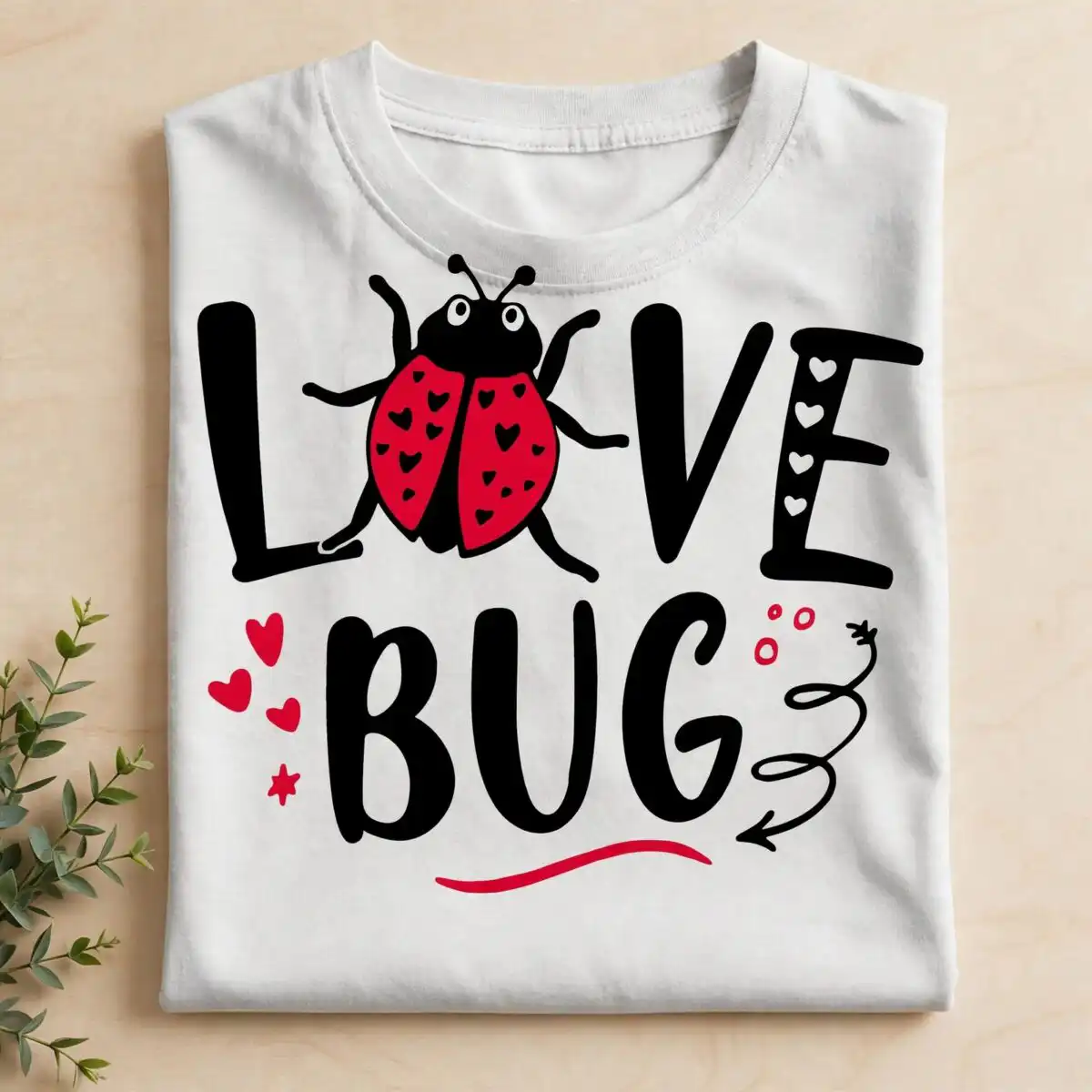
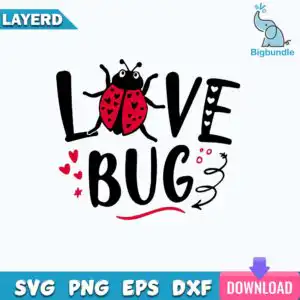
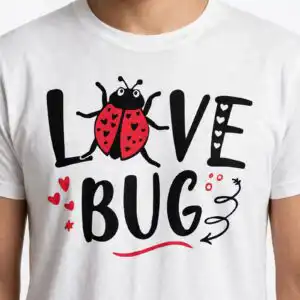
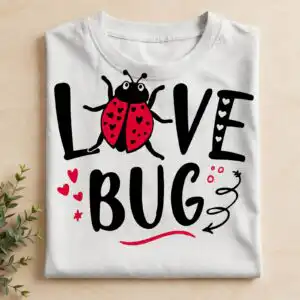
This Love Bug SVG is a single Valentine’s Day design built around the lettering LOVE BUG, with a red ladybug carrying black hearts as the graphic in the O area. You receive the files as SVG, PNG, DXF and EPS, plus a PDF, ready for cutting machines and design software. The artwork uses three colours, black, red and white, so you can pick a vinyl or paper colour that suits your project. Small red hearts, stars, a swirl and an underline stroke frame the wording with a playful, romantic feel. Crafters, parents, teachers and gift makers often use it for t-shirt vinyl, mug decals, card making, sign making and scrapbooking. The lettering is bold and hand-drawn, so it reads clearly at a glance on a card front or a shirt chest. Because the design sits on a white background, you can use the PNG with transparency for printing or sublimation tests.
Design breakdown
This is one single design, not a bundle, on a square white background. The lettering LOVE BUG sits across the middle, with a red ladybug holding black hearts forming the O-letter area. Small red hearts, stars, a swirl line, an underline stroke and small circles surround the wording. The artwork uses three colours: black, red and white. It is cut in 3 layers, and the fine hearts and stars are small enough that you should cut it at 4 inches or larger for clean weeding.
| Layers | 3 |
|---|---|
| Colours | 3 — black (#000000), red (#E31B23), white (#FFFFFF) |
| Lettering | LOVE / BUG |
| Background | white |
| Cut complexity | medium |
| Orientation | square |
What’s included
- SVG
- PNG (300 dpi, transparent)
- DXF
- EPS
Works with
- Cricut Design Space
- Silhouette Studio (Designer Edition)
- Brother ScanNCut
- Adobe Illustrator
- Inkscape
- CorelDRAW
How to use
Download the zip file from your order and unzip it to a folder on your computer. Open your cutting software, such as Cricut Design Space or Silhouette Studio, and import the SVG file. For printing, use the PNG with its transparent background, or import the EPS or DXF into your design program. Ungroup the layers if you want to cut the black, red and white parts separately, then size the design and send it to your machine.
Licence
Personal and small-business commercial use. Sell finished physical items; do not resell or redistribute the files themselves.
FAQ
What files are included with this Love Bug SVG?
You receive SVG, PNG, DXF, EPS and PDF files. The PNG is 300 dpi with a transparent background, so it works for printing and sublimation tests. The SVG is the file most cutting machines use.
Can I use this Love Bug design on a 20oz tumbler?
Yes, the design works on a 20oz tumbler as a vinyl decal or a printed wrap. Resize it to fit the area you want to cover, and keep the small hearts and stars at a size you can weed cleanly.
Which machines and software work with this file?
It works with Cricut Design Space, Silhouette Studio (Designer Edition), Brother ScanNCut, Adobe Illustrator, Inkscape and CorelDRAW. You can also open the PNG, EPS or PDF in most design and printing programs.
Can I resize the design and use it in my small business?
Yes, you can resize it freely for your projects. The licence covers personal and small-business commercial use for finished physical items, but you may not resell or redistribute the files themselves.