

Michael Myers You Can’t Kill The Boogey Man Halloween Shirt Design Cut File
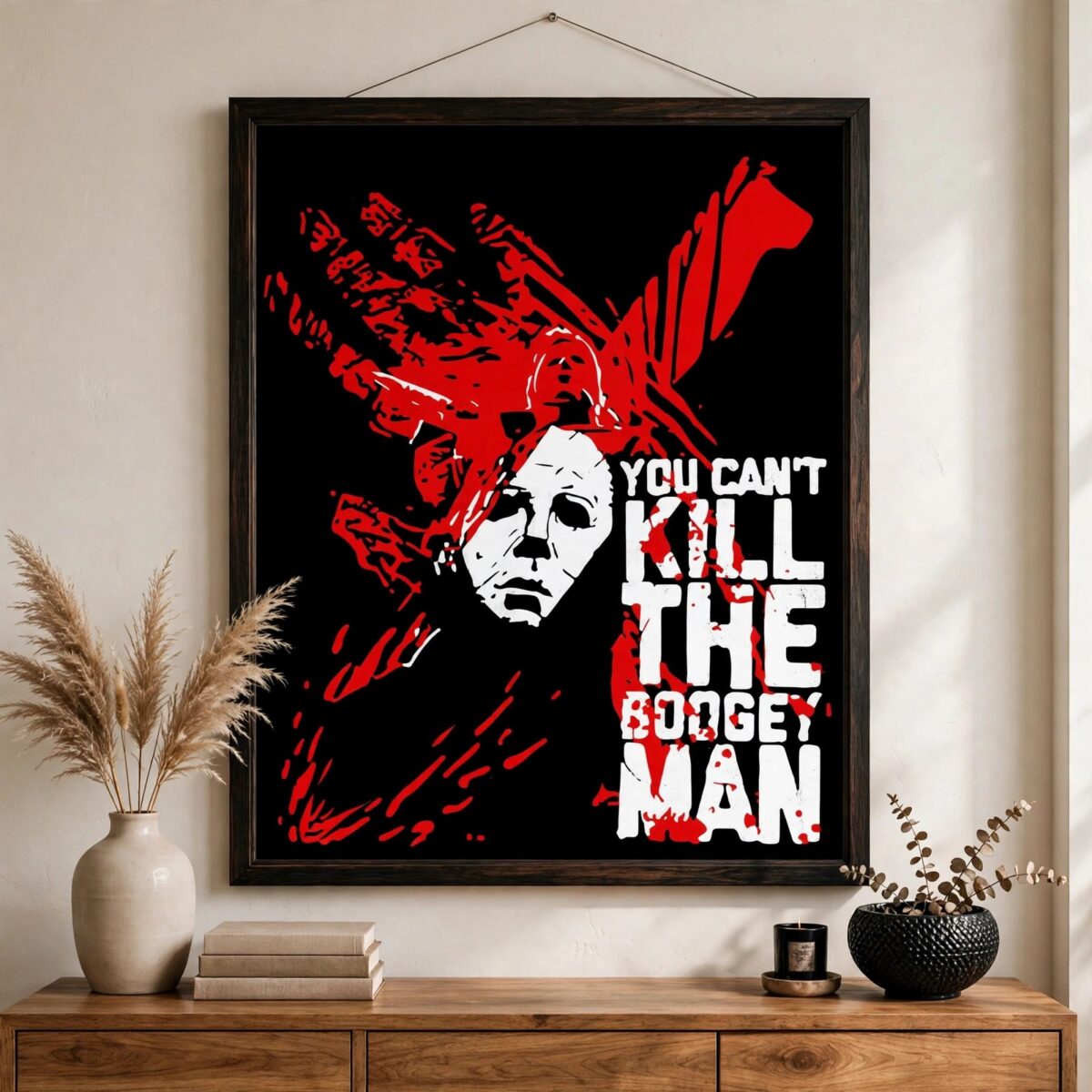
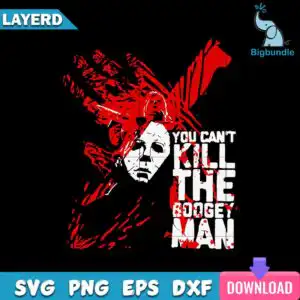
This Michael Myers You Can’t Kill The Boogey Man design is a single horror artwork of a masked villain, supplied as SVG, PNG, DXF, EPS and PDF files for shirts, tumblers, mugs, decals and sublimation. The figure wears a white hockey-style mask over a black hooded body, set against a dark background with red knife slashes and bloody handprint shapes. The words YOU CAN’T KILL THE BOOGEY MAN run through the grunge, distressed artwork in bold lettering. The style is silhouette-led and menacing, with a playful edge that suits Halloween projects. You can cut it in black, white and blood red, so it works on dark or light materials. Fans of horror films and Halloween crafters can use it for spooky seasonal pieces, from party tees to autumn wall art and themed drinkware.
Design breakdown
This is one design, not a bundle. It is cut in 4 layers and uses 3 colours: black, white and blood red. The black hooded figure and background shapes form the base, the white hockey-style mask sits on top, and the red blood splatter, knife slashes and handprint-like shapes make up the upper layers. The lettering YOU CAN’T KILL THE BOOGEY MAN appears as part of the artwork. The cut is medium in complexity: the mask edges and the distressed grunge areas need a careful cut, so cut it at 4 inches or larger for the best detail. Files are supplied in SVG, PNG (300 dpi, transparent), DXF, EPS and PDF.
| Layers | 4 |
|---|---|
| Colours | 3 — black (#000000), white (#FFFFFF), blood red (#C8102E) |
| Lettering | YOU CAN’T / KILL / THE / BOOGEY / MAN |
| Background | dark |
| Cut complexity | medium |
| Orientation | portrait |
What’s included
- SVG
- PNG (300 dpi, transparent)
- DXF
- EPS
Works with
- Cricut Design Space
- Silhouette Studio (Designer Edition)
- Brother ScanNCut
- Adobe Illustrator
- Inkscape
- CorelDRAW
How to use
Download the zip file from your order and unzip it to a folder on your computer. Open Cricut Design Space, Silhouette Studio (Designer Edition) or Brother ScanNCut, then choose Upload and select the SVG file. Keep the layers grouped by colour so the black, white and red pieces stay separate. Resize the design to fit your project, then cut or print. For printing on shirts or mugs, use the transparent PNG file.
Licence
Personal and small-business commercial use. Sell finished physical items; do not resell or redistribute the files themselves.
FAQ
What files are included with this Michael Myers design?
You receive SVG, PNG, DXF, EPS and PDF files. The PNG is 300 dpi with a transparent background, so it works for printing and sublimation.
Can I put this Michael Myers design on a 20oz tumbler?
Yes, the design suits a 20oz tumbler when you use the PNG for sublimation or the SVG for vinyl application. Check the print area of your tumbler before you resize the artwork.
Which machines and software work with these files?
The files work with Cricut Design Space, Silhouette Studio (Designer Edition), Brother ScanNCut, Adobe Illustrator, Inkscape and CorelDRAW. The SVG and DXF files are the most useful for cutting machines.
Can I resize the design and sell items made with it?
Yes, you can resize the design to any size. The licence covers personal and small-business commercial use for finished physical items, but you may not resell or redistribute the files themselves.


