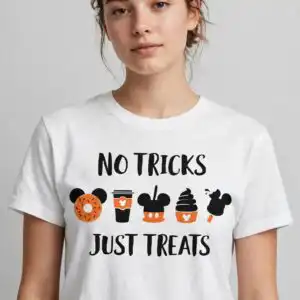
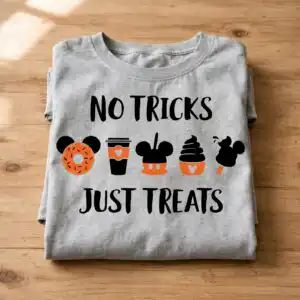
No Tricks Just Treats Clipart With Five Cute Snack Icons For Halloween
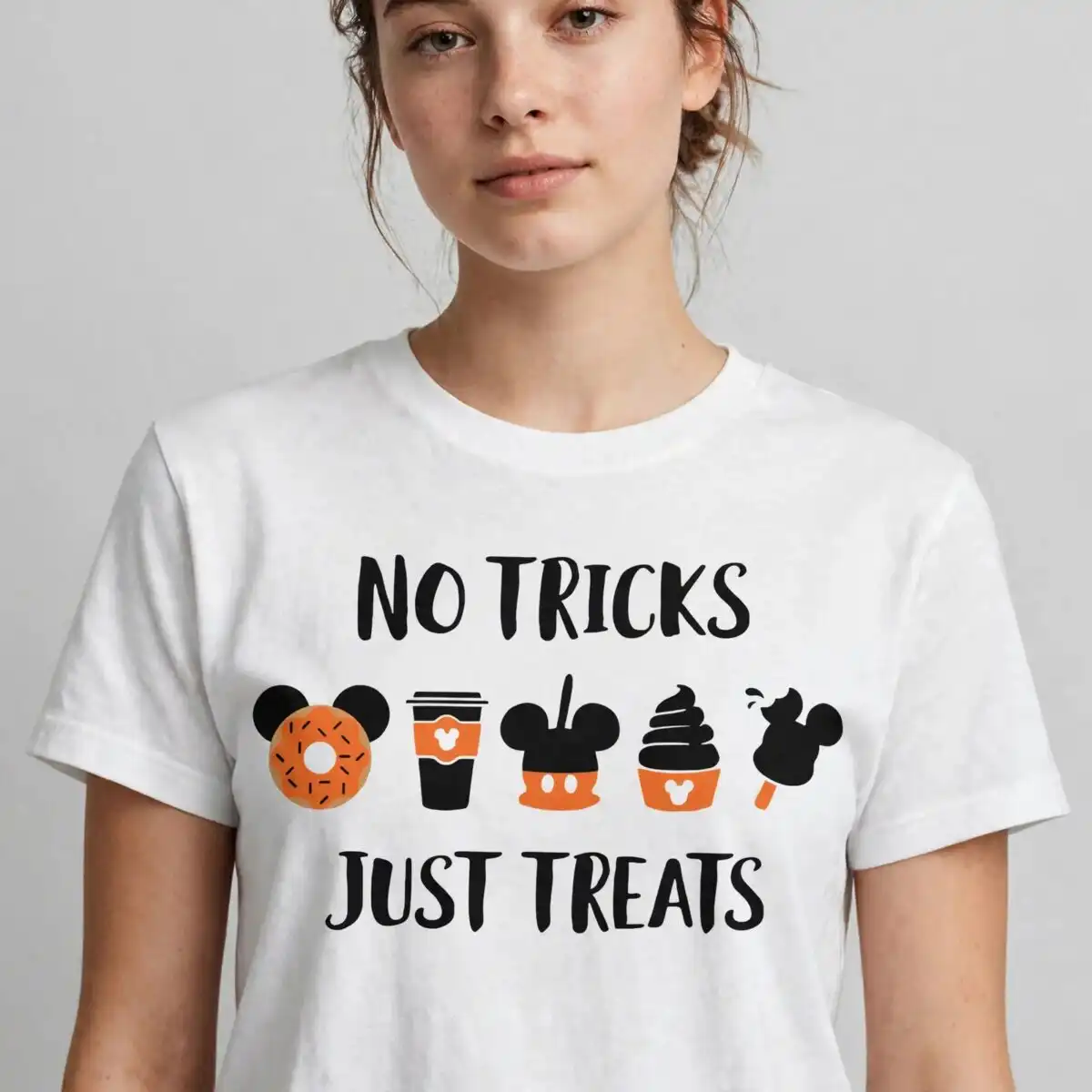
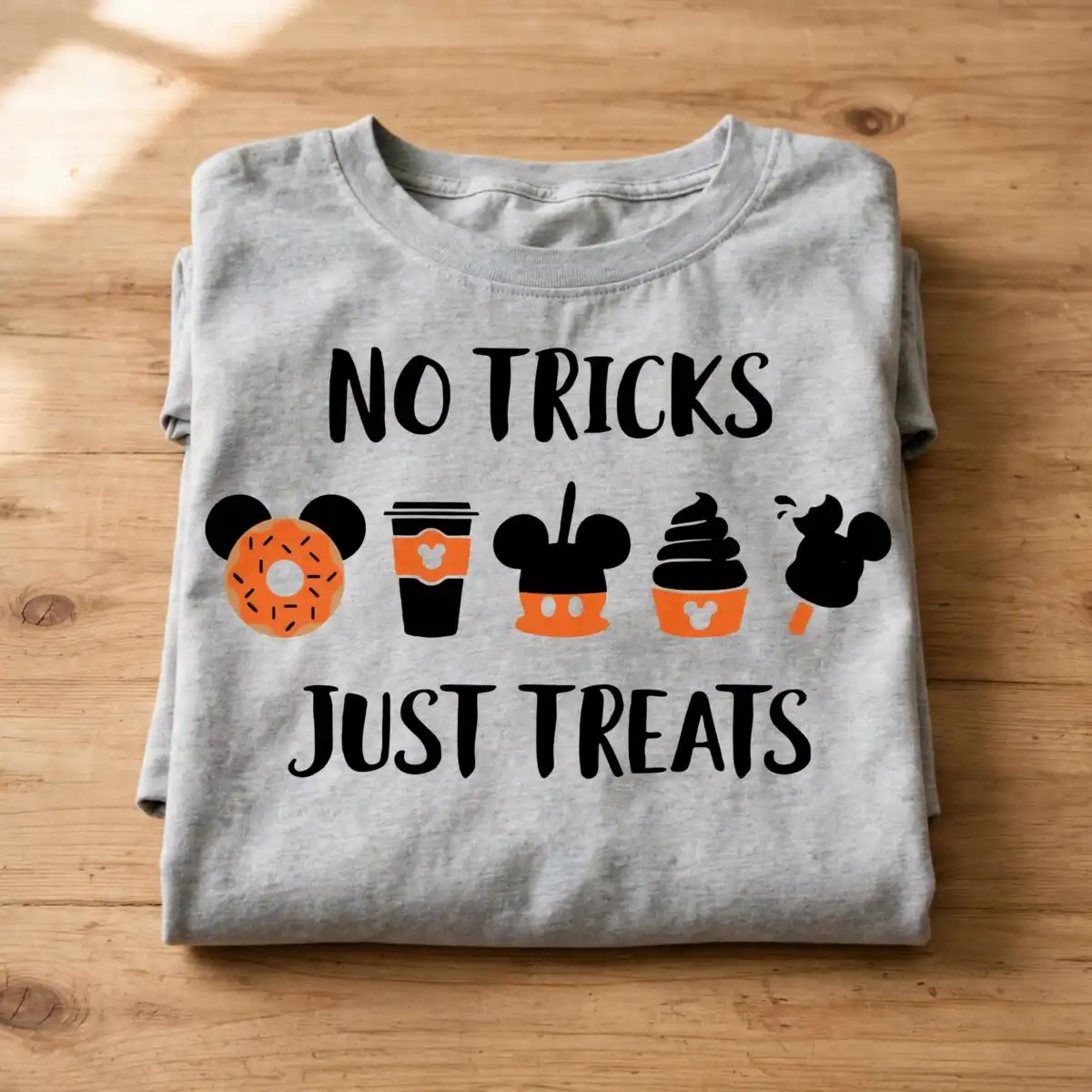
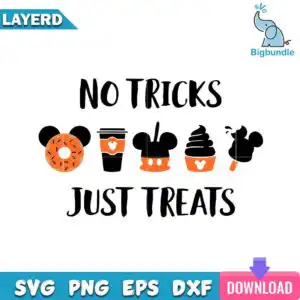
This No Tricks Just Treats clipart is a single square design you get as SVG, PNG, DXF, EPS and PDF, made for cutting and sublimation on t-shirts, mugs, tumblers and more. You will cut uppercase brush lettering that reads NO TRICKS on top and JUST TREATS on bottom, framing five playful icons like a donut with round ears and sprinkles, a takeaway coffee cup with an ear-shaped label, and a soft-serve swirl. The art uses flat cartoon style in bold black, orange and white and stays legible at small sizes for stickers, cards and party decor.
Design breakdown
Single design shown in the preview, cut in 3 layers in black, orange and white on a white background. Flat cartoon style with medium cutting complexity and clean, bold shapes for easy weeding.
| Layers | 3 |
|---|---|
| Colours | 3 — black (#000000), orange (#FF7F11), white (#FFFFFF) |
| Lettering | NO TRICKS / JUST TREATS |
| Background | white |
| Cut complexity | medium |
| Orientation | square |
What’s included
- SVG
- PNG (300 dpi, transparent)
- DXF
- EPS
Works with
- Cricut Design Space
- Silhouette Studio (Designer Edition)
- Brother ScanNCut
- Adobe Illustrator
- Inkscape
- CorelDRAW
How to use
Unzip your files, then import the SVG or DXF into Cricut Design Space, Silhouette Studio or your preferred cutter software. Size it for your blank, cut, weed and press. Use the transparent PNG at 300 dpi for sublimation or direct print.
Licence
Personal and small-business commercial use. Sell finished physical items; do not resell or redistribute the files themselves.
FAQ
What files do I get with this design?
You get SVG, PNG at 300 dpi with transparent background, DXF, EPS and PDF. All five formats are included for cutting and printing.
Can I use this design on a t-shirt or youth shirt?
Yes, it works great for Halloween t-shirts including youth sizes. The bold brush text stays legible and the simple snack icons weed cleanly at 4 inches or larger.
What machines does this cut file work with?
It works with Cricut Design Space, Silhouette Studio Designer Edition, Brother ScanNCut, Adobe Illustrator, Inkscape and CorelDRAW. Use SVG or DXF for cutting, PNG for sublimation.
Can I resize it and sell what I make?
Yes, you can resize it freely and sell finished physical items like shirts, mugs and totes. Personal and small-business commercial use is allowed; you may not resell or share the digital files themselves.