Cartoon Penguin Santa Hat Clipart for Christmas Shirts, Mugs and Holiday Signs
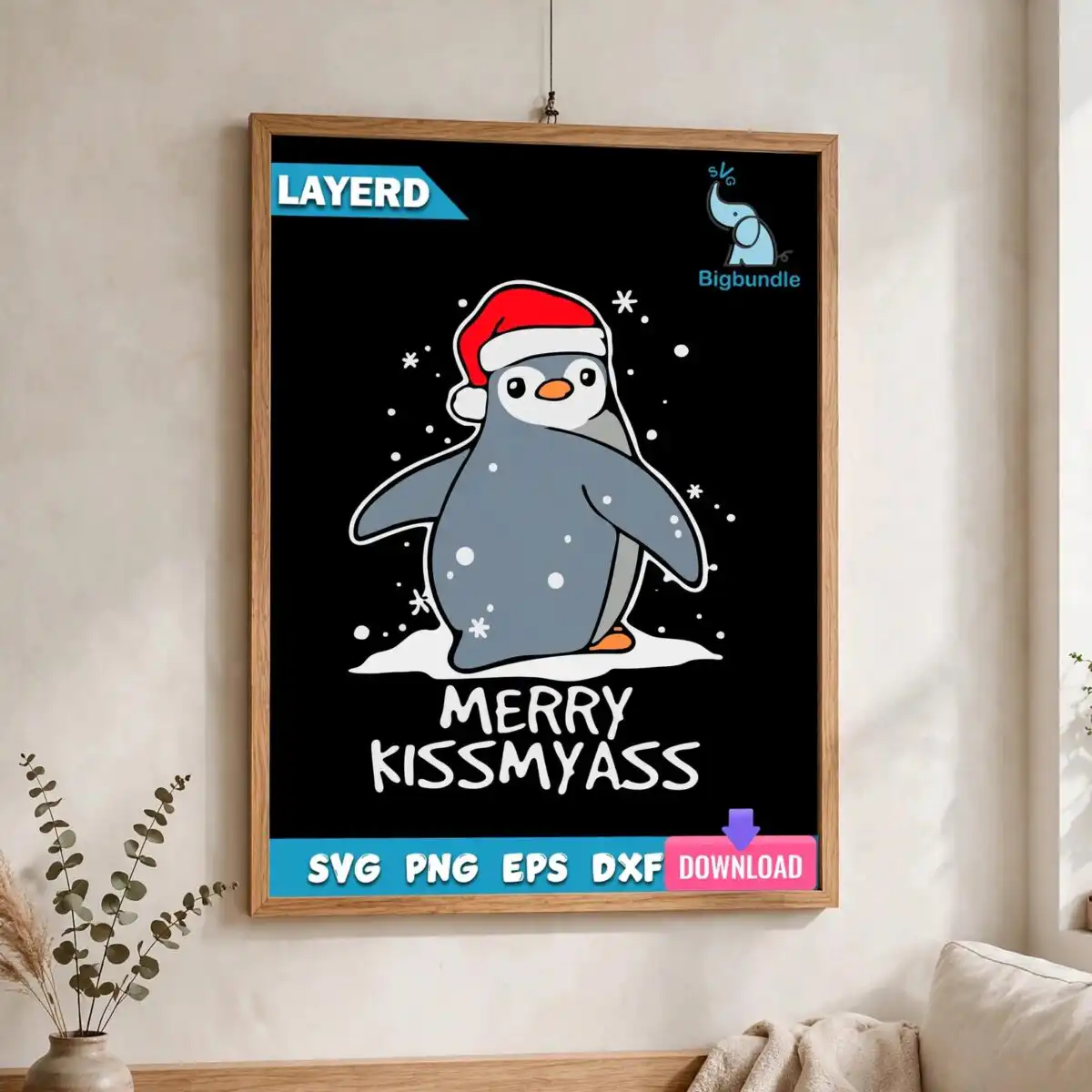
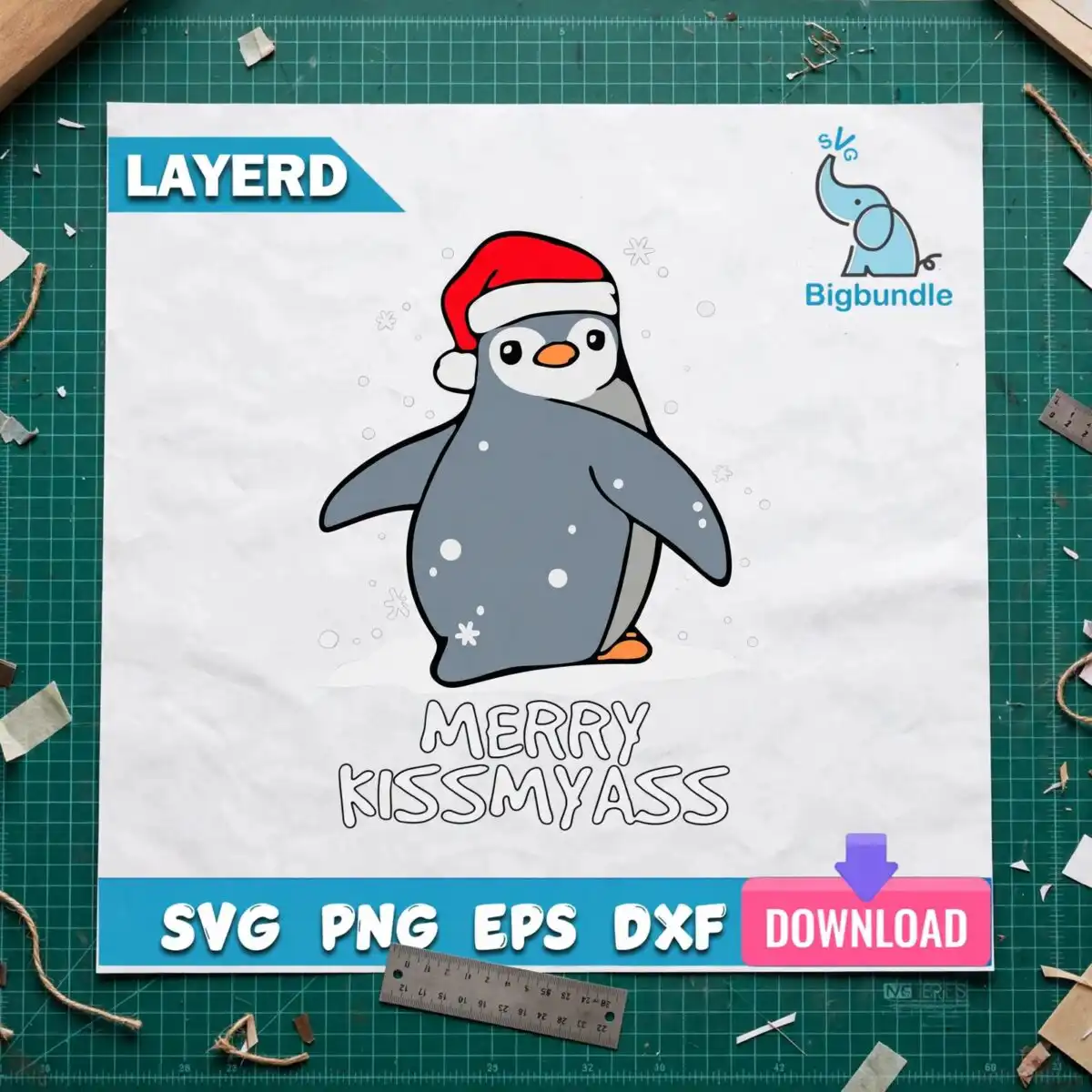
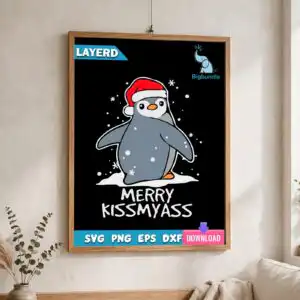
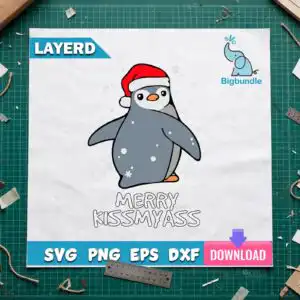
This cartoon penguin Santa hat design is a single flat vector illustration with the lettering MERRY KISSMYASS set below it, made for cutting, printing and pressing onto shirts, mugs, tumblers and signs. The penguin wears a red Santa hat with a white trim, stands on a white snow patch, and has an orange beak and orange feet. Snowflakes and snow dots fall around it, and the artwork is drawn in black, white, slate grey, red and orange. You receive the design as an SVG, PNG (300 dpi, transparent background), DXF, EPS and PDF, so it works with Cricut Design Space, Silhouette Studio, Brother ScanNCut and common design software. The style is cartoon with a sticker-style outline and hand-lettered text, and the playful, cheeky tone suits adults and teens who want a holiday piece with some attitude. Because the lettering is the main message, the phrase reads clearly at most sizes once it is cut or printed.
Design breakdown
The design is cut in 4 layers and uses 5 colours: black, white, slate grey, red and orange. The red Santa hat, orange beak and orange feet sit on the penguin body, the snow patch and snow dots are separate pieces, and the hand-lettered MERRY KISSMYASS text sits below the penguin. The outline style gives it a sticker look and the cut complexity is low, so it suits vinyl weeding and standard cutting machines. The snowflakes and snow dots are small, so cut it at 4 inches or larger to keep those details clean.
| Layers | 4 |
|---|---|
| Colours | 5 — black (#000000), white (#FFFFFF), slate grey (#6B7785), red (#D92B2B), orange (#F28C28) |
| Lettering | MERRY KISSMYASS / LAYERD / SVG / PNG / EPS / DXF / DOWNLOAD |
| Background | dark |
| Cut complexity | low |
| Orientation | portrait |
What’s included
- SVG
- PNG (300 dpi, transparent)
- DXF
- EPS
Works with
- Cricut Design Space
- Silhouette Studio (Designer Edition)
- Brother ScanNCut
- Adobe Illustrator
- Inkscape
- CorelDRAW
How to use
Download the ZIP file from your order and unzip it to a folder on your computer. In Cricut Design Space or Silhouette Studio, choose Upload, select the SVG file, and import it onto your canvas. Ungroup the layers if you want to change colours, then size the design and send it to your cutting machine. For printing, use the PNG file at 300 dpi on a transparent background.
Licence
Personal and small-business commercial use. Sell finished physical items; do not resell or redistribute the files themselves.
FAQ
What files are included with this penguin Santa hat design?
You get an SVG, PNG (300 dpi, transparent background), DXF, EPS and PDF file. The SVG is the best choice for cutting machines, and the PNG suits printing and sublimation.
Can I put this penguin design on a 20oz tumbler?
Yes, it can be used on a 20oz tumbler as a vinyl decal or a printed wrap. Check that the snowflakes and snow dots are large enough for your cutting or printing setup, and cut or print it at 4 inches or larger.
Which machines and software work with this design?
It works with Cricut Design Space, Silhouette Studio (Designer Edition), Brother ScanNCut, Adobe Illustrator, Inkscape and CorelDRAW. The SVG and DXF files open in these programs without conversion.
Can I resize this design and use it in my small business?
Yes, you can resize it for your project. The licence covers personal and small-business commercial use, so you can sell finished physical items made with it, but you cannot resell or redistribute the files themselves.