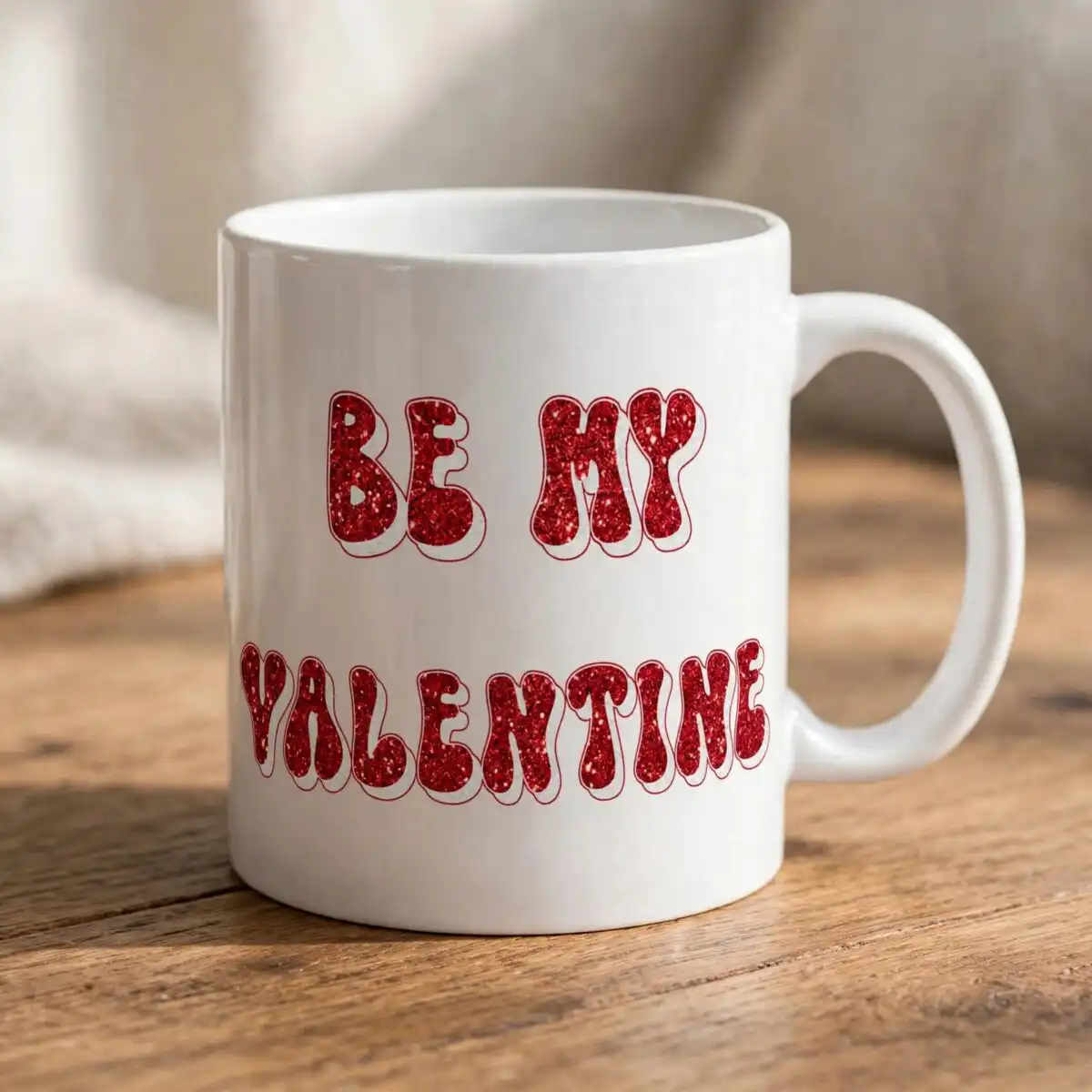
Pink Cartoon Flower PNG Be My Valentine Sublimation Design for Shirts, Mugs and Totes
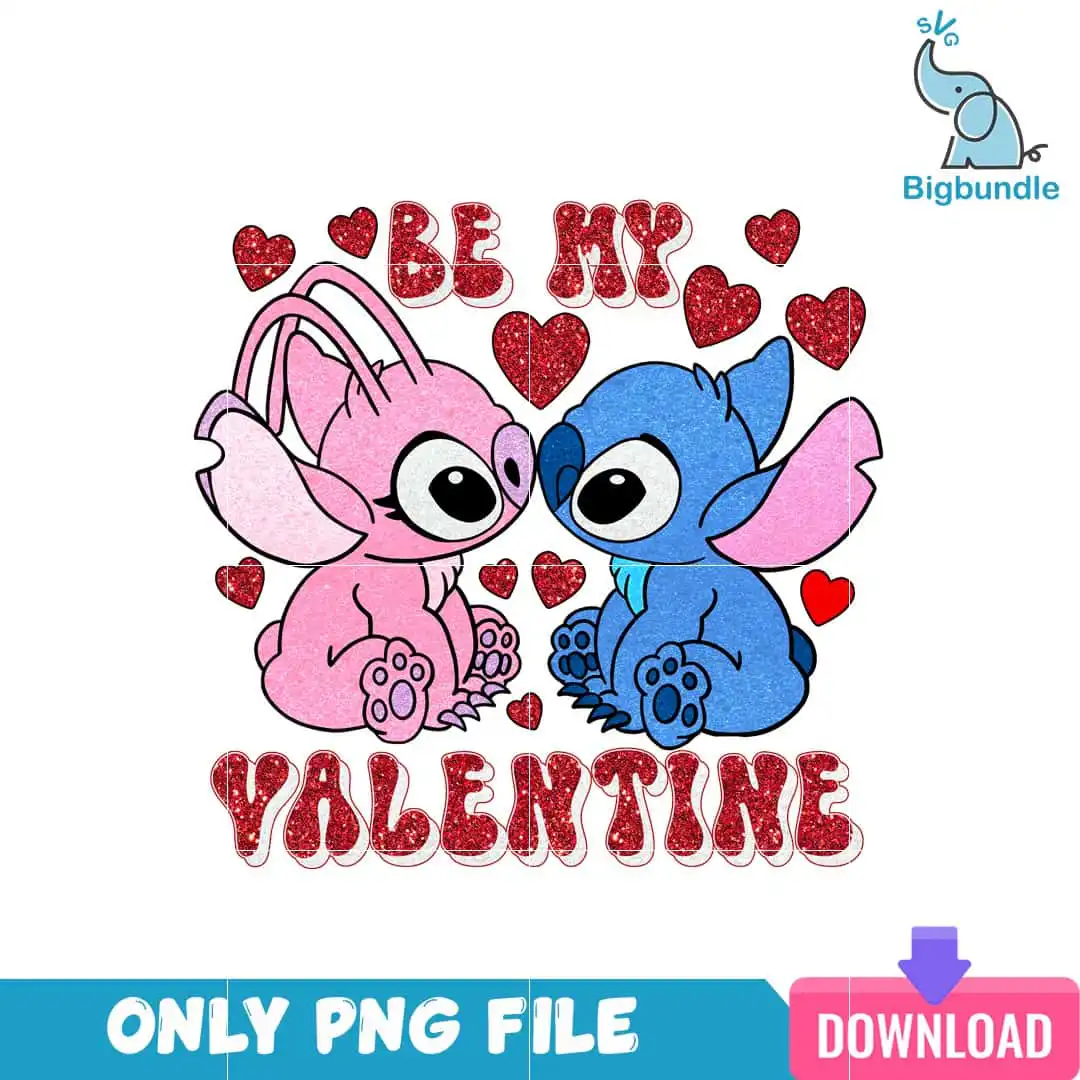
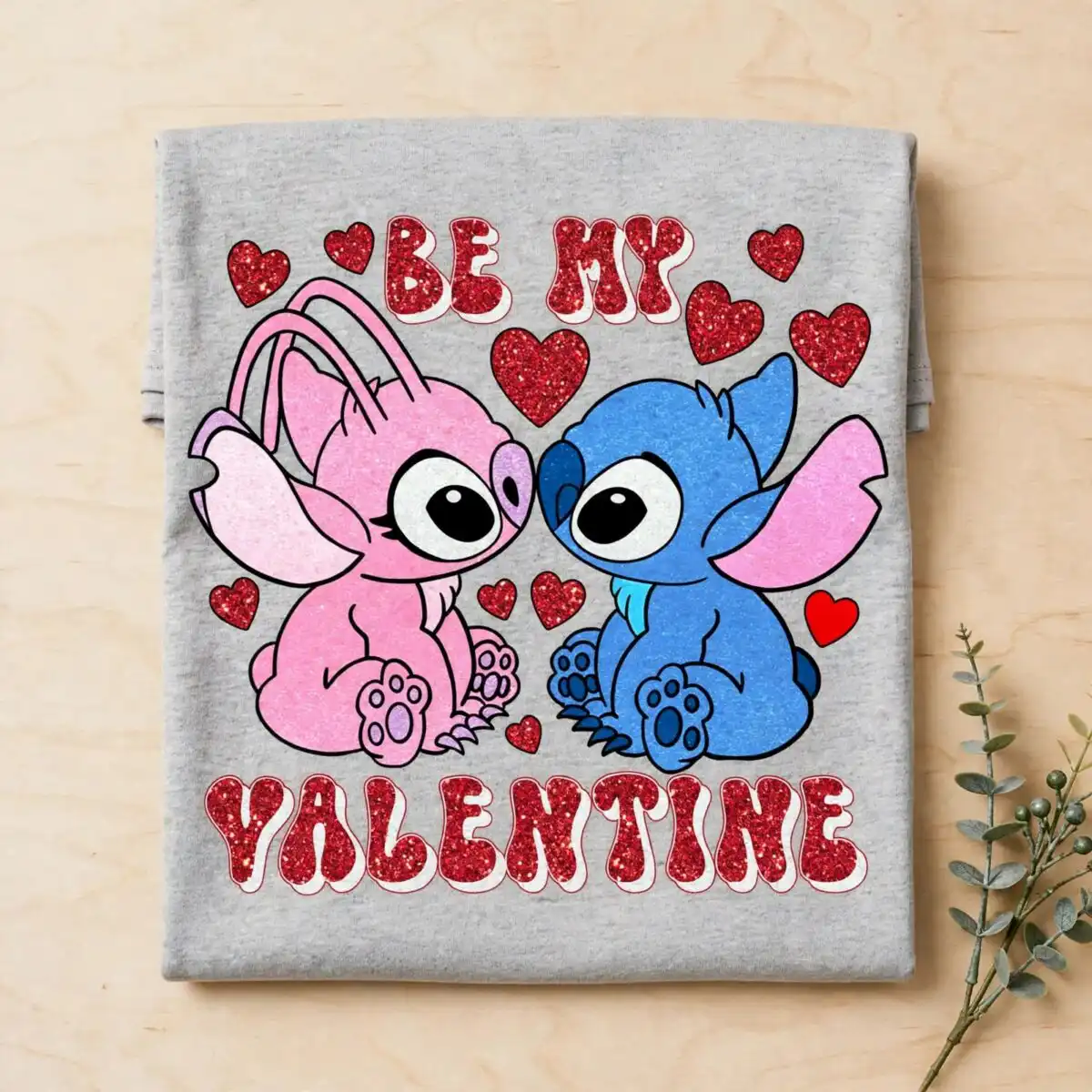
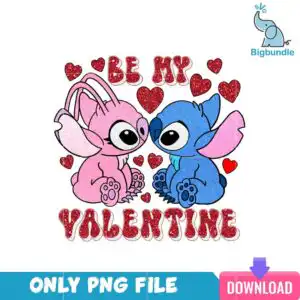
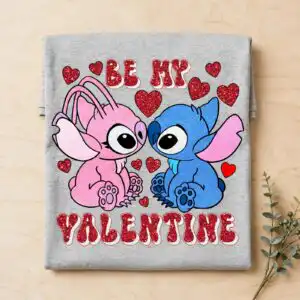
This Be My Valentine design is a single cartoon Valentine’s Day artwork, delivered as a PNG file with a transparent background, made for sublimation, shirts, mugs and tote bags. It shows pink Angel and blue Stitch sitting side by side and nose to nose, with the words BE MY above VALENTINE in retro lettering. Red glitter hearts and paw prints fill the space around the characters. The main palette is light pink, blue, red, black and white, so the piece reads clearly on a white or light garment. You receive the PNG at 300 dpi, which makes it a good match for sublimation printers such as Epson and Sawgrass. The pink cartoon flower PNG search term describes the pink Angel character at the centre, so this is the artwork you are looking for if you want a playful couples or gift design for February. Fans of Lilo and Stitch, kids and gift buyers all tend to pick it for its cheerful, romantic mood.
Design breakdown
The artwork is cut in 3 layers and uses five colours: light pink, blue, red, black and white. Pink Angel and blue Stitch are the largest elements, with the BE MY and VALENTINE lettering set in black and red beneath and between them. Red glitter hearts and small paw prints are placed around the characters as separate accents. The file is a single square design on a transparent background, with fine details such as the glitter hearts best cut at 4 inches or larger if you are using a cutting machine. Cutting is medium in complexity, so weeding takes a little patience around the hearts.
| Colours | 5 — light pink (#F4A6C8), blue (#3A7BD5), red (#C8102E), black (#111111), white (#FFFFFF) |
|---|---|
| Lettering | BE MY / VALENTINE |
| Background | white |
| Orientation | square |
What’s included
- PNG (300 dpi, transparent background)
Works with
- Sublimation printers (Epson, Sawgrass)
- DTF / print-and-cut workflows
- Canva
- Adobe Photoshop
How to use
Download the zip file from your order and unzip it to a folder on your computer. Open the PNG in Canva, Adobe Photoshop or your sublimation software and import it onto your template. Scale the design to your blank, keeping the proportions locked so the characters and lettering stay aligned. Print with your sublimation printer, or send the file to your DTF or print-and-cut workflow, then press or apply it as usual.
Licence
Personal and small-business commercial use. Sell finished physical items; do not resell or redistribute the files themselves.
FAQ
What files are included with this Be My Valentine design?
You receive one PNG file at 300 dpi with a transparent background. It is a single design, not a bundle, and it has no separate SVG or DXF files.
Can I put this Valentine design on a 20oz tumbler?
Yes, the design works on a 20oz tumbler when printed as a sublimation wrap. Scale it to the wrap height before printing so the two characters and the BE MY VALENTINE lettering remain fully visible.
Which printers and programs work with this PNG?
It works with Epson and Sawgrass sublimation printers, DTF and print-and-cut workflows, and editing software such as Canva and Adobe Photoshop. Any program that opens standard PNG files will also work.
Can I resize the design and use it for my small business?
Yes, you can resize it for your blanks and use it for personal or small-business commercial projects. You may sell finished physical items, but you may not resell or redistribute the files themselves.