
Halloween Winnie the Pooh Character Dressed in a Pumpkin Costume, SVG Cut File for Shirts
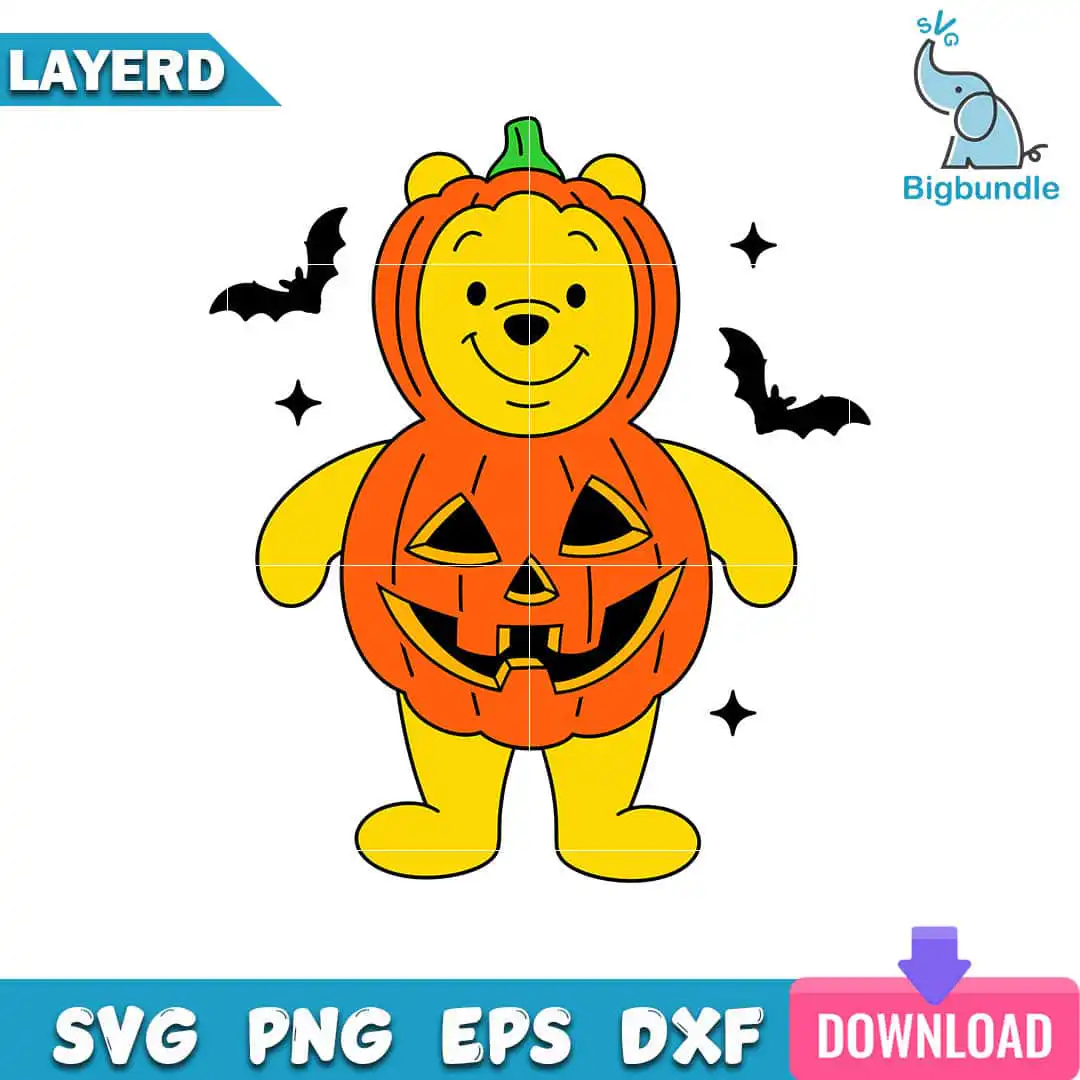
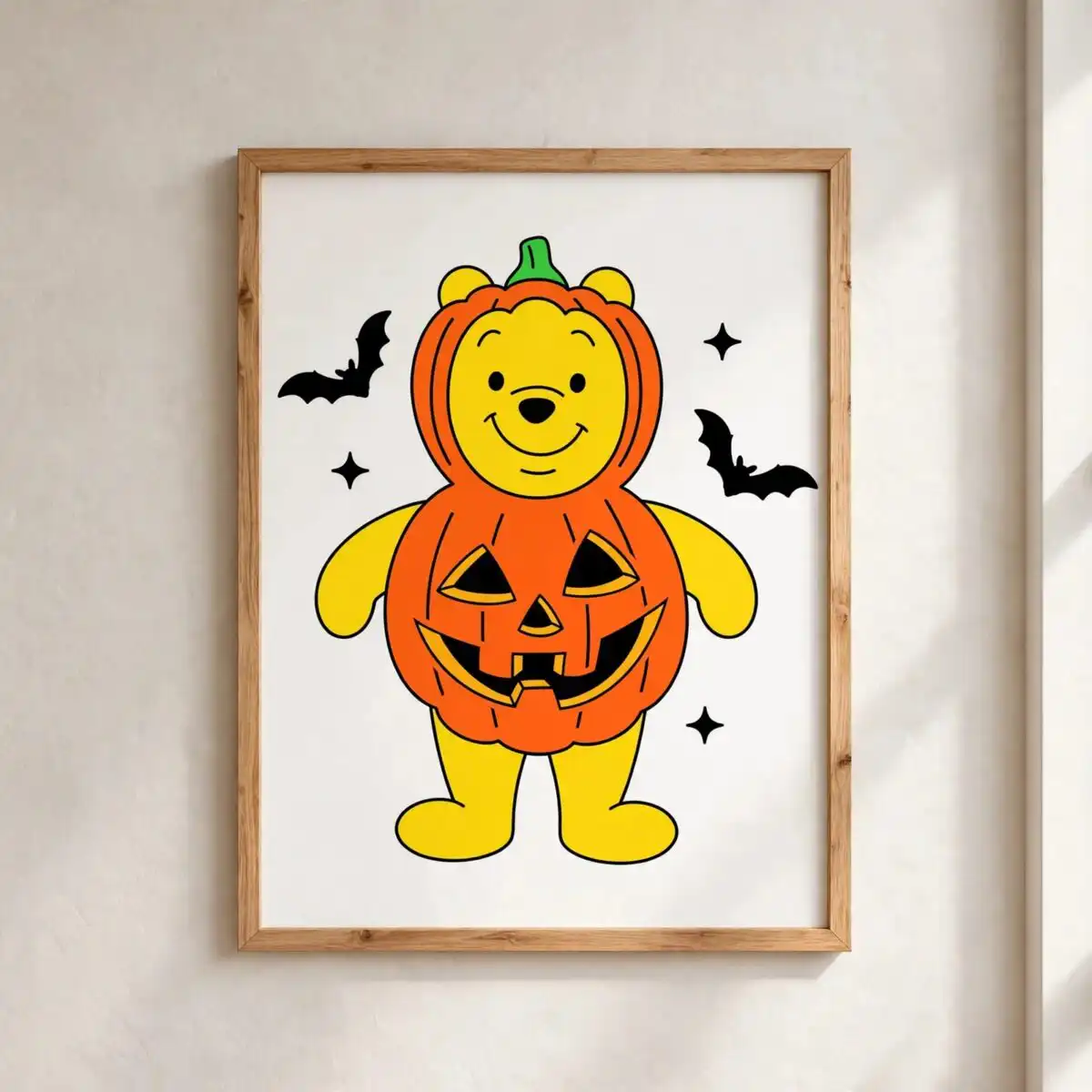
This Winnie the Pooh character SVG is one Halloween design of Pooh dressed in a pumpkin costume, with a jack-o’-lantern face and a green pumpkin stem. You get it as a cut file in SVG, PNG, DXF, EPS and PDF, made for vinyl cutting, t-shirts, stickers and printable Halloween decor. The artwork uses bold yellow, orange and black with white accents, and the costume is surrounded by small bats and sparkle stars. The flat colour and thick outlines keep the shapes clear, so the design reads well when cut from vinyl or printed on a shirt. It is a good pick for kids’ Halloween projects, family pumpkin-themed crafts and front-door decorations. Because the artwork is cartoon clip art in a Disney-inspired style, it suits anyone making playful, cheerful autumn pieces for a Halloween party or a school event.
Design breakdown
The design is cut in 4 layers, using five colours: yellow, orange, black, green and white. The yellow and orange make up the pumpkin costume and the body of the jack-o’-lantern face, black forms the outlines, facial features and bats, green is the pumpkin stem, and white is used for the sparkle stars. The file is a single portrait-orientation design on a white background. Its cut complexity is medium, with the jack-o’-lantern face and bats having finer details, so cut it at 4 inches or larger for the cleanest results.
| Layers | 4 |
|---|---|
| Colours | 5 — yellow (#FFD500), orange (#F26B1D), black (#000000), green (#2BA84A), white (#FFFFFF) |
| Lettering | LAYERD / SVG / PNG / EPS / DXF / DOWNLOAD |
| Background | white |
| Cut complexity | medium |
| Orientation | portrait |
What’s included
- SVG
- PNG (300 dpi, transparent)
- DXF
- EPS
Works with
- Cricut Design Space
- Silhouette Studio (Designer Edition)
- Brother ScanNCut
- Adobe Illustrator
- Inkscape
- CorelDRAW
How to use
Download the ZIP file from your order and unzip it to a folder on your computer. Open your cutting software, such as Cricut Design Space or Silhouette Studio, and choose Upload or Open. Select the SVG file so the layers come in separately. Check the layers, resize the design to your project, then cut or print. For t-shirts, use the PNG file, which has a transparent background.
Licence
Personal and small-business commercial use. Sell finished physical items; do not resell or redistribute the files themselves.
FAQ
What files come with this Winnie the Pooh character SVG?
You get SVG, PNG (300 dpi, transparent), DXF, EPS and PDF files. The SVG keeps the colour layers separate for cutting, and the PNG works for printing and heat transfer projects. The files are in a ZIP archive, so unzip them before you import.
Can I put this Pooh Halloween design on a 20oz tumbler?
Yes, the PNG and SVG files can be used for tumbler wraps and sublimation projects, as long as the design is sized to fit your tumbler. Resize it in your software before printing so the jack-o’-lantern face and bats keep their clean outlines.
Which machines and software does this design work with?
It works with Cricut Design Space, Silhouette Studio (Designer Edition), Brother ScanNCut, Adobe Illustrator, Inkscape and CorelDRAW. Any of these can open the SVG, and the PNG can be printed on a standard printer for iron-on or sticker projects.
Can I sell finished shirts or stickers made with this file?
Yes, the licence covers personal use and small-business commercial use, so you can sell finished physical items made with the design. You cannot resell or redistribute the files themselves, so do not share the SVG, PNG, DXF or other files with others.


