
Winnie the Pooh Halloween SVG: Pooh Dressed as a Mummy for Trick-or-Treat Shirts, Mugs
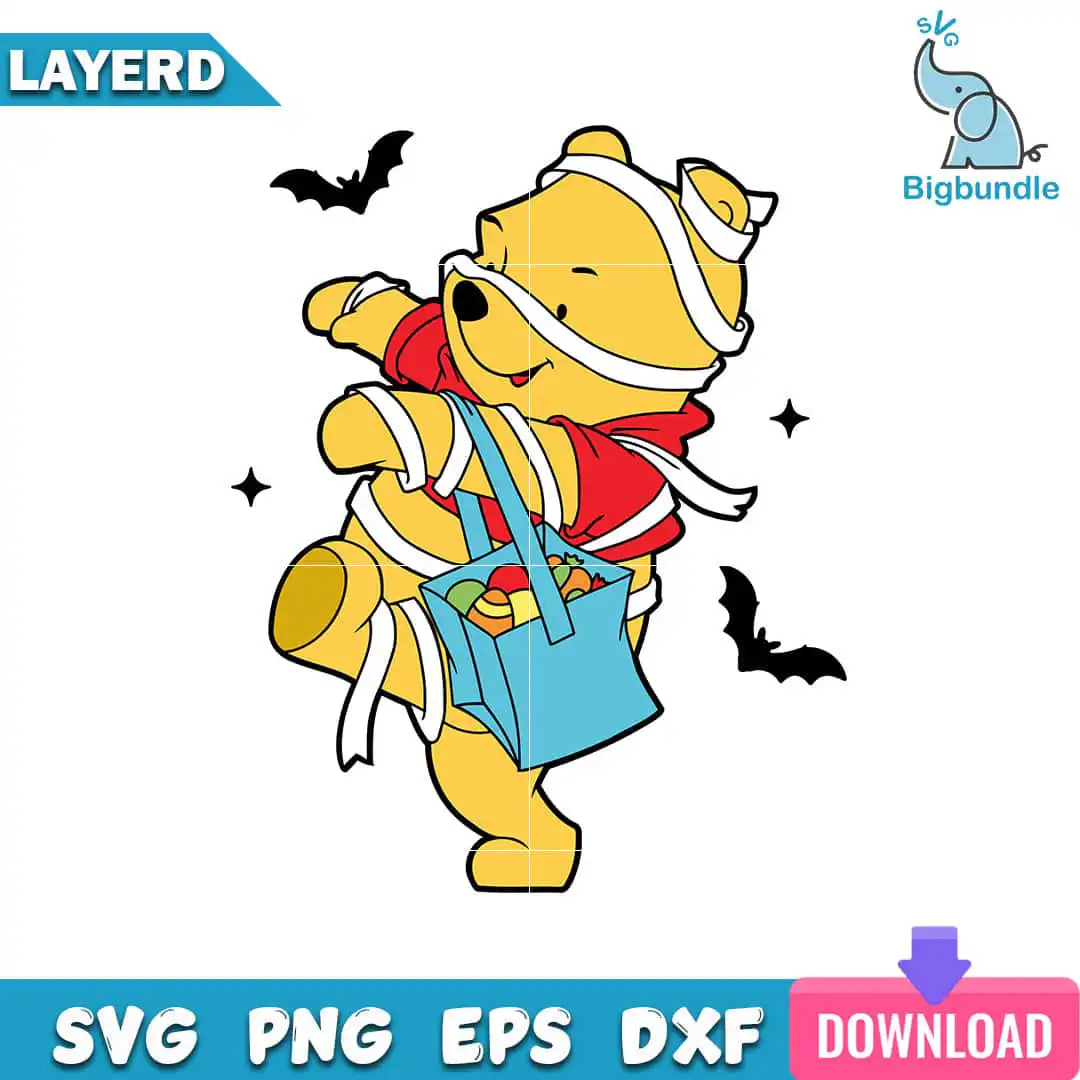
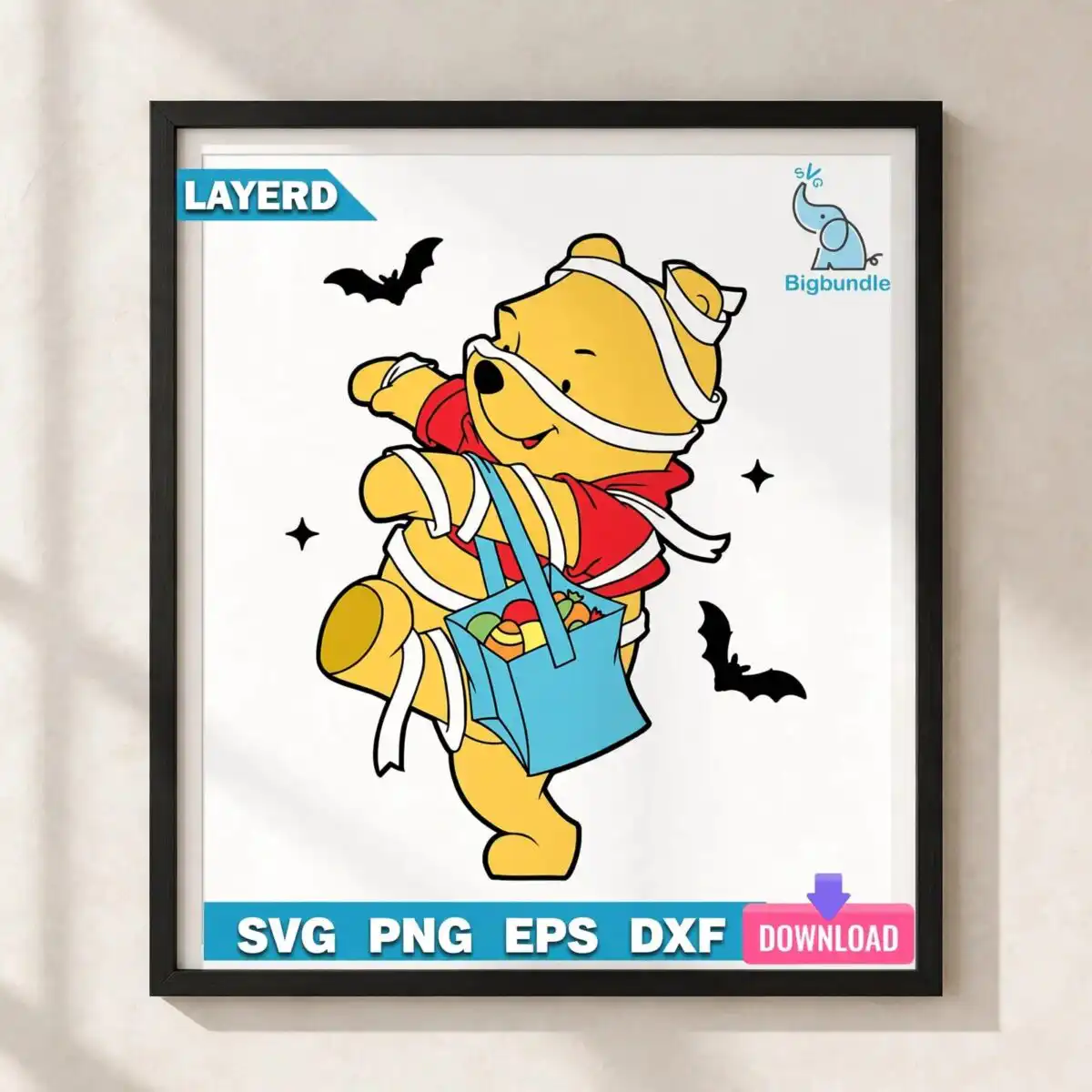
This Winnie the Pooh Halloween SVG is one cartoon clip-art design of Winnie the Pooh dressed as a mummy in Halloween costume, and it comes as a set of cut files for shirts, mugs, stickers and printables. You get SVG, PNG, DXF, EPS and PDF files. Pooh is wrapped in white bandage strips, wears a red shirt, and carries a blue trick-or-treat tote bag filled with candy. Black bats and black sparkle stars sit around him against a white background. The bold black outlines and flat colour fills in golden yellow, teal blue and pink keep the design easy to read once it is cut from vinyl or printed. It suits kids’ Halloween shirts, trick-or-treating bags, autumn door decor and scrapbook pages. Because the artwork is flat colour with a clear outline, it is simple to weed and layer.
Design breakdown
The design is a single character illustration cut in 6 layers, built in flat colour with a bold black outline. The palette is golden yellow, black, white, red, light blue, teal blue and pink, seven colours in total. Pooh’s body and the candy carry the golden yellow, the white bandage wraps are separate white shapes, the red shirt is its own layer, and the blue trick-or-treat tote uses the light blue and teal blue. Black bats and black sparkle stars are separate small shapes, and the lettering in the file reads LAYERD, SVG, PNG, EPS, DXF and DOWNLOAD. Cut complexity is medium: the bandage lines and bag handle are fine details, so cut it at 4 inches or larger for clean results on vinyl.
| Layers | 6 |
|---|---|
| Colours | 7 — golden yellow (#F7C92E), black (#000000), white (#FFFFFF), red (#D92B2B), light blue (#6CC4E8), teal blue (#1BA3C6) |
| Lettering | LAYERD / SVG / PNG / EPS / DXF / DOWNLOAD |
| Background | white |
| Cut complexity | medium |
| Orientation | portrait |
What’s included
- SVG
- PNG (300 dpi, transparent)
- DXF
- EPS
Works with
- Cricut Design Space
- Silhouette Studio (Designer Edition)
- Brother ScanNCut
- Adobe Illustrator
- Inkscape
- CorelDRAW
How to use
Download the zip file and unzip it on your computer, keeping the SVG, PNG, DXF and EPS files together in one folder. For vinyl or shirt cutting, open the SVG in Cricut Design Space or Silhouette Studio (Designer Edition) and import it. Each colour layer is separate, so you can hide or delete layers before cutting. For printing on mugs or stickers, use the PNG at 300 dpi with its transparent background. Check the size before you cut.
Licence
Personal and small-business commercial use. Sell finished physical items; do not resell or redistribute the files themselves.
FAQ
What files are included with this Winnie the Pooh Halloween SVG?
You get SVG, PNG (300 dpi, transparent), DXF, EPS and PDF files. The SVG is the one to use for cutting machines, and the PNG suits printing and sublimation.
Can I use this Pooh mummy design on a kids Halloween shirt?
Yes, it suits a kids’ Halloween shirt, since the design is a single character with a bold outline. Cut it as heat transfer vinyl or print it with a transparent PNG, and size it to the shirt front before you press it.
Which machines and programs can open this file?
It works with Cricut Design Space, Silhouette Studio (Designer Edition), Brother ScanNCut, Adobe Illustrator, Inkscape and CorelDRAW. Use the SVG or DXF file for cutting machines and the PNG for printing.
Can I resize this design and sell finished items made with it?
Yes, you can resize it in your cutting software. The licence covers personal and small-business commercial use for finished physical items, but you may not resell or redistribute the files themselves.


