
Disney Princesses Eras Tour Design for Birthday Shirts, Tumblers and Vinyl Cutting
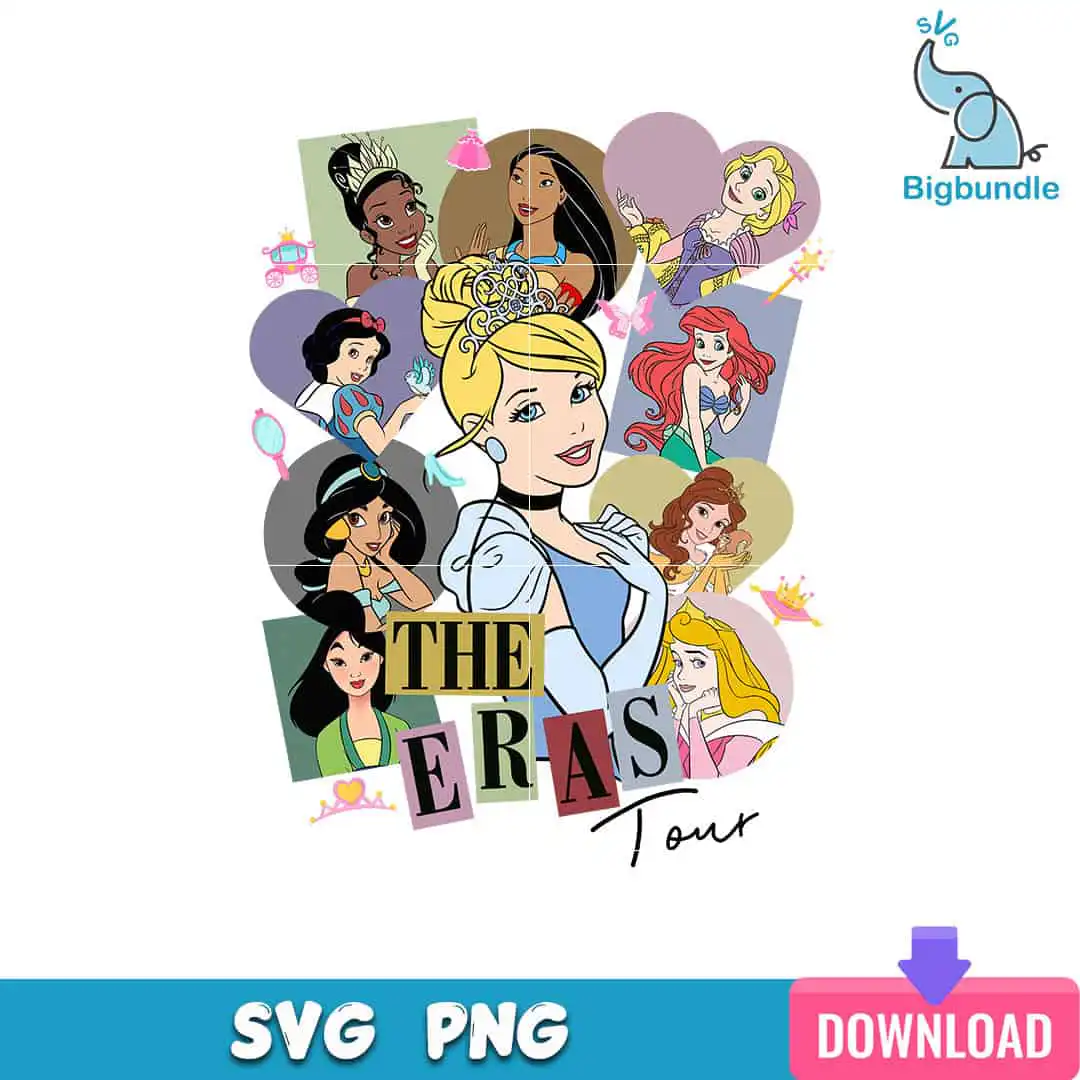
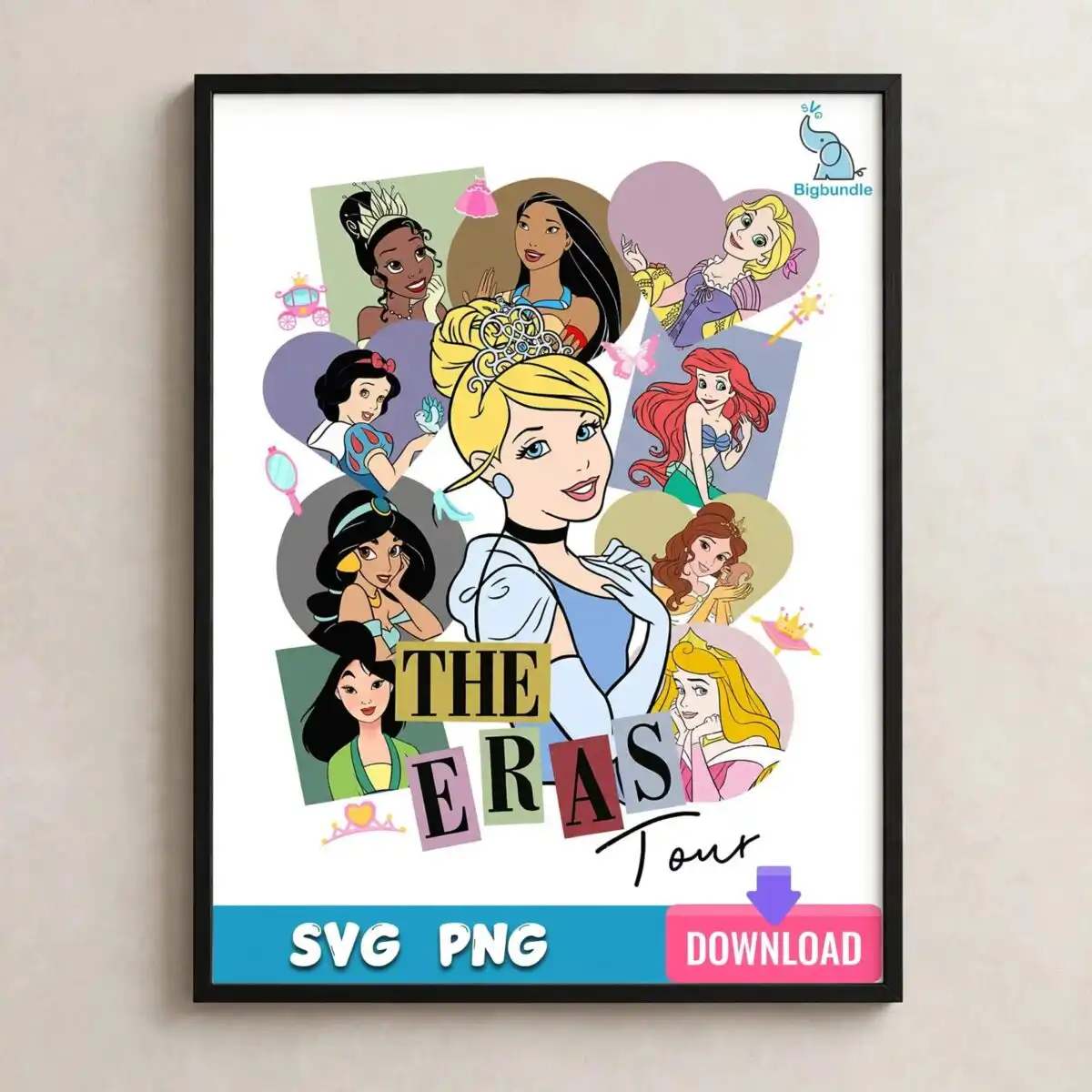
This Disney Princess Eras Tour design is a single cartoon collage with Cinderella at its centre, surrounded by Tiana, Pocahontas, Rapunzel, Snow White, Ariel, Jasmine, Belle, Mulan and Aurora. You get SVG, PNG (300 dpi, transparent), DXF, EPS and PDF files, made for shirts, tumblers, mugs, sublimation and vinyl cutting. The princesses sit in pastel heart-shaped and rectangular panels in sage green, lavender and dusty pink, with a golden yellow tiara, crown and hand mirror picked out in the artwork. The lettering reads THE ERAS Tour in ransom-note style, and a teal blue banner runs along the bottom. It is a playful, nostalgic piece for birthday parties, Disney trips and fans who love both princesses and Swifties. Charcoal black outlines hold the whole collage together, so the image reads clearly once it is cut or printed.
Design breakdown
The design is cut in 14 layers and uses six colours: golden yellow, sage green, lavender, dusty pink, charcoal black and teal blue for the bottom banner. The artwork includes the princesses Cinderella, Tiana, Pocahontas, Rapunzel, Snow White, Ariel, Jasmine, Belle, Mulan and Aurora, along with a tiara, crown, butterfly, carriage, hand mirror, heart shapes and rectangular panels. The lettering THE ERAS Tour is set in ransom-note style. It is a single design on a white background in portrait orientation, and the file is designed for cutting at a size where the fine details in the faces and the small lettering remain legible. The preview shows one design only.
| Layers | 14 |
|---|---|
| Colours | 6 — golden yellow (#F4C542), sage green (#7FA38A), lavender (#B8A4C9), dusty pink (#D9A6B0), charcoal black (#3B3B3B), teal blue (bottom banner) (#1FA3C7) |
| Lettering | THE / ERAS / Tour |
| Background | white |
| Cut complexity | high |
| Orientation | portrait |
What’s included
- SVG
- PNG (300 dpi, transparent)
- DXF
- EPS
Works with
- Cricut Design Space
- Silhouette Studio (Designer Edition)
- Brother ScanNCut
- Adobe Illustrator
- Inkscape
- CorelDRAW
How to use
Download the zip file from your order and unzip it to a folder on your computer. Open the SVG in Cricut Design Space or Silhouette Studio (Designer Edition) using the Upload or Open command. For printing, use the PNG on a light-coloured shirt, tumbler or mug, or use the sublimation file on white or light blank items. Check the layers panel before cutting to confirm each colour is separate.
Licence
Personal and small-business commercial use. Sell finished physical items; do not resell or redistribute the files themselves.
FAQ
What files come with the Disney Princess Eras Tour design?
You get SVG, PNG at 300 dpi with a transparent background, DXF, EPS and PDF files. Each format is included in the download, so you can use whichever one your cutting or printing software accepts.
Can I put this Disney princess design on a 20oz tumbler?
Yes, the design works on a 20oz tumbler using the PNG for sublimation or the SVG for a vinyl decal. Size it to the tumbler wrap area you plan to use, and check the fine details in the princesses’ faces at that size before you print.
Which machines and programs does this file work with?
It works with Cricut Design Space, Silhouette Studio (Designer Edition), Brother ScanNCut, Adobe Illustrator, Inkscape and CorelDRAW. The SVG and DXF files suit cutting machines, and the PNG suits printing.
Can I use this design for a small business?
Yes, the licence covers personal and small-business commercial use, so you can make and sell finished physical items such as shirts and tumblers. You may not resell or redistribute the design files themselves.


