

Scotch Whisky Pronunciation Style Dictionary Definition SVG Design for Birthday Gifts
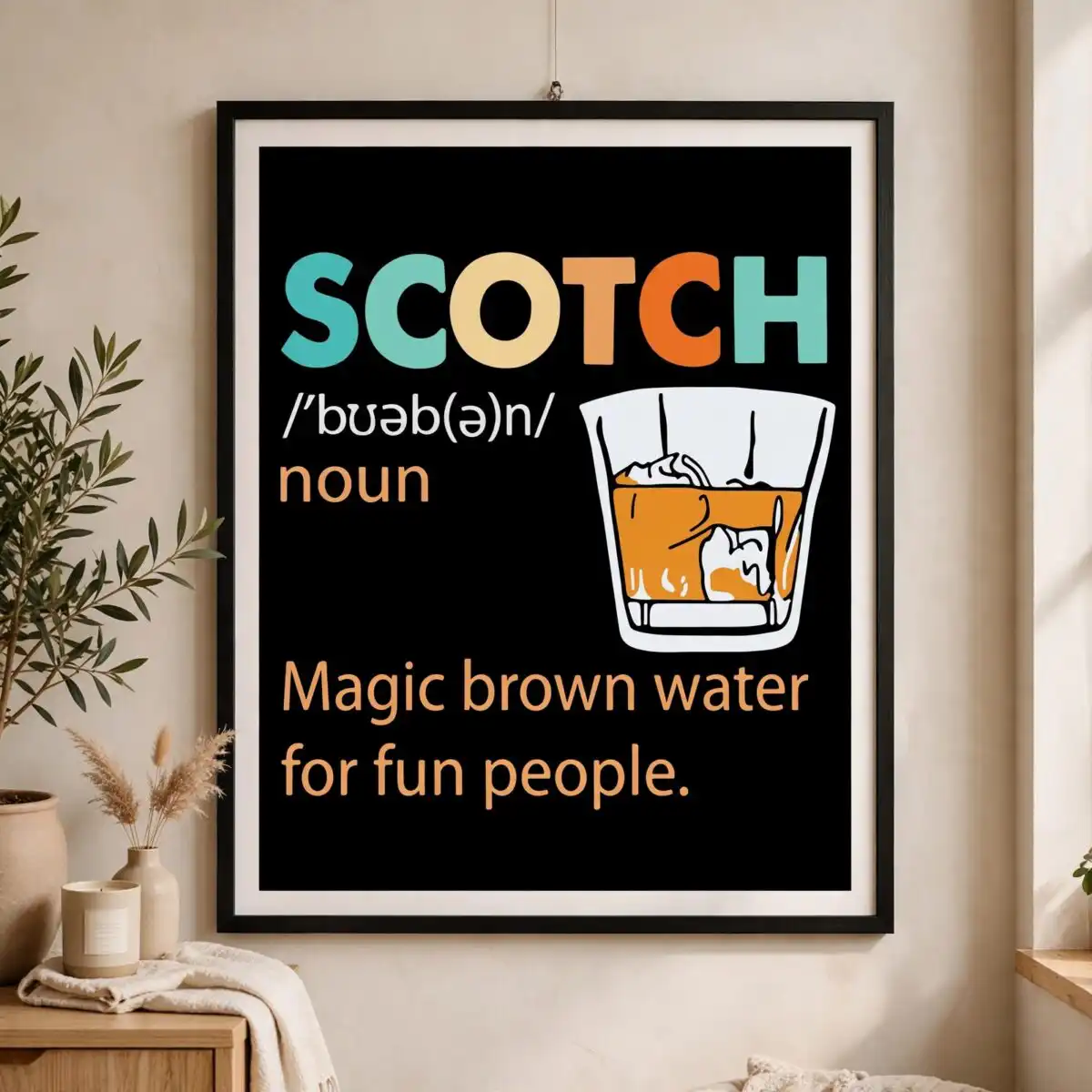
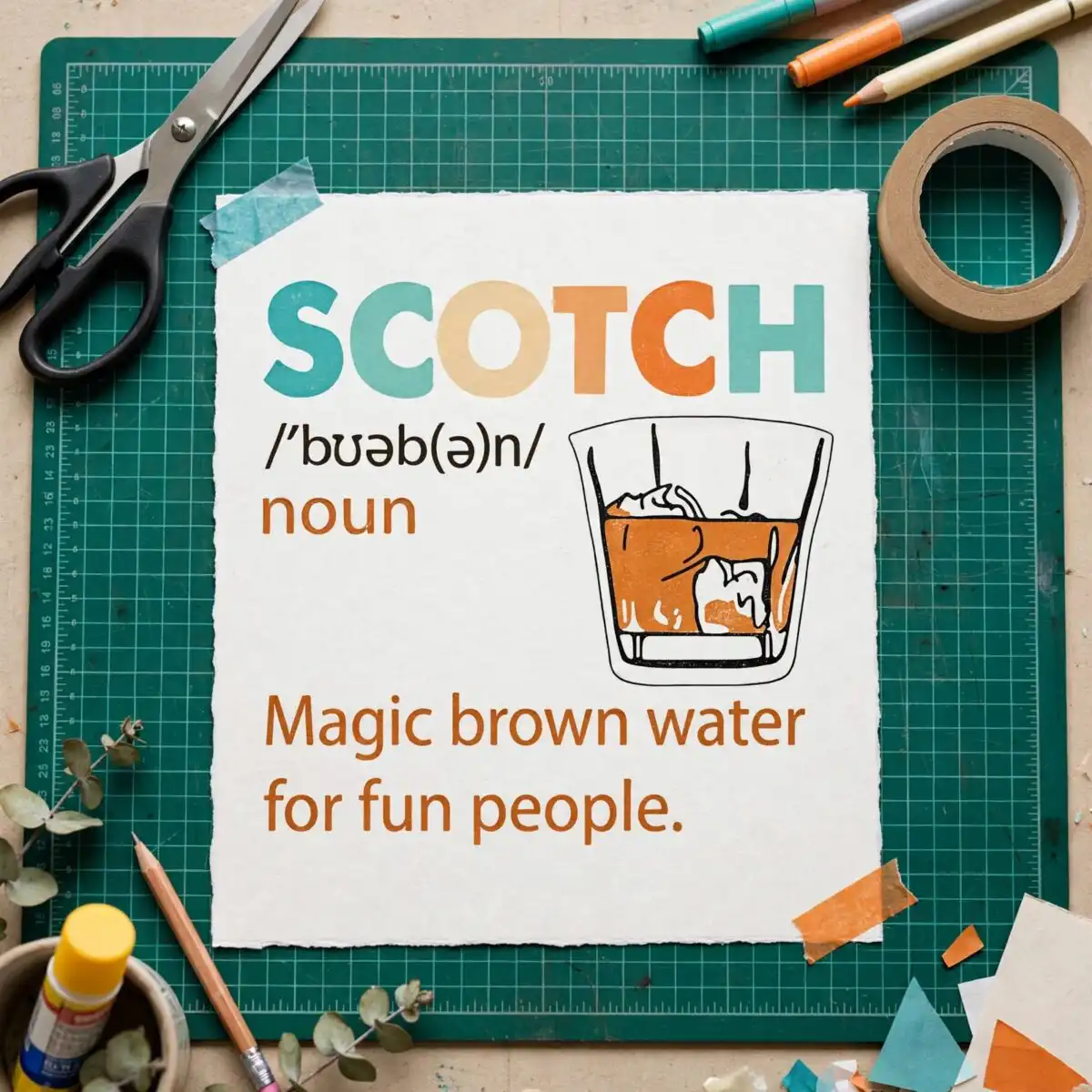
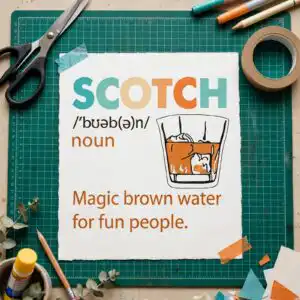
This pronunciation style dictionary definition cut file is a single retro design that spells out SCOTCH in teal and orange lettering, with a stylised whisky glass, ice cubes and amber liquid beneath a joking definition. You get SVG, PNG, DXF, EPS and PDF files, made for shirts, mugs, tumblers and vinyl cutting. The artwork is built around a dictionary-style layout: a decorative badge header bar, a phonetic transcription in black and white, and the line “Magic brown water for fun people.” set on a dark background. Because it is flat vector artwork in black, teal, light tan, orange-red, orange, amber and white, it reads clearly on dark garments and works well as a birthday gift for anyone who enjoys a good dram. Use it to make a personalised whisky lover’s mug, a funny birthday tee or a vinyl decal for a bar cart.
Design breakdown
The design is a single flat vector illustration cut in 4 layers. It uses seven colours: black, teal, light tan, orange-red, orange, amber and white. The SCOTCH lettering, the noun label and the definition line sit on the dark background, with a decorative badge-style header bar across the top. The phonetic transcription and the whisky glass with its ice cubes and amber liquid are separate elements, so each colour can be cut or printed on its own. The fine details in the phonetic line and the small ice cube edges work best cut at 4 inches or larger. The file is delivered as a single design sheet, with one design on it.
| Layers | 4 |
|---|---|
| Colours | 7 — black (#000000), teal (#3BB3A8), light tan (#F2C98A), orange-red (#E8632B), orange (#E89A4A), amber (#D98A2B) |
| Lettering | SCOTCH / /ˈbʊəb(ə)n/ / noun / Magic brown water for fun people. |
| Background | dark |
| Cut complexity | medium |
| Orientation | portrait |
What’s included
- SVG
- PNG (300 dpi, transparent)
- DXF
- EPS
Works with
- Cricut Design Space
- Silhouette Studio (Designer Edition)
- Brother ScanNCut
- Adobe Illustrator
- Inkscape
- CorelDRAW
How to use
Download the zip file and unzip it on your computer before you open anything. For Cricut Design Space or Silhouette Studio, choose Upload, select the SVG, and ungroup the layers if you want to cut each colour separately. For sublimation or printing, open the PNG, which has a transparent background at 300 dpi. For a t-shirt or mug, place the design on your canvas, check the size, then send it to your cutter or printer.
Licence
Personal and small-business commercial use. Sell finished physical items; do not resell or redistribute the files themselves.
FAQ
What files come with this Scotch pronunciation design?
You get SVG, PNG, DXF, EPS and PDF files. The PNG is 300 dpi with a transparent background, which suits sublimation and print work.
Can I use this design on a 20oz tumbler?
Yes, the design works on a 20oz tumbler when you use the SVG for vinyl or the PNG for sublimation. Check the size on your canvas so the SCOTCH lettering and the whisky glass sit within the printable area.
Which machines and programs does this file work with?
It works with Cricut Design Space, Silhouette Studio (Designer Edition), Brother ScanNCut, Adobe Illustrator, Inkscape and CorelDRAW. Any of these can open the SVG, DXF or EPS files directly.
Can I resize this file and sell items made with it?
Yes, you can resize the file freely for your project. The licence covers personal and small-business commercial use, so you can sell finished physical items, but you cannot resell or redistribute the files themselves.


