

Postal Workers 2020 Essential Quote Graphic for Mail Carrier Shirts, Mugs and Totes
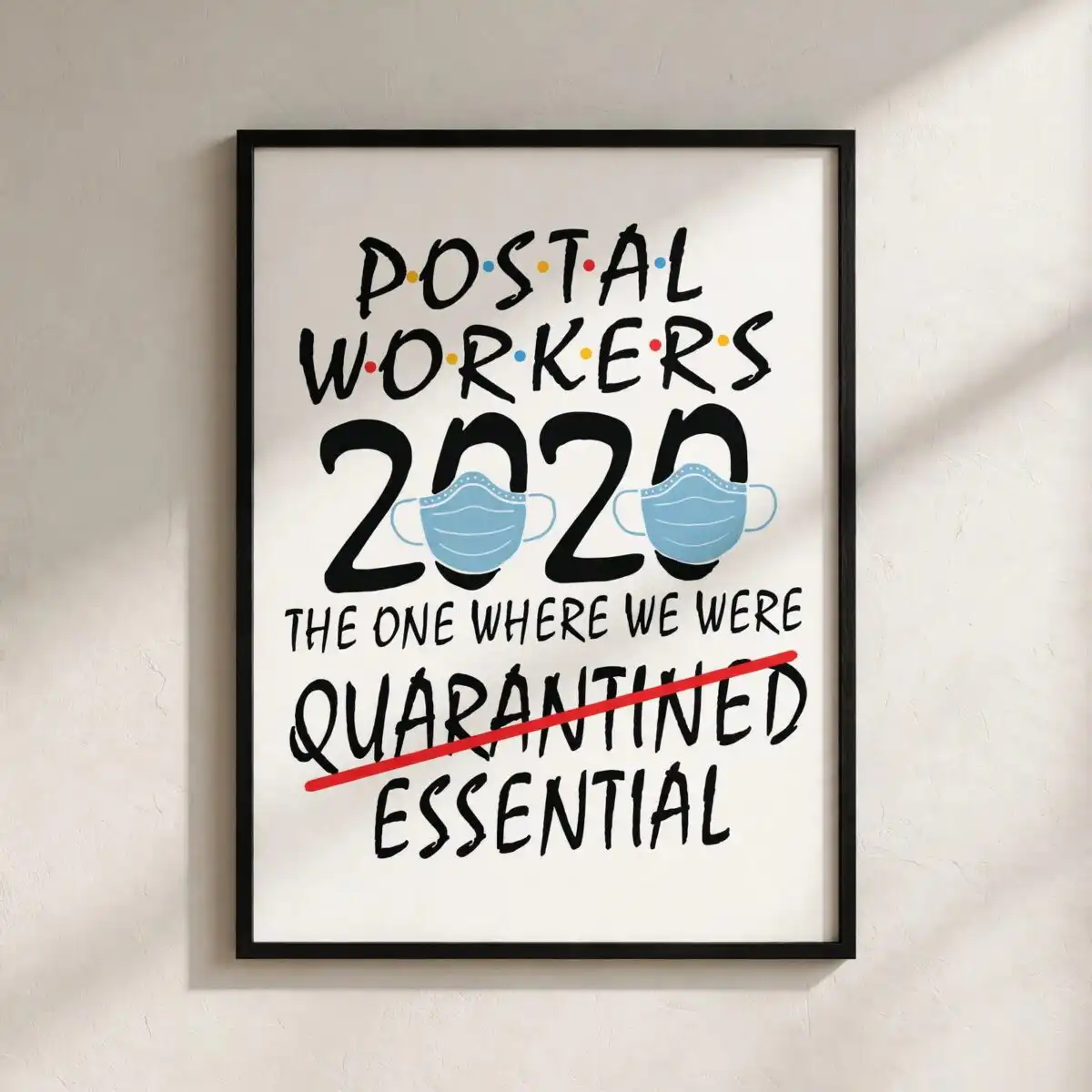
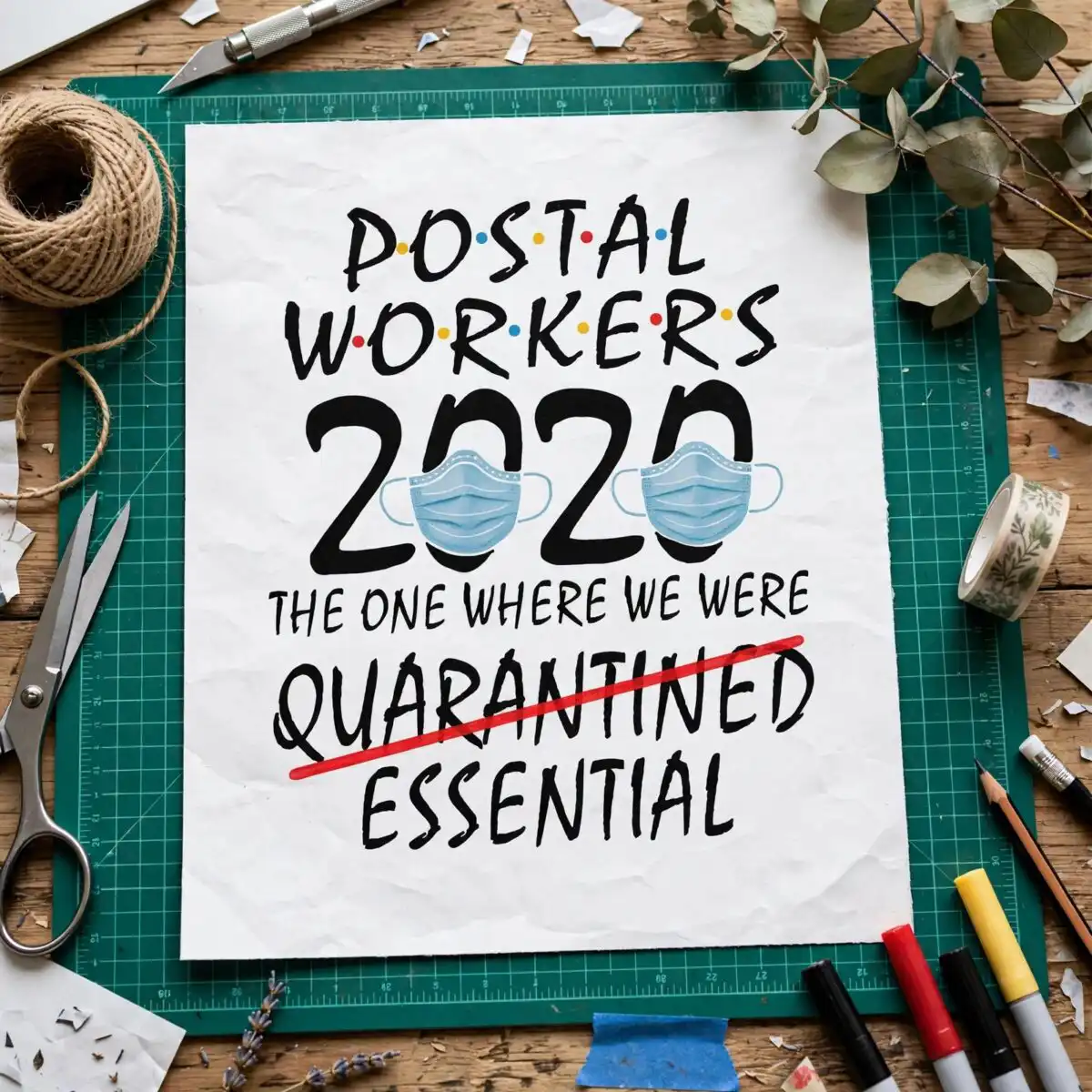
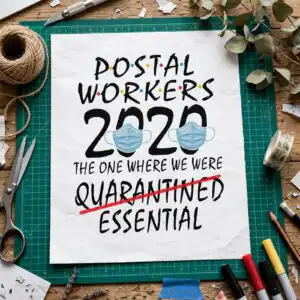
This Postal Workers 2020 design is a single text-based quote graphic that reads “The One Where We Were Essential,” and it comes as an SVG, PNG, DXF and EPS file for cutting or printing. It is made for shirts, mugs, tote bags, decals and signs. The lettering is bold display type with hand-brushed touches, set in black on white, with a red strike-through line over the word “Quarantined” and two face masks sitting over the zeros of “2020.” Colour accents come from light blue, yellow and blue dots scattered across the layout, so you can pick out the mood before you cut or print. The humour and the appreciation both come through the wording, which makes it a good fit for carriers, mail sorters and anyone who kept the route running through 2020. You can use it to make a gift for a mail carrier, a crew shirt or a sign for a post office break room.
Design breakdown
The design is cut in 4 layers and uses five colours: black for the main lettering, light blue, red, yellow and blue for the accents. The lettering reads POSTAL WORKERS, 2020, THE ONE WHERE WE WERE, QUARANTINED and ESSENTIAL, with a red strike-through line across QUARANTINED and two face masks placed over the zeros of 2020. Multicolour accent dots run through the layout. The cut has medium complexity, with fine details best cut at 4 inches or larger. The file is a single design on a white background, in portrait orientation.
| Layers | 4 |
|---|---|
| Colours | 5 — black (#1A1A1A), light blue (#7FB2D9), red (#E8413A), yellow (#F5C542), blue (#3FA7D6) |
| Lettering | POSTAL WORKERS / 2020 / THE ONE WHERE WE WERE / QUARANTINED / ESSENTIAL |
| Background | white |
| Cut complexity | medium |
| Orientation | portrait |
What’s included
- SVG
- PNG (300 dpi, transparent)
- DXF
- EPS
Works with
- Cricut Design Space
- Silhouette Studio (Designer Edition)
- Brother ScanNCut
- Adobe Illustrator
- Inkscape
- CorelDRAW
How to use
Download the ZIP file and unzip it to a folder on your computer. Open the SVG in Cricut Design Space, Silhouette Studio or Brother ScanNCut, and import it from the upload screen. For printing, use the transparent PNG at 300 dpi. Check the layers panel before you cut, and resize the design to fit your item. Keep the fine mask and dot details at 4 inches or larger for the cleanest cut.
Licence
Personal and small-business commercial use. Sell finished physical items; do not resell or redistribute the files themselves.
FAQ
What files come with this design?
You get SVG, PNG (300 dpi, transparent), DXF, EPS and PDF files. The SVG is the one to use for cutting machines, and the PNG suits printing and sublimation.
Can I put this quote design on a t-shirt or a coffee mug?
Yes, it suits t-shirts, mugs, tote bags, decals and signs. For a mug, the PNG at 300 dpi works well for sublimation printing.
Which machines and software work with these files?
The files work with Cricut Design Space, Silhouette Studio (Designer Edition), Brother ScanNCut, Adobe Illustrator, Inkscape and CorelDRAW. Any of these can open the SVG directly.
Can I resize the design, and can I resell the files?
Yes, you can resize the design to fit your project. The licence covers personal and small-business commercial use for finished physical items, but you may not resell or redistribute the files themselves.


