

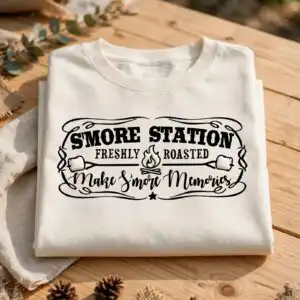
Rustic Campfire S’more Station Sign SVG for Camping, Summer Parties and Backyard
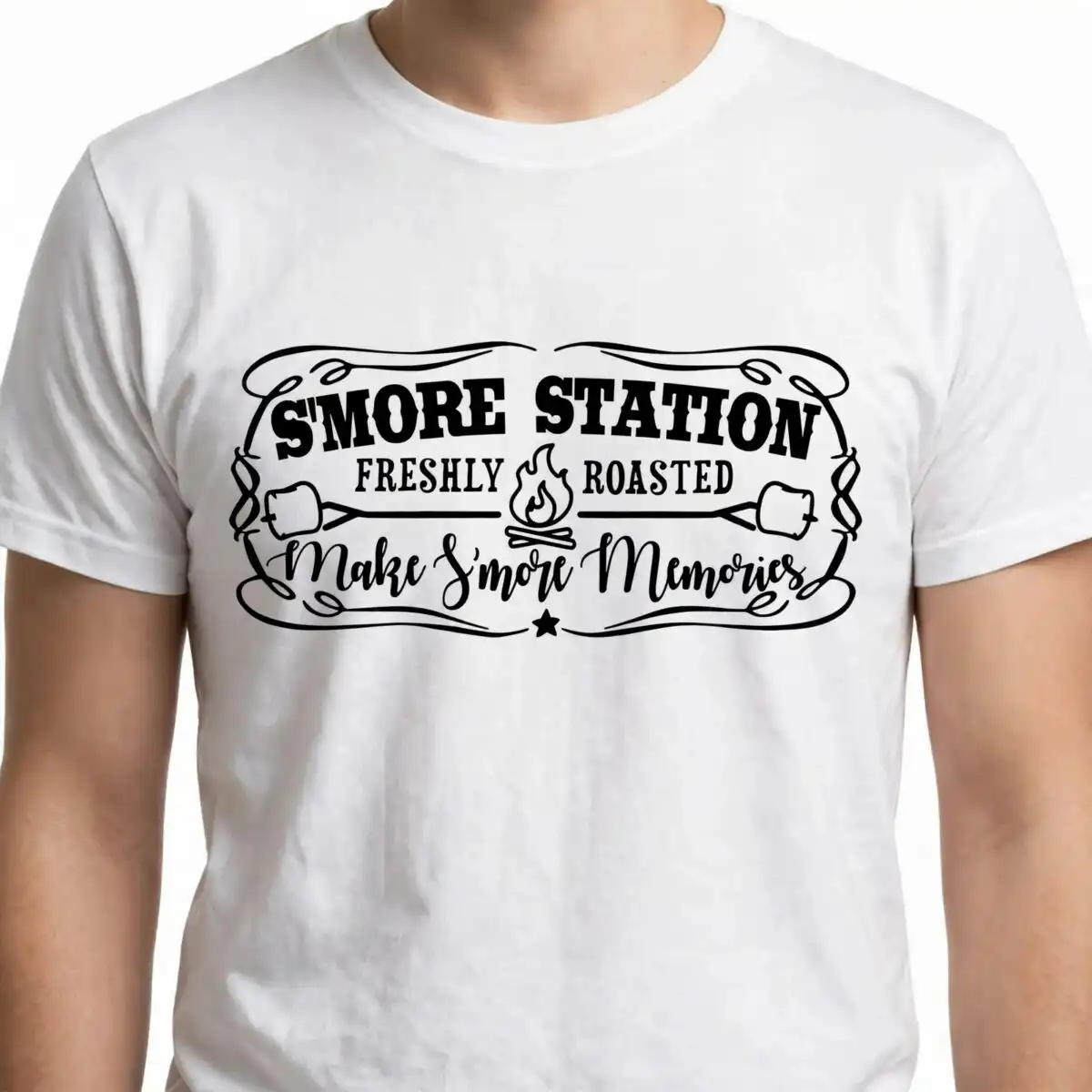
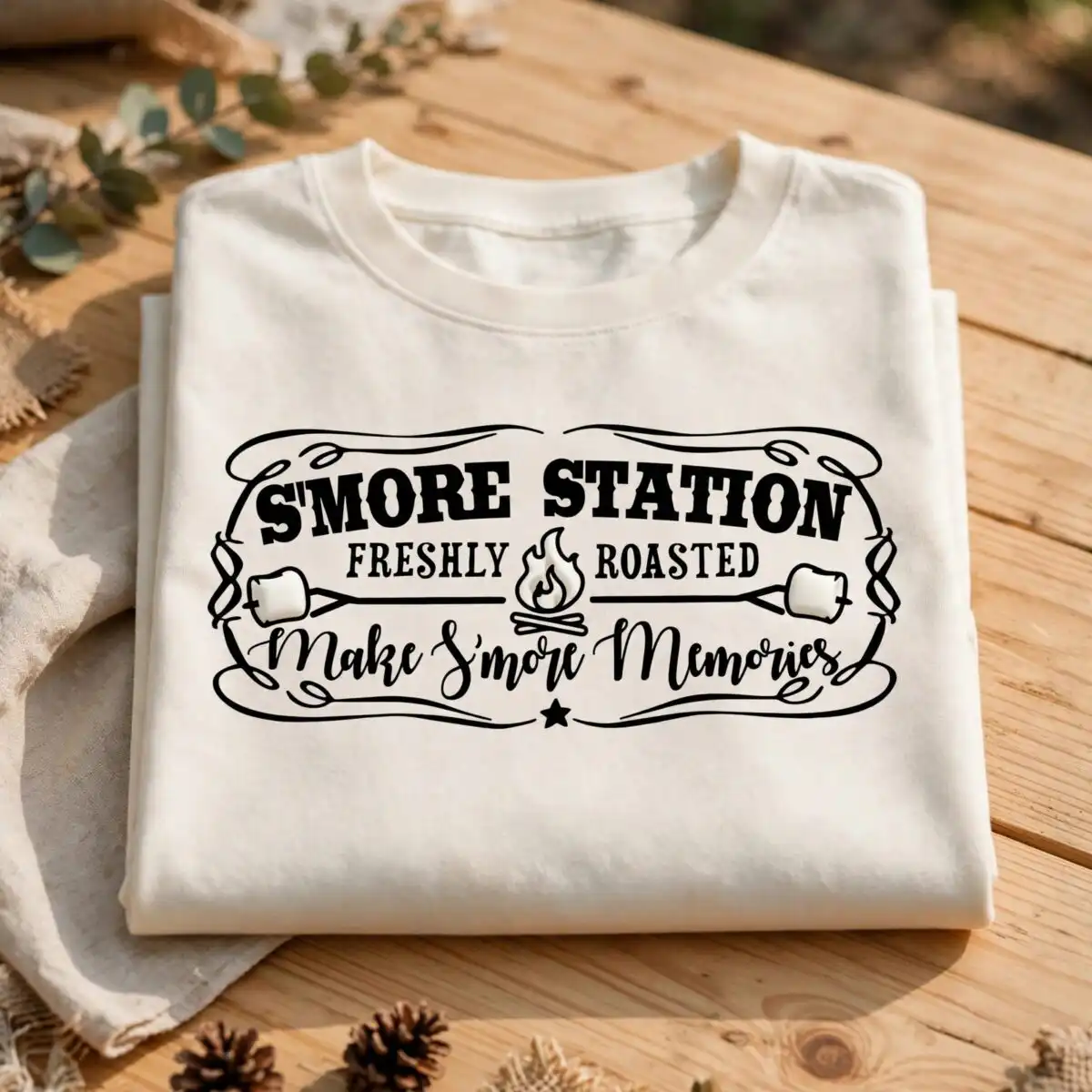
This Rustic Campfire S’more Station design is a single black-and-white sign artwork, delivered as a digital cut file in SVG, PNG, DXF, EPS and PDF formats, made for vinyl decals, wood sign stencils, t-shirt iron-ons and mug decals. The rustic campfire s’more station cut file shows a campfire with flames, two marshmallows on roasting sticks, and the lettering S’MORE STATION set in a mix of script and bold serif type inside a decorative scrollwork border. You get black linework on a white background, so the design reads clearly whether you cut it in vinyl or stencil it onto timber. The lettering FRESHLY ROASTED and Make S’more Memories sit within the artwork as well, adding a cozy, playful note for campers and party decorators. Use it for a camping trip, a summer party, or a backyard gathering where a hand-made sign is part of the setup. It works with Cricut Design Space, Silhouette Studio, Brother ScanNCut and other common cutting software.
Design breakdown
The design is a monochrome artwork in black and white, with black linework on a white background. It is cut in 3 layers and includes a campfire with flames, two marshmallows on roasting sticks, a decorative scrollwork border, a small star and swirl flourishes. The lettering reads S’MORE STATION, FRESHLY ROASTED and Make S’more Memories. The file is a single design on one sheet, so there is no separate bundle to sort through. Fine details such as the flame edges and the swirl flourishes are best cut at 4 inches or larger on vinyl.
| Layers | 3 |
|---|---|
| Colours | 2 — black (#000000), white (#FFFFFF) |
| Lettering | S’MORE STATION / FRESHLY ROASTED / Make S’more Memories |
| Background | white |
| Cut complexity | medium |
| Orientation | landscape |
What’s included
- SVG
- PNG (300 dpi, transparent)
- DXF
- EPS
Works with
- Cricut Design Space
- Silhouette Studio (Designer Edition)
- Brother ScanNCut
- Adobe Illustrator
- Inkscape
- CorelDRAW
How to use
Download the zip file from your order and unzip it to a folder on your computer. Open the SVG in Cricut Design Space or Silhouette Studio and import it as a cut file. Resize it to your project, then cut the black layers in vinyl or stencil material. For a mug or t-shirt, use the PNG or cut the vinyl and transfer it following your material’s instructions.
Licence
Personal and small-business commercial use. Sell finished physical items; do not resell or redistribute the files themselves.
FAQ
What files are included with this campfire sign design?
You receive SVG, PNG at 300 dpi with a transparent background, DXF, EPS and PDF files. The SVG is the main cutting file, and the PNG suits sublimation and print workflows.
Can I put this S’more Station design on a 20oz tumbler or a mug?
Yes, the design works on a mug as a vinyl decal, and the PNG can be used for sublimation on a suitable blank. For a 20oz tumbler, cut the vinyl at a size that fits the flat area you plan to use.
Which cutting machines and programs does this file work with?
It works with Cricut Design Space, Silhouette Studio (Designer Edition), Brother ScanNCut, Adobe Illustrator, Inkscape and CorelDRAW. Any of these can open the SVG or DXF file directly.
Can I resize the design and use it for my small business?
Yes, you can resize it to suit your project. The licence covers personal and small-business commercial use, so you can sell finished physical items made with it, but you may not resell or redistribute the files themselves.


