Skeleton Messy Bun Halloween Shirt Design with Red Roses and Sunglasses
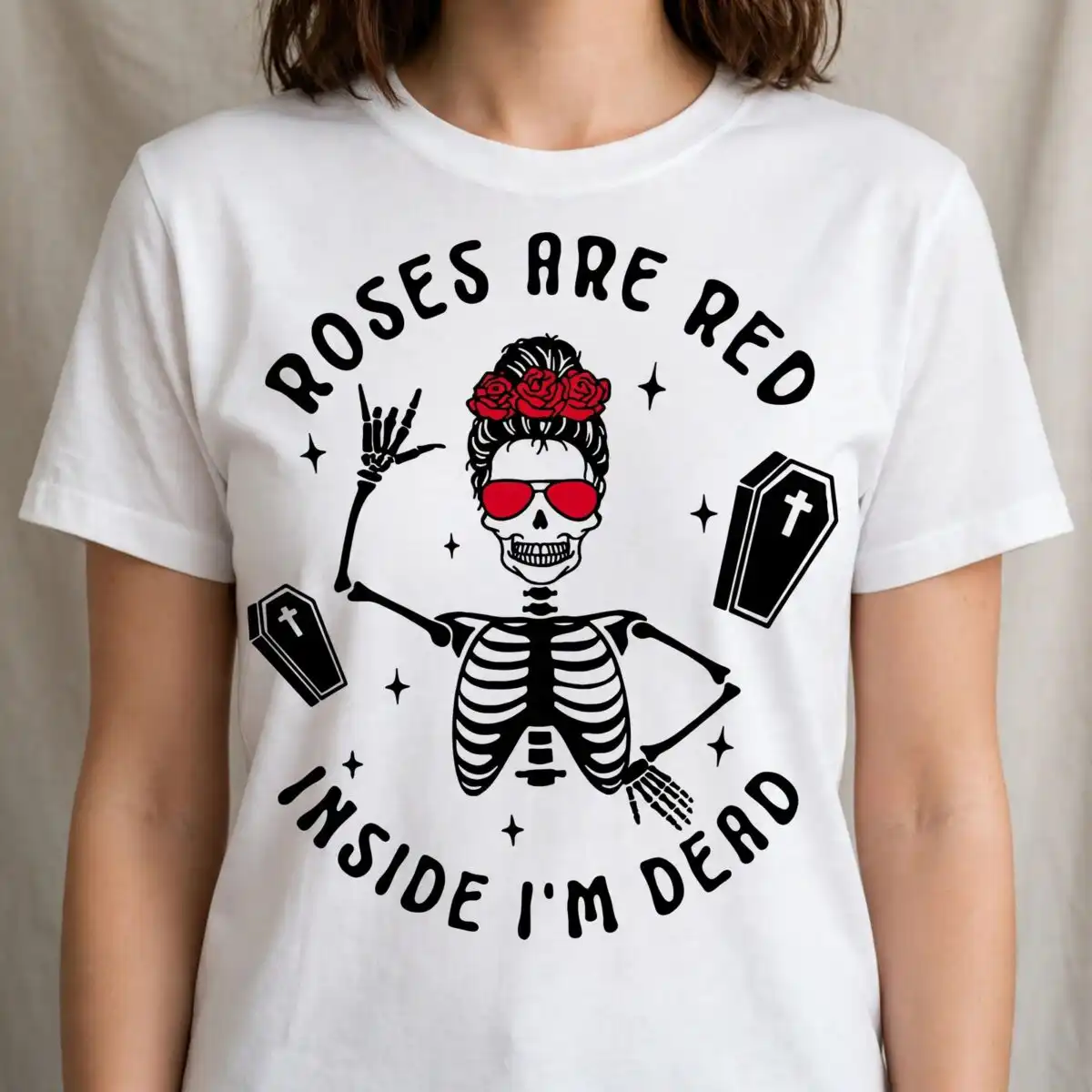
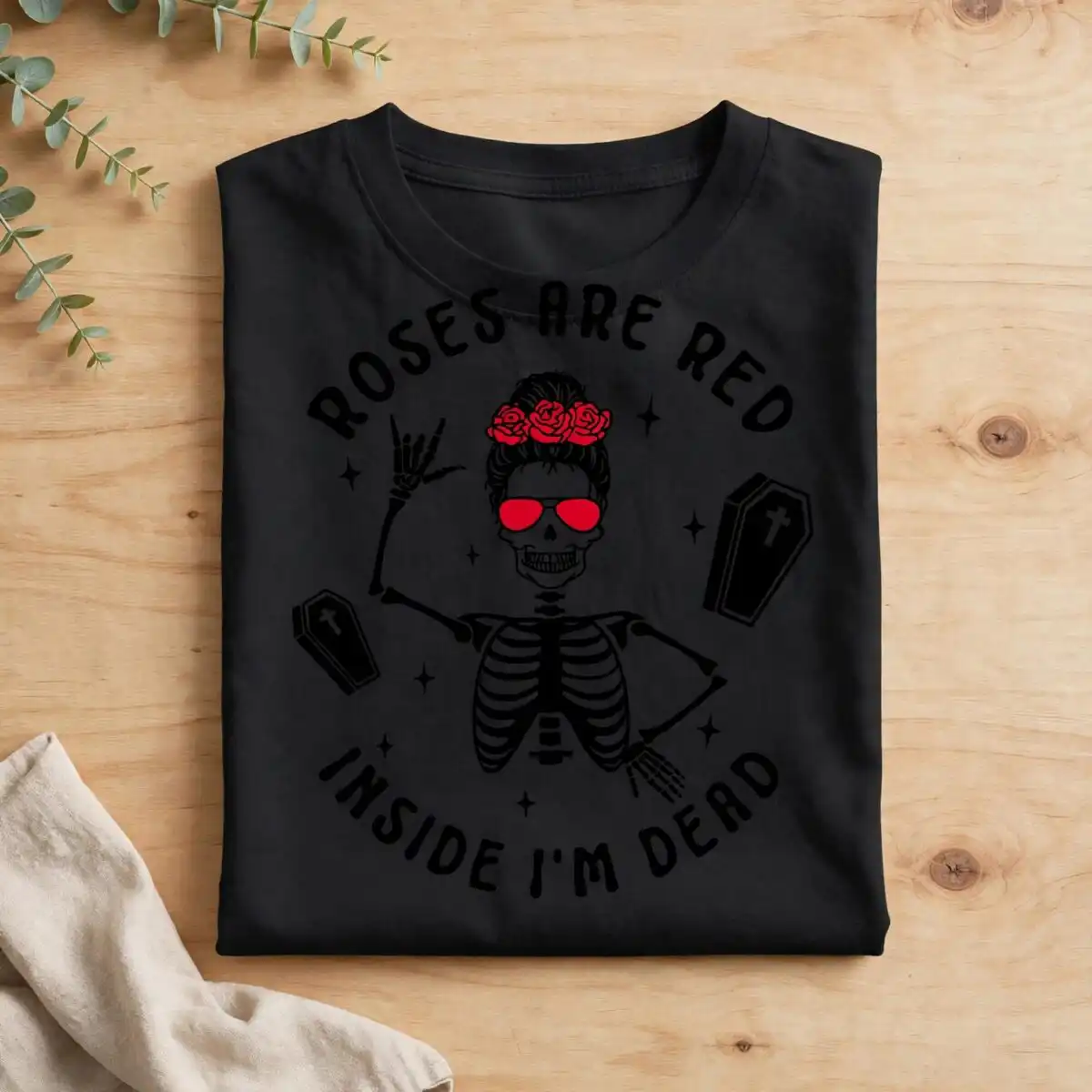
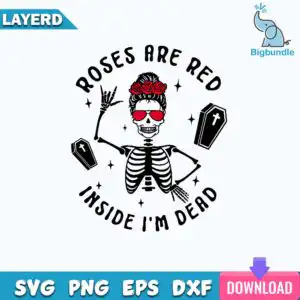
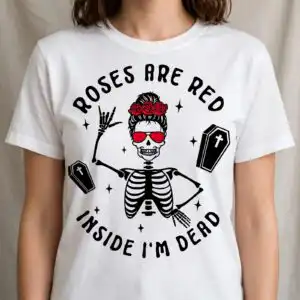
This Skeleton Messy Bun SVG is a single Halloween cut file showing a skeleton figure with a messy bun topped with red roses, red sunglasses and a rock-style hand gesture. The artwork is built from black silhouette and line-art, with a red accent colour and white background, and the lettering reads ROSES ARE RED and INSIDE I’M DEAD. You receive SVG, PNG (300 dpi, transparent), DXF, EPS and PDF files, made for shirts, mugs, tote bags, stickers and decals. The skeleton is drawn with a ribcage, two coffins and sparkle stars around the figure, and one raised skeletal hand sits beside a skeletal hand on the hip. It suits Halloween wear and everyday humour, so it works equally well for a spooky party tee or a playful autumn tote. Because the design is a single layer of artwork, it is a straightforward file to weed and press or cut from vinyl.
Design breakdown
The design is cut in 3 layers and uses three colours: black, red and white. Black forms the skeleton silhouette, ribcage, coffins, sparkle stars and lettering, red is used for the roses, the sunglasses and the accent details, and white fills the background space. The figure includes a messy bun, a raised skeletal hand and a skeletal hand on the hip, with the text ROSES ARE RED and INSIDE I’M DEAD set around the figure. Fine details in the line-art and sunglasses are best cut at 4 inches or larger.
| Layers | 3 |
|---|---|
| Colours | 3 — black (#000000), red (#D7262E), white (#FFFFFF) |
| Lettering | ROSES ARE RED / INSIDE I’M DEAD |
| Background | white |
| Cut complexity | medium |
| Orientation | square |
What’s included
- SVG
- PNG (300 dpi, transparent)
- DXF
- EPS
Works with
- Cricut Design Space
- Silhouette Studio (Designer Edition)
- Brother ScanNCut
- Adobe Illustrator
- Inkscape
- CorelDRAW
How to use
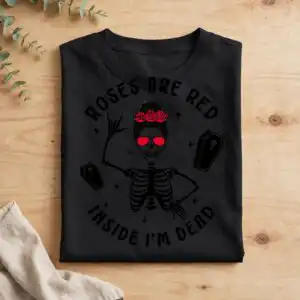
Download the zip file from your order and unzip it to a folder on your computer. Open the SVG in Cricut Design Space, Silhouette Studio (Designer Edition), Brother ScanNCut or your design software of choice, then import it onto your canvas. Separate the colour layers if you plan to cut vinyl in more than one colour, check the size, and send it to your machine. For printing, use the transparent PNG on a light or dark garment.
Licence
Personal and small-business commercial use. Sell finished physical items; do not resell or redistribute the files themselves.
FAQ
What files are included with this skeleton messy bun SVG?
You get SVG, PNG (300 dpi, transparent), DXF, EPS and PDF files. The PNG has a transparent background, so it can be placed directly on shirts or mugs. The SVG is the best choice for cutting machines and design software.
Can I use this design on a 20oz tumbler?
Yes, the design can be sized to wrap a 20oz tumbler, and it is also made for mugs and tote bags. Keep in mind that the fine line-art around the sunglasses and roses is best cut at 4 inches or larger.
Which machines and programs does this file work with?
It works with Cricut Design Space, Silhouette Studio (Designer Edition), Brother ScanNCut, Adobe Illustrator, Inkscape and CorelDRAW. Any of these can open the SVG directly, and the PNG and EPS files suit other printing workflows.
Can I resize this design and use it for a small business?
Yes, you can resize the file to suit your project, and it is licensed for personal and small-business commercial use. You may sell finished physical items made with it, but you may not resell or redistribute the files themselves.