
Skull With Roses Halloween Quote Design for Shirts, Mugs and Stickers
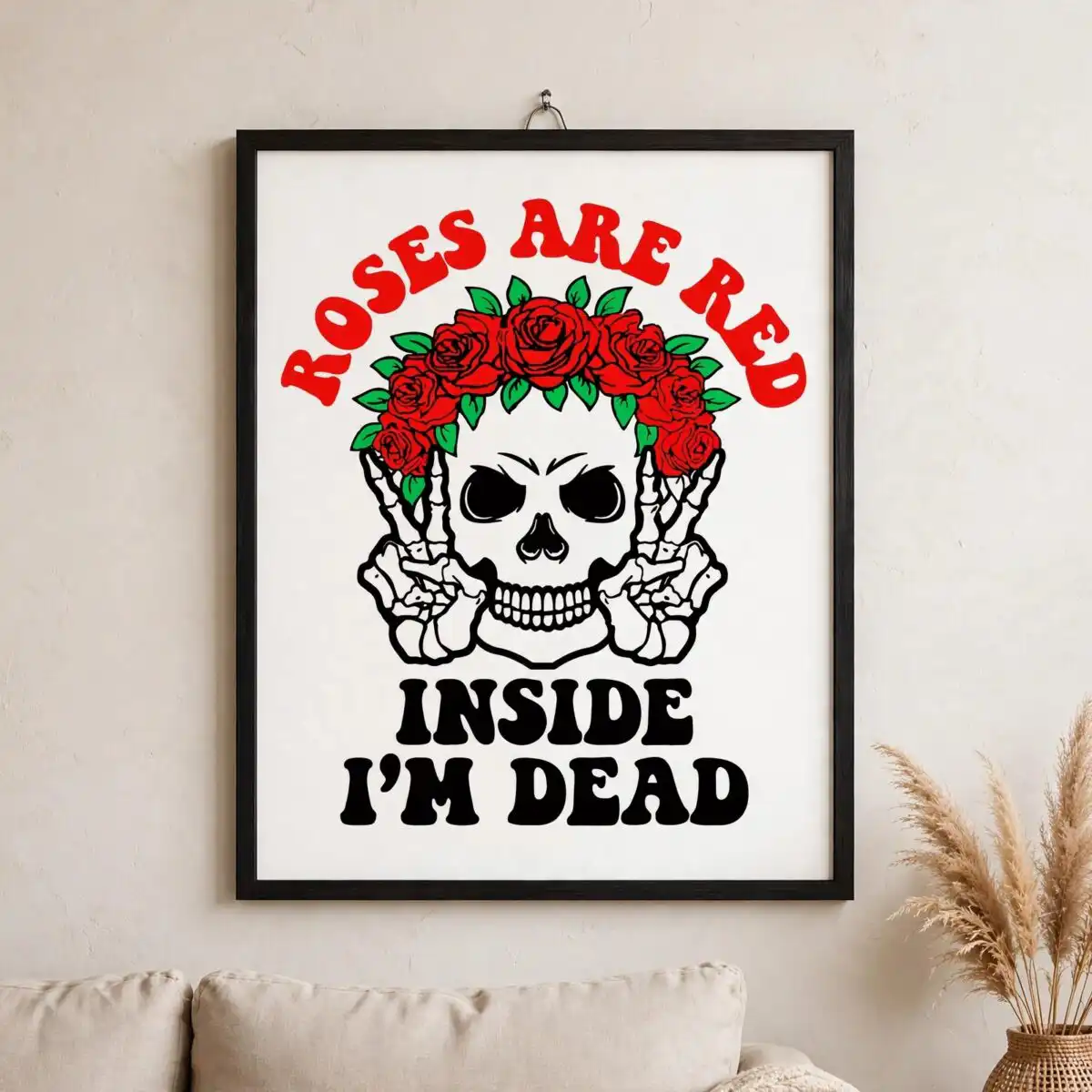
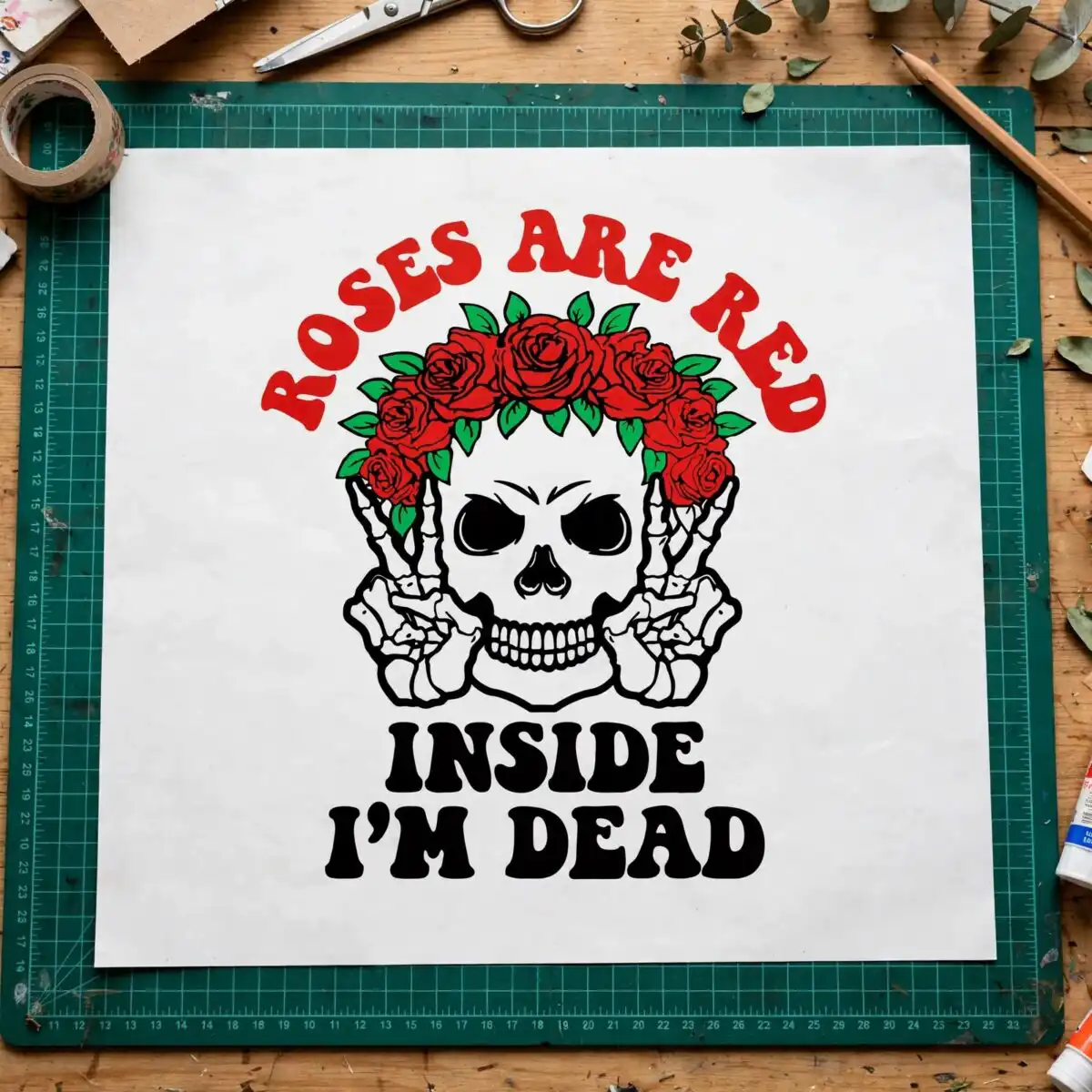
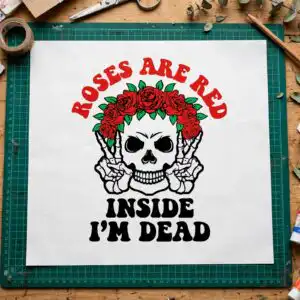
This Skull With Roses design is a single flat vector illustration of a skull wearing a crown of red roses, with skeletal hands forming peace signs and the retro wavy lettering “ROSES ARE RED” and “INSIDE I’M DEAD”. You get SVG, PNG, DXF, EPS and PDF files, made for shirts, mugs, tote bags, stickers and decals. The artwork uses bold red, green, black and white, with green leaves framing the roses and a heavy black outline around every shape. Because the quote is printed right into the art, it works as a finished Halloween statement piece without any extra text. The skull and roses are the central focus, so the design reads clearly at both large and small sizes. Open the files in your cutting software, or use the PNG on a light or dark garment for print. Each file is a clean, ready-to-cut design that keeps the same colours and lettering in every format.
Design breakdown
The design is cut in 4 layers, one for each colour: red roses, green leaves, black outline and details, and white highlights. The palette is red, green, black and white, all flat fills with no gradients. The lettering “ROSES ARE RED” and “INSIDE I’M DEAD” is set in a wavy retro style, and the skull, red rose crown, skeleton hands and peace-sign gestures are drawn with a bold outline. The layers are designed to stack cleanly, so you can cut each colour separately for vinyl or print it as a single full-colour image. Several of the smaller details, such as the finger gaps in the peace-sign hands and the thin leaf edges, are fine enough to need cutting at 4 inches or larger.
| Layers | 4 |
|---|---|
| Colours | 4 — red (#E0262B), green (#1E9E4A), black (#000000), white (#FFFFFF) |
| Lettering | ROSES ARE RED / INSIDE I’M DEAD |
| Background | white |
| Cut complexity | medium |
| Orientation | portrait |
What’s included
- SVG
- PNG (300 dpi, transparent)
- DXF
- EPS
Works with
- Cricut Design Space
- Silhouette Studio (Designer Edition)
- Brother ScanNCut
- Adobe Illustrator
- Inkscape
- CorelDRAW
How to use
Download the zip file and extract all files to a folder on your computer. For Cricut Design Space or Silhouette Studio, open the SVG or DXF file from the import menu and resize it to the dimensions you need. For a sublimation or print-on-demand project, use the PNG, which is 300 dpi with a transparent background. Check that the layers are separated before you send the design to your machine.
Licence
Personal and small-business commercial use. Sell finished physical items; do not resell or redistribute the files themselves.
FAQ
What files are included with this Skull With Roses design?
You get SVG, PNG, DXF, EPS and PDF files. The PNG is 300 dpi with a transparent background, so it is ready for printing as well as cutting.
Can I put this skull and roses design on a 20oz tumbler?
Yes, the design works on a 20oz tumbler when you use the PNG for sublimation or a vinyl wrap cut from the SVG. Resize it to fit your tumbler wrap before you print or cut.
Which machines and programs does this design work with?
It works with Cricut Design Space, Silhouette Studio (Designer Edition), Brother ScanNCut, Adobe Illustrator, Inkscape and CorelDRAW. Any of these will open the SVG or DXF files directly.
Can I resize this design and use it for my small business?
Yes, you can resize it freely and use it for personal and small-business commercial projects. You may sell finished physical items made with it, but you may not resell or redistribute the files themselves.