

Sloth Do Nothing Everyday Cartoon Sloth PNG for Shirts, Mugs and Tumblers
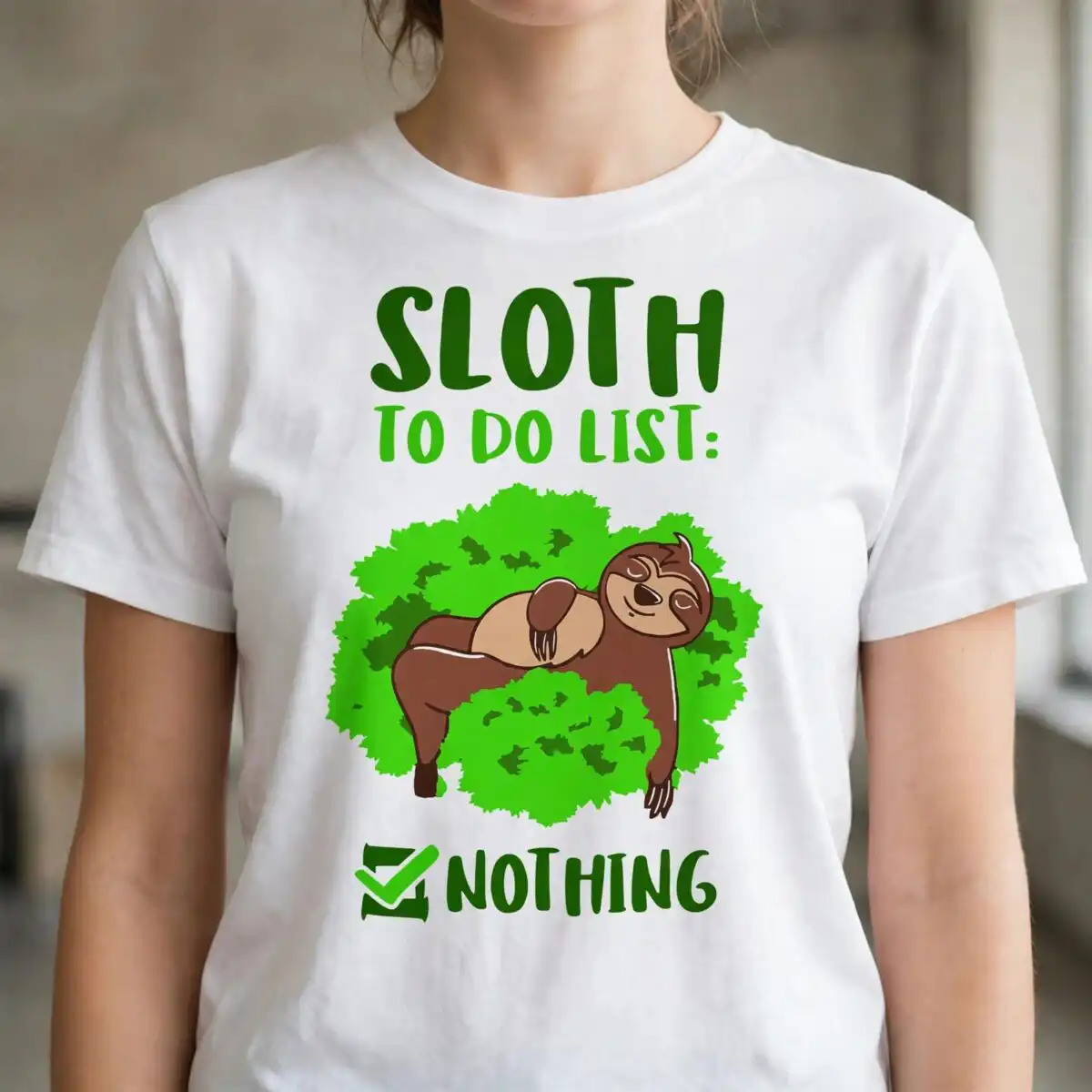
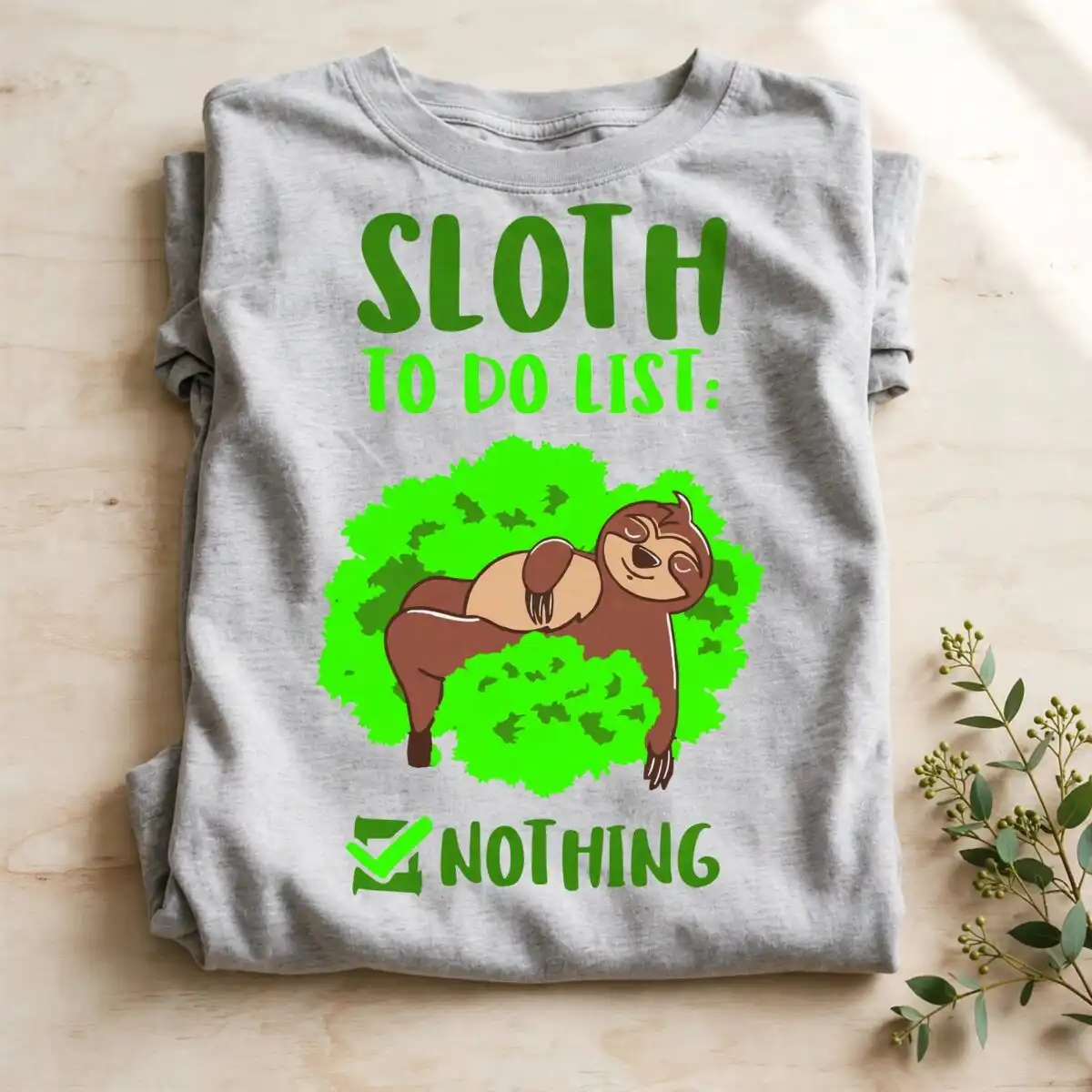
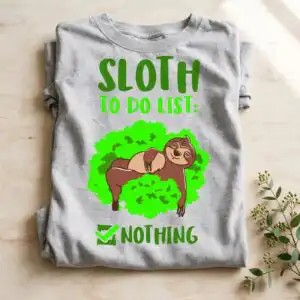
This Sloth Do Nothing design is a single cartoon sloth lying on a green bush, with the lettering “SLOTH TO DO LIST: NOTHING” and a green checkmark. You get one transparent PNG file at 300 dpi, made for sublimation, DTF, and print-and-cut projects on shirts, mugs, and tumblers. The sloth is drawn in flat vector style with bold sans-serif lettering, and the palette is dark olive green, bright lime green, brown, and tan. Every shape is simple and bold, so the artwork reads clearly on a shirt or a mug. It suits adults, sloth lovers, and teens who want something playful and relaxed. Because the file has a transparent background, you can place the sloth on any colour of fabric or ceramic without a white box around it. It also works as a sticker, vinyl decal, or wall art. Gift-givers will like it for birthdays and everyday treats for the lazy friend in your life.
Design breakdown
The artwork is cut in 6 layers and uses 4 colours: dark olive green, bright lime green, brown, and tan. The sloth, the green bush, the tree branch, and the green checkmark each sit on their own layer, and the lettering reads SLOTH, TO DO LIST:, and NOTHING in bold sans-serif type. The lettering is large enough to stay legible at small sizes. The shapes are simple, so the cut is medium in difficulty; fine details in the branch and checkmark are best cut at 4 inches or larger. The design is one artwork, shown on a single preview sheet.
| Colours | 4 — dark olive green (#4E8A1E), bright lime green (#48E81A), brown (#7A4A2B), tan (#C9A07A) |
|---|---|
| Lettering | SLOTH / TO DO LIST: / NOTHING |
| Background | white |
| Orientation | square |
What’s included
- PNG (300 dpi, transparent background)
Works with
- Sublimation printers (Epson, Sawgrass)
- DTF / print-and-cut workflows
- Canva
- Adobe Photoshop
How to use
Download the ZIP file from your order and unzip it to a folder on your computer. Open the PNG in Canva, Adobe Photoshop, or your print software and import it into your project. For sublimation, print on transfer paper at the mirror setting with your Epson or Sawgrass printer. For a cut-and-press or DTF workflow, place the file on your cutting or print layout at the size you need. Check the preview before you print.
Licence
Personal and small-business commercial use. Sell finished physical items; do not resell or redistribute the files themselves.
FAQ
What files do I get with this sloth design?
You get one PNG file at 300 dpi with a transparent background. The file is ready to import into your design software for printing or cutting.
Can I put this sloth design on a 20oz tumbler?
Yes, the PNG suits a 20oz tumbler when printed with sublimation. Size the sloth to fit the wrap area before you print, and keep the lettering large enough to read at a glance.
Which printers and machines does this file work with?
It works with Sublimation printers such as Epson and Sawgrass, with DTF and print-and-cut workflows, and with Canva and Adobe Photoshop. Any of these tools can open and print the PNG.
Can I resize the design and use it for a small business?
Yes, you can resize the PNG for your product. The licence covers personal and small-business commercial use for finished physical items, but you may not resell or redistribute the files themselves.


