

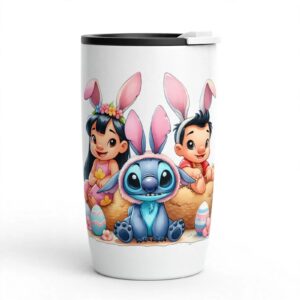
Stitch Easter PNG Collage of Blue Creatures, Eggs and Flower Crowns for Sublimation
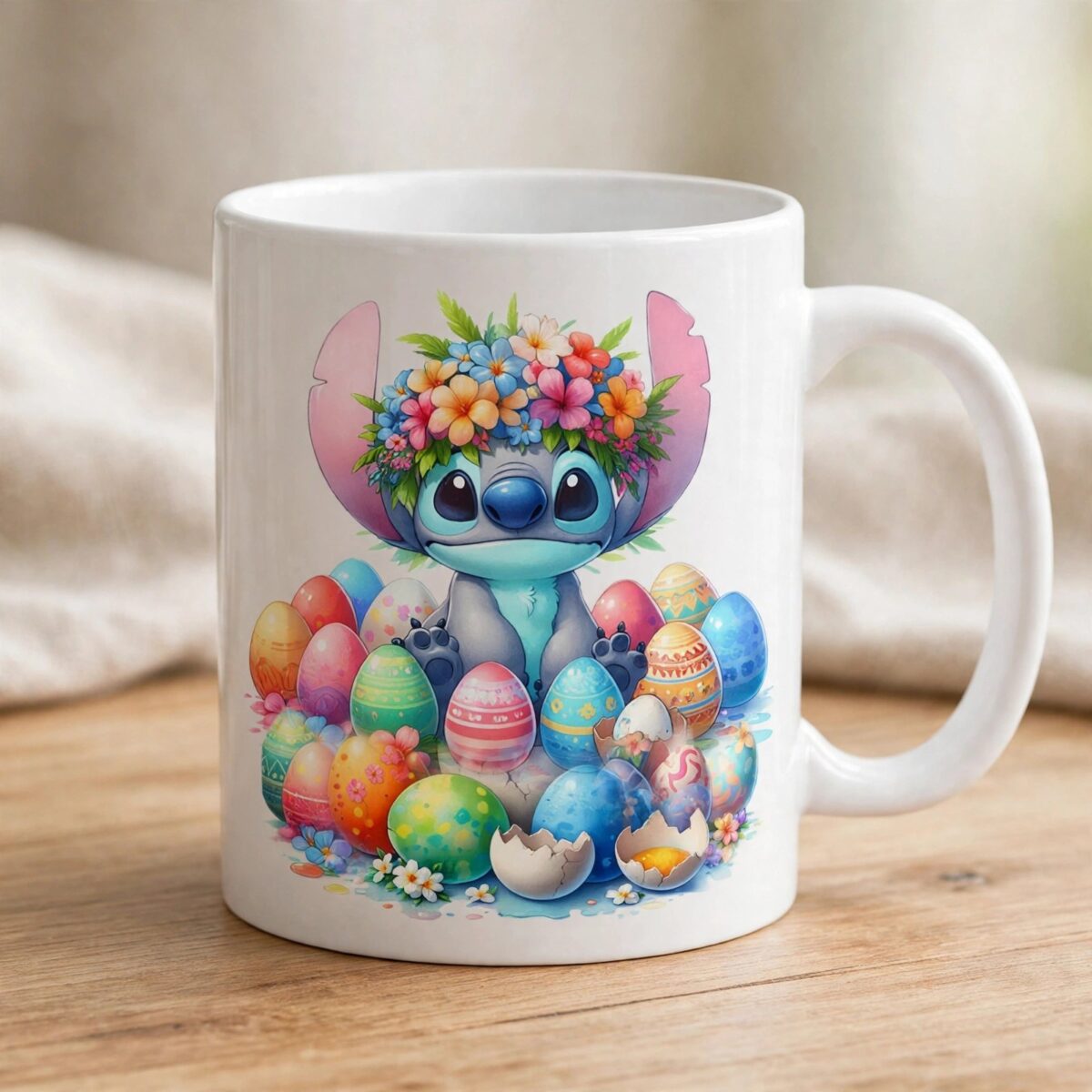
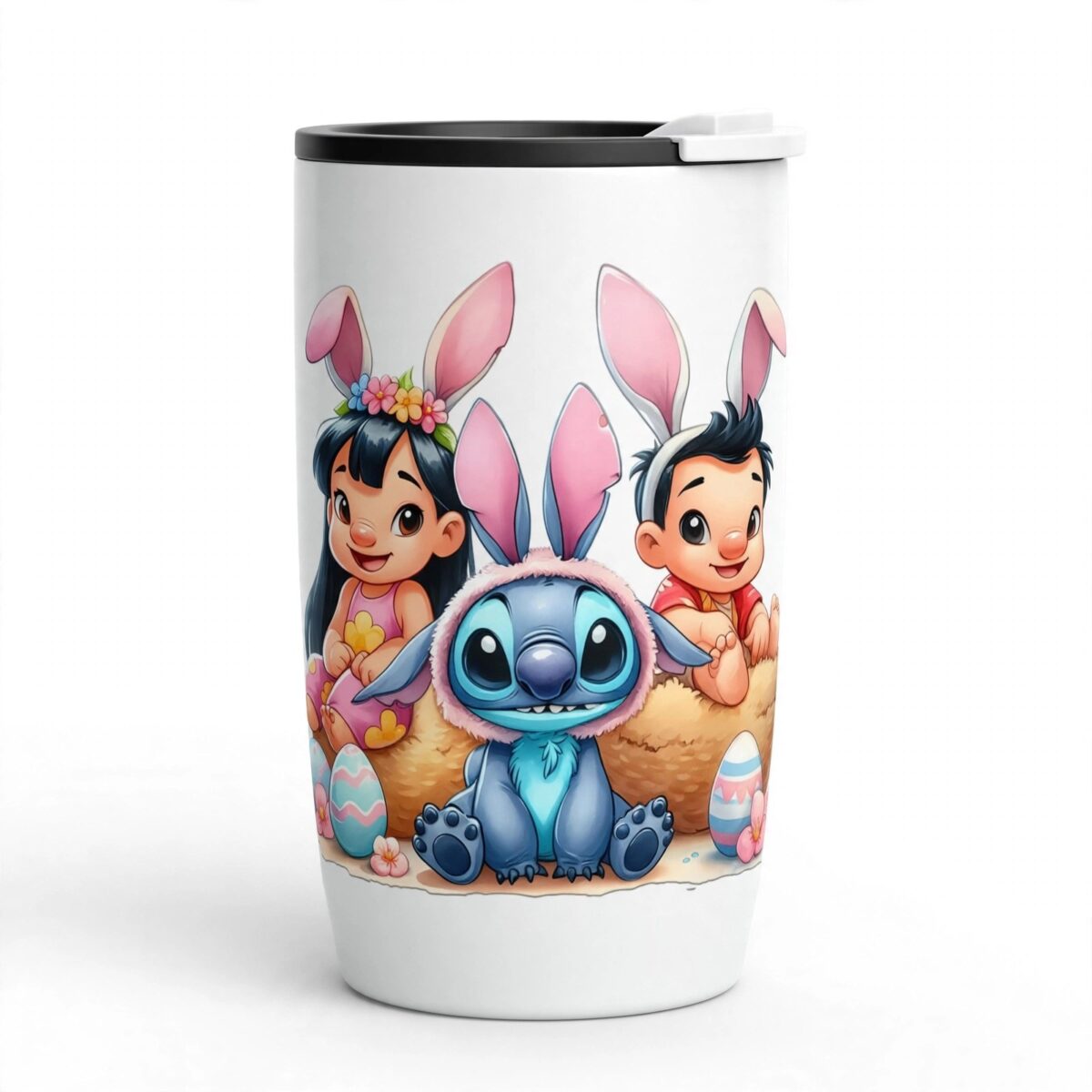
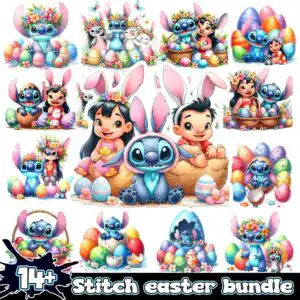
This Stitch Easter PNG is a single collage of cartoon blue creature characters with large pink ears, arranged across a white background in Easter and spring scenes. You get a transparent 300 dpi PNG file that is made for sublimation printing, DTF transfers and print-and-cut crafts on shirts, mugs, stickers and tote bags. The artwork shows blue creature figures wearing flower crowns and bunny ear headbands, alongside decorated Easter eggs, pastel patterned eggs, cracked shells and woven baskets. Sky blue and deep blue dominate the figures, with pink and light pink flowers, yellow, green and lavender accents throughout. A girl-figure companion appears in several panels, so you can pick out the scenes that suit your project. Because the file is a PNG, you can place each scene on a light or dark garment and keep the background clean. Use it for Easter gifts, classroom displays, family egg hunts or spring party favours that need bright, playful artwork.
Design breakdown
This is a square PNG collage with a white background that is shown as a transparent file, containing 14 cartoon-style blue creature characters with large pink ears. The scenes include floral crowns, bunny ear headbands, decorated Easter eggs, pastel patterned eggs, cracked eggshells, woven baskets, a straw nest, brown egg halves, butterflies and an ink splatter badge. The palette uses white, sky blue, deep blue, pink, light pink, yellow, green, lavender, red-orange, navy black and tan brown. The artwork has soft shading in a watercolour-like style. The file is cut in 6 layers, and the fine details in the flower crowns and egg patterns are best cut or printed at 4 inches or larger.
| Colours | 11 — white (#FFFFFF), sky blue (#4FA8E0), deep blue (#2A6FB8), pink (#F4A6C0), light pink (#F7D9E3), yellow (#F5C542) |
|---|---|
| Lettering | 14+ |
| Background | white |
| Orientation | square |
What’s included
- PNG (300 dpi, transparent background)
Works with
- Sublimation printers (Epson, Sawgrass)
- DTF / print-and-cut workflows
- Canva
- Adobe Photoshop
How to use
Download the ZIP file from your order and unzip it to a folder on your computer. Open the PNG in Canva, Adobe Photoshop or your sublimation software, then import it into your design layout. Resize the artwork in proportion so the smaller details stay sharp. Print on sublimation paper, a DTF film or a print-and-cut sheet, then press or apply it to your item following your printer’s guidance.
Licence
Personal and small-business commercial use. Sell finished physical items; do not resell or redistribute the files themselves.
FAQ
What files are included with this Easter PNG?
You receive one PNG file at 300 dpi with a transparent background. The artwork is a single collage, so there is one image to place on your project.
Can I use this Easter PNG on a 20oz tumbler?
Yes, the square collage can be wrapped around a 20oz tumbler if you size it to the wrap area. Keep the central scenes in view and check the printed size before you press.
Which printers and machines does this file work with?
It works with Epson and Sawgrass sublimation printers, DTF and print-and-cut workflows, and with Canva and Adobe Photoshop. The transparent background means it prints cleanly on coloured garments and items.
Can I resize the file and sell the finished items?
Yes, you can resize the PNG to fit your product. The licence covers personal and small-business commercial use for finished physical items, but you may not resell or redistribute the files themselves.


