
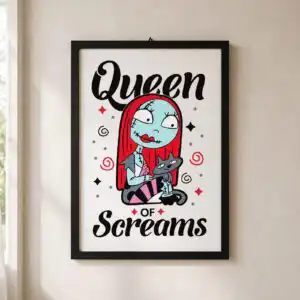
Queen of Screams Halloween Shirt Design, Stylized Cartoon Female Figure with Red Hair and
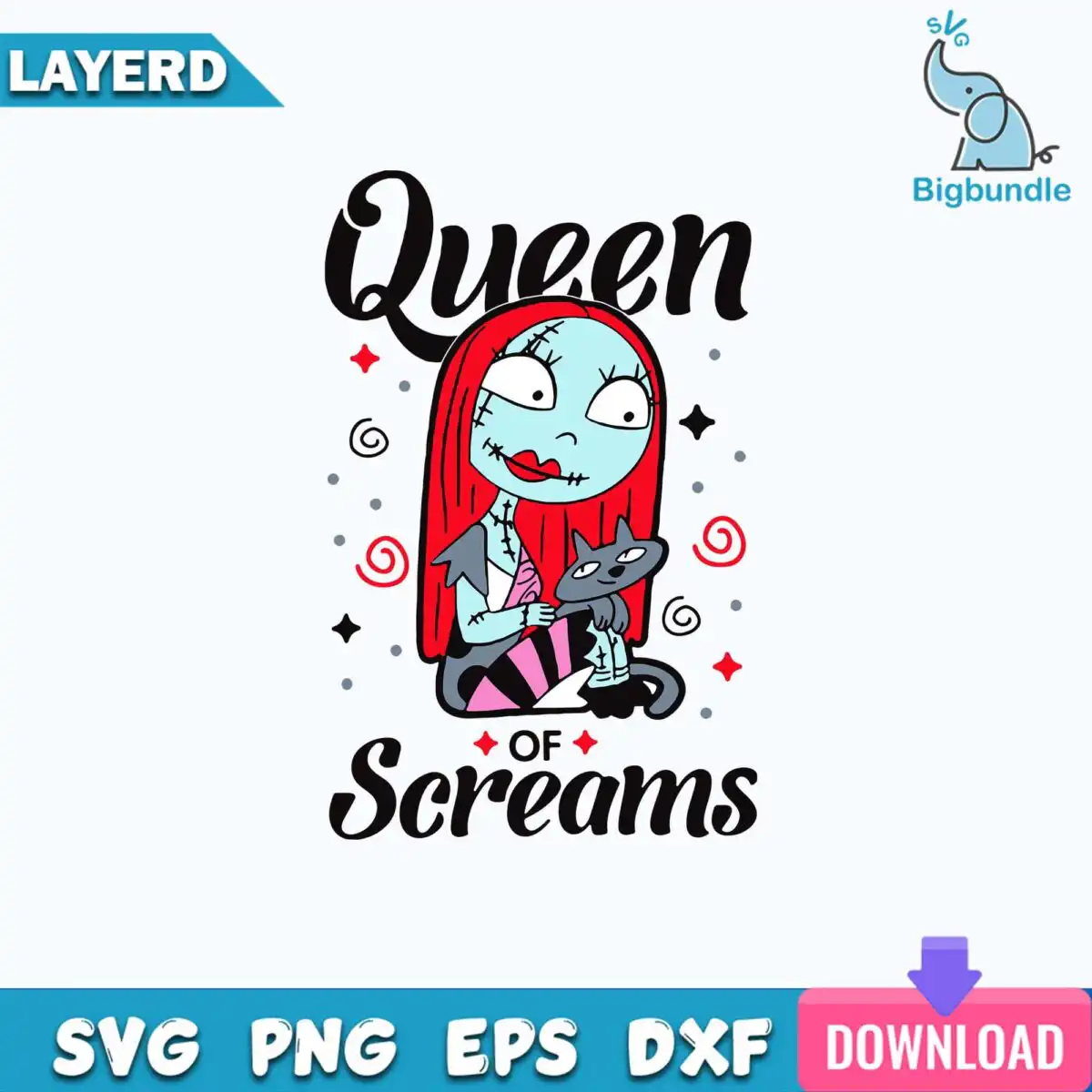
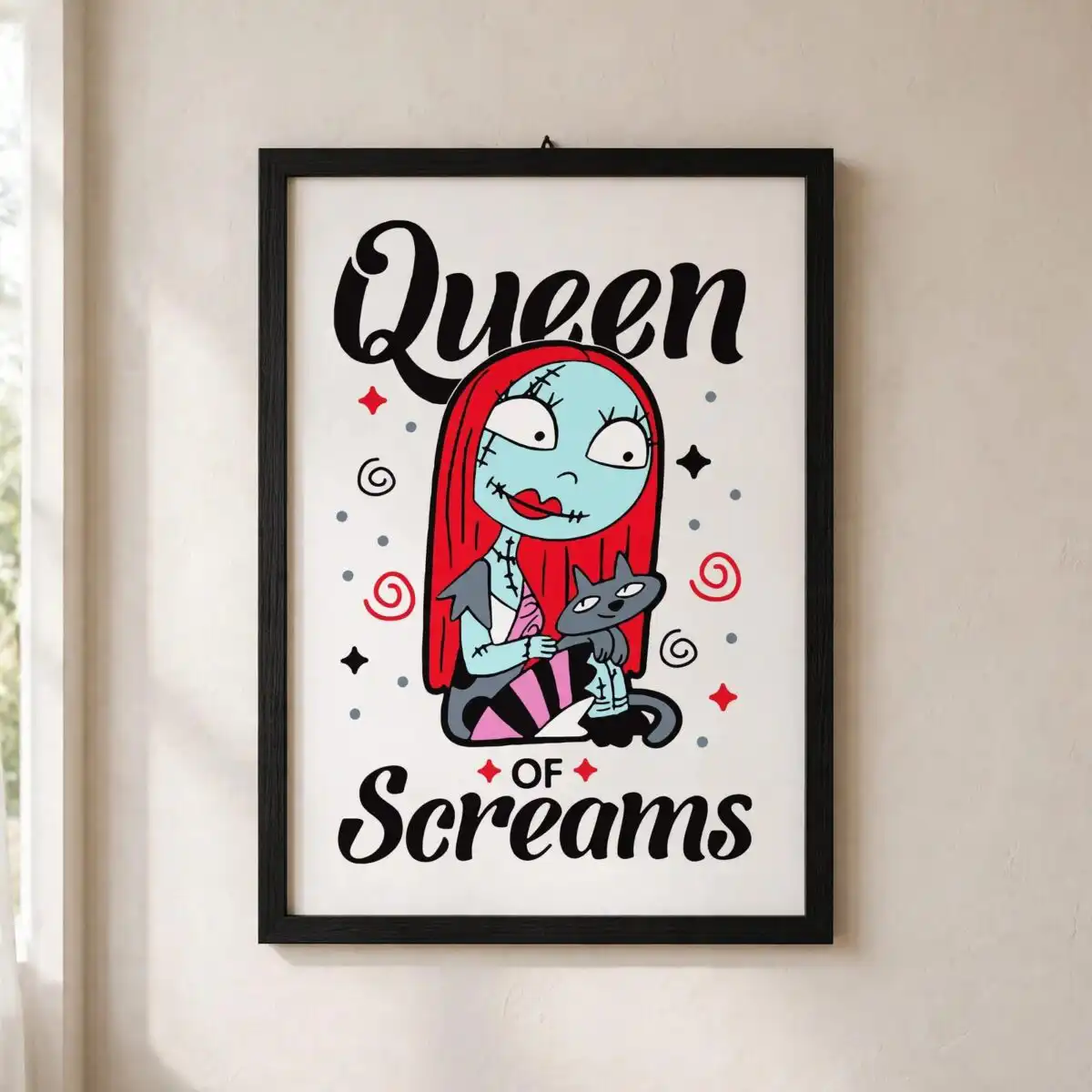
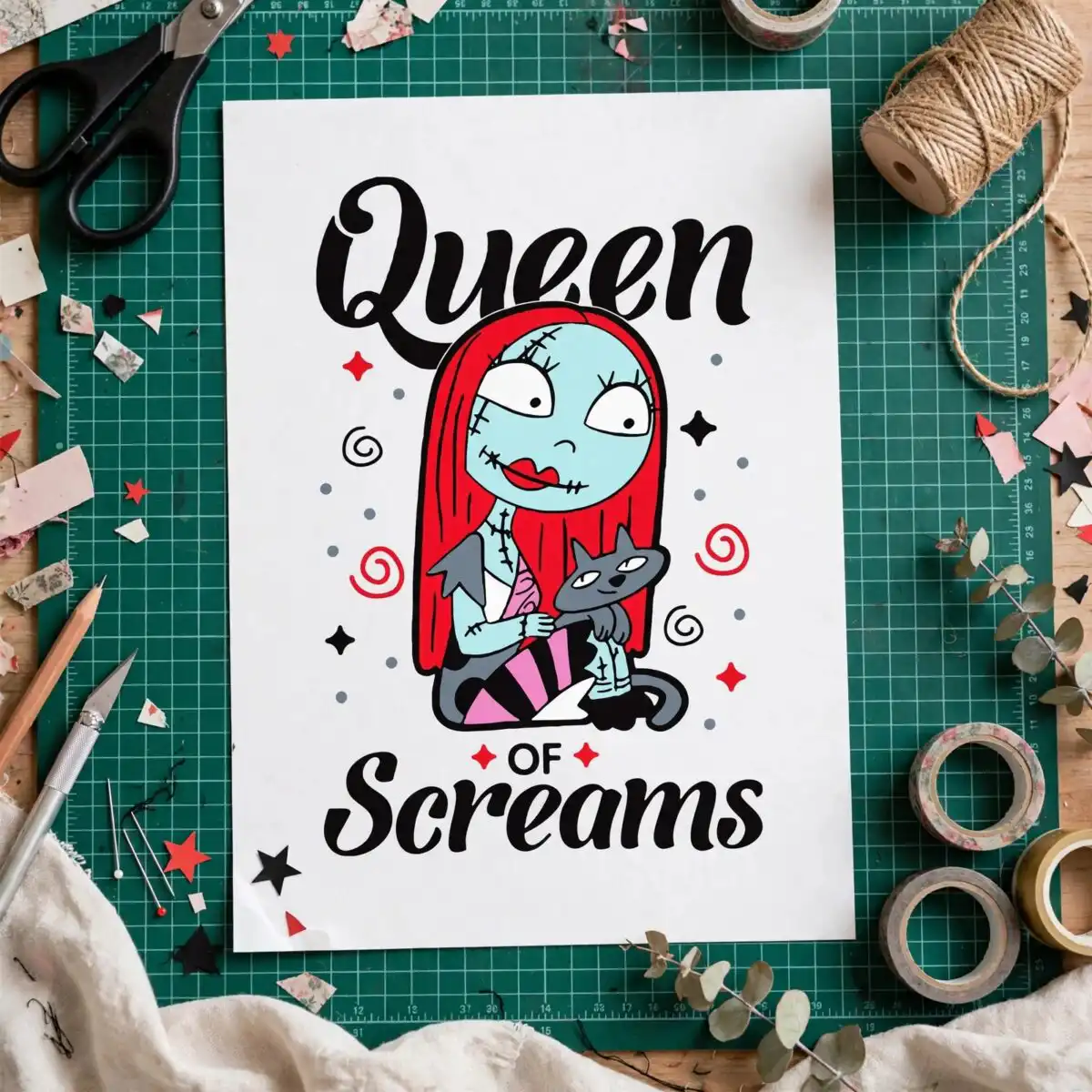
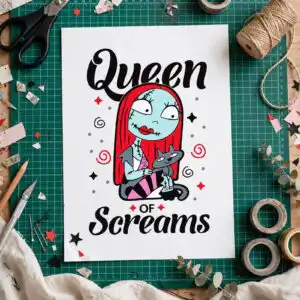
This Queen of Screams design is a single stylized cartoon female figure cut file for Halloween crafts, delivered as SVG, PNG, DXF, EPS and PDF. Its bold lettering reads “Queen of Screams” above and below the character, and the artwork is built for shirts, mugs, tote bags, vinyl decals and stickers. You get a flat-colour figure with red hair, a pale blue-grey face with stitch marks, and a small dark cat resting beside her. The palette runs through black, red, pale blue, pink and charcoal grey, with teal blue and white accents. Her striped pink and black skirt and small red and black sparkle stars add playful, spooky detail. The artwork sits on a plain white background in portrait orientation, so you can pull it straight into your cutting software and arrange it for your project.
Design breakdown
The design is cut in 8 layers and uses seven colours: black, red, pale blue, pink, charcoal grey, teal blue and white. The stylized cartoon female figure has red hair, a pale blue-grey face with stitch marks, and a dark cat. Other elements include a striped pink and black skirt, red swirl shapes, small red and black sparkle stars, grey dots, and grey and black curly swirl accents. The lettering reads “Queen” and “of Screams” above and below the figure. The cut is medium complexity, so the stitch marks and small sparkle stars are best cut at 4 inches or larger. Each colour is separated into its own layer for easy weeding and colour-by-colour cutting.
| Layers | 8 |
|---|---|
| Colours | 7 — black (#000000), red (#E0242E), pale blue (#A6D8E0), pink (#F4A7C8), charcoal grey (#3E3E46), teal blue (#1FA5C8) |
| Lettering | Queen / of / Screams / LAYERD / SVG / PNG / EPS / DXF / DOWNLOAD |
| Background | white |
| Cut complexity | medium |
| Orientation | portrait |
What’s included
- SVG
- PNG (300 dpi, transparent)
- DXF
- EPS
Works with
- Cricut Design Space
- Silhouette Studio (Designer Edition)
- Brother ScanNCut
- Adobe Illustrator
- Inkscape
- CorelDRAW
How to use
Download the zip file and unzip it to a folder on your computer. Open Cricut Design Space, Silhouette Studio or another compatible program, then choose Upload and import the SVG file. Check the layers in the layers panel, resize the design to your project, and cut each colour from its matching material. For printing on a shirt or sticker, use the PNG file, which has a transparent background.
Licence
Personal and small-business commercial use. Sell finished physical items; do not resell or redistribute the files themselves.
FAQ
What files come with this Queen of Screams design?
You receive SVG, PNG, DXF, EPS and PDF files. The PNG is 300 dpi with a transparent background, which suits printing and sublimation. The SVG and DXF files are for cutting machines and the EPS file opens in design software such as Adobe Illustrator.
Can I put this Halloween figure on a 20oz tumbler?
Yes, the design works on a 20oz tumbler when you use the PNG file for sublimation or the SVG file for a vinyl application. Resize it to fit the wrap area before printing or cutting. It also suits mugs, tote bags and shirts.
Which machines and programs work with this file?
It works with Cricut Design Space, Silhouette Studio (Designer Edition), Brother ScanNCut, Adobe Illustrator, Inkscape and CorelDRAW. The SVG and DXF files are the best choice for cutting machines, and the PNG file works for printing.
Can I resize this design and sell items made with it?
Yes, you can resize the design freely for your project. The licence covers personal and small-business commercial use, so you can sell finished physical items made with it. You may not resell or redistribute the files themselves.


