

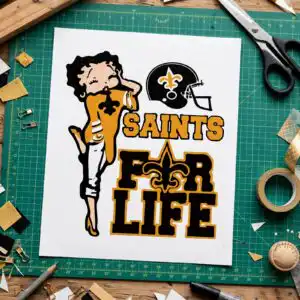
Stylized Cartoon Figure Curly Shirt Design for Game Day, SAINTS FOR LIFE Fleur-de-Lis
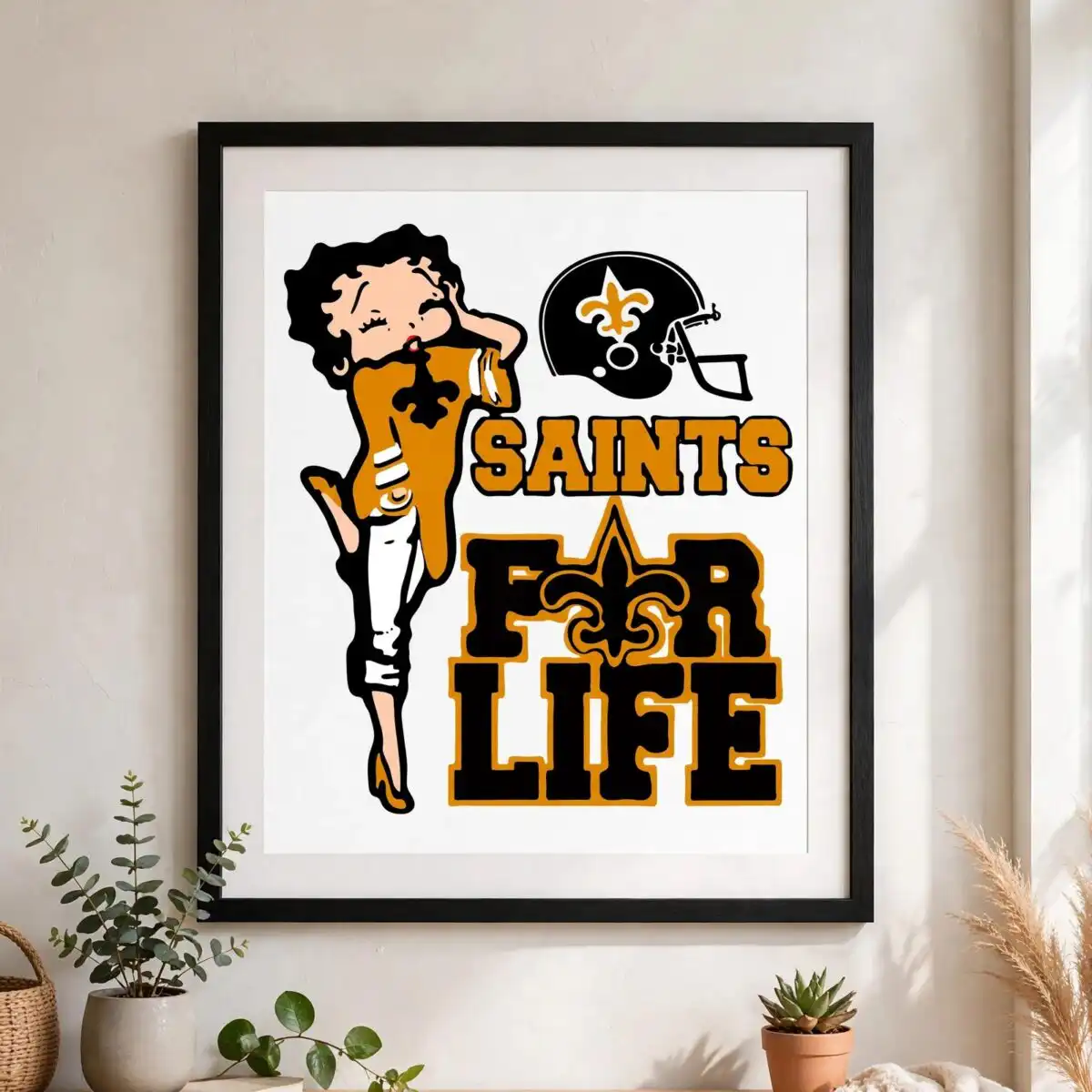
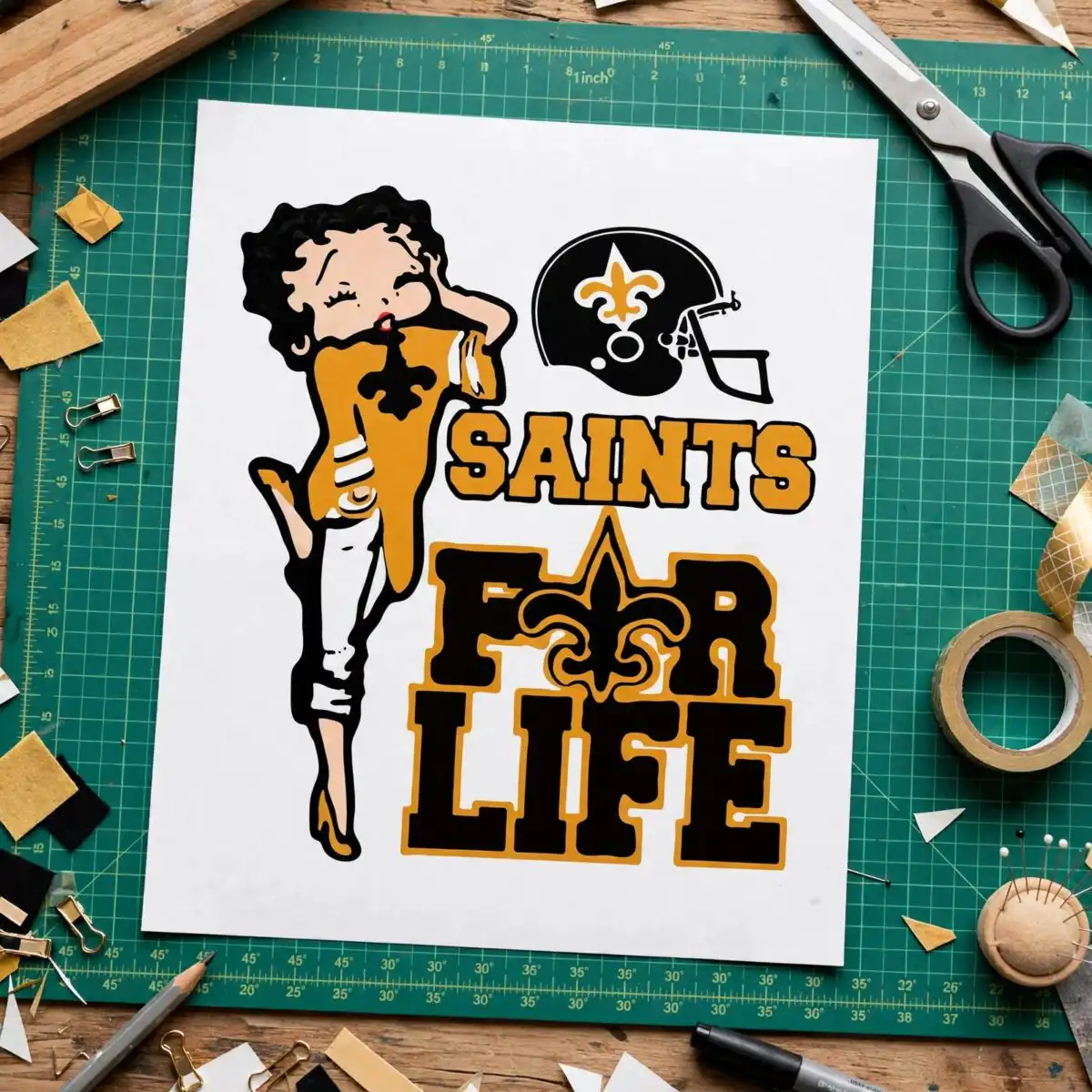
This Stylized Cartoon Figure Curly design is a single flat-colour illustration of a curly-haired woman in a gold top with a fleur-de-lis emblem, standing beside a black football helmet with a gold fleur-de-lis. The artwork sits above the block lettering SAINTS and FOR LIFE, with a large fleur-de-lis built into the letters. You receive SVG, PNG, DXF, EPS and PDF files, made for cutting vinyl, printing on shirts, and wrapping tumblers or mugs. The main colours are gold and black, with white pants and small accents in blue and pink, so the piece reads clearly at a glance. It suits game day shirts, car decals and tailgate gear for sports fans who want a bold, playful look for autumn. Everything you need to cut or print the design is included in one download.
Design breakdown
The design is a single vector illustration built from flat colour, with no gradients or shading. It is cut in 6 layers and uses gold, black, white, blue and pink. The gold covers the top, the fleur-de-lis emblems and the lettering accents, while black fills the football helmet, the letters and outlines. White is used for the pants and the background, and blue and pink add small details to the figure. The curly hair and the high heel shoes are drawn as separate shapes, so each colour can be cut or printed on its own. Fine details such as the fleur-de-lis inside the letters are best cut at 4 inches or larger.
| Layers | 6 |
|---|---|
| Colours | 5 — gold (#C8912B), black (#1A1A1A), white (#FFFFFF), blue (#2A9BD0), pink (#E0528F) |
| Lettering | SAINTS / FOR LIFE / LAYERD / SVG / PNG / EPS / DXF / DOWNLOAD |
| Background | white |
| Cut complexity | medium |
| Orientation | portrait |
What’s included
- SVG
- PNG (300 dpi, transparent)
- DXF
- EPS
Works with
- Cricut Design Space
- Silhouette Studio (Designer Edition)
- Brother ScanNCut
- Adobe Illustrator
- Inkscape
- CorelDRAW
How to use
Download the zip file and unzip it on your computer before you do anything else. Open the SVG in Cricut Design Space or Silhouette Studio by choosing Upload and then Import. Check the layers in the layers panel, then set the colours and sizes you need. For printing on shirts, mugs or tumblers, use the PNG file at 300 dpi, which has a transparent background.
Licence
Personal and small-business commercial use. Sell finished physical items; do not resell or redistribute the files themselves.
FAQ
What files are included with this design?
You get SVG, PNG, DXF, EPS and PDF files. The PNG is 300 dpi with a transparent background, so it works well for printing.
Can I use this design on a 20oz tumbler?
Yes, the design can be wrapped around a 20oz tumbler, as long as you print the PNG or use the SVG for a vinyl cut. Resize it to fit your tumbler before you cut or print.
Which machines and programs does this work with?
It works with Cricut Design Space, Silhouette Studio (Designer Edition), Brother ScanNCut, Adobe Illustrator, Inkscape and CorelDRAW. Any of these can open the SVG or EPS file directly.
Can I resize the design and sell shirts made with it?
Yes, you can resize the design freely. The licence covers personal and small-business commercial use, so you can sell finished physical items, but you cannot resell or redistribute the files themselves.


