

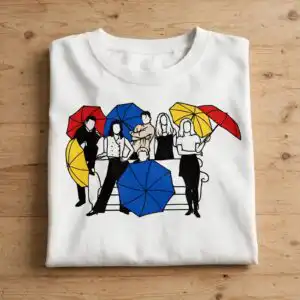
Stylized Group of Six Faceless Figures Under Red, Blue and Yellow Umbrellas, Everyday SVG
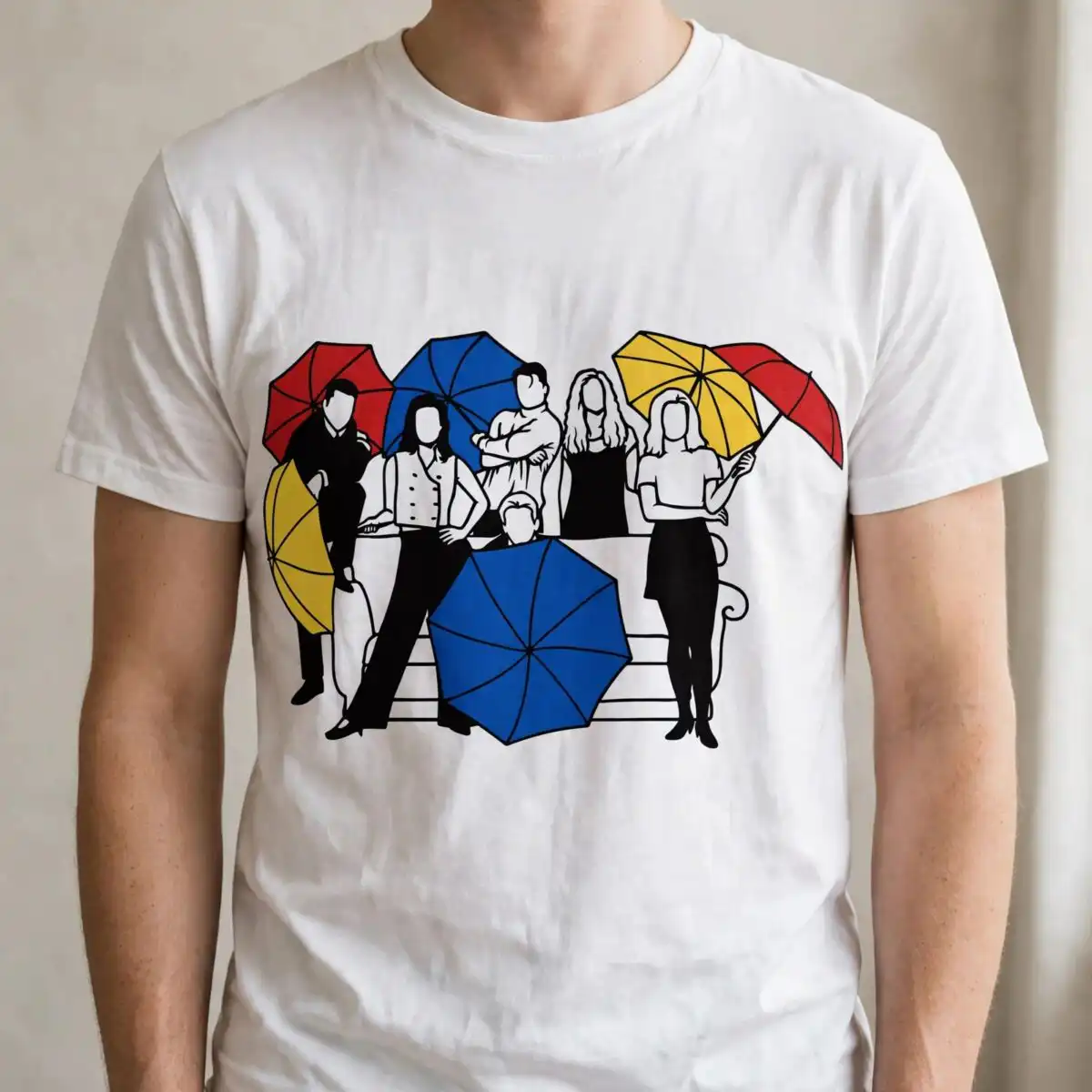
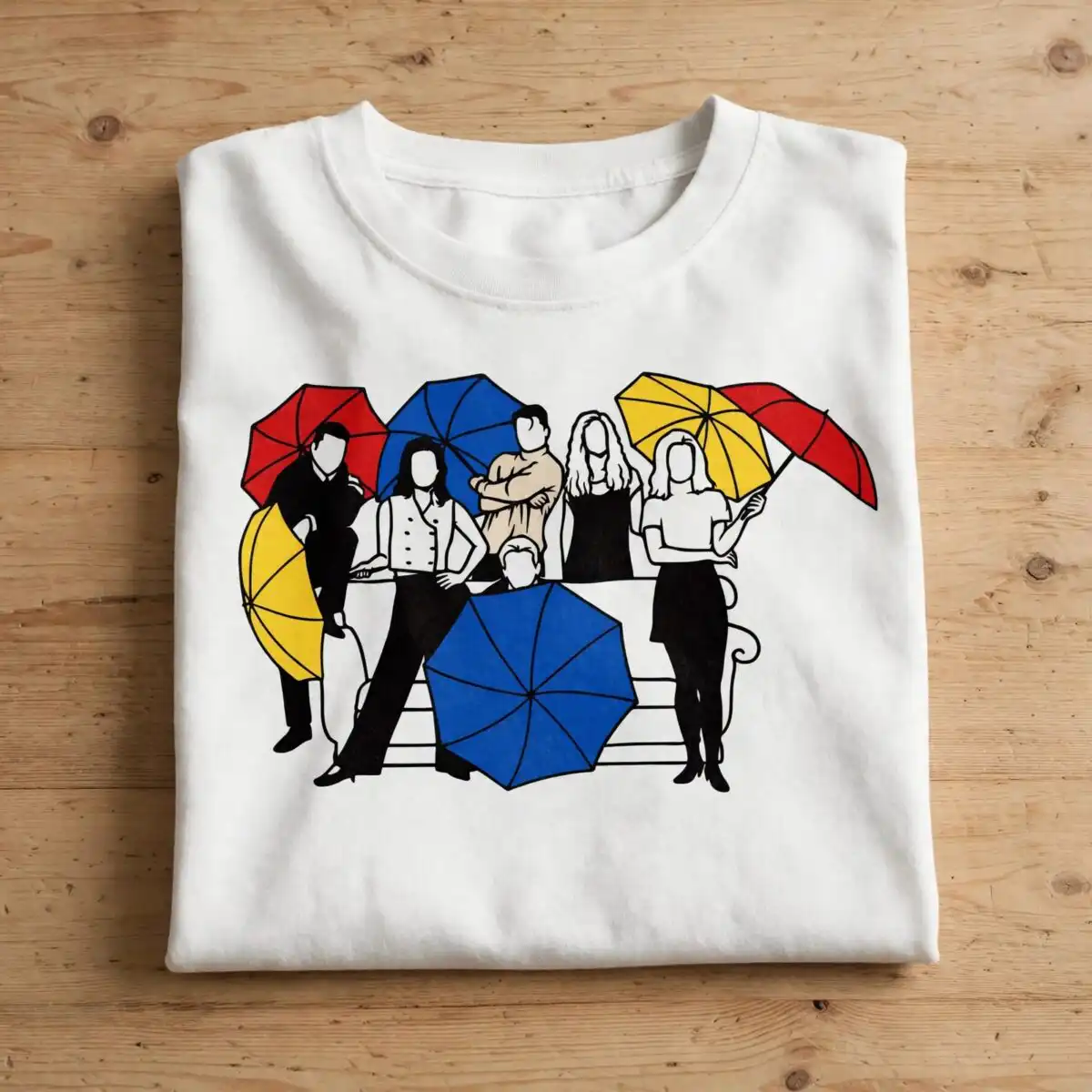
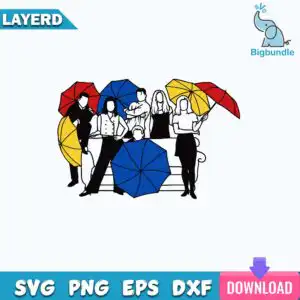
This stylized group six faceless design shows six simple, faceless figures standing and seated on a bench, each holding or sheltered by a red, blue or yellow umbrella. You get one flat, vector design with SVG, PNG, DXF, EPS and PDF files, made for shirts, mugs, decals, tote bags and scrapbook pages. The artwork is black line art and silhouette shapes on a white background, so the bold red, blue and yellow umbrellas stand out clearly against the figures. Because the faces are left blank, the scene reads as anyone on a wet day, which suits playful everyday projects. Use it as a cut file for vinyl decals, a print-ready PNG for light fabrics, or a sublimation-ready image for mugs. Each figure is a separate, easy-to-select shape in your cutting software, so you can recolour or remove parts before you cut.
Design breakdown
This is one design, not a bundle. The artwork is a single landscape scene in five colours: black, white, red, blue and yellow. The six faceless figures, the bench and the umbrellas are built from flat vector shapes with black silhouette and line-art detail. The red, blue and yellow umbrellas are the main colour areas, with the figures and bench in black. The design is cut in 4 layers, so you can colour each part separately in your software. Cut complexity is medium, so cut it at a size where the umbrella edges and figure outlines remain clear.
| Layers | 4 |
|---|---|
| Colours | 5 — black (#000000), white (#FFFFFF), red (#D92121), blue (#1F4FBF), yellow (#F5C518) |
| Lettering | LAYERD / SVG / PNG / EPS / DXF / DOWNLOAD |
| Background | white |
| Cut complexity | medium |
| Orientation | landscape |
What’s included
- SVG
- PNG (300 dpi, transparent)
- DXF
- EPS
Works with
- Cricut Design Space
- Silhouette Studio (Designer Edition)
- Brother ScanNCut
- Adobe Illustrator
- Inkscape
- CorelDRAW
How to use
Download the zip file from your order and unzip it to a folder on your computer. Open Cricut Design Space, Silhouette Studio or Adobe Illustrator, then import the SVG file using the upload or open option. Ungroup the layers if you want to change colours, then resize the design before you cut or print. For shirts and mugs, use the PNG file, which has a transparent background.
Licence
Personal and small-business commercial use. Sell finished physical items; do not resell or redistribute the files themselves.
FAQ
What files are included with this stylized group six faceless design?
You get SVG, PNG, DXF, EPS and PDF files. The PNG is 300 dpi with a transparent background, so it works for printing and sublimation.
Can I use this design on a 20oz tumbler?
Yes, the PNG file works on a 20oz tumbler for sublimation or printed transfers. Check the printed size first, since the six figures and umbrellas need enough room to stay clear on the wrap.
Which machines and software does this file work with?
It works with Cricut Design Space, Silhouette Studio (Designer Edition), Brother ScanNCut, Adobe Illustrator, Inkscape and CorelDRAW. The SVG, DXF and EPS formats cover most cutting machines and design programs.
Can I resize the design and sell items made with it?
Yes, you can resize the file in your software. The licence covers personal and small-business commercial use, so you can sell finished physical items, but you cannot resell or redistribute the files themselves.


