
Stylized Yellow Crewmate Style Funny SVG Design for Shirts and Stickers
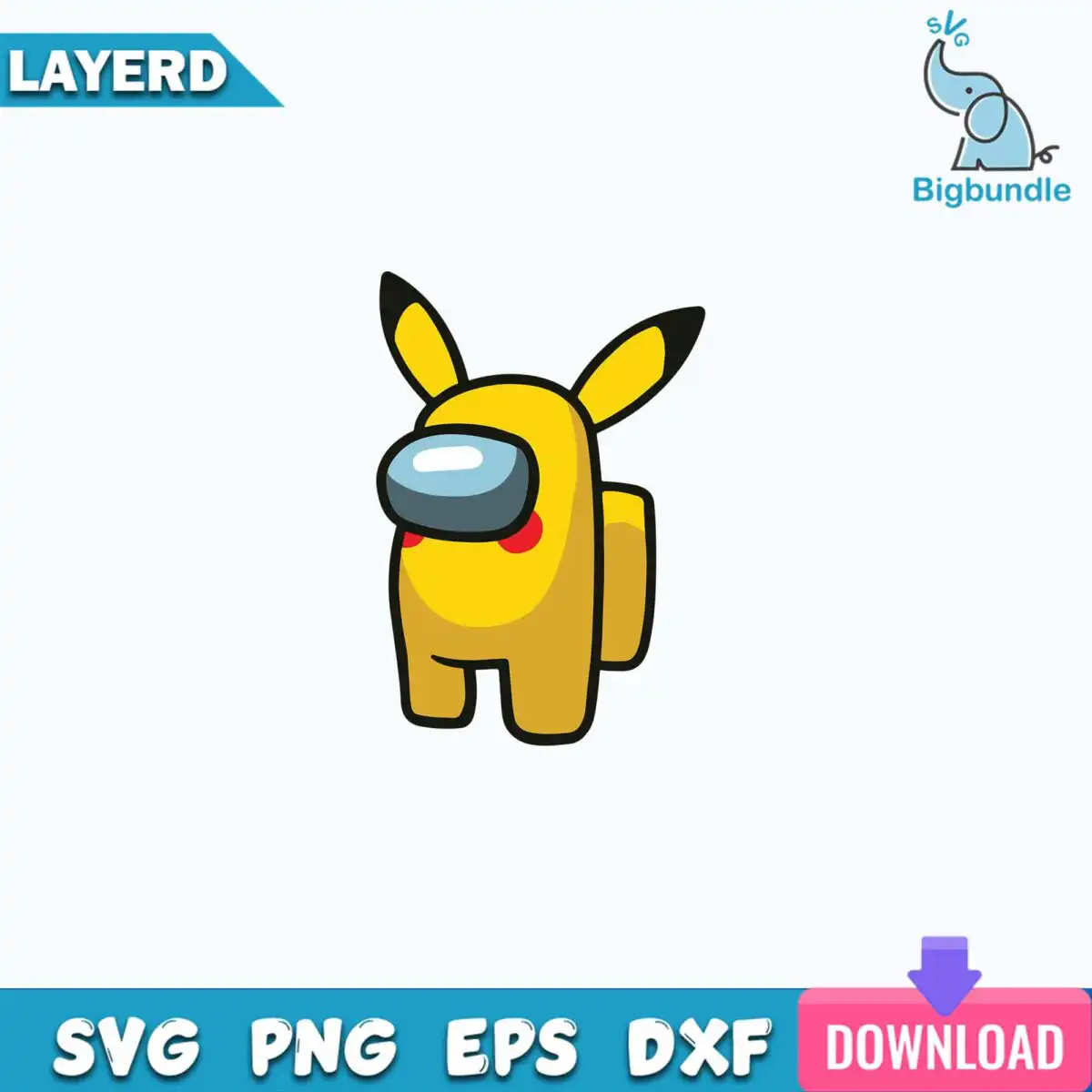
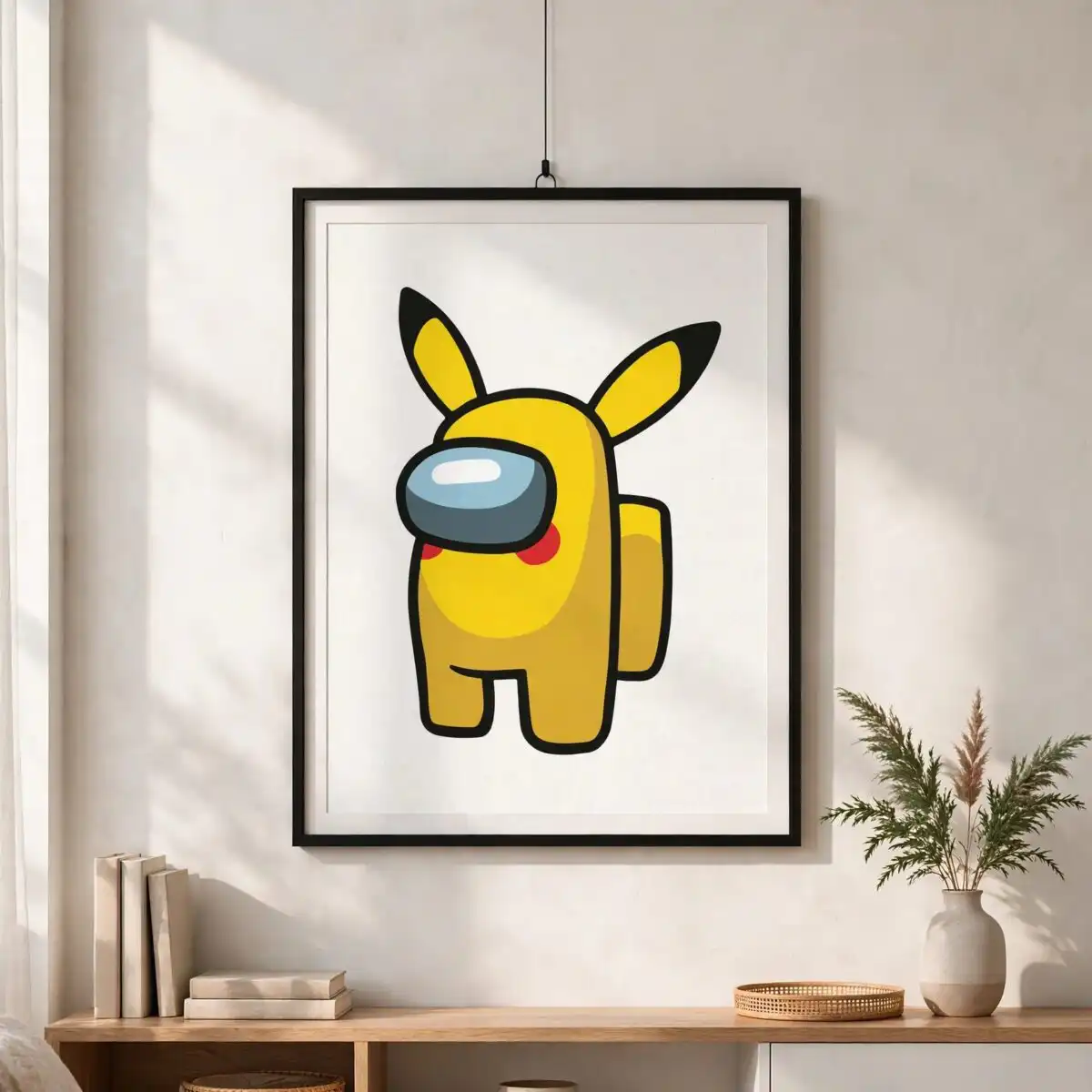
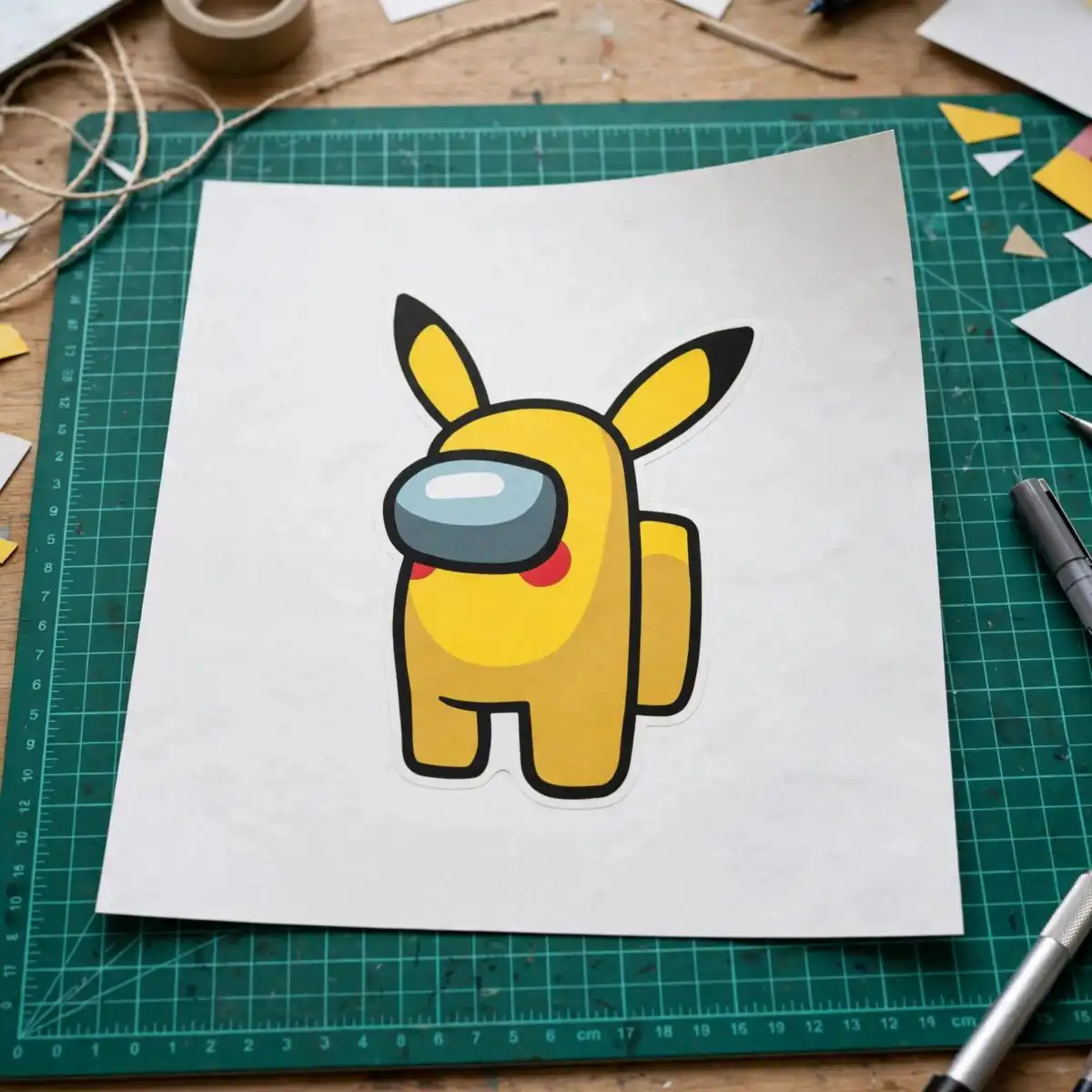
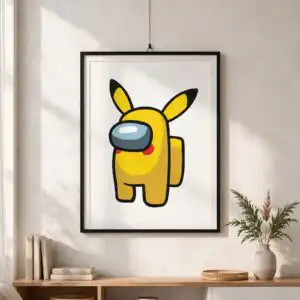
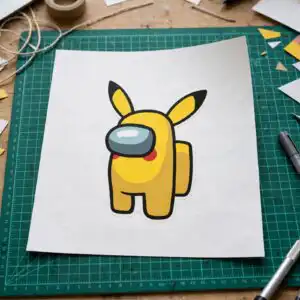
This stylized yellow crewmate style SVG is a single flat cartoon figure with a bright yellow body, black pointed ears, a grey-blue visor and red cheek marks, drawn with a bold black outline. You get SVG, PNG, DXF, EPS and PDF files, made for vinyl cutting, t-shirt printing, sticker making and other digital crafts. The stylized yellow crewmate style figure stands in a simple pose with two short black-outlined legs and a darker golden ochre shape behind the body, so the outline reads clearly at most sizes. Because the artwork is one solid character with clean edges, it suits a funny SVG for shirts that you want to cut from coloured vinyl or press with heat transfer. Use the PNG version with its transparent background for sublimation or print-on-demand mockups, and the SVG for your cutting machine. Each file opens in common software, so you can resize the figure to fit a chest print, a sticker sheet or a mug wrap.
Design breakdown
The design is cut in 6 layers and uses 10 colours: bright yellow for the body, golden ochre for the darker back leg and arm shape, black for the outline, ears tips and legs, slate grey for the visor, pale blue-white for the visor highlight, and red for the cheek marks. Other listed colours, including teal, pink and purple, appear in the preview sheet only. The file is a single design on a white background, with low cut complexity, so the main pieces are large and easy to weed. The outline and visor are the smallest elements, so cut the figure at 4 inches or larger for the clearest detail.
| Layers | 6 |
|---|---|
| Colours | 10 — bright yellow (#FFE500), golden ochre (#D9A92A), black outline (#111111), slate grey (#5E6B73), pale blue-white highlight (#DDEFF7), red (#E0202A) |
| Lettering | LAYERD / SVG / PNG / EPS / DXF / DOWNLOAD / svg |
| Background | white |
| Cut complexity | low |
| Orientation | portrait |
What’s included
- SVG
- PNG (300 dpi, transparent)
- DXF
- EPS
Works with
- Cricut Design Space
- Silhouette Studio (Designer Edition)
- Brother ScanNCut
- Adobe Illustrator
- Inkscape
- CorelDRAW
How to use
Download the zip file from your order page and unzip it to a folder on your computer. In Cricut Design Space, Silhouette Studio or Brother ScanNCut, choose Upload, select the SVG file, and import it as a single image. Check the layers in the layers panel, set the size, and cut each colour on its own mat. For printing, open the PNG file in your design software and place it on your shirt or sticker template.
Licence
Personal and small-business commercial use. Sell finished physical items; do not resell or redistribute the files themselves.
FAQ
What files come with this stylized yellow crewmate style SVG?
You get SVG, PNG, DXF, EPS and PDF files. The PNG is 300 dpi with a transparent background, and the other formats are for cutting machines and vector software.
Can I use this crewmate design on a 20oz tumbler?
Yes, the design works on a 20oz tumbler when you print it with sublimation or cut it as a vinyl decal. Use the PNG for printing and check the placement on your tumbler template before you press it.
Which machines and programs does this file work with?
It works with Cricut Design Space, Silhouette Studio (Designer Edition), Brother ScanNCut, Adobe Illustrator, Inkscape and CorelDRAW. The SVG file is the one to upload to cutting machines.
Can I sell items made with this design?
Yes, you can use it for personal and small-business commercial use and sell the finished physical items. You cannot resell or redistribute the design files themselves.


