

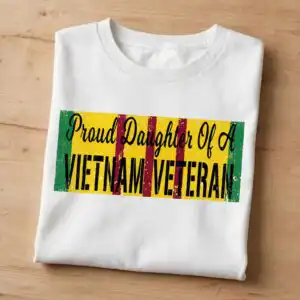
Proud Daughter Of A Vietnam Veteran Text Banner for Shirts, Tumblers and Decals
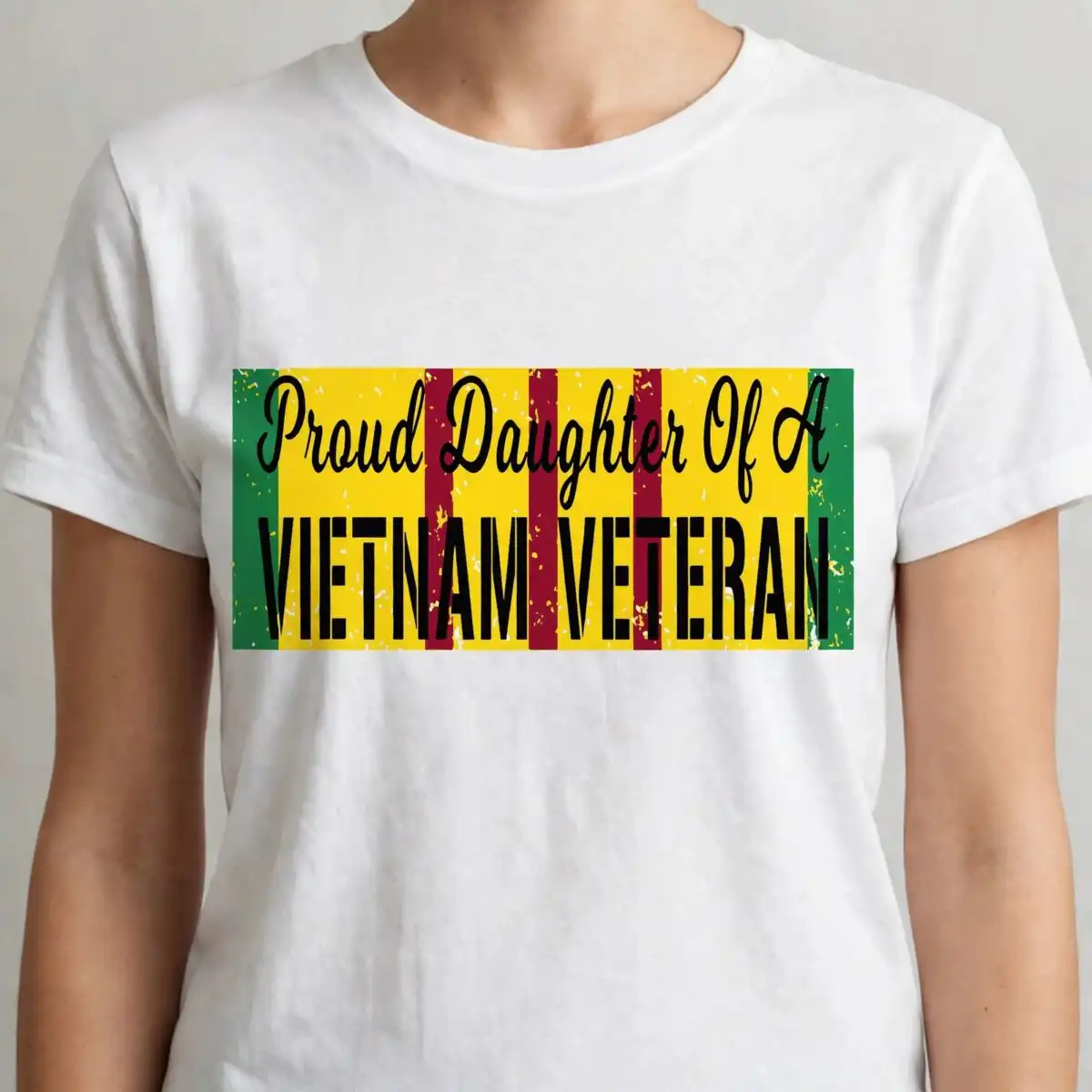
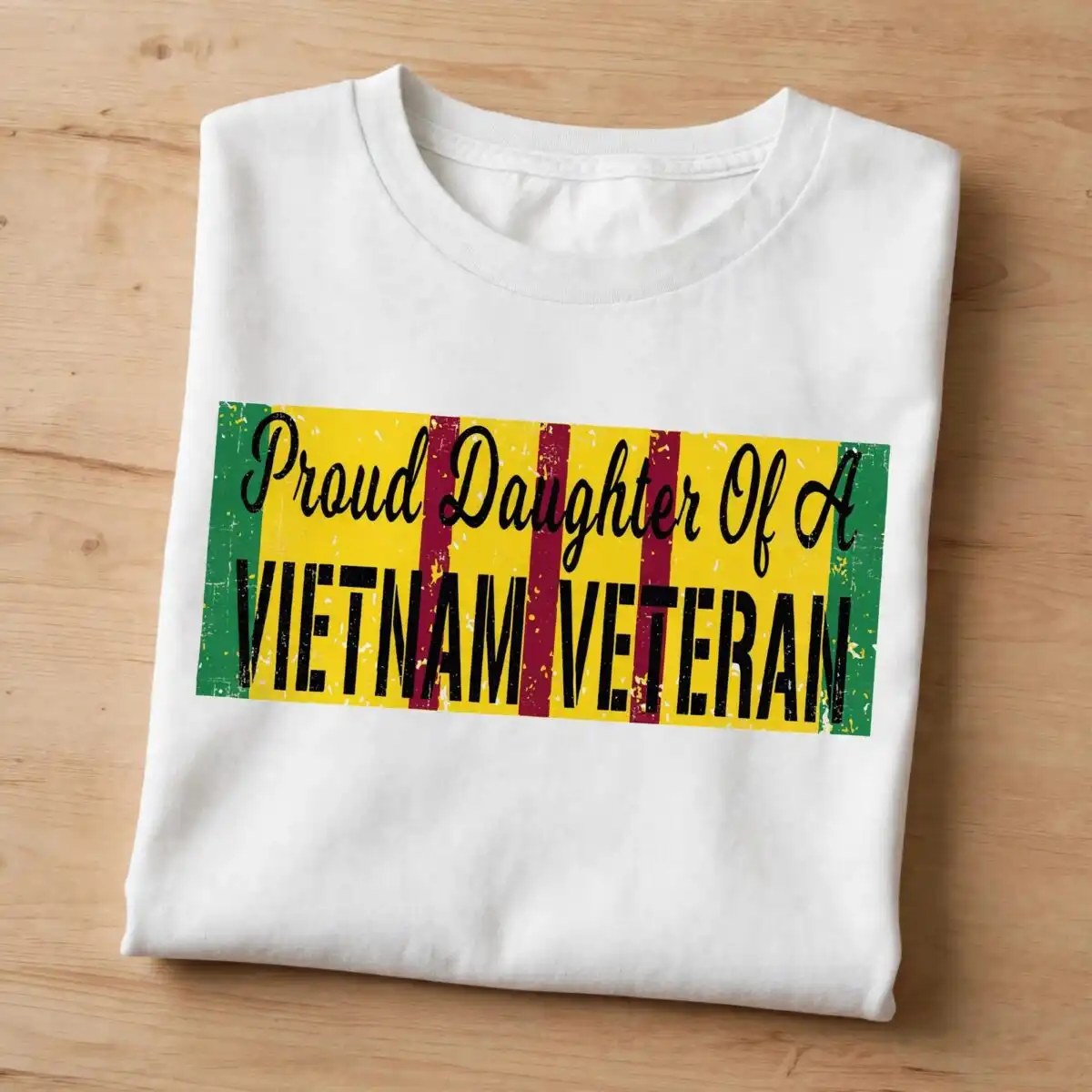
This text banner SVG is a single design reading “Proud Daughter Of A Vietnam Veteran” in bold lettering on a yellow field, with vertical dark red stripes and green side bands. You receive SVG, PNG, DXF, EPS and PDF files, made for shirts, tumblers, car decals and sublimation. The lettering sits on a distressed, speckled texture, so the banner keeps a worn, honest look once cut or printed. The top line reads “Proud Daughter Of A” in script, and “VIETNAM VETERAN” stands out in heavy capitals beneath it. Black and white are included for outlines and contrast, so the banner works on light or dark material. It suits family members who want to show pride in a parent’s service, whether on Veterans Day, Memorial Day or Father’s Day. You can cut it from vinyl or print it as a transfer, and the artwork stays crisp at most sizes.
Design breakdown
The design is cut in 3 layers: the yellow banner field, the dark red vertical stripes, and the green side bands, with the lettering and distressed speckle texture sitting on top. The main colours are yellow, dark red and green, with black and white used for the text outlines and details. The distressed speckle texture is part of the artwork, so cut it with a knife blade or a fine-point setting and expect small pieces to weed out. Fine speckle details are best cut at 4 inches or larger. Because the banner is landscape, it fits well across a car rear window, a tumbler wrap or the front of a shirt.
| Layers | 3 |
|---|---|
| Colours | 5 — green (#1E8A3C), yellow (#F5D000), dark red (#8B1A2B), black (#000000), white (#FFFFFF) |
| Lettering | Proud Daughter Of A / VIETNAM VETERAN |
| Background | white |
| Cut complexity | medium |
| Orientation | landscape |
What’s included
- SVG
- PNG (300 dpi, transparent)
- DXF
- EPS
Works with
- Cricut Design Space
- Silhouette Studio (Designer Edition)
- Brother ScanNCut
- Adobe Illustrator
- Inkscape
- CorelDRAW
How to use
Download the ZIP file from your order and unzip it to a folder on your computer. Open Cricut Design Space, Silhouette Studio or your preferred software, then use Upload or File, Open to import the SVG. Choose the layers you need, resize the banner to your project, and check that the speckle texture is not too small for your blade. For shirts or mugs, use the PNG file, which has a transparent background, in your printing or sublimation software.
Licence
Personal and small-business commercial use. Sell finished physical items; do not resell or redistribute the files themselves.
FAQ
What files are included with this text banner SVG?
You get SVG, PNG, DXF, EPS and PDF files. The PNG is 300 dpi with a transparent background, so it works for printing and sublimation.
Can I use this design on a 20oz tumbler?
Yes, the banner is landscape and fits a tumbler wrap or a vinyl decal sized for a tumbler. Keep the distressed speckle details large enough for your cutter or printer to reproduce cleanly.
Which machines and software does this file work with?
It works with Cricut Design Space, Silhouette Studio (Designer Edition), Brother ScanNCut, Adobe Illustrator, Inkscape and CorelDRAW. The PNG works with most printing and sublimation software.
Can I resize the banner and what is the licence?
Yes, you can resize the banner in your cutting software without losing sharpness, since it is a vector file. The licence covers personal and small-business commercial use for finished physical items, but you may not resell or redistribute the files themselves.


