

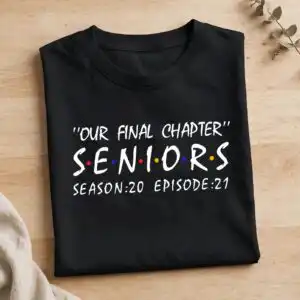
Text Based Graduation Design for Shirts, Tumblers and Signs: Our Final Chapter SENIORS
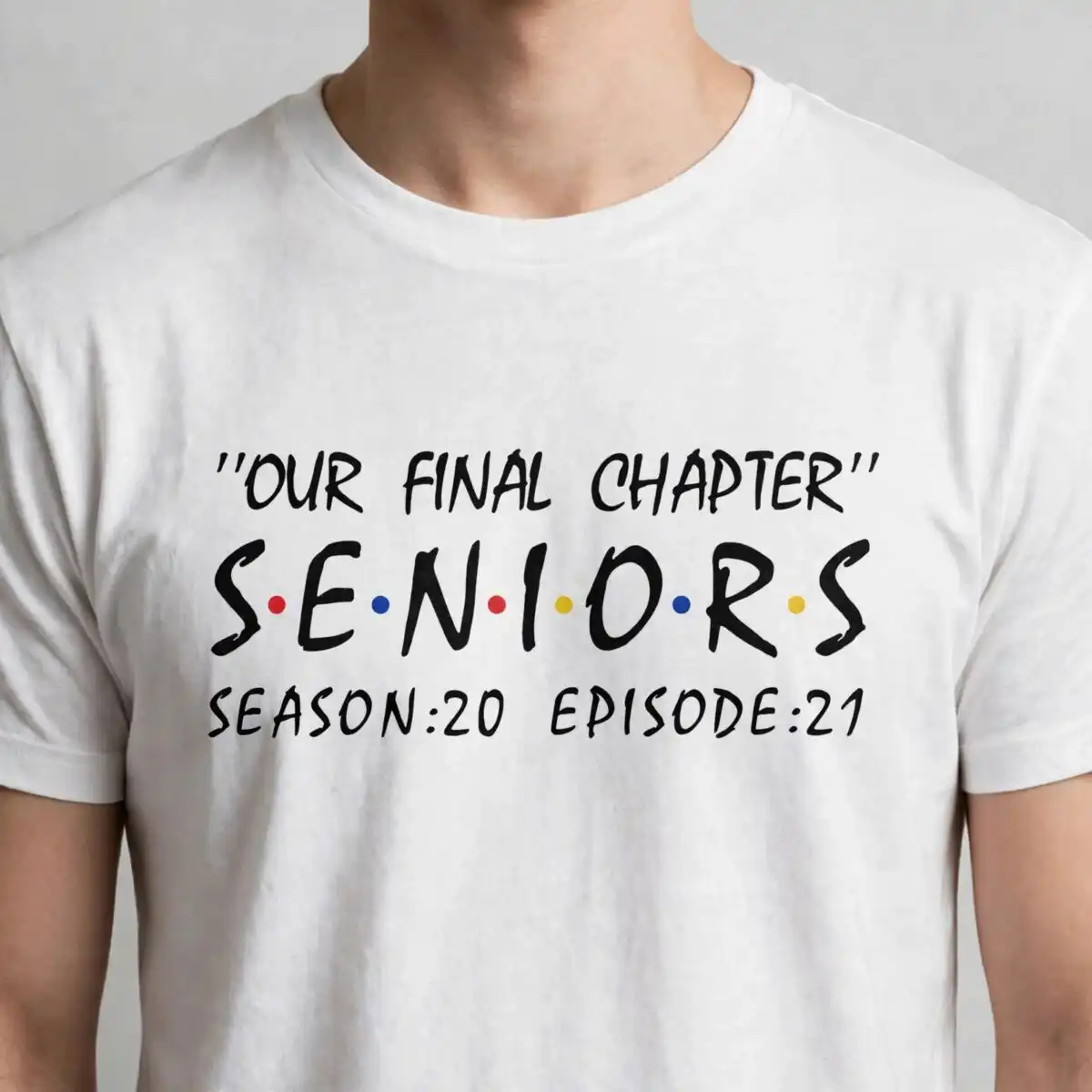
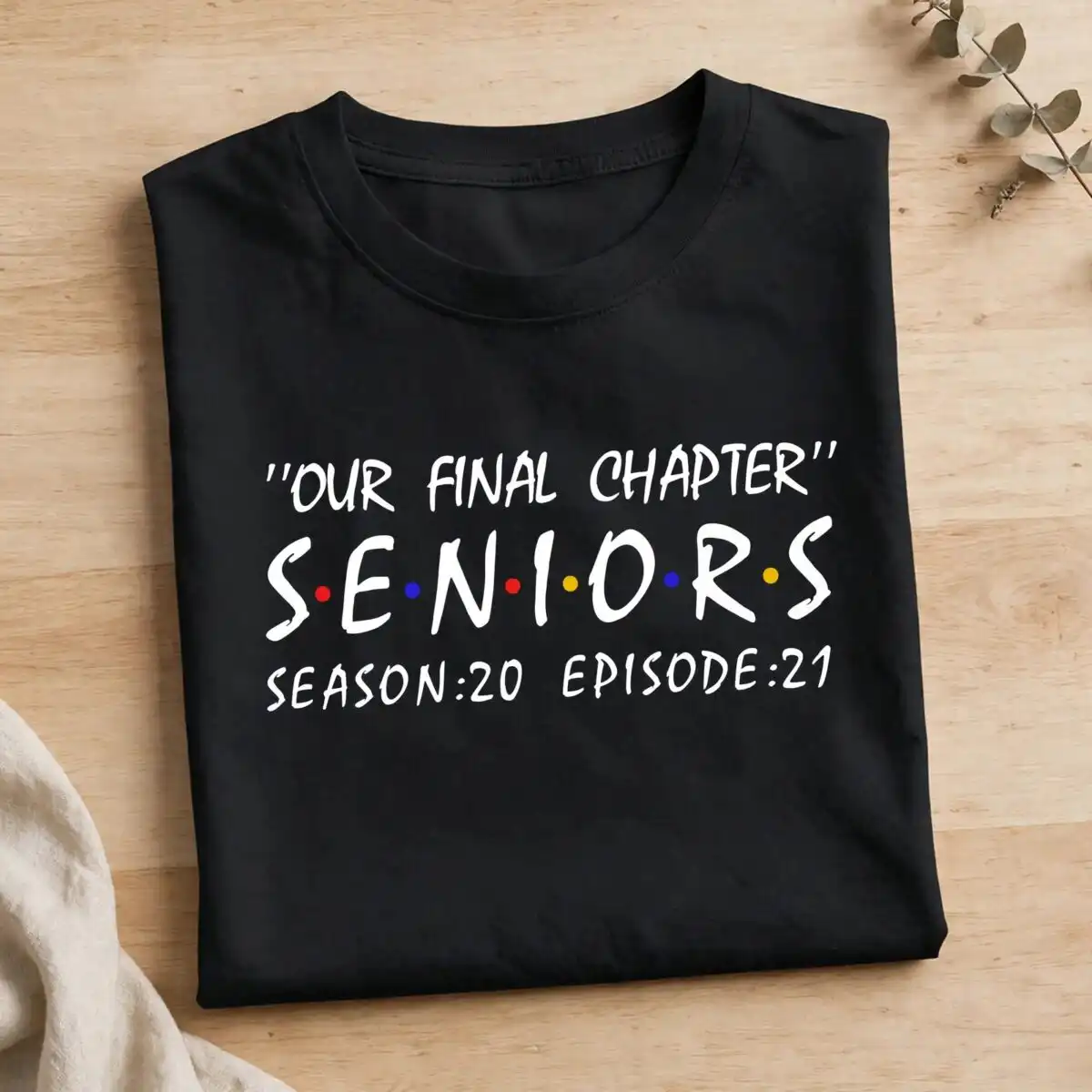
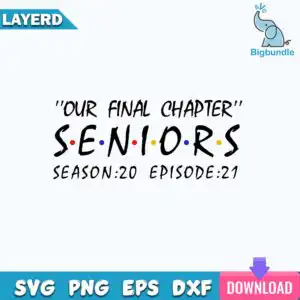
This text based graduation design is a single hand-lettered title card reading “OUR FINAL CHAPTER” above “SENIORS”, with “SEASON:20 EPISODE:21” beneath, set up as a TV episode title. You get one design in SVG, PNG, DXF, EPS and PDF, made for cutting vinyl, printing on shirts, or making signs. The lettering is bold brush-script in black, with red, blue and yellow accents, and small colored dots sit between the letters of SENIORS. The minimalist layout is landscape on a white background, so it reads clearly on a class shirt, a tumbler decal or a graduation yard sign. It suits graduating seniors who want a playful, nostalgic send-off, and families who want a keepsake for a scrapbook. Because the text is the whole design, the lettering stays crisp at most sizes.
Design breakdown
This is one design with the text “OUR FINAL CHAPTER” at the top, “SENIORS” in the middle with colored dots between its letters, and “SEASON:20 EPISODE:21” below. The colors are black, red, blue and yellow, so you can cut each color as its own vinyl piece or print it in full color. The artwork is built as a single layer, so it cuts in one pass from one color sheet. Cut complexity is low, with the brush-script lettering and dots as the only fine details; cut it at 4 inches or larger for the best legibility on small items.
| Layers | 1 |
|---|---|
| Colours | 4 — black (#000000), red (#E0202A), blue (#1A3FD1), yellow (#F5B400) |
| Lettering | “OUR FINAL CHAPTER” / SENIORS / SEASON:20 EPISODE:21 |
| Background | white |
| Cut complexity | low |
| Orientation | landscape |
What’s included
- SVG
- PNG (300 dpi, transparent)
- DXF
- EPS
Works with
- Cricut Design Space
- Silhouette Studio (Designer Edition)
- Brother ScanNCut
- Adobe Illustrator
- Inkscape
- CorelDRAW
How to use
Download the ZIP file and unzip it to a folder on your computer. In Cricut Design Space, Silhouette Studio, or Brother ScanNCut, choose Upload and select the SVG file. Resize it to your project, then check that the dots between the SENIORS letters are still visible. For a printed shirt or sublimation transfer, use the PNG, which has a transparent background at 300 dpi.
Licence
Personal and small-business commercial use. Sell finished physical items; do not resell or redistribute the files themselves.
FAQ
What files are included with this graduation design?
You get SVG, PNG, DXF, EPS and PDF files for this single design. The PNG is 300 dpi with a transparent background, which suits printing and sublimation.
Can I use this design on a 20oz tumbler?
Yes, it works well as a tumbler decal. Size it to fit the tumbler, cut it in vinyl, and apply it to the smooth surface.
Which machines and programs does this work with?
It works with Cricut Design Space, Silhouette Studio (Designer Edition), Brother ScanNCut, Adobe Illustrator, Inkscape and CorelDRAW. You can also print the PNG or PDF on a standard printer.
Can I resize it and use it for a business?
Yes, you can resize it freely. The licence covers personal and small-business commercial use, so you can sell finished physical items made with it, but you may not resell or redistribute the files themselves.


