



Grid Nine Photo Style PNG Political Rally Sublimation Design with Flag Stripes and Pink
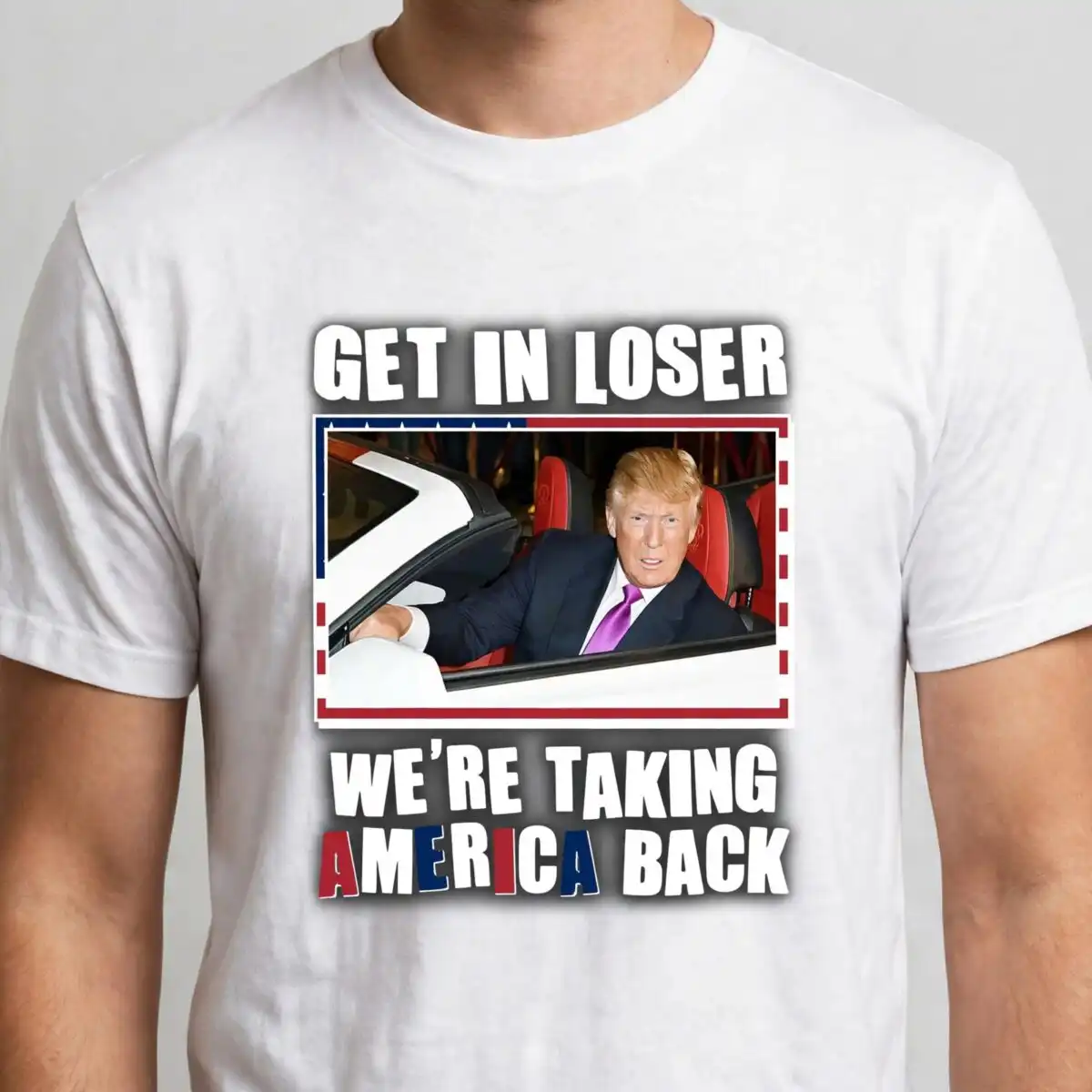
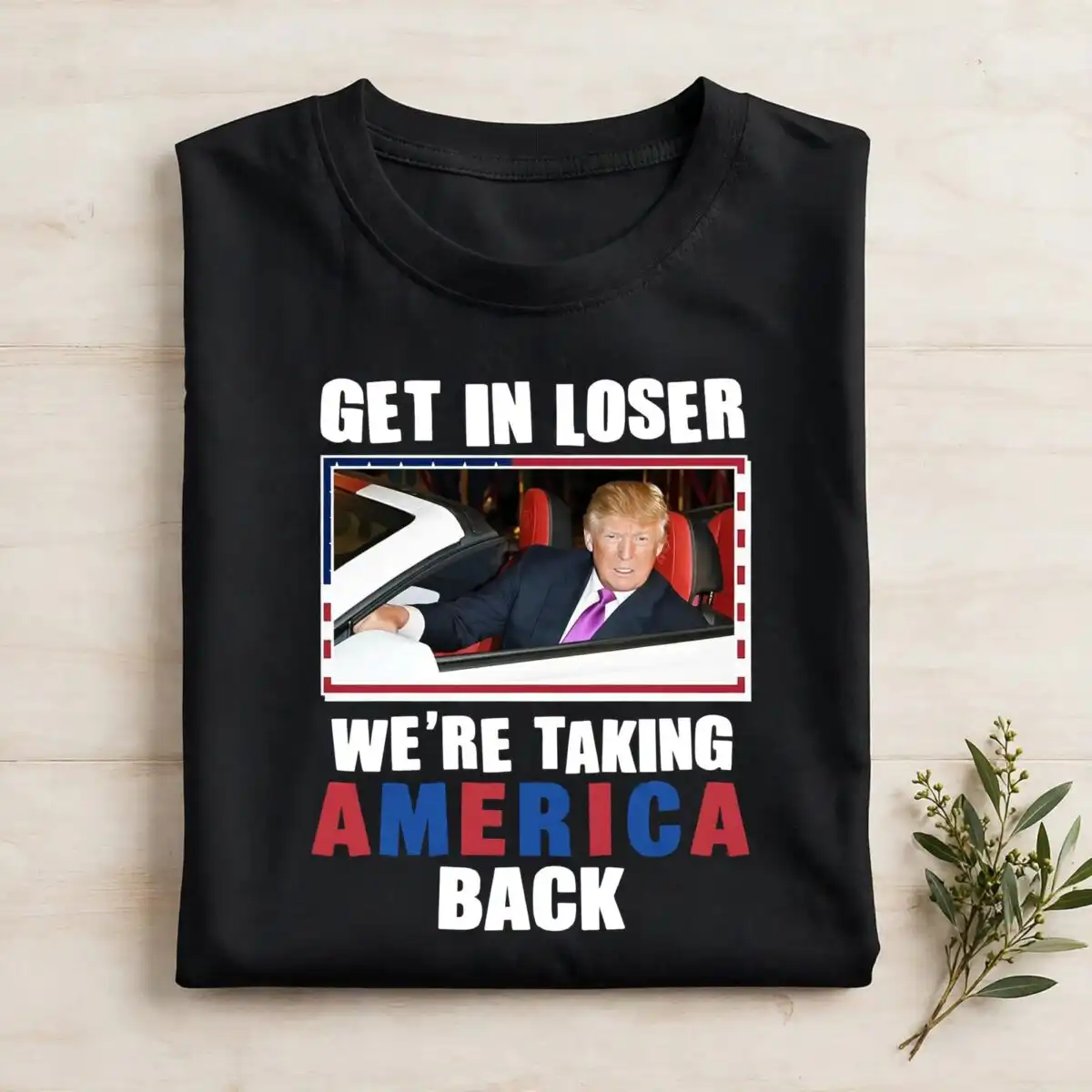
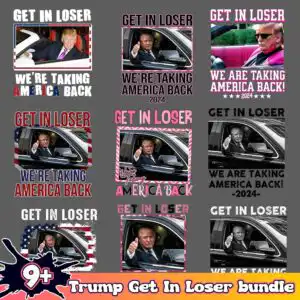
This grid nine photo style PNG is a single sheet of nine photo-style clip-art panels, delivered as one transparent PNG at 300 dpi, made for sublimation, DTF, and print-and-cut projects. Each panel shows a figure seated in a vehicle’s driver seat, giving a thumbs-up or a wave, inside a window frame with a side mirror and an open convertible-style frame. The lettering reads GET IN LOSER and WE’RE TAKING AMERICA BACK, set in bold sans-serif above and below the panels. The palette is charcoal, white, red, navy blue, hot pink, and light pink, with an orange banner strip along the base. Some panels use American flag stripes, some use pink and white chevron borders, and others are plain black-and-white photo treatments. You can print the whole grid on a tote, a mug wrap, or a t-shirt transfer, or cut individual panels as stickers for rally season and election merchandise.
Design breakdown
The file is a single PNG on a transparent background at 300 dpi, with the artwork set on a solid background in its preview. It is built as a 3-layer design across a square grid of nine panels. Colours used include charcoal, white, red, navy blue, hot pink, light pink, and orange, with a splatter-style paint burst and a gradient banner strip. Fine details such as the side mirror, stars, and chevron edging are best cut or printed at 4 inches or larger. Flag stripes and pink borders appear on some panels, while others use plain black-and-white photo treatments. Slogan lettering runs above and below the grid.
| Colours | 7 — charcoal (#2B2B2B), white (#FFFFFF), red (#B22234), navy blue (#3C3B6E), hot pink (#E8559A), light pink (#F7C6D9) |
|---|---|
| Lettering | GET IN LOSER / WE’RE TAKING AMERICA BACK / WE ARE TAKING AMERICA BACK! / 2024 / -2024- / 9+ / WE ARE TAKING |
| Background | solid |
| Orientation | square |
What’s included
- PNG (300 dpi, transparent background)
Works with
- Sublimation printers (Epson, Sawgrass)
- DTF / print-and-cut workflows
- Canva
- Adobe Photoshop
How to use
Download the ZIP from your order and unzip it to a folder on your computer. Open Canva, Adobe Photoshop, or your sublimation software and import the PNG file. Resize it to your blank, keeping the proportions locked, then place it on your shirt, mug wrap, or tote layout. For sublimation, print on sublimation paper with a transparent-background setting; for DTF or print-and-cut, send the file to your printer or cutter as it is. Test a small panel first if you plan to cut stickers.
Licence
Personal and small-business commercial use. Sell finished physical items; do not resell or redistribute the files themselves.
FAQ
What files are included with this grid nine photo style PNG?
You get one PNG file at 300 dpi with a transparent background. It contains the full nine-panel grid in a single image.
Can I use this design on a 20oz tumbler?
Yes, the PNG works on a 20oz tumbler when sized for a tumbler wrap. Resize the file to the wrap dimensions and keep the lettering large enough to read on the curve.
Which printers and machines work with this PNG?
It works with sublimation printers such as Epson and Sawgrass, and with DTF or print-and-cut workflows. You can also open it in Canva or Adobe Photoshop.
Can I resize the design and use it for my small business?
Yes, you can resize the PNG for your projects. The licence covers personal and small-business commercial use, so you can sell finished physical items, but you may not resell or redistribute the files themselves.


