


Two Cartoon Snowmen Falling SVG Cut File: LOOK! STEM CELLS! Christmas Design for Shirts
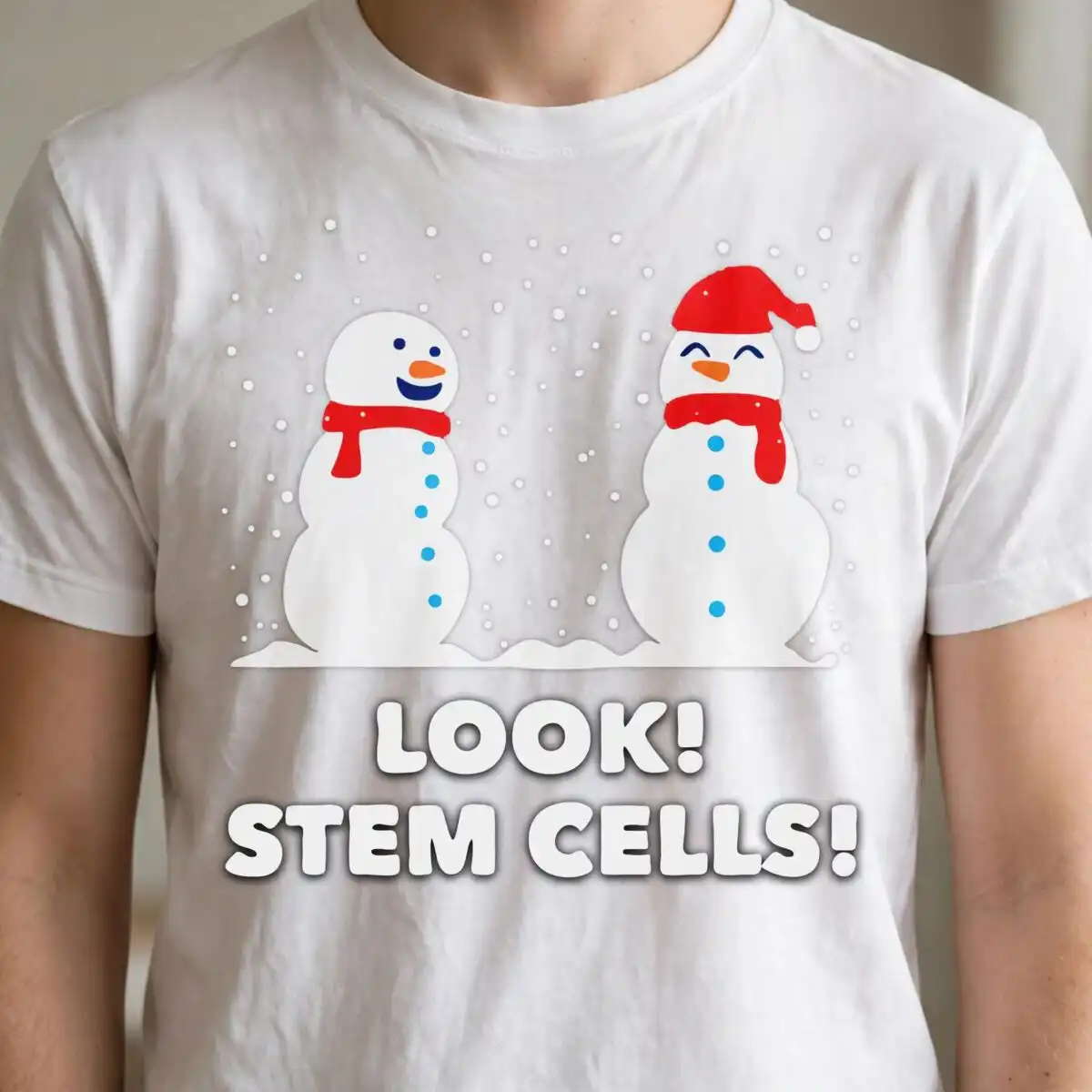
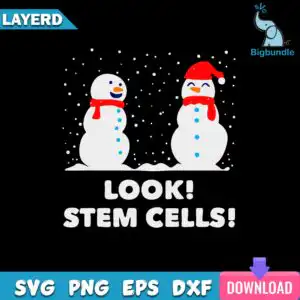
Two cartoon snowmen falling SVG is a single flat-vector Christmas design that pairs two cartoon snowmen with falling snow and the pun “LOOK! STEM CELLS!” Your download includes SVG, PNG (300 dpi, transparent), DXF, EPS and PDF files, made for shirts, sweatshirts, mugs, holiday decor and vinyl decals. The artwork sits on a black background. One snowman wears a red Santa hat, both wear red scarves, and their blue button dots and orange carrot noses stand out against the navy and white snow. The bold sans-serif lettering in white and the playful mood make it a good fit for teachers, science enthusiasts and holiday gift buyers who want a winter joke with a lab-coat twist. Because the design is built from flat shapes with clear colour areas, you can cut or print each colour separately without much fuss.
Design breakdown
The design is cut in 5 layers and uses 6 colours: black, white, red, light blue, orange and navy. The two cartoon snowmen have white bodies, orange carrot noses, light blue button dots and red scarves, and one snowman wears a red Santa hat. The “LOOK!” and “STEM CELLS!” lettering is set in bold sans-serif type, with snowflakes and snow dots falling across the black background and a snow ground mound along the bottom. The artwork is square and has medium cutting detail, so the small button dots and snowflakes are best cut at a larger size, with the lettering kept as one clean shape.
| Layers | 5 |
|---|---|
| Colours | 6 — black (#000000), white (#FFFFFF), red (#E02020), light blue (#29A8E0), orange (#F28C28), navy (#1A2A6C) |
| Lettering | LOOK! / STEM CELLS! |
| Background | dark |
| Cut complexity | medium |
| Orientation | square |
What’s included
- SVG
- PNG (300 dpi, transparent)
- DXF
- EPS
Works with
- Cricut Design Space
- Silhouette Studio (Designer Edition)
- Brother ScanNCut
- Adobe Illustrator
- Inkscape
- CorelDRAW
How to use
Unzip the download and open the SVG file in Cricut Design Space, Silhouette Studio or Brother ScanNCut, depending on your machine. Import the file, check the layers, and resize the design to fit your project before cutting. For printing on shirts or mugs, use the PNG file, which has a transparent background. Keep the DXF or EPS files for software that needs them.
Licence
Personal and small-business commercial use. Sell finished physical items; do not resell or redistribute the files themselves.
FAQ
What files are included with the Two Cartoon Snowmen Falling SVG?
You get SVG, PNG (300 dpi, transparent), DXF, EPS and PDF files. The SVG suits cutting machines, while the PNG works well for printing and sublimation.
Can I put this snowman design on a 20oz tumbler or a mug?
Yes, the design works on mugs, tumblers and holiday decor. Use the PNG for printing on a mug or the SVG for a vinyl decal you apply to a cup.
Which machines and software work with this file?
It works with Cricut Design Space, Silhouette Studio (Designer Edition), Brother ScanNCut, Adobe Illustrator, Inkscape and CorelDRAW. Any of these can open the SVG, DXF or EPS files.
Can I resize the design and use it for my small business?
Yes, you can resize it in your software. The licence covers personal and small-business commercial use for finished physical items, but you may not resell or redistribute the files themselves.