
Vintage Sunset SVG Badge: Salty Lil’ Beach Mermaid for Summer Shirts and Totes
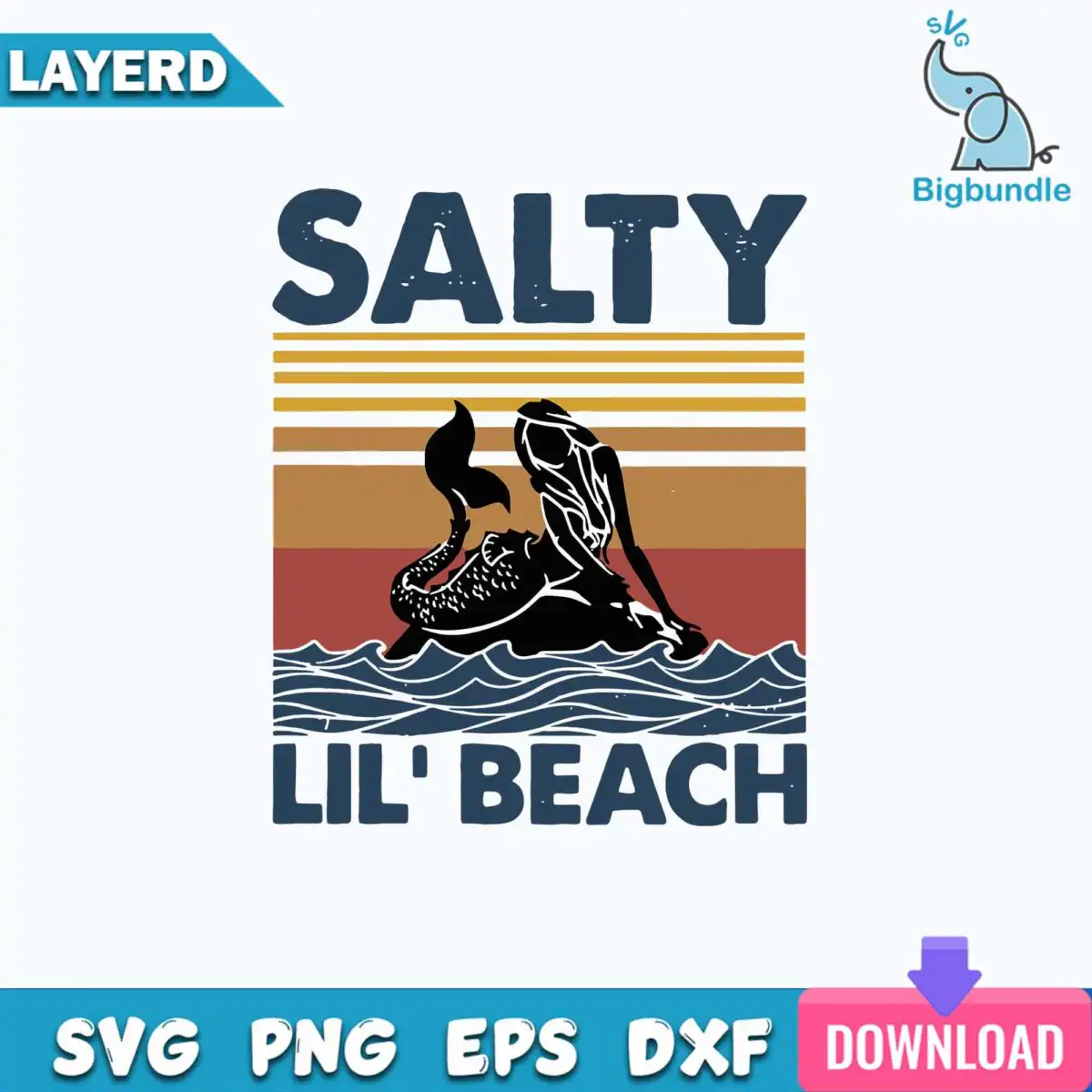
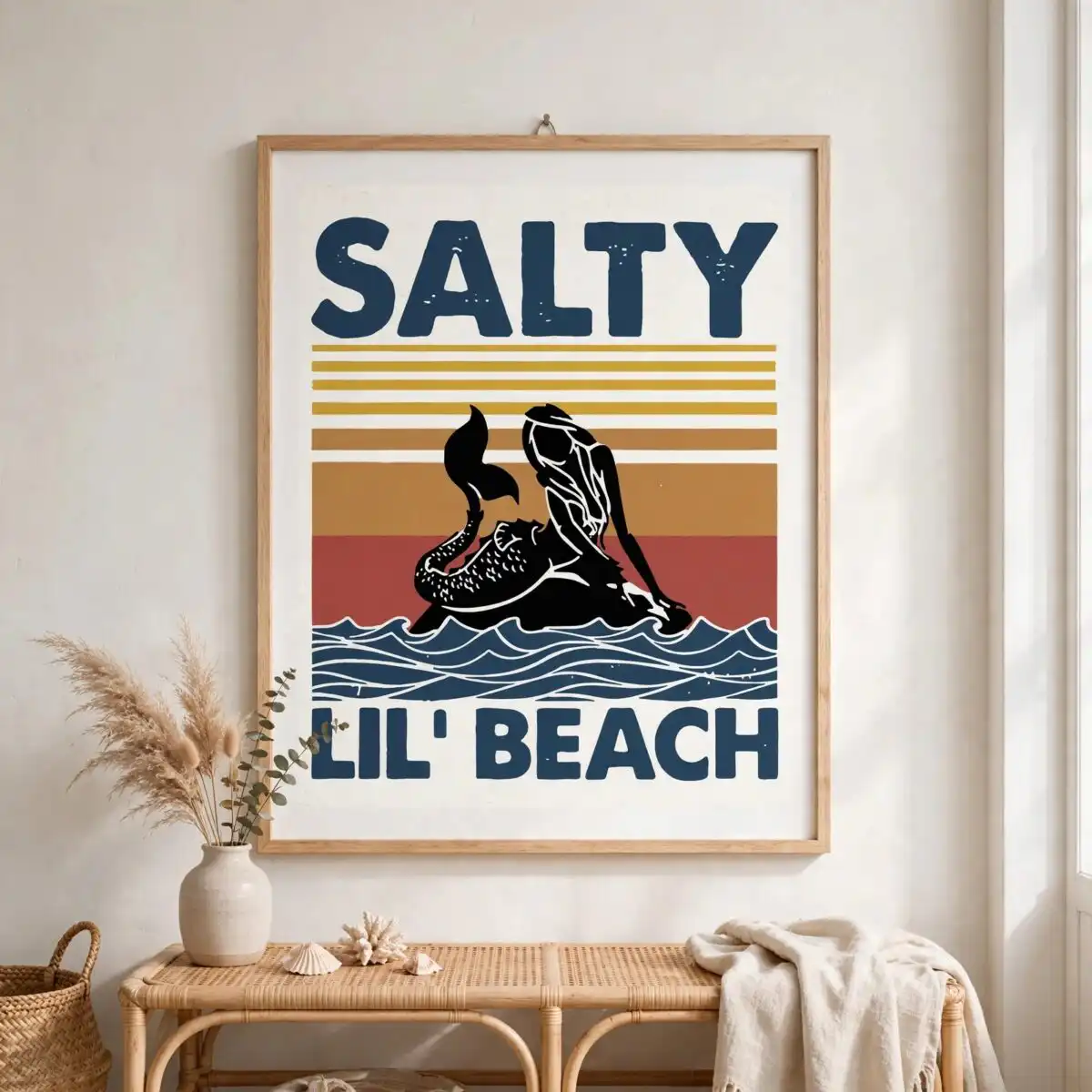
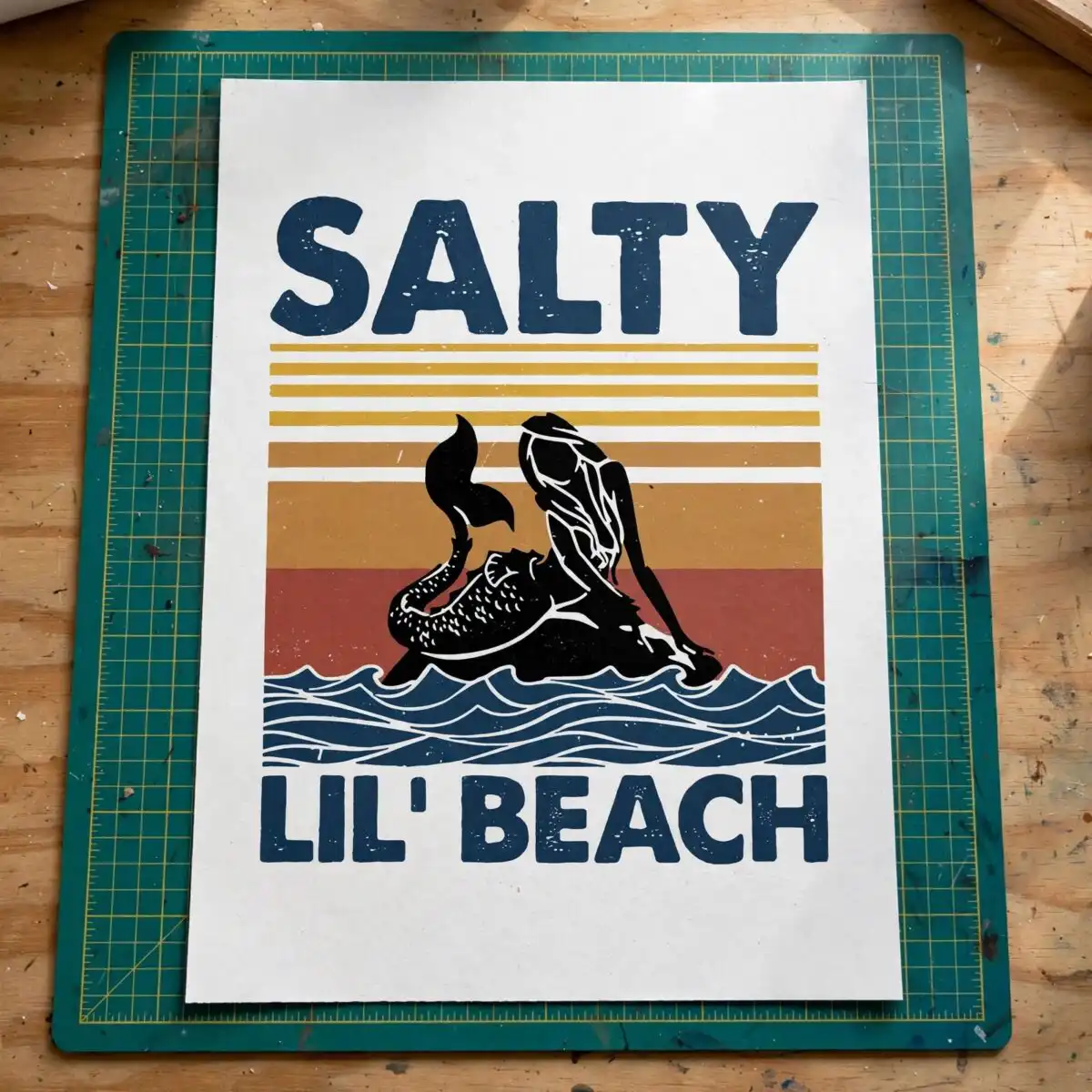
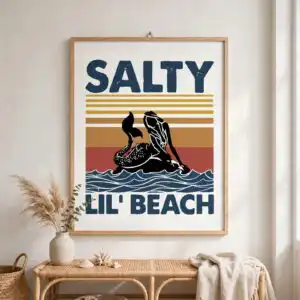
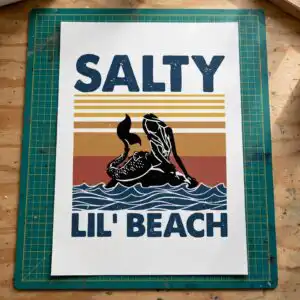
This vintage sunset SVG is a single retro badge showing a black mermaid silhouette seated on ocean waves, with horizontal sunset stripes behind her and the words SALTY and LIL’ BEACH above and below. You receive SVG, PNG, DXF, EPS and PDF files, made for cutting vinyl, printing on shirts, or pressing onto mugs and totes. The artwork uses navy blue, mustard gold, tan orange and rust red stripes, with the black mermaid as the focal point. Its distressed, weathered edges give it the worn look of an old beach-town sign, which suits summer trips, family vacations and beach groups. Because the lettering is bold, it reads clearly even at small sizes on stickers and decals. The file is a clean vector, so you can scale it up for a large tote or down for a laptop decal without losing sharpness.
Design breakdown
The design is cut in 4 layers: a black mermaid silhouette with her tail fin, the black ocean waves, the horizontal sunset stripes in navy blue, mustard gold, tan orange and rust red, and the black lettering for SALTY and LIL’ BEACH within the badge frame. Black is used for the silhouette, waves and text, so each colour can be cut or printed as its own piece. Fine details such as the tail fin and wave edges are best cut at 4 inches or larger. The file is provided on a white background in portrait orientation, and it is a single design on one sheet.
| Layers | 4 |
|---|---|
| Colours | 5 — navy blue (#1F3A5F), mustard gold (#D4A032), tan orange (#C4894A), rust red (#A94B3E), black (#000000) |
| Lettering | SALTY / LIL’ BEACH |
| Background | white |
| Cut complexity | medium |
| Orientation | portrait |
What’s included
- SVG
- PNG (300 dpi, transparent)
- DXF
- EPS
Works with
- Cricut Design Space
- Silhouette Studio (Designer Edition)
- Brother ScanNCut
- Adobe Illustrator
- Inkscape
- CorelDRAW
How to use
Download the ZIP file and unzip it to a folder on your computer. Open your cutting software, such as Cricut Design Space or Silhouette Studio, and choose Upload or Open to import the SVG. For shirts or mugs, use the PNG with a transparent background for printing, or the DXF or EPS for other programs. Check the layers in the preview, then resize the badge to your project before cutting or printing.
Licence
Personal and small-business commercial use. Sell finished physical items; do not resell or redistribute the files themselves.
FAQ
What files come with this vintage sunset SVG?
You get SVG, PNG, DXF, EPS and PDF files. The PNG is 300 dpi with a transparent background, which is useful for printing and sublimation.
Can I use this design on a 20oz tumbler?
Yes, the badge can be used on a 20oz tumbler through sublimation or a printed wrap. Resize the file to fit the tumbler’s printable area before printing, keeping the lettering legible.
Which machines and programs does this file work with?
It works with Cricut Design Space, Silhouette Studio (Designer Edition), Brother ScanNCut, Adobe Illustrator, Inkscape and CorelDRAW. Any of these can open the SVG or EPS file directly.
Can I resize it and sell shirts made with it?
Yes, you can resize the file freely, and you may use it for personal and small-business commercial use. You can sell finished physical items made with it, but you may not resell or redistribute the files themselves.


