

Valentine’s Day Cartoon Duck Character in Blue, a PNG Design for Shirts, Mugs and Totes
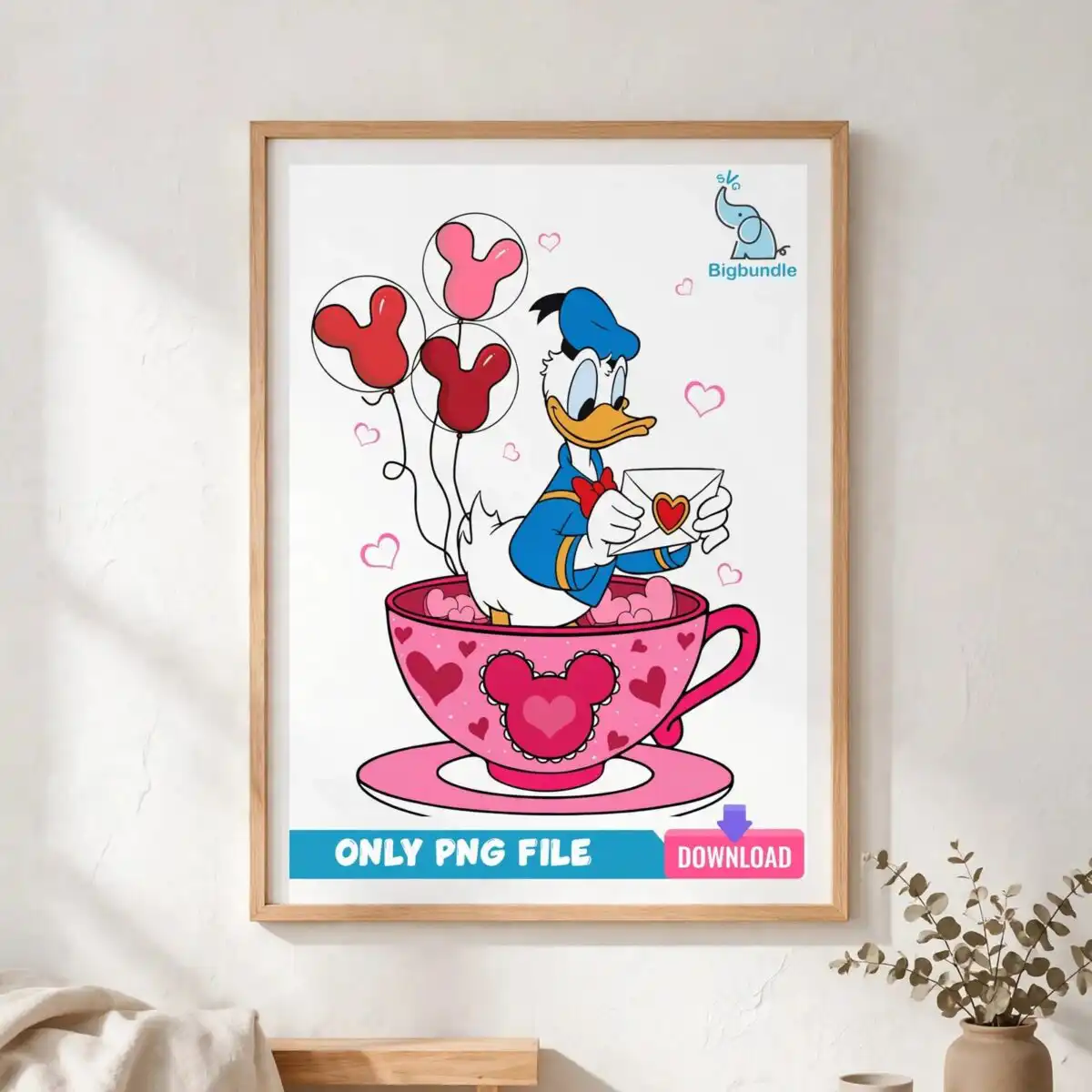
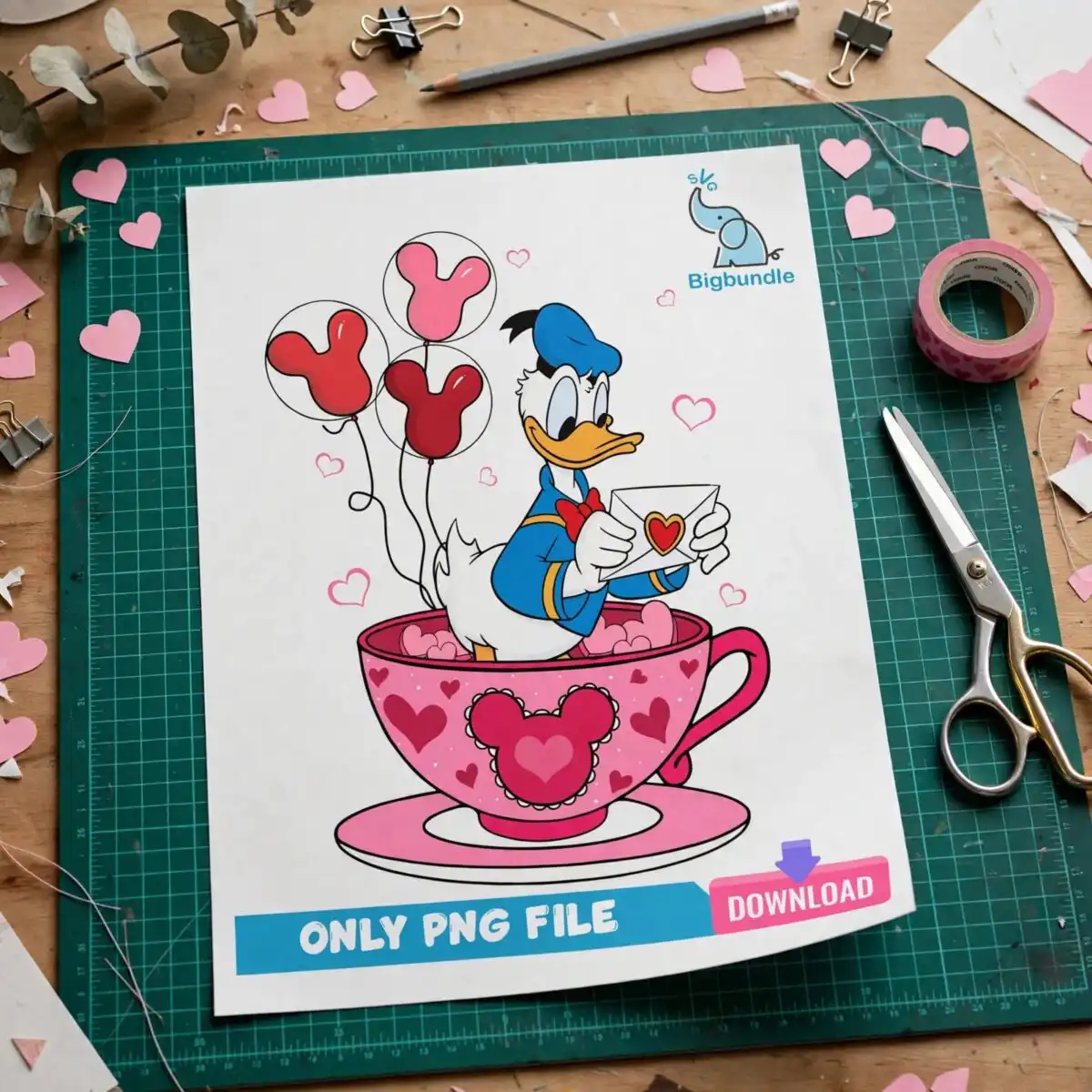
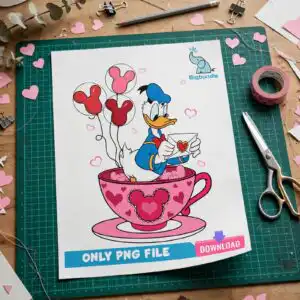
This Valentine’s Day cartoon duck character in blue is a single flat-colour PNG design, delivered as a transparent-background file for sublimation, DTF and cutting projects. The artwork shows a cartoon duck wearing a blue sailor-style hat and a red bow tie, seated in a large hot pink teacup and holding an envelope with a heart seal. Three heart-shaped balloons in light pink, orange and cyan float beside it, with pink hearts scattered across the background. The bold outlines and hot pink, red and blue palette give you a cheerful, romantic character that reads clearly on light fabric. Use it on t-shirts, mugs, tote bags, stickers and scrapbook pages. The file opens in Canva, Adobe Photoshop and most sublimation software, so you can place it on a finished item without redrawing anything.
Design breakdown
The artwork is a vector clip-art design in flat colour with dark outlines, built from seven colours: white, hot pink, light pink, red, blue, orange and cyan. It is cut in 12 layers, and the cut is of medium complexity, so the teacup, hat, bow tie, balloons and scattered hearts are separate shapes you can colour or remove individually. The file is a single portrait design on a white preview sheet, with the transparent-background PNG provided for use without the sheet. Among the designs shown in the preview are the cartoon duck character, the teacup with saucer, the envelope with heart seal, the three heart-shaped balloons, and the scattered hearts.
| Colours | 7 — white (#FFFFFF), hot pink (#E8457A), light pink (#F7A8C4), red (#C8102E), blue (#2B6FC6), orange (#F28C28) |
|---|---|
| Lettering | ONLY PNG FILE / DOWNLOAD |
| Background | white |
| Orientation | portrait |
What’s included
- PNG (300 dpi, transparent background)
Works with
- Sublimation printers (Epson, Sawgrass)
- DTF / print-and-cut workflows
- Canva
- Adobe Photoshop
How to use
Download the ZIP file and unzip it to a folder on your computer. Open your design software, such as Canva, Photoshop or your sublimation program, and choose Import or Place. Select the PNG file from the folder. Resize it to fit your blank, keeping the proportions locked so the duck and teacup stay in shape. Print on sublimation paper or a DTF film, or use the file as a cutting guide, then press or apply it to your item.
Licence
Personal and small-business commercial use. Sell finished physical items; do not resell or redistribute the files themselves.
FAQ
What files do I get with this Valentine’s Day cartoon duck design?
You get one PNG file at 300 dpi with a transparent background. It contains the duck character, the teacup, the heart-sealed envelope and the balloons on a clear background.
Can I use this duck design on a 20oz tumbler?
Yes, the design works on a 20oz tumbler when printed as a sublimation wrap. Resize it in your software so the duck and teacup sit within the printable area of the tumbler.
Does this PNG work with Cricut or sublimation printers?
Yes, the file works with sublimation printers such as Epson and Sawgrass, and with DTF and print-and-cut workflows. It also opens in Canva and Adobe Photoshop.
Can I resize this design and sell finished shirts with it?
You can resize the file freely for your own projects. The licence covers personal and small-business commercial use, so you can sell finished physical items, but you may not resell or redistribute the files themselves.


