



Winnie the Pooh Valentine PNG: Pooh and Friends Valentine’s Day Sublimation Design
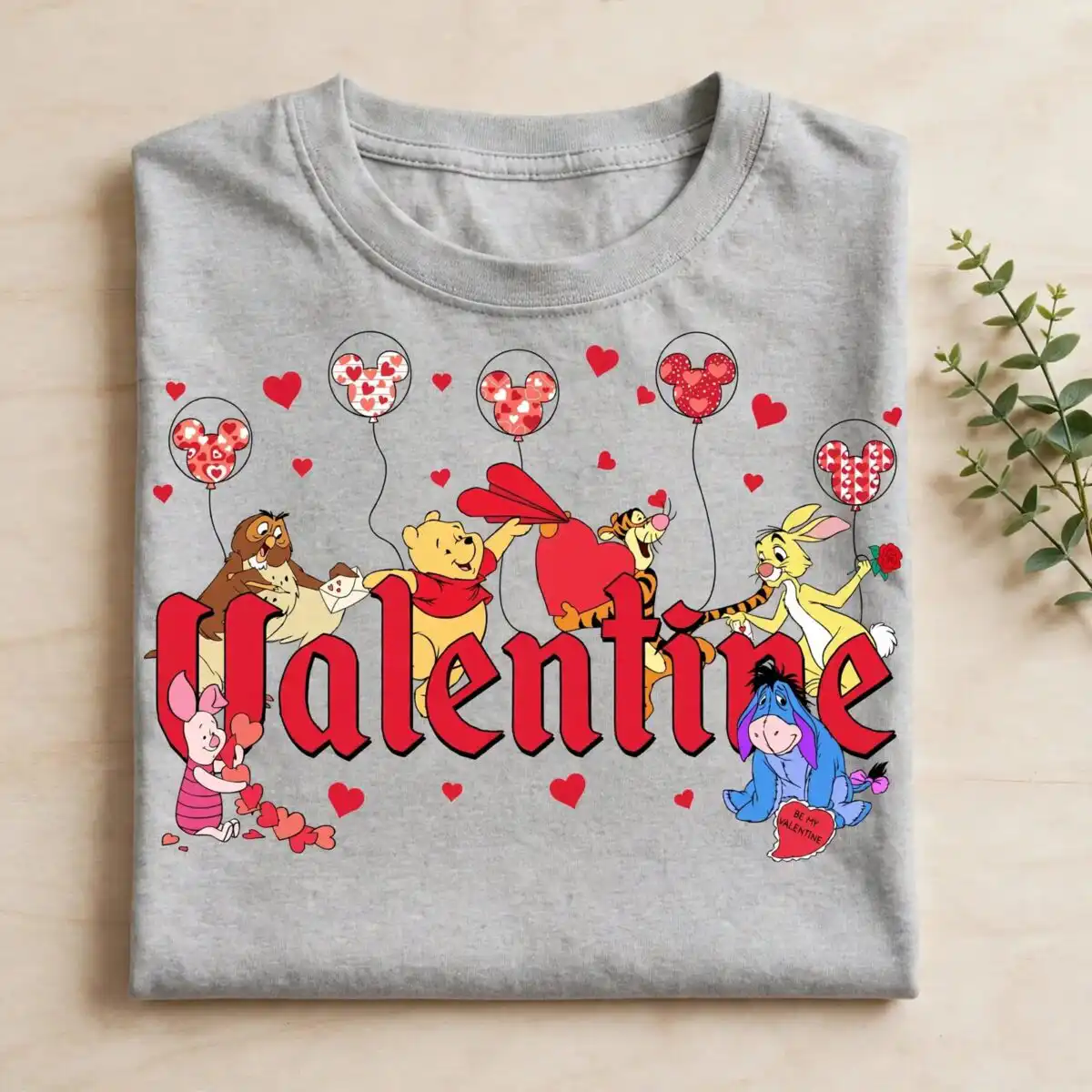
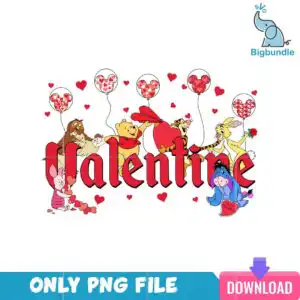
This Winnie the Pooh Valentine PNG is a single cartoon design of Pooh and his friends celebrating Valentine’s Day, delivered as a transparent PNG file made for sublimation, DTF and print-and-cut projects on shirts, mugs and tote bags. You get Winnie the Pooh and Tigger, Eeyore holding a Be My Valentine sign, Piggy holding hearts, and Rabbit with a red rose, all set against bright red, Pooh yellow and Eeyore blue. Five Mickey-head heart balloons float above the group, with a red paper heart and small scattered hearts filling the background. The lettering reads Valentine in gothic blackletter, giving the sweet, nostalgic scene a playful clip-art finish. Because the file has a transparent background, the characters sit cleanly on whatever fabric or blank you print onto. It is a practical choice for a family gift, a classroom card or a February craft batch.
Design breakdown
This is one single-layer PNG design, with no bundle included, shown on a white background in landscape orientation. It uses six colours: bright red, white, Pooh yellow, Eeyore blue, brown and pink. The artwork includes Winnie the Pooh, Tigger, Eeyore holding a Be My Valentine sign, Piggy holding hearts, Rabbit holding a red rose, a gopher or otter character, five Mickey-head heart balloons, a red paper heart and scattered small red hearts. The fine details in the balloons and the small hearts are best printed at 4 inches or larger. The file is cut in 12 layers in the design, so plan your cutting or print-and-cut workflow around the detail in the characters’ outlines.
| Colours | 6 — bright red (#D7262E), white (#FFFFFF), Pooh yellow (#F5C518), Eeyore blue (#3B5BA9), brown (#8B4A2B), pink (#F28BA5) |
|---|---|
| Lettering | Valentine / Be My Valentine / ONLY PNG FILE / DOWNLOAD |
| Background | white |
| Orientation | landscape |
What’s included
- PNG (300 dpi, transparent background)
Works with
- Sublimation printers (Epson, Sawgrass)
- DTF / print-and-cut workflows
- Canva
- Adobe Photoshop
How to use
Download the ZIP file and unzip it to a folder on your computer. Open the PNG in Canva, Adobe Photoshop or your sublimation software, then import it into your design project. Resize the artwork in proportion, keeping the detail in the small hearts and balloons large enough to read. Print on your sublimation printer or DTF setup, or cut it with a print-and-cut machine. Test one print on a scrap of your blank before running the full batch.
Licence
Personal and small-business commercial use. Sell finished physical items; do not resell or redistribute the files themselves.
FAQ
What files are included with this Winnie the Pooh Valentine PNG?
You get one PNG file at 300 dpi with a transparent background. It is a single design, not a bundle.
Can I use this Pooh Valentine design on a t-shirt or a mug?
Yes, it suits t-shirts, mugs and tote bags printed by sublimation or DTF. The transparent background lets the characters sit directly on the blank without a white box around them.
Does this PNG work with Sawgrass or Epson sublimation printers?
Yes, it works with Sublimation printers such as Epson and Sawgrass, as well as DTF and print-and-cut workflows. You can open it in Canva or Adobe Photoshop to size it before printing.
Can I resize this file and sell the finished items?
You can resize it to fit your blank, and you can use it for personal and small-business commercial projects. Sell the finished physical items only; do not resell or redistribute the PNG file itself.


