

Mickey and Minnie Mouse Disney Family Trip for Shirts, Mugs and Tumblers
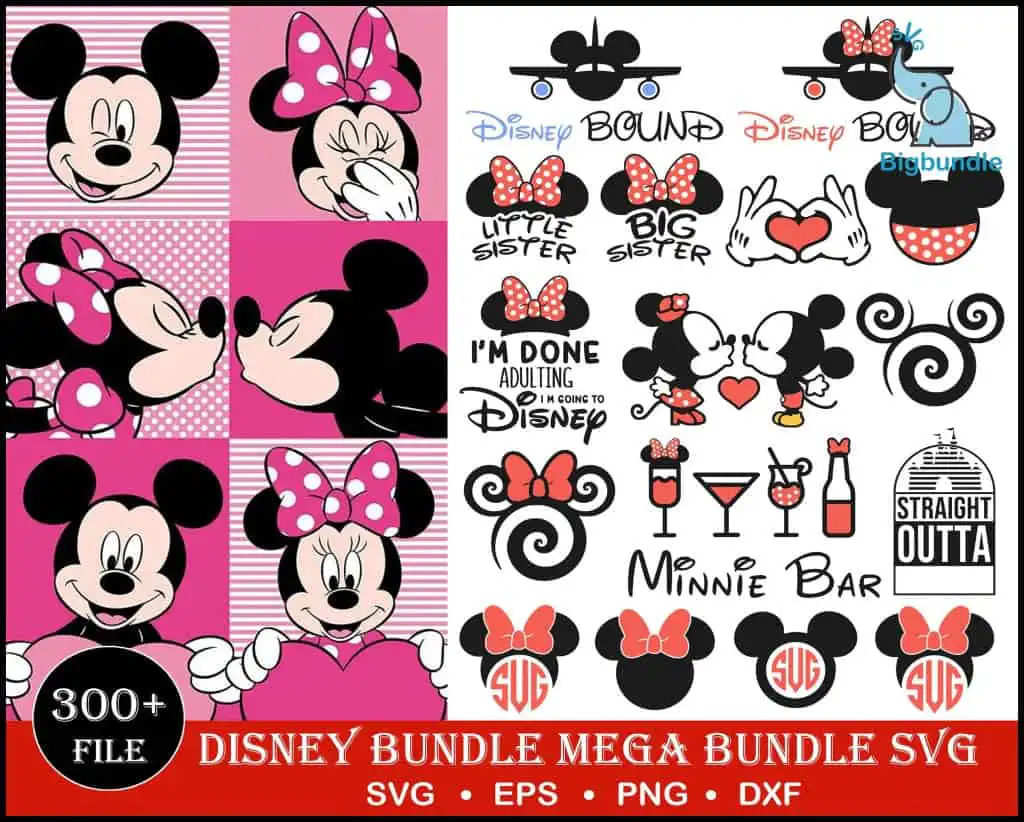
This mickey and minnie mouse disney clipart set is a Disney preview sheet of cartoon Mickey and Minnie Mouse heads, kissing couples, hearts and retro badges, delivered as SVG, PNG, DXF, EPS and PDF files. You get Mickey and Minnie artwork in black, white, hot pink, light pink and red, with lettering such as “Disney BOUND”, “LITTLE SISTER” and “BIG SISTER”. The designs suit t-shirts, mugs, tumblers, vinyl decals and sublimation projects. The sheet shows Minnie heads with bows, airplane silhouettes with Mickey ears, a Minnie Bar drink-glass graphic and hands forming a heart. Each element is drawn in clean line art and simple silhouettes, so you can pick out the pieces you want for a family trip shirt, a birthday mug or a set of matching tumblers. Everything is set against a white background with pink checkered panels shown on the preview.
Design breakdown
This preview sheet shows around 30 distinct designs in a collage layout, drawn in black, white, hot pink, light pink and red. Several examples are visible on the sheet: Minnie Mouse heads with bows, airplane silhouettes with Mickey ears, a Star Wars style badge and a shield-style badge. Other designs include the kissing Mickey and Minnie pair, cocktail and drink glasses, a bottle, Mickey ear swirl designs and monogram frames. Each design is supplied as a separate cut file. The artwork is built from line work and solid silhouettes, so the lettering and fine ear and bow details need careful weeding when cut in vinyl. The sheet is cut in 3 layers.
| Layers | 3 |
|---|---|
| Colours | 5 — black (#000000), white (#FFFFFF), hot pink (#E8268C), light pink (#F8C8D8), red (#E0352B) |
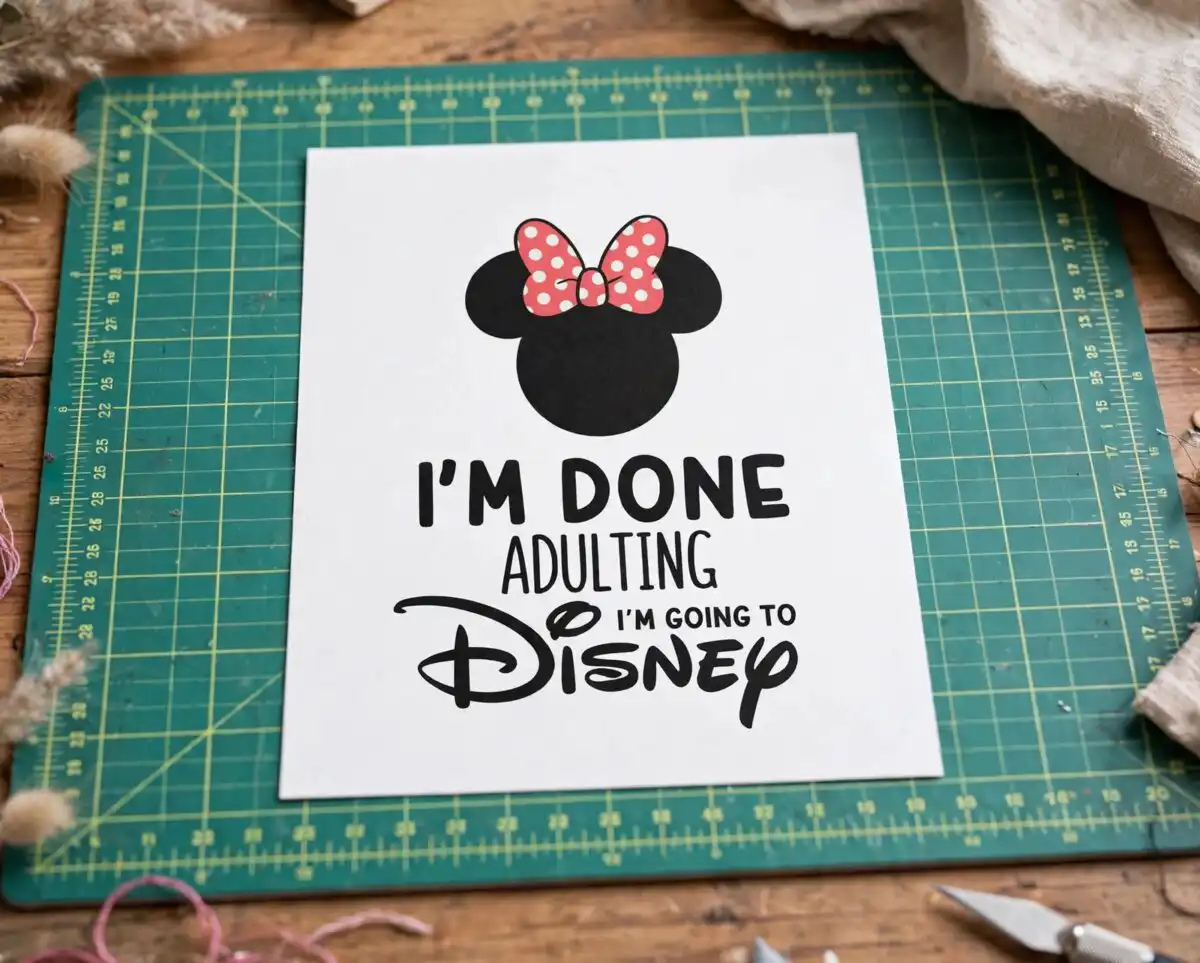
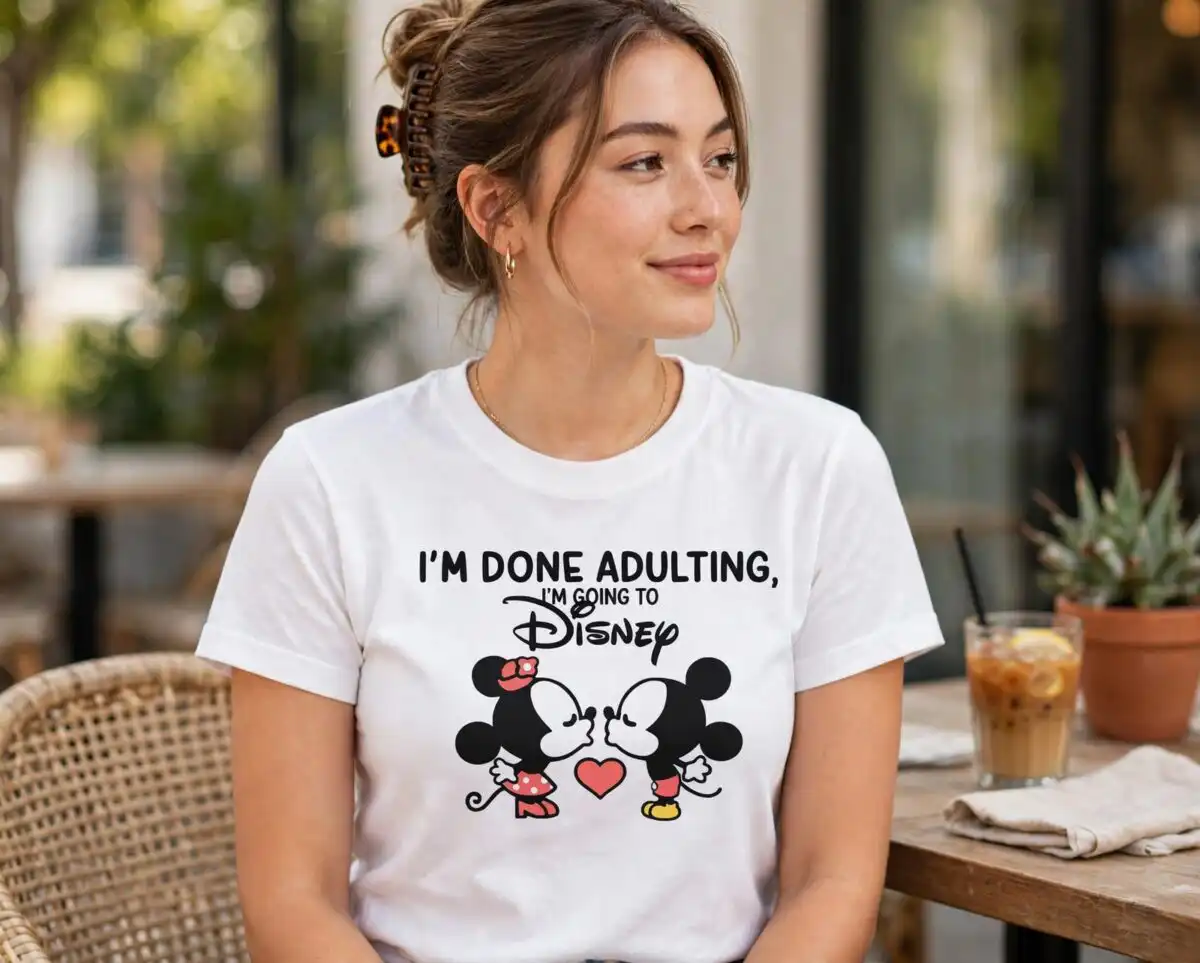
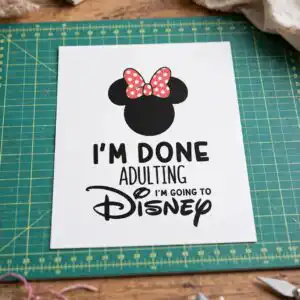
| Lettering | Disney BOUND / LITTLE SISTER / BIG SISTER / I’M DONE ADULTING I’M GOING TO Disney / Minnie Bar / STRAIGHT OUTTA / SVG / 300+ FILE / SVG • EPS • PNG • DXF |
| Background | white |
| Cut complexity | medium |
| Orientation | portrait |
What’s included
- SVG
- PNG (300 dpi, transparent)
- DXF
- EPS
Works with
- Cricut Design Space
- Silhouette Studio (Designer Edition)
- Brother ScanNCut
- Adobe Illustrator
- Inkscape
- CorelDRAW
How to use
Download the zip file and unzip it to a folder on your computer. Open Cricut Design Space, Silhouette Studio or your preferred software, then use the Upload or Open command to bring in the SVG file for the design you want. Resize it, check the cut lines, and send it to your machine. For sublimation or printing, use the PNG file, which has a transparent background at 300 dpi.
Licence
Personal and small-business commercial use. Sell finished physical items; do not resell or redistribute the files themselves.
FAQ
What files are included with this Mickey and Minnie Mouse design?
You receive SVG, PNG (300 dpi, transparent), DXF, EPS and PDF files. The PNG files suit sublimation and printing, while the SVG and DXF files suit cutting machines.
Can I use this Minnie Mouse design on a 20oz tumbler?
Yes, the designs can be used on tumblers, mugs and t-shirts. Use the PNG file for sublimation on a tumbler wrap, and check that the artwork fits your wrap size before printing.
Does this work with Cricut and Silhouette machines?
Yes, the files work with Cricut Design Space and Silhouette Studio (Designer Edition), and also with Brother ScanNCut, Adobe Illustrator, Inkscape and CorelDRAW. Fine details such as the bows and ears are best cut at 4 inches or larger.
Can I resize these files and sell items made with them?
Yes, the files can be resized without losing quality since they are vector SVG files. The licence covers personal and small-business commercial use, and you may sell finished physical items, but not the files themselves.


