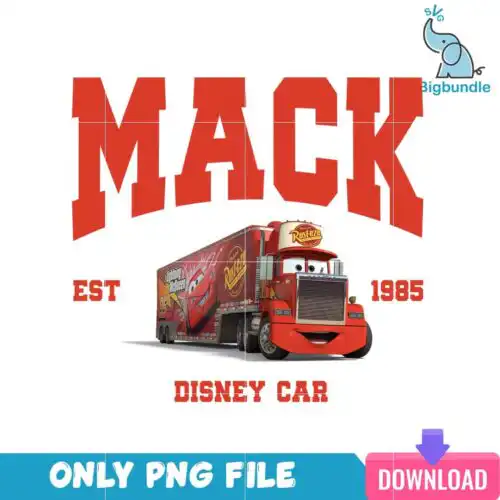
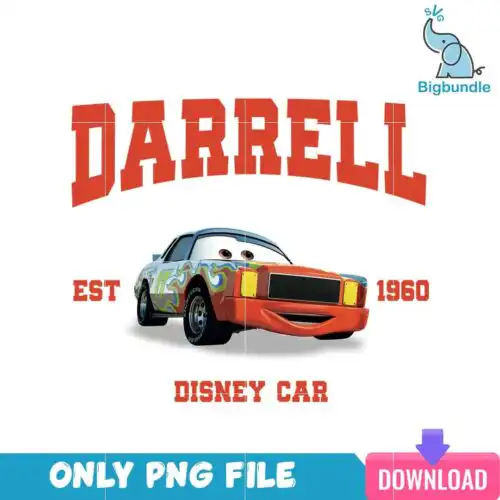
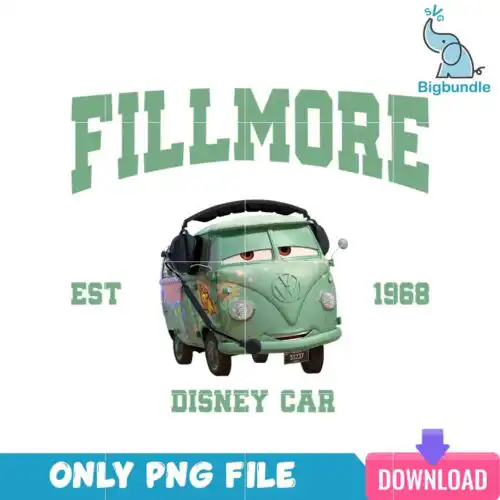
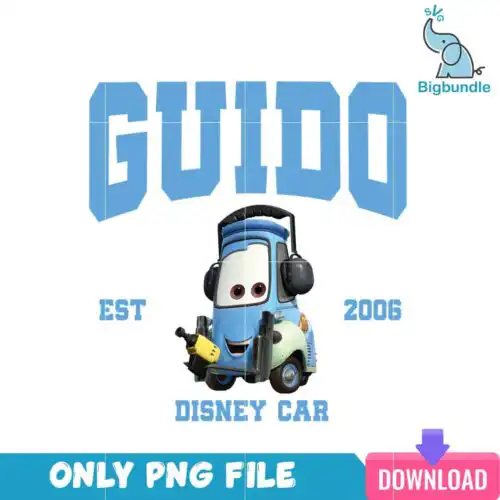
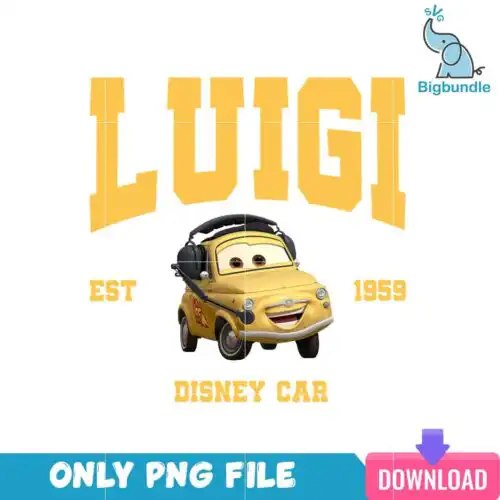
Cars Disney SVG files are printable and cuttable designs inspired by the racing world, usually offered as cut-file sets with SVG, PNG (300 dpi, transparent), DXF, EPS, PDF and as PNG-only sublimation art, used to make shirts, tumblers, decals, tote bags, and party decor. These designs are united by checkered flags, race numbers, pit-crew style lettering, and car-inspired shapes that work year-round for birthdays, movie nights, and everyday fan gear. They mix bold single-layer silhouettes with layered looks for vinyl, so you can press a simple one-color decal for a water bottle or build a colorful multi-layer graphic for a family tee set. Cut-file options cut cleanly with Cricut and Silhouette, while PNG options are ready for direct printing.
Choosing the right design
Start with how you plan to make it. These include both cut-file designs and PNG-only sublimation designs, so check the file list on each design before you buy — cut-file designs include SVG, PNG, DXF, EPS and PDF, PNG-only designs are built for sublimation and print-and-cut. For heat-transfer vinyl, choose layered versions when you want separate colors you can weed and press one at a time; choose single-layer versions for small items like baby onesies, hat decals, or keychains where tiny pieces are hard to weed. For large front-of-shirt graphics or tumbler wraps, bolder lines and fewer fine gaps press cleaner and last longer. Always mirror HTV, test cut size on paper, and size chest graphics around 10-11 inches wide for adults, 8-9 for youth, 5-6 for toddlers.
Cars Disney SVG for shirts vs tumblers which should I pick
Pick single-layer or bold block versions for tumblers and mugs and layered versions for shirts. Tumbler wraps and curved surfaces need simple shapes that weed fast and do not lift at edges, while shirts handle multi-layer color blocking better. For sublimation tumblers, use the PNG (300 dpi, transparent) version so colors print smooth without vinyl layers.
Do I need svg or png for Cars Disney SVG designs?
You need SVG for vinyl cutting and PNG for sublimation and printing. SVG, DXF, EPS and PDF are cut paths for Cricut Design Space, Silhouette Studio, ScanNCut and other cutters, while PNG at 300 dpi with a transparent background is for sublimation printers, DTF, and print-and-cut. If a design is listed as PNG-only, it will not include cut paths.
How to cut layered Cars Disney SVG with Cricut?
Cut layered Cars Disney SVG files by color in Cricut Design Space using separate mats. Ungroup the SVG, hide one color at a time, and cut each layer from HTV mirrored or adhesive vinyl as needed, then press or layer from the bottom up. Use a weeding box around fine lettering, set material to Everyday Iron-On or Premium Vinyl, and do a small test cut to check blade pressure before the full cut.
What size should Cars Disney SVG be for adult youth baby shirts?
Size adult chest graphics 10 to 11 inches wide, youth 8 to 9 inches, baby 5 to 6 inches. That keeps checkered flags and race numbers readable without overpowering the shirt. For left-chest or pocket designs, use 3 to 4 inches for adults and 2.5 to 3 inches for youth. Always measure the actual shirt blank and leave at least an inch from collar and seams.
What file formats come with Cars Disney SVG designs?
Format depends on the design. Cut-file designs include SVG, PNG (300 dpi, transparent), DXF, EPS and PDF for cutters and editing software. PNG-only sublimation designs include just PNG at 300 dpi with transparent background for sublimation, DTF and print-and-cut. Each design page lists exactly which files are included, so check there before buying.
Will these work with my Cricut, Silhouette, and sublimation printer?
Yes, when you choose the right file type. SVG, DXF and PNG cut files work with Cricut Design Space, Silhouette Studio Designer Edition, Brother ScanNCut, Adobe Illustrator, Inkscape and CorelDRAW. PNG (300 dpi, transparent) works with sublimation printers like Epson and Sawgrass, DTF, Canva, and Photoshop. Use SVG or DXF to cut vinyl, use PNG to print.
Can I sell shirts and tumblers I make with these files?
Yes, for personal and small-business commercial use. You can sell finished physical items like shirts, tumblers, decals and party favors made with these designs. You cannot resell, share or redistribute the digital files themselves as files, as prints, or as part of a bundle. No official or licensed affiliation is claimed.